Finding the right tools for note-taking can make a significant difference in productivity. One popular option is using lined paper templates, especially for those who prefer a structured format for their thoughts and ideas.
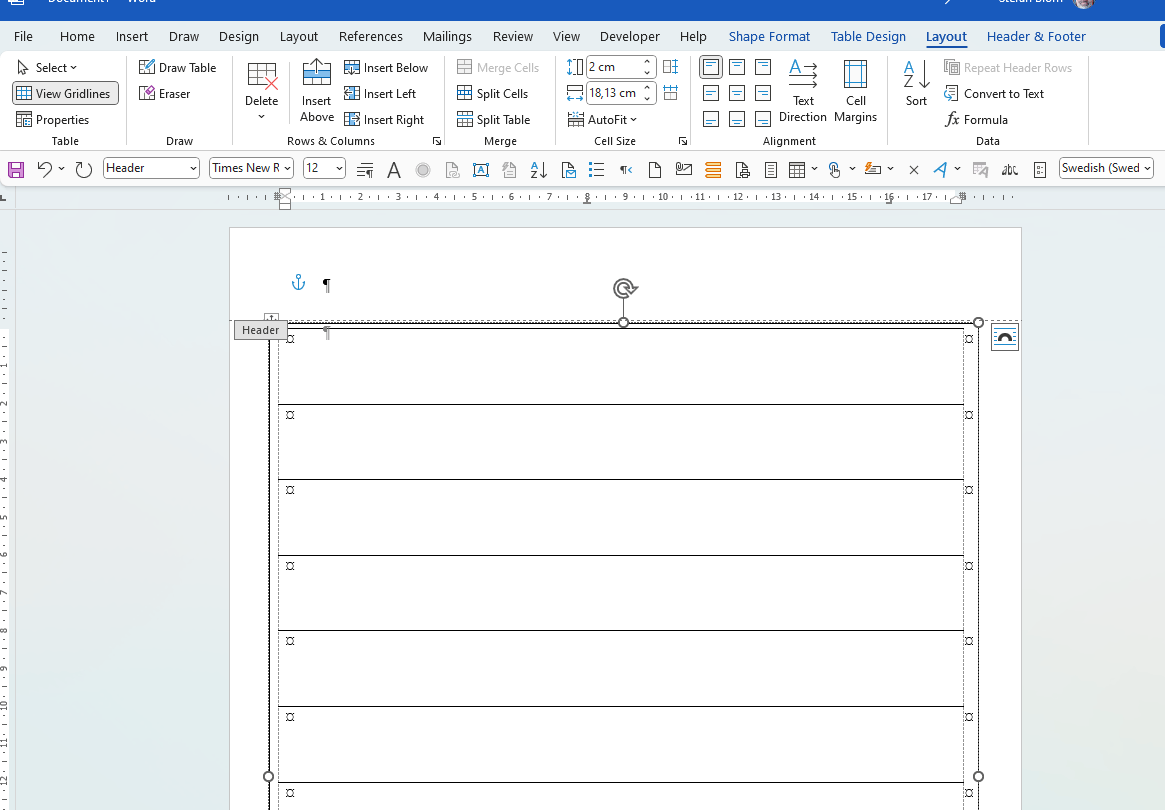
Microsoft Word Lined Paper Template
Microsoft Word Lined Paper Template
A Microsoft Word lined paper template offers a versatile solution for students, professionals, and anyone who loves to jot down notes. These templates come in various styles, allowing users to choose one that best fits their needs.
Using a lined paper template in Word is straightforward. You can easily customize margins, line spacing, and even add headers or footers. This flexibility ensures that your notes are not only organized but also visually appealing.
Additionally, many websites offer free downloadable templates. This means you can find a design that resonates with your style without spending a dime. Simply search for “Microsoft Word lined paper template” to explore your options.
Incorporating a lined paper template into your routine can enhance your writing experience. Whether for school assignments or personal journaling, these templates provide the structure needed to keep your thoughts aligned.
Embracing the use of a Microsoft Word lined paper template can elevate your note-taking game. With easy customization and accessibility, it’s an excellent choice for anyone looking to stay organized and productive.
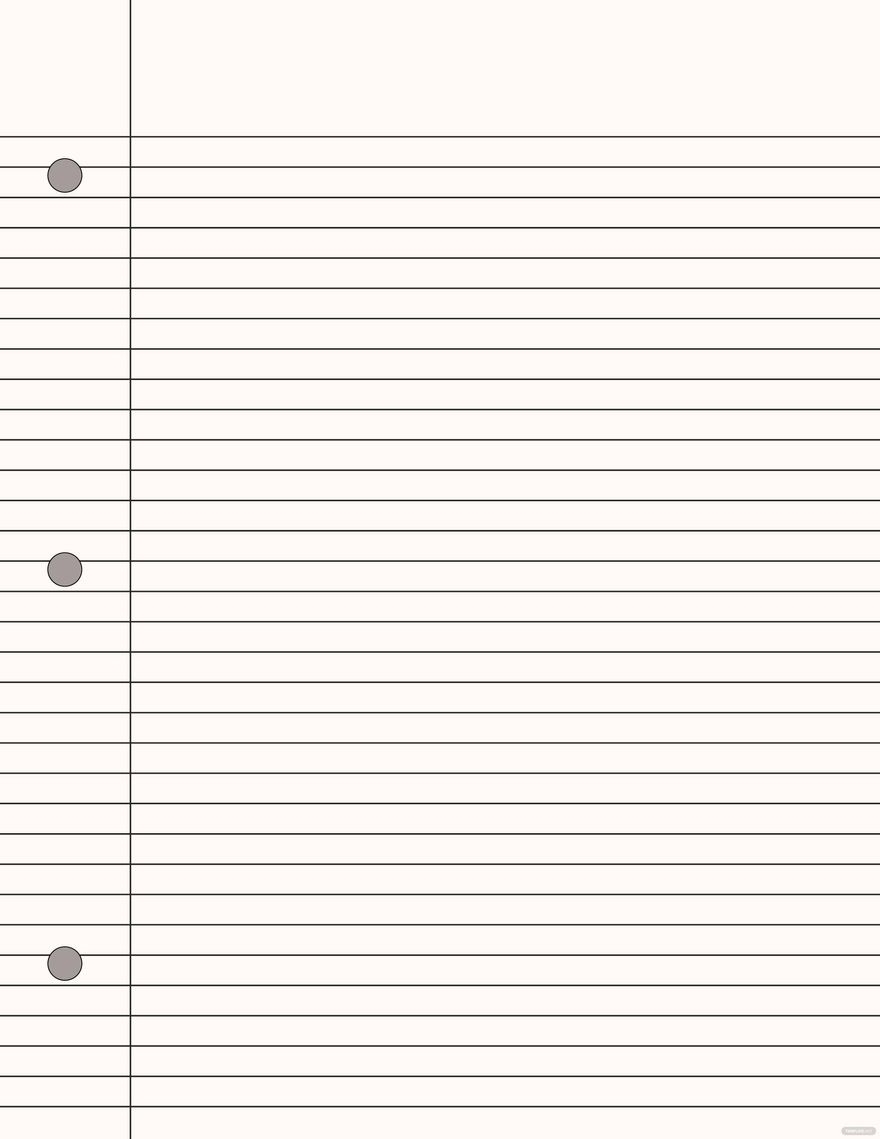
College Ruled Paper Template In Illustrator Word Pages PSD PDF
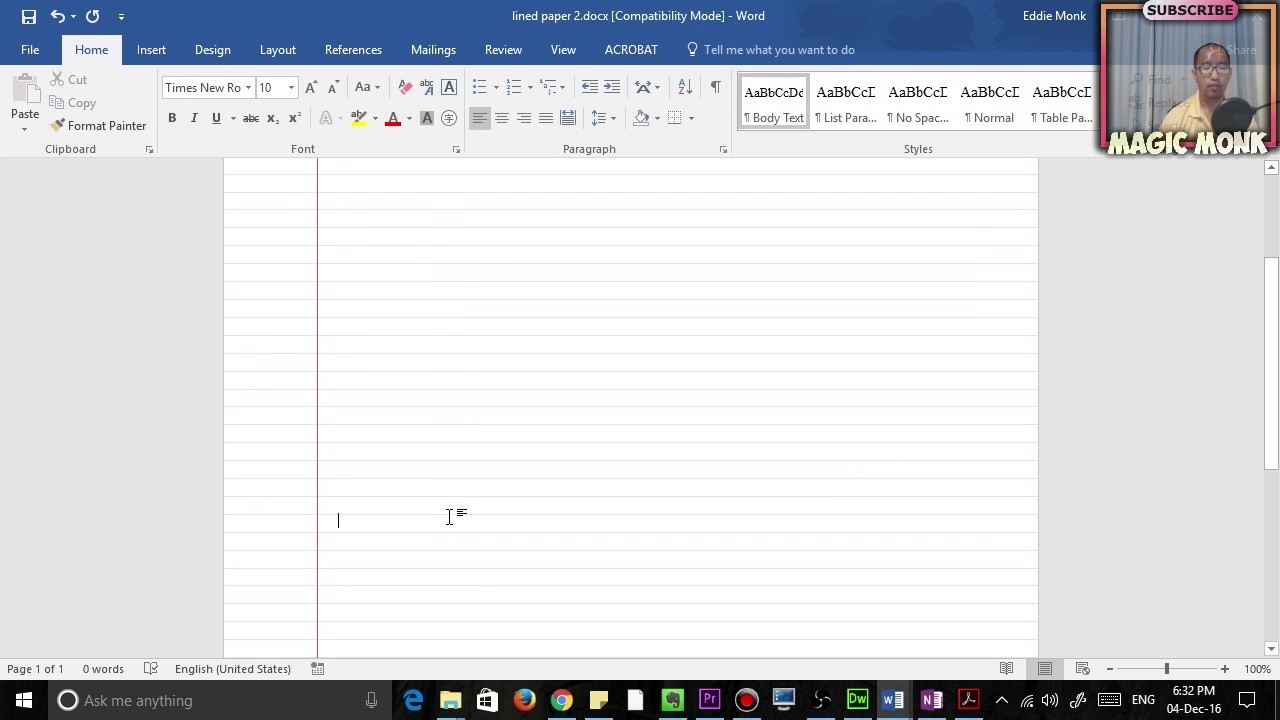
Lined Paper In Microsoft Word PDF
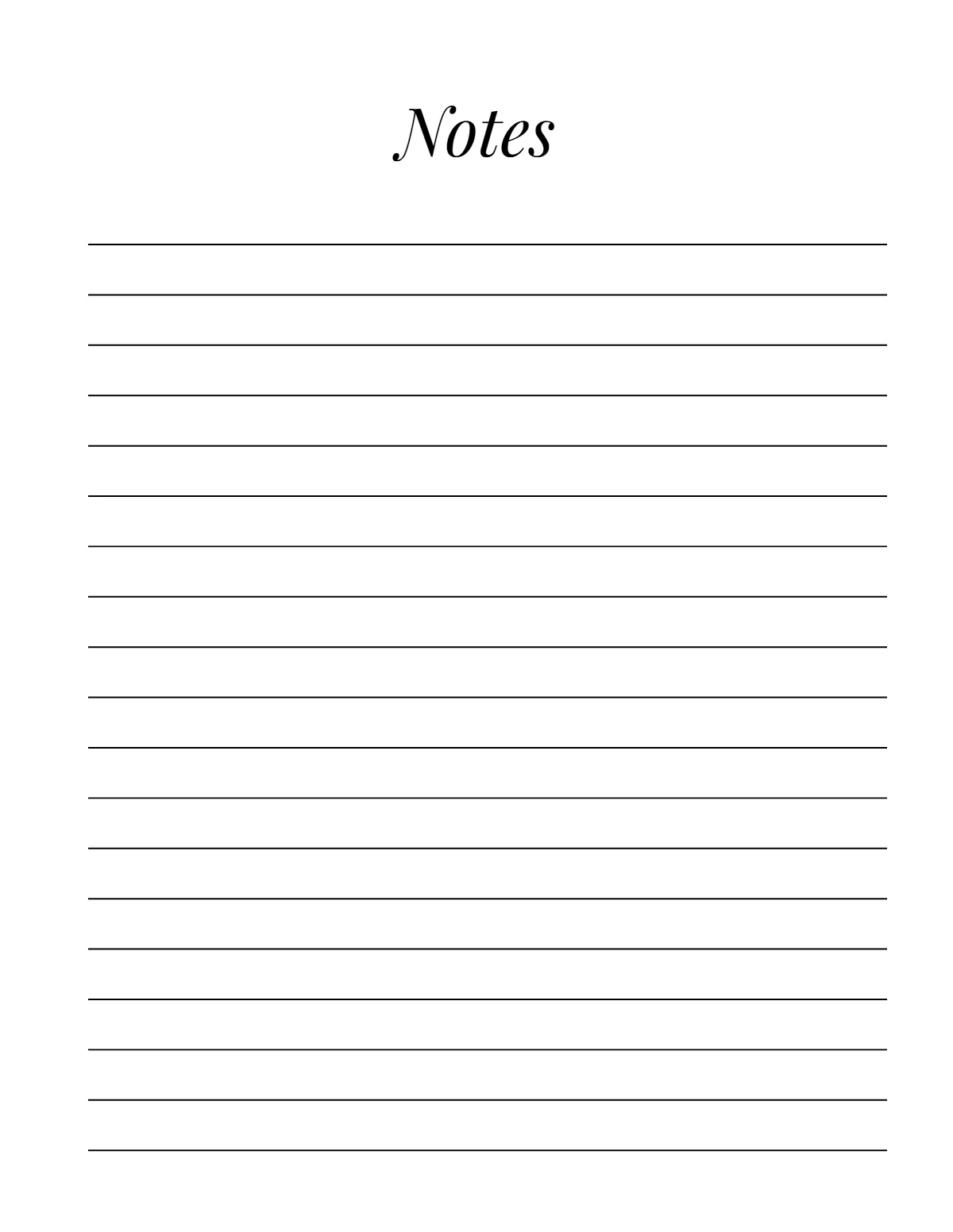
Free Printable Lined Paper Templates To Customize Online
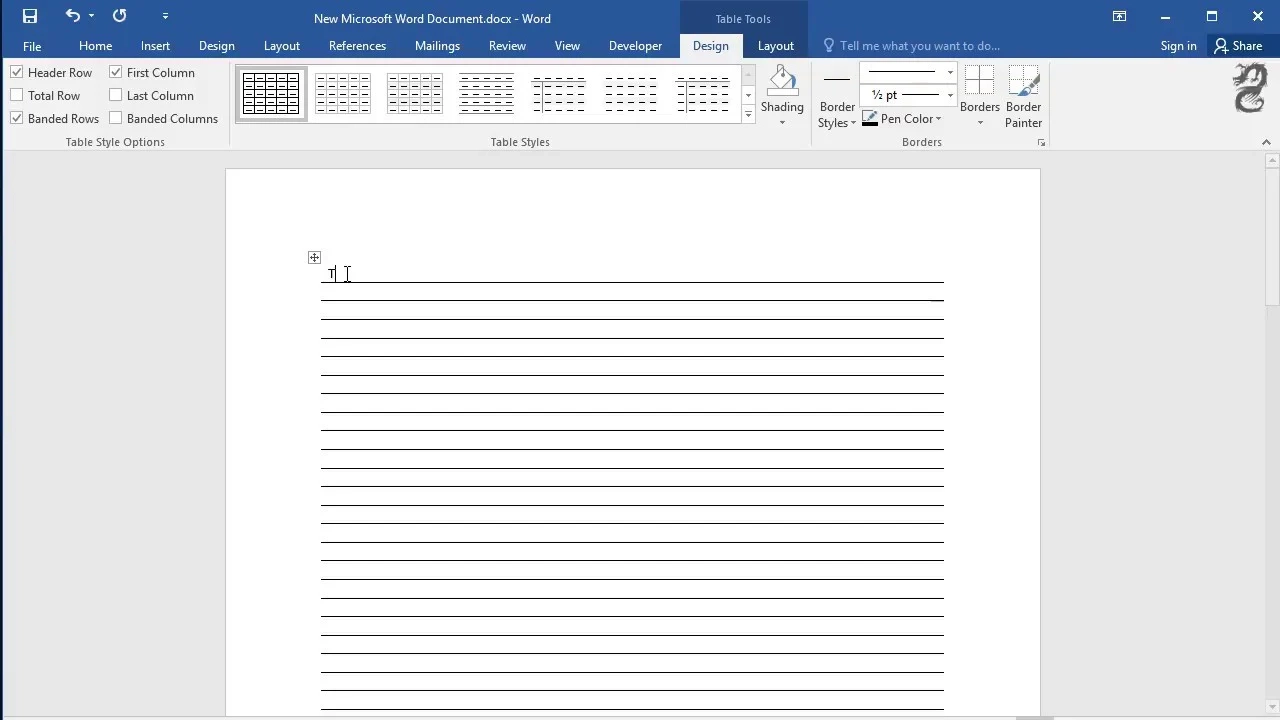
How To Make Lined Paper In Microsoft Word Softwareg au
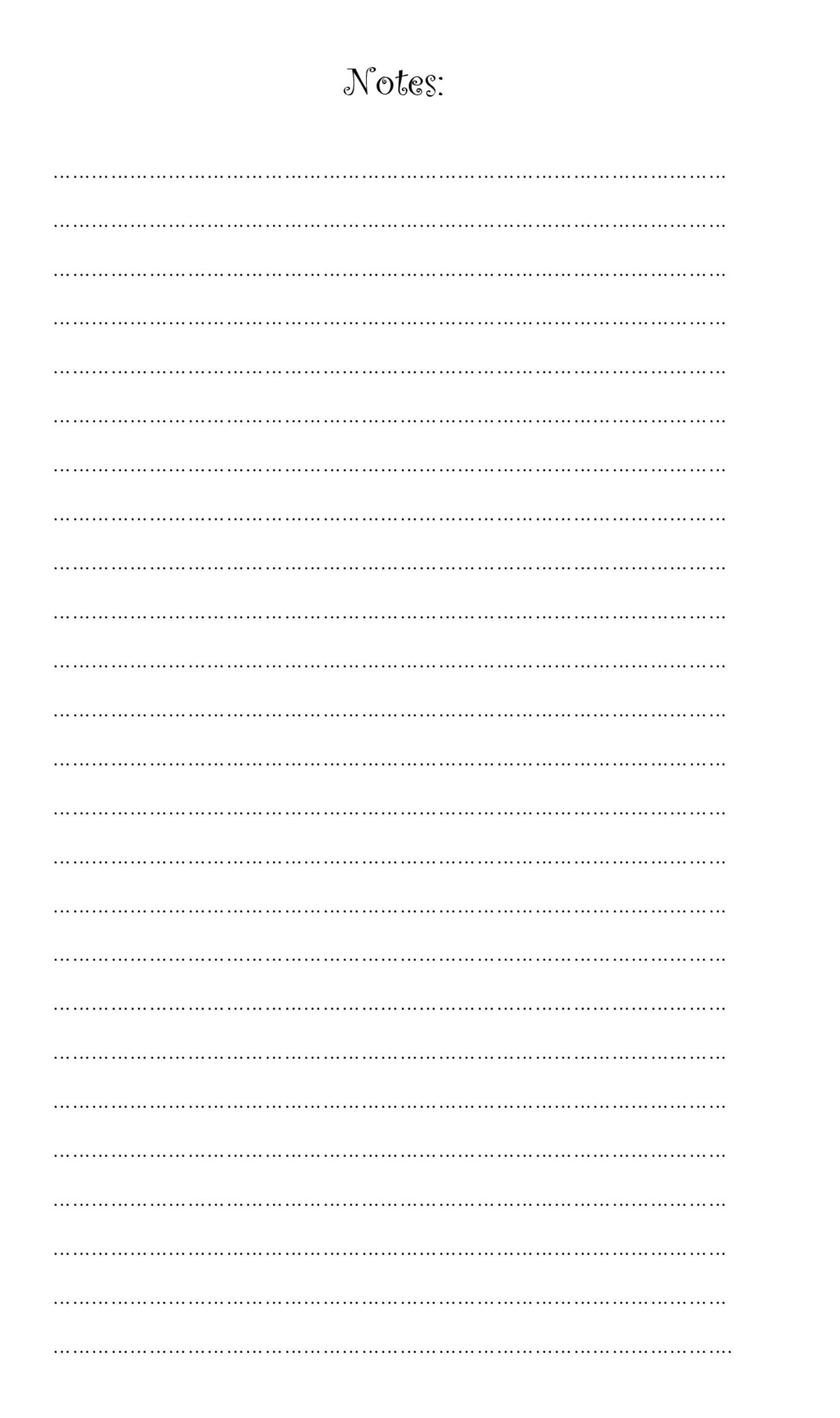
32 Printable Lined Paper Templates TemplateLab