Printing on lined paper can be a fun and practical way to create notes, letters, or even artwork. Many people enjoy the structured look that lined paper provides, making it easier to write neatly.
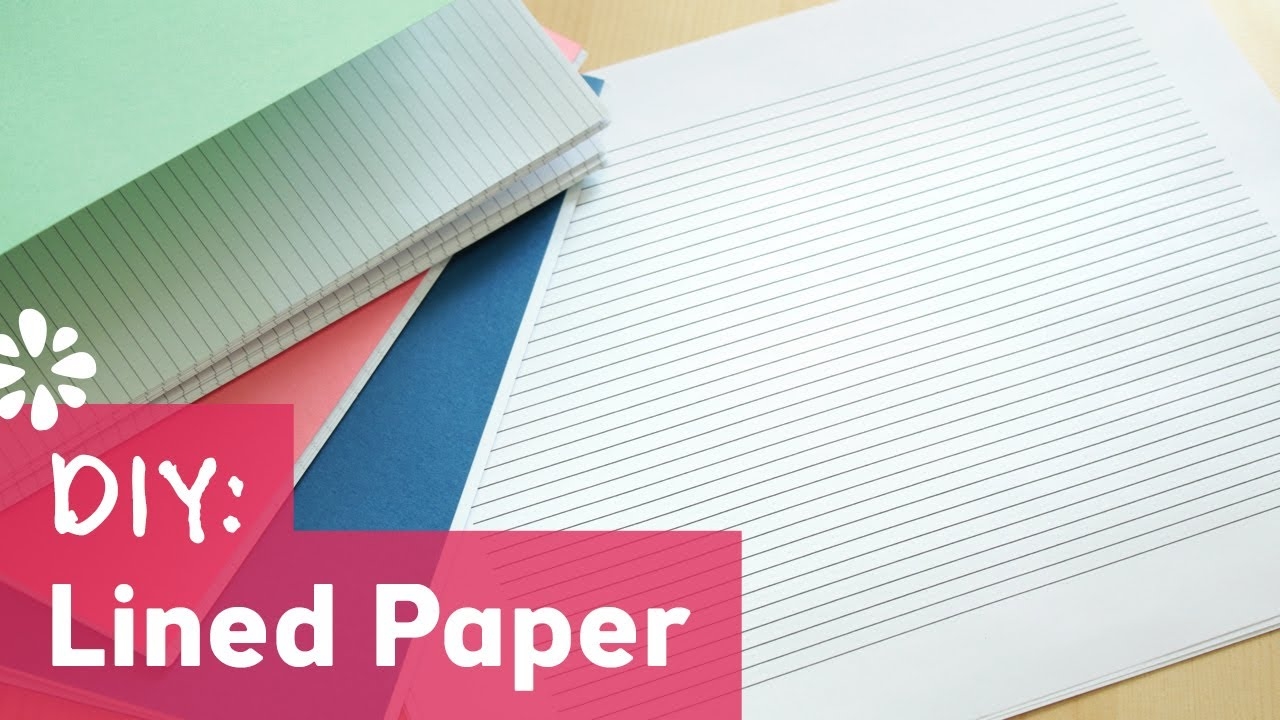
How To Print On Lined Paper
How To Print On Lined Paper
First, you need to find a template for lined paper. Many websites offer free printable templates that you can download. Choose one that suits your needs, whether it’s for schoolwork or personal use.
Next, open the template in your preferred word processor. Adjust the size and margins if necessary to fit your printer settings. This ensures that the lines appear correctly on the printed page.
Once you’re satisfied with the layout, load your printer with blank sheets of paper. Make sure the lined paper template is selected in your print settings before hitting the print button. This step is crucial for achieving the desired results.
After printing, allow the pages to dry completely if you used inkjet printers. This prevents smudging and ensures your writing looks crisp and clear on the lined paper.
Printing on lined paper is an easy process that can elevate your writing projects. With just a few simple steps, you can create beautiful pages ready for your thoughts and ideas.
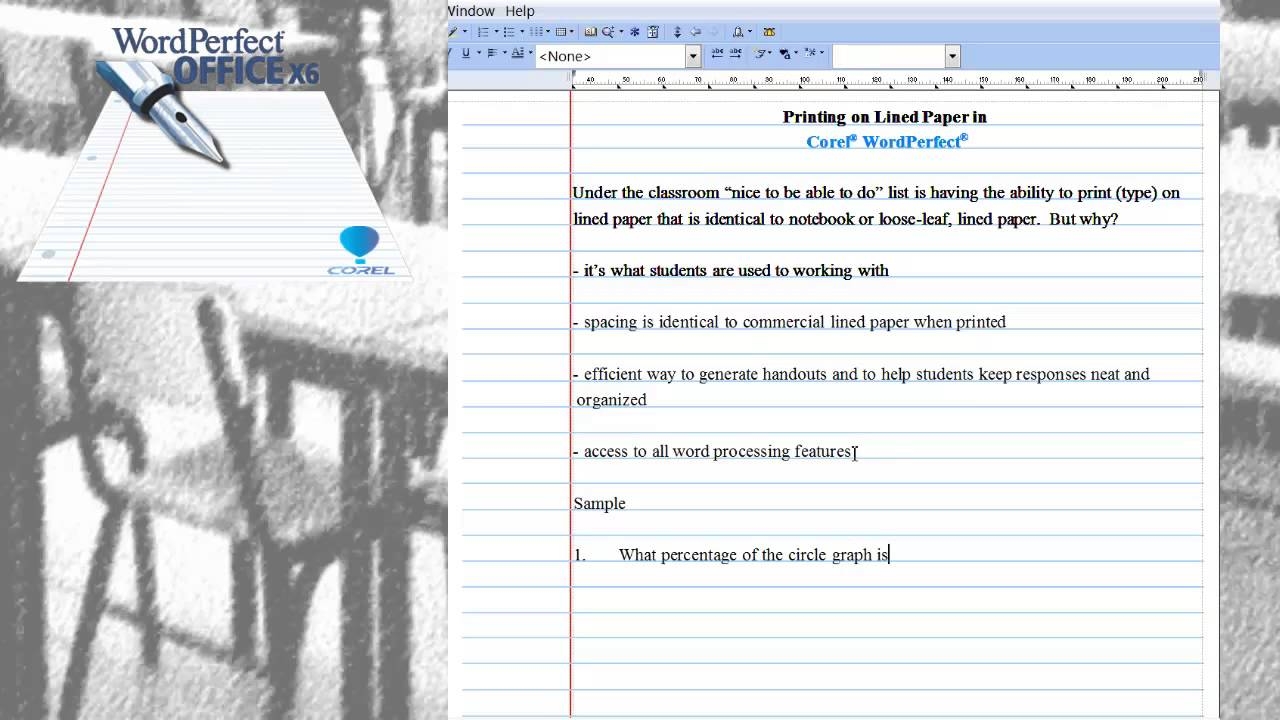
Lined Paper Template Created Using Corel s WordPerfect Office X6 Word Processor
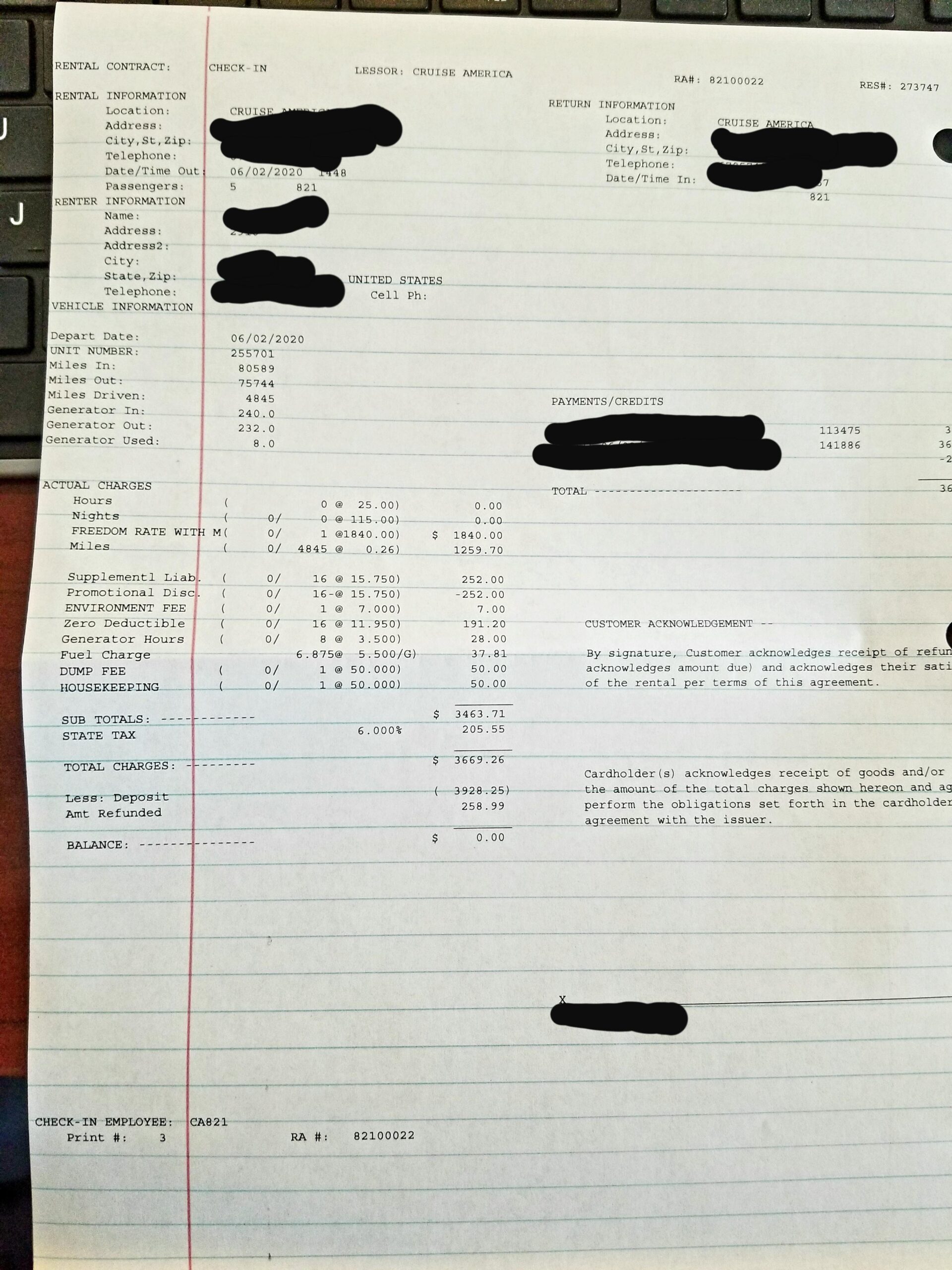
My Printer Can Print On Notebook Paper R mildlyinteresting
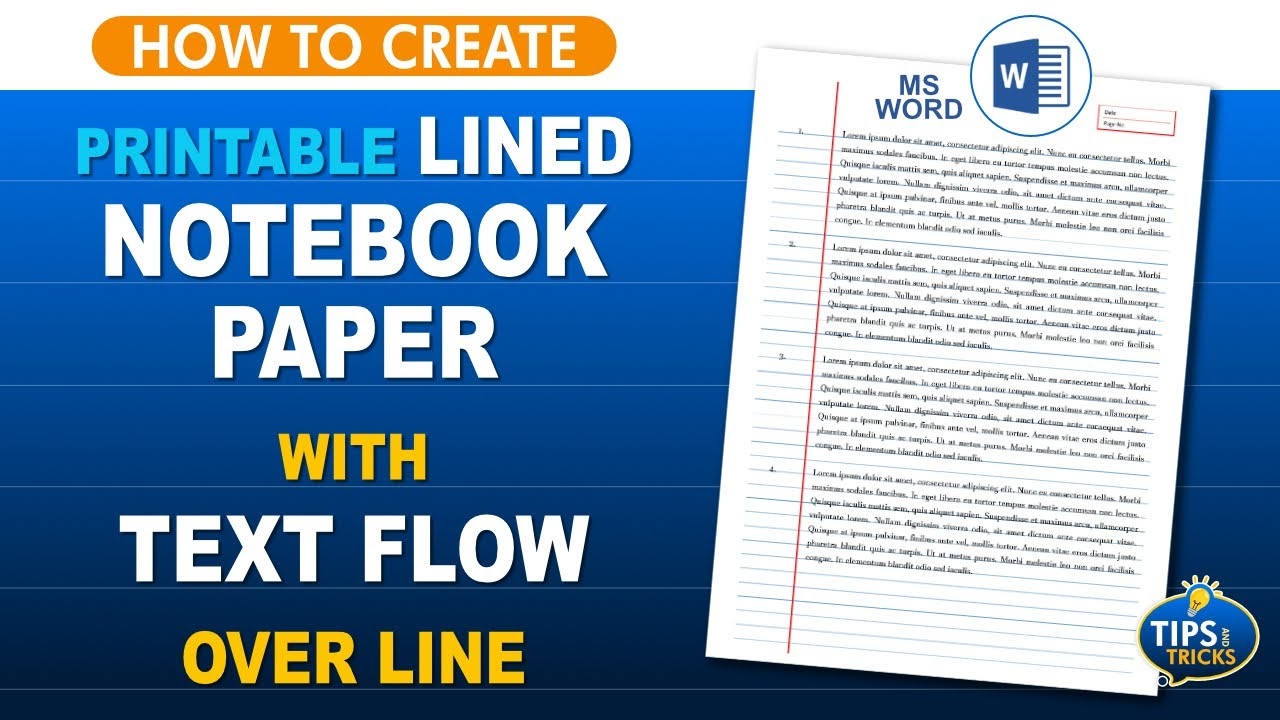
How Do I Make Lined Notebook Paper In Word Print Text On Lined Paper
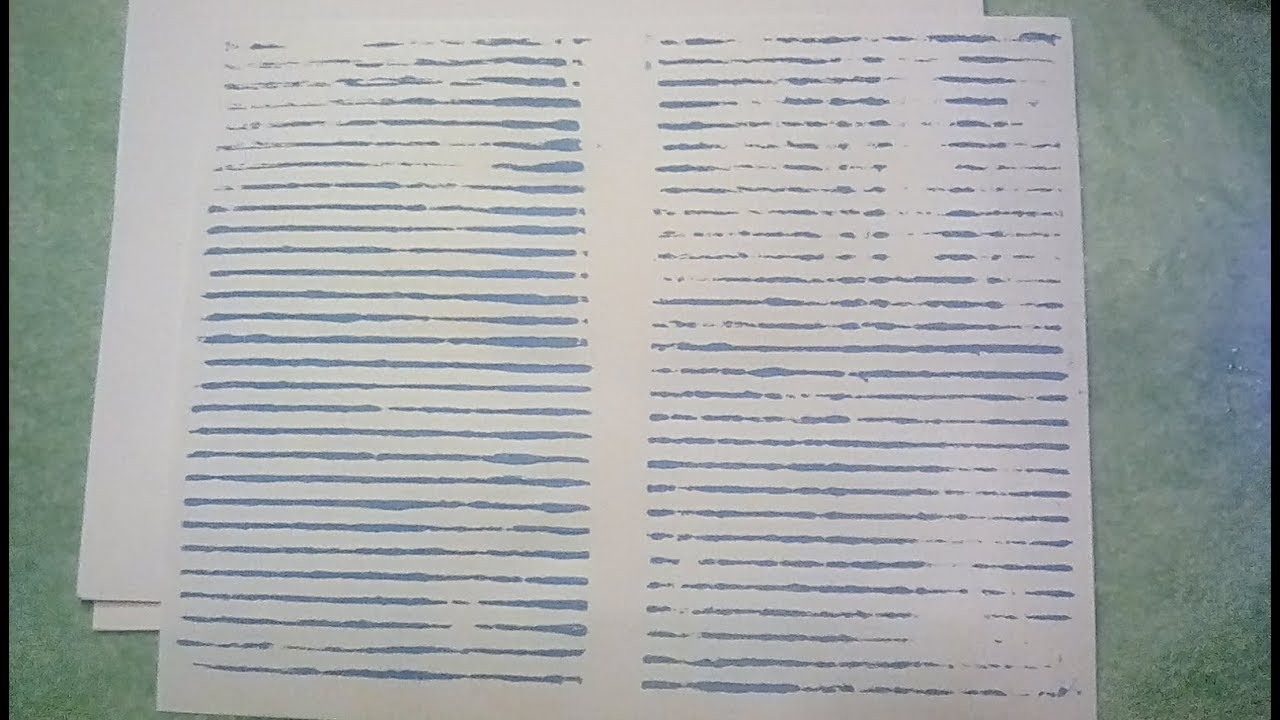
How To Make Lined Paper For A TN WITHOUT A Printer
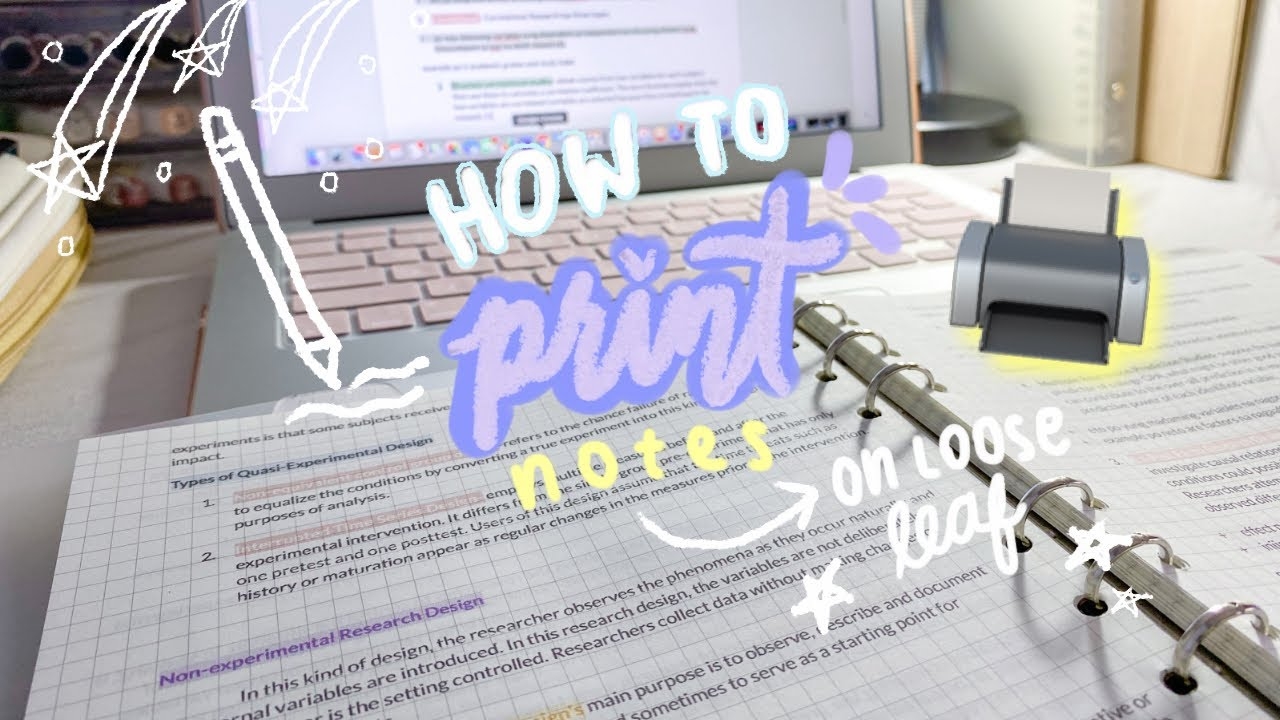
How To PRINT Notes On A Loose Leaf Paper