Printer issues can be frustrating, especially when they disrupt your workflow. One common problem users face is when their printer leaves lines on paper, making documents look unprofessional and messy.
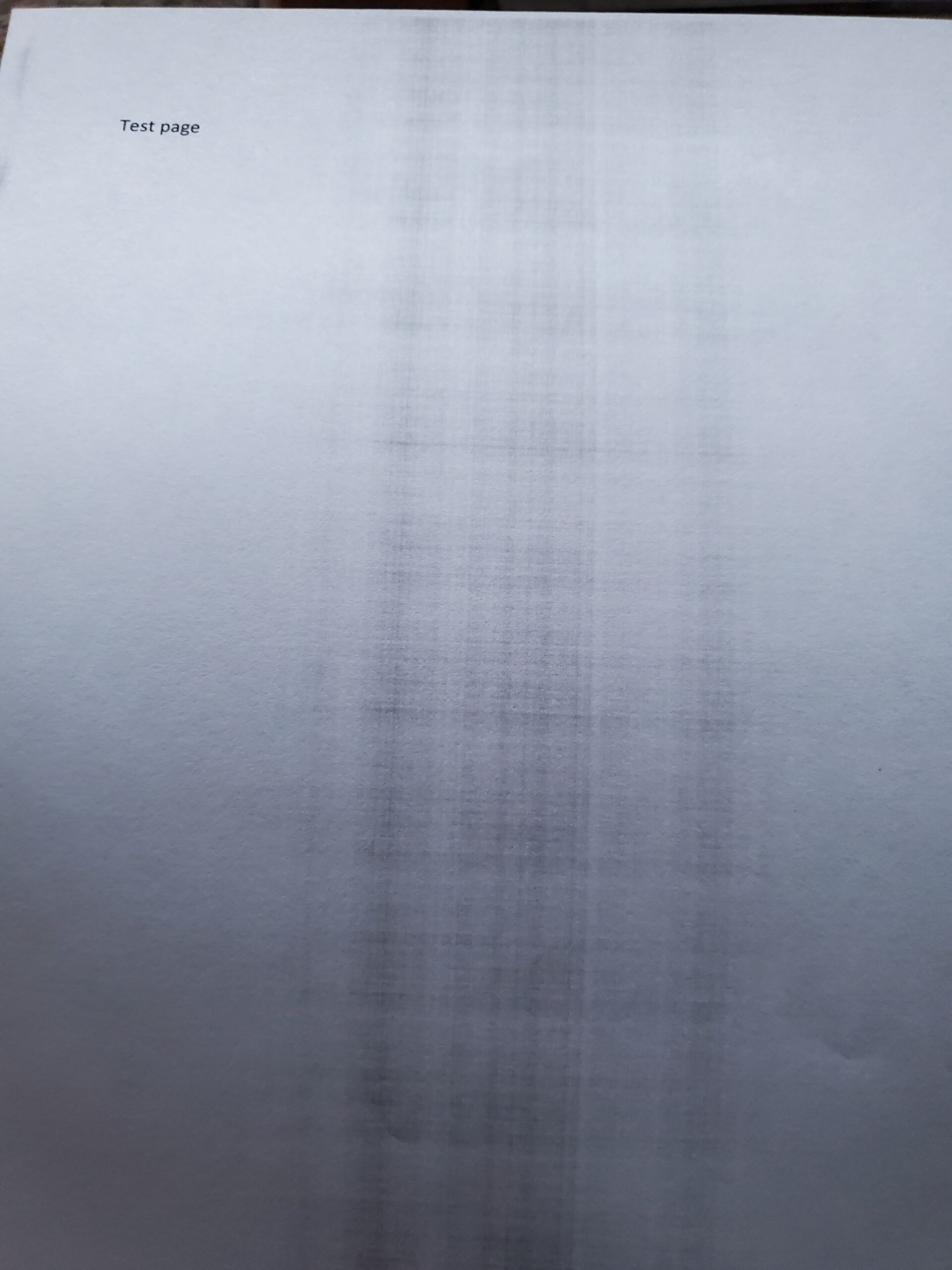
Printer Leaving Lines On Paper
Printer Leaving Lines On Paper
When your printer leaves lines on paper, it often indicates that the print heads are clogged or dirty. Regular maintenance, such as cleaning the print heads, can significantly improve print quality.
Another reason for lines on printed pages could be low ink levels. Ensure that your ink cartridges are adequately filled and replace any that are running low to avoid this issue.
Sometimes, incorrect printer settings can lead to unwanted lines. Check your printer settings to ensure they match the type of paper you are using for optimal results.
If you’ve tried these solutions and still experience problems, consider updating your printer drivers. Outdated drivers can cause various printing issues, including lines on paper.
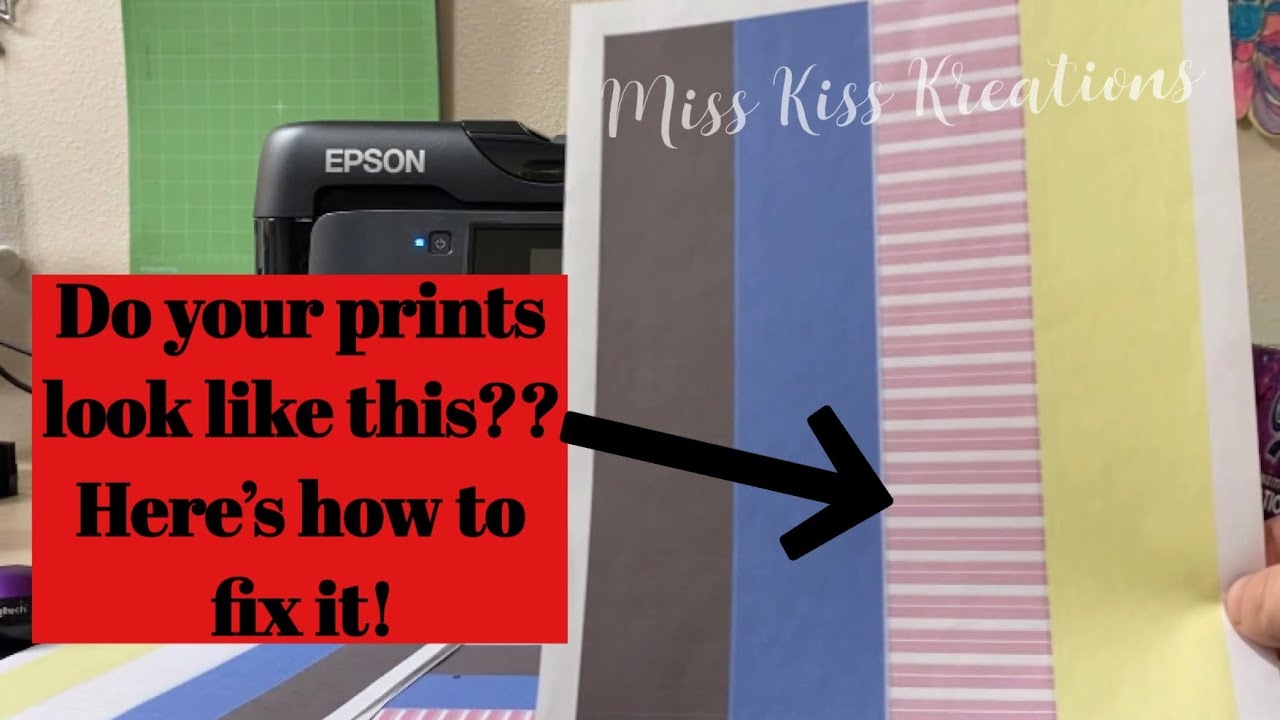
How To Fix Lines In Printout How To Clean A Printhead
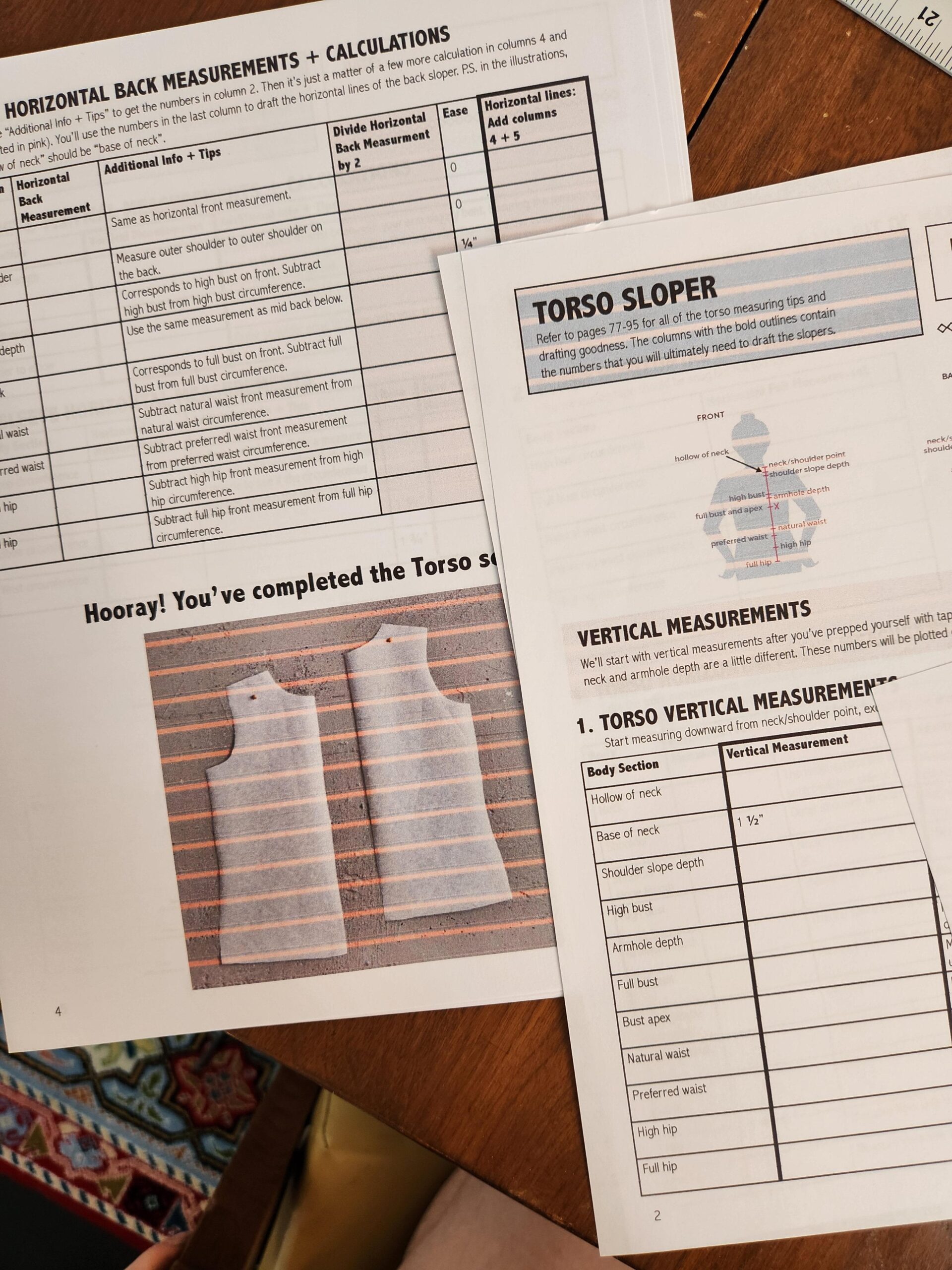
Why Does My Epson ET 4800 Leave Lines Like This It s Better Since
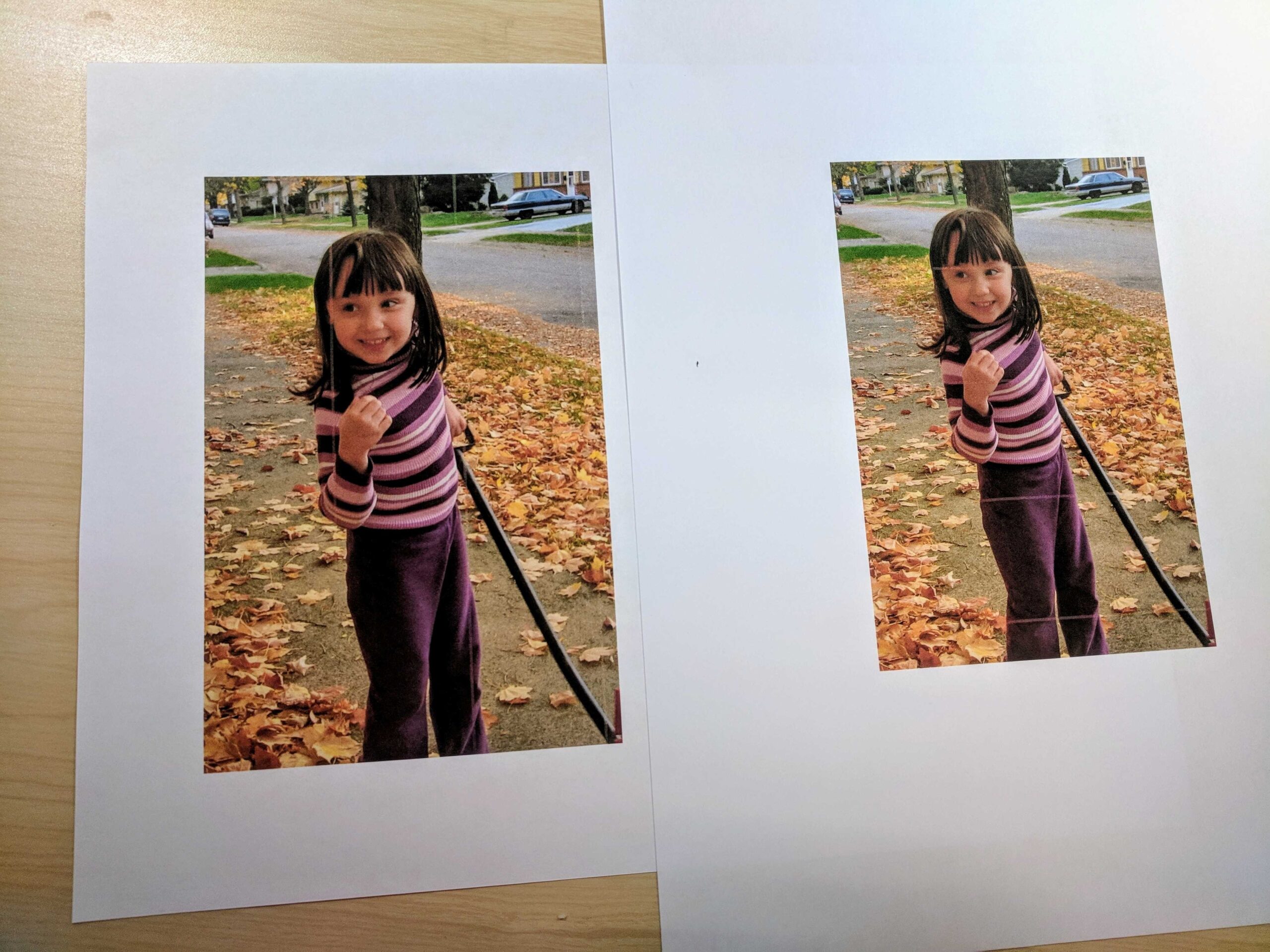
Unwanted Lines In Photo Printing HP Support Community 65836
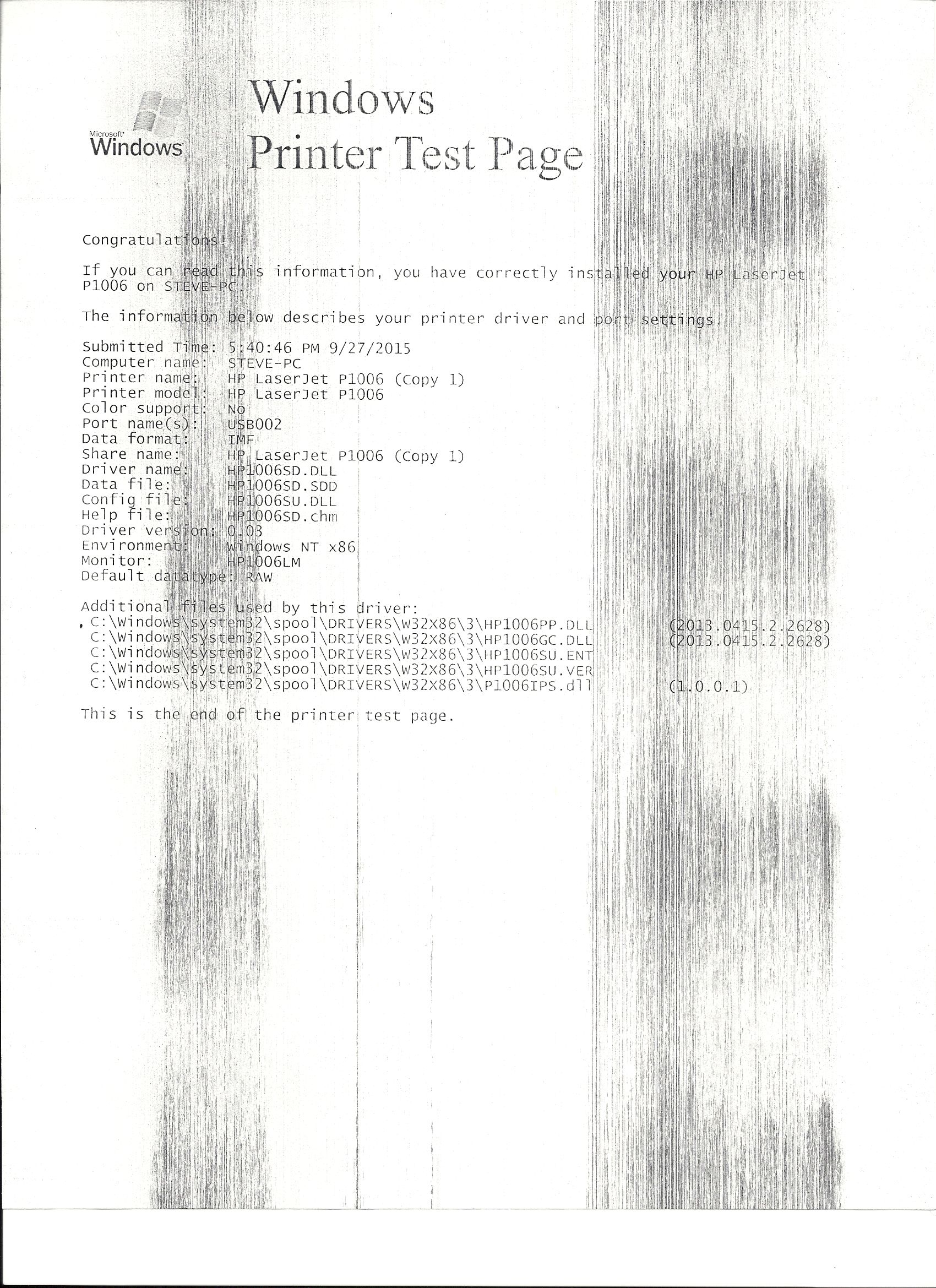
How To Clean HP Laser Printer Streaks
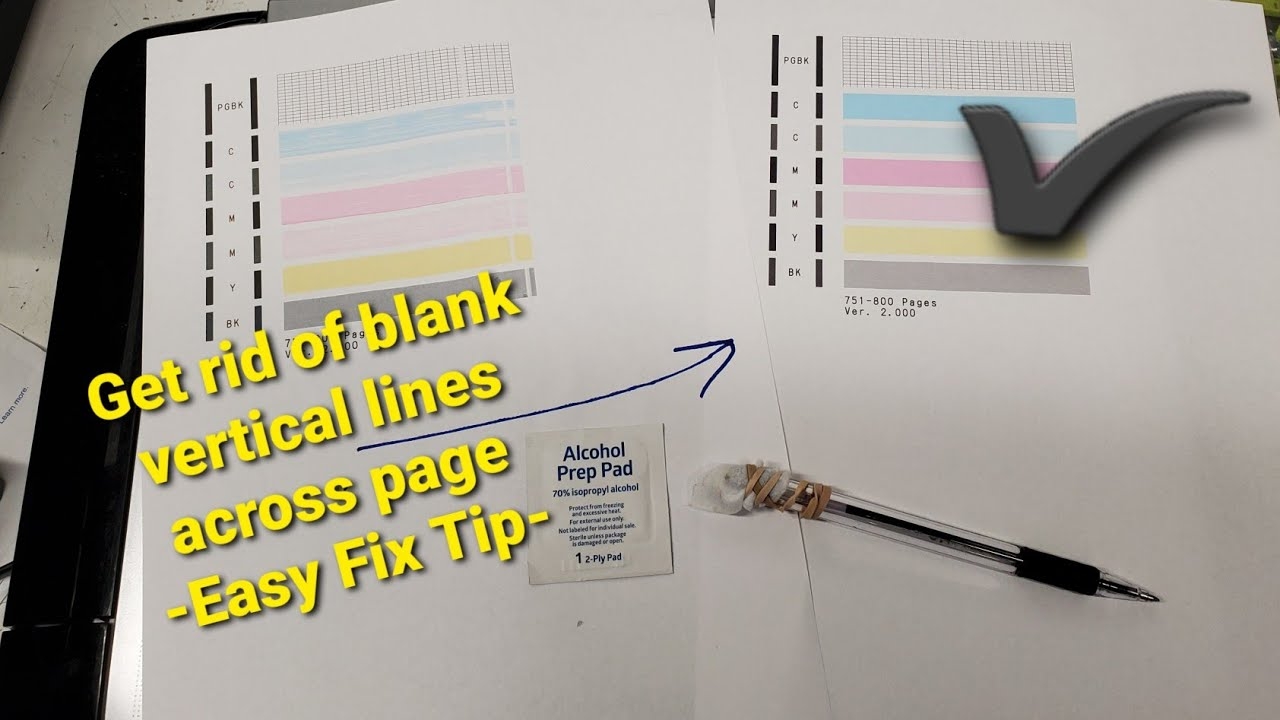
How To Get Rid Of Vertical Lines Across Page On Prints Canon HP Brother Epson Inkjet Printers