Lined paper is a classic tool for organizing thoughts and notes. Many people still prefer it for its simplicity and effectiveness. Using lined paper in digital formats can enhance productivity and maintain a familiar writing style.
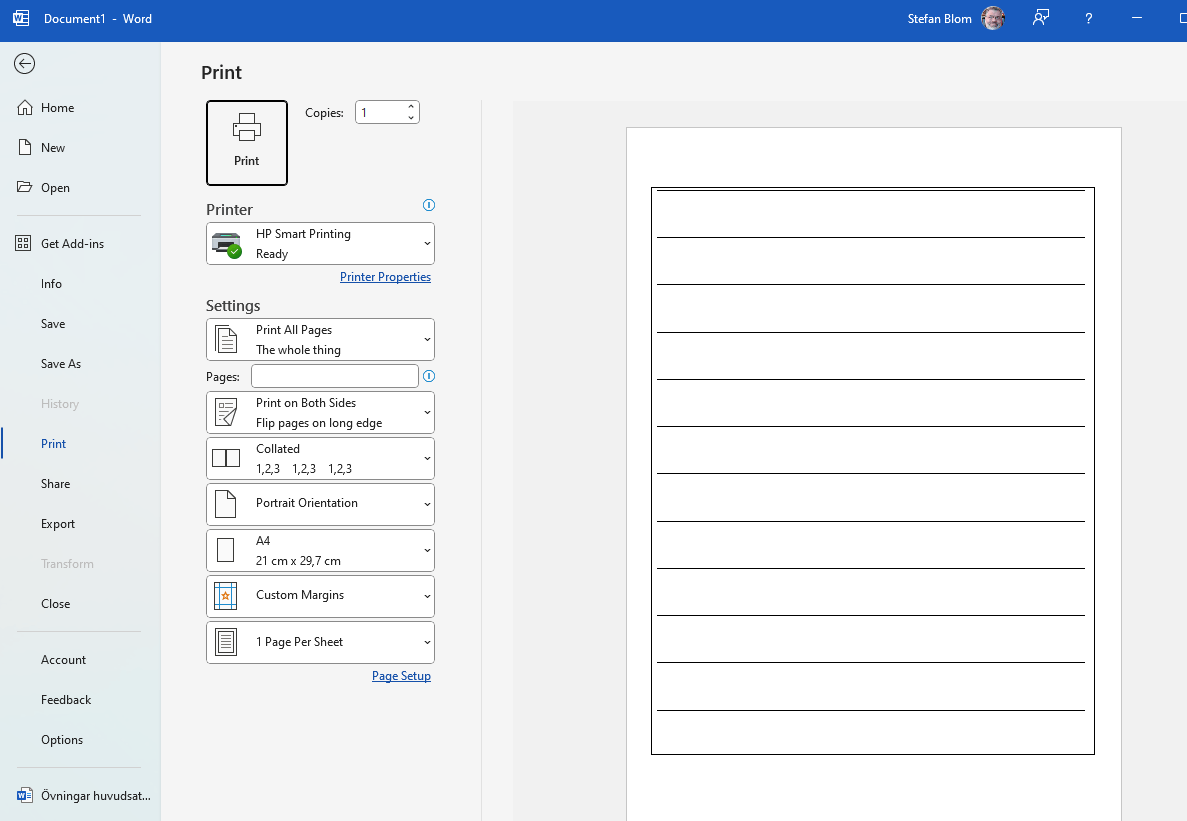
Lined Paper In Microsoft Word
Lined Paper In Microsoft Word
To create lined paper in Microsoft Word, start by opening a new document. You can adjust the page layout to suit your preferences, ensuring that the lines are evenly spaced and visually appealing. This customization makes your document more functional.
Another method involves using tables to create lines. By inserting a table with one column and multiple rows, you can adjust the height of each row to mimic the spacing of traditional lined paper. This approach offers flexibility in design.
Additionally, you can find templates online specifically designed for lined paper in Microsoft Word. These templates save time and provide a polished look without needing extensive formatting. Simply download and customize them as needed.
Using lined paper in Microsoft Word not only helps organize your thoughts but also adds a personal touch to your documents. Whether for school or personal use, it’s an effective way to keep your writing neat and structured.
In conclusion, creating lined paper in Microsoft Word is simple and beneficial. With various methods available, you can choose what works best for your needs and enjoy the clarity that lined writing provides.
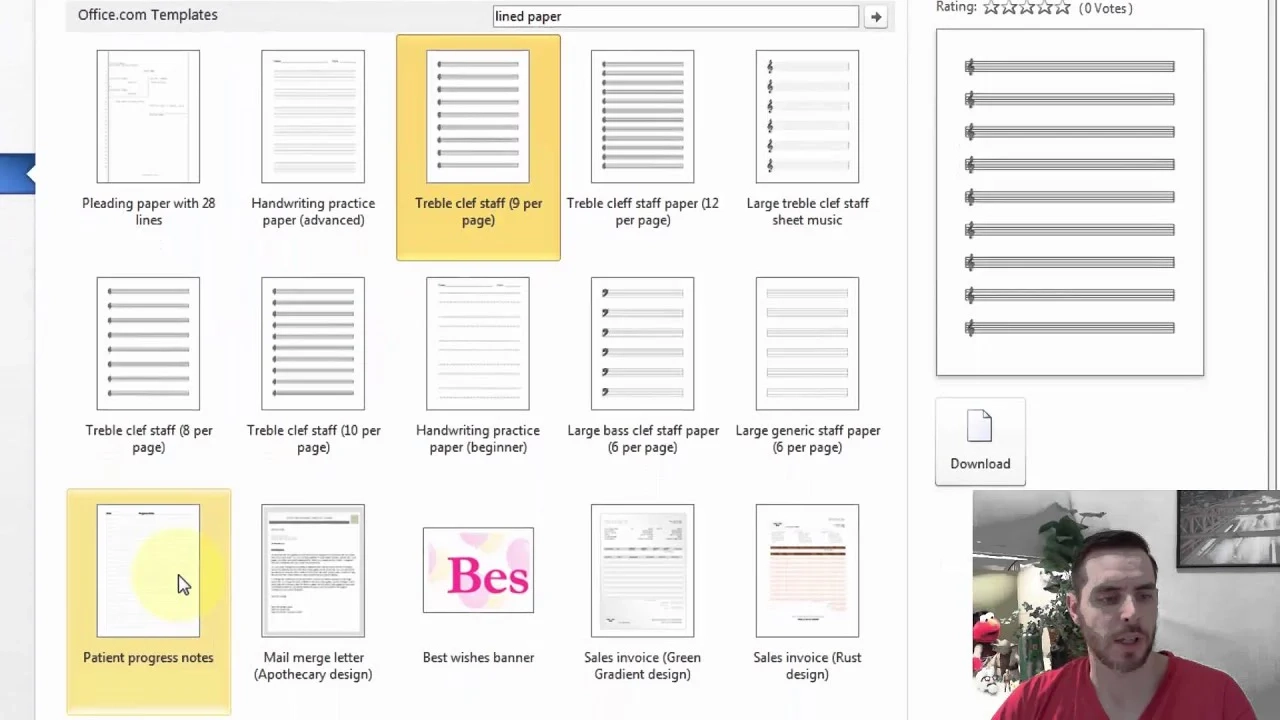
How To Make Handwriting Paper In Microsoft Word Softwareg au
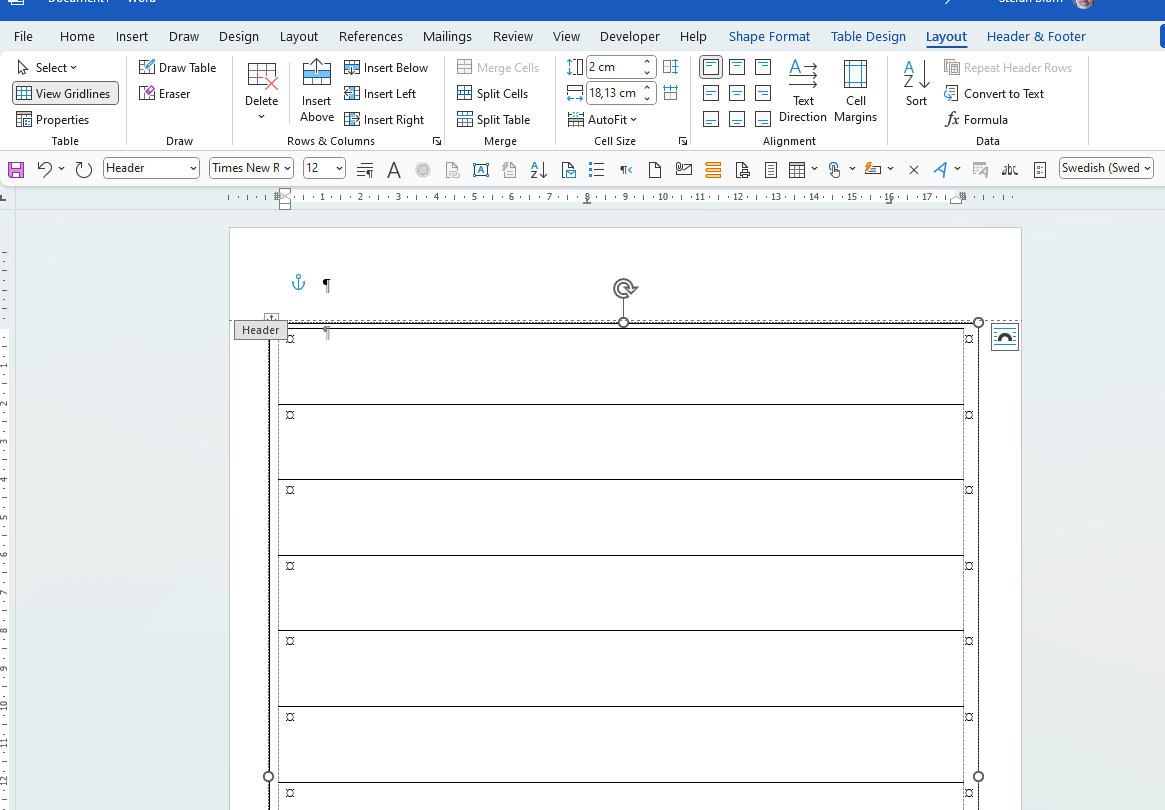
Is There A Way To Print Lined Paper From Draw gt Format Background
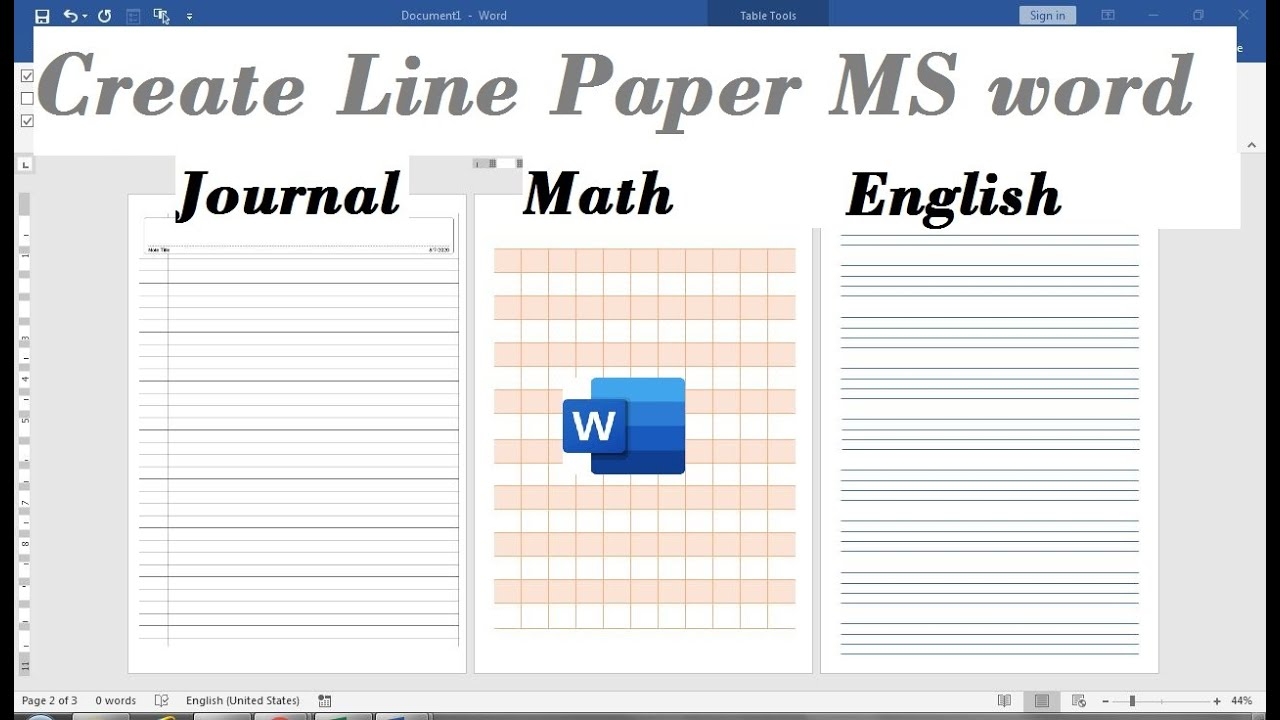
How To Make Lined Paper In Word Docs
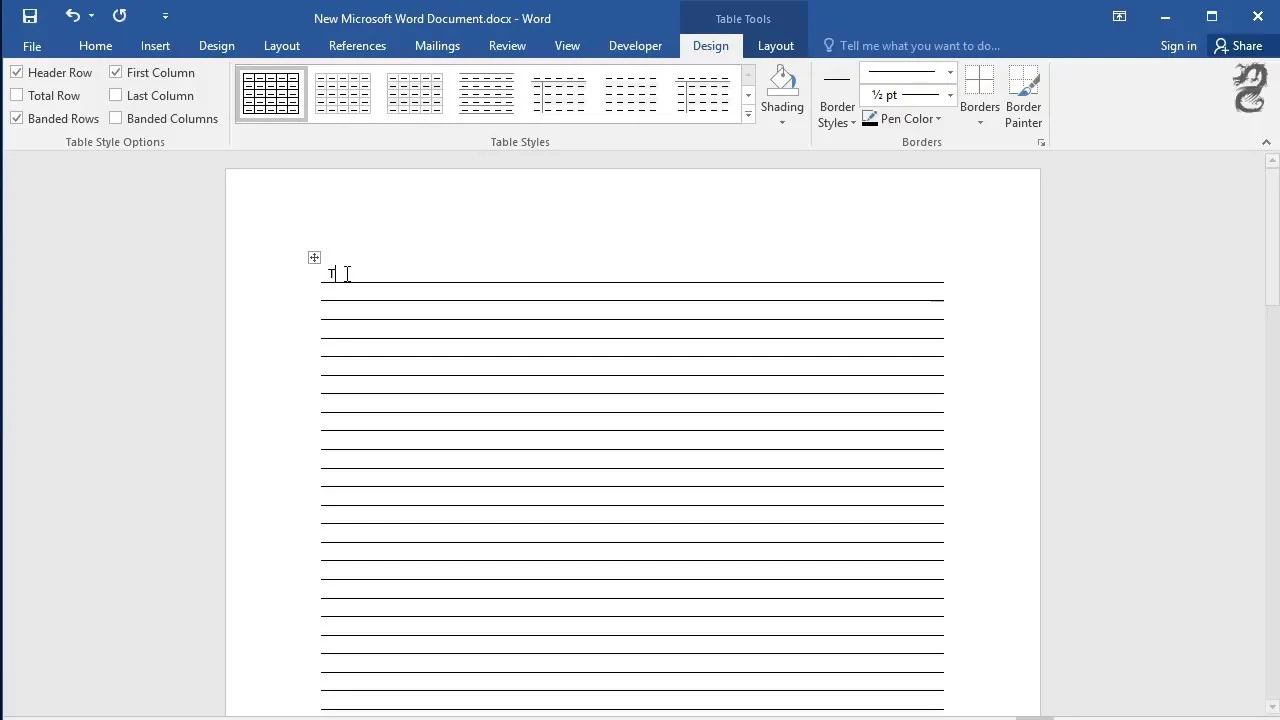
How To Make Lined Paper In Microsoft Word Softwareg au
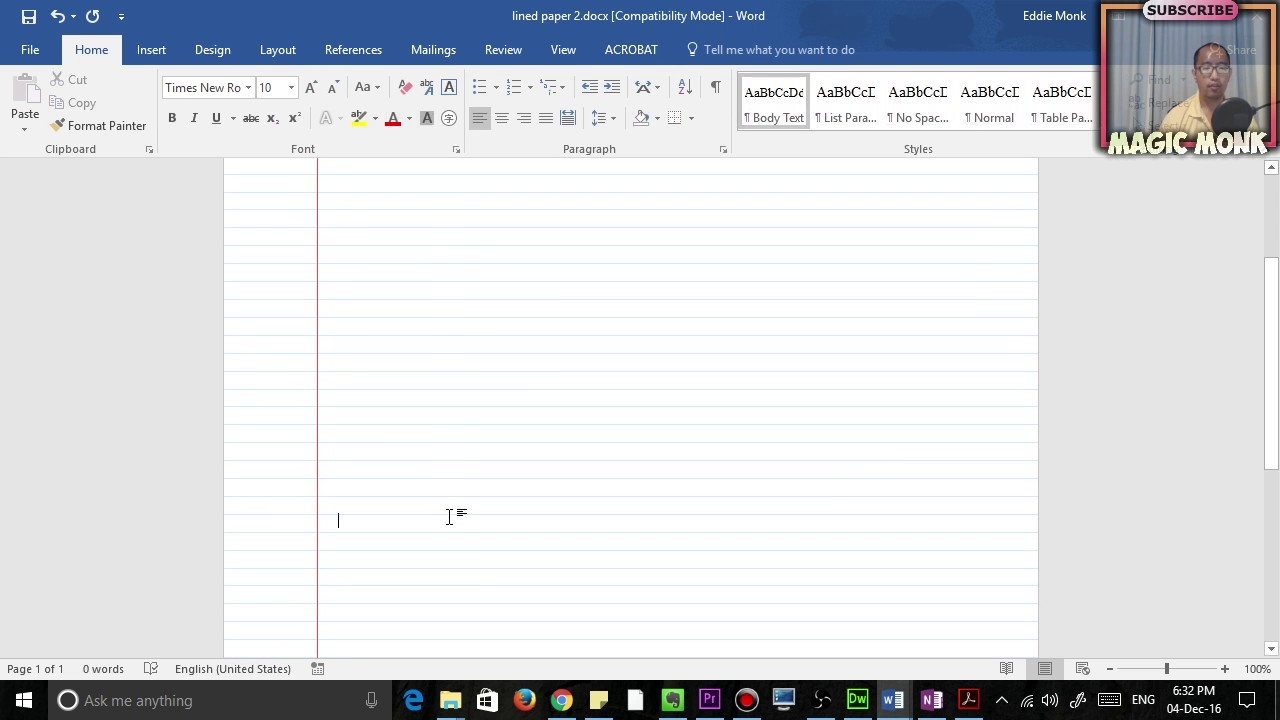
Lined Paper In Microsoft Word PDF