Creating designs can be a fun and rewarding experience, especially when you have the right tools at your disposal. One such tool that many designers find helpful is graph paper, which can be easily utilized in CorelDRAW.
Graph Paper Tool In Coreldraw
Graph Paper Tool In Coreldraw
The Graph Paper Tool in CorelDRAW allows users to create grids that help in aligning objects and maintaining proportions. This feature is particularly useful for architects and graphic designers who require exact measurements.
To access the Graph Paper Tool, navigate to the “Tools” menu and select “Graph Paper.” You can customize the grid size and color to suit your project needs. This flexibility makes it easier to visualize your designs.
Using this tool also aids in maintaining consistency across your work. By having a visual reference, you can ensure that elements are evenly spaced and aligned, which is crucial for professional-looking designs.
Incorporating the Graph Paper Tool into your design process can save time and reduce errors. It’s a simple yet effective way to enhance your creativity while keeping everything organized.
Embracing tools like the Graph Paper Tool in CorelDRAW can elevate your design projects. With practice, you’ll find that it becomes an indispensable part of your creative toolkit, making every project smoother and more enjoyable.
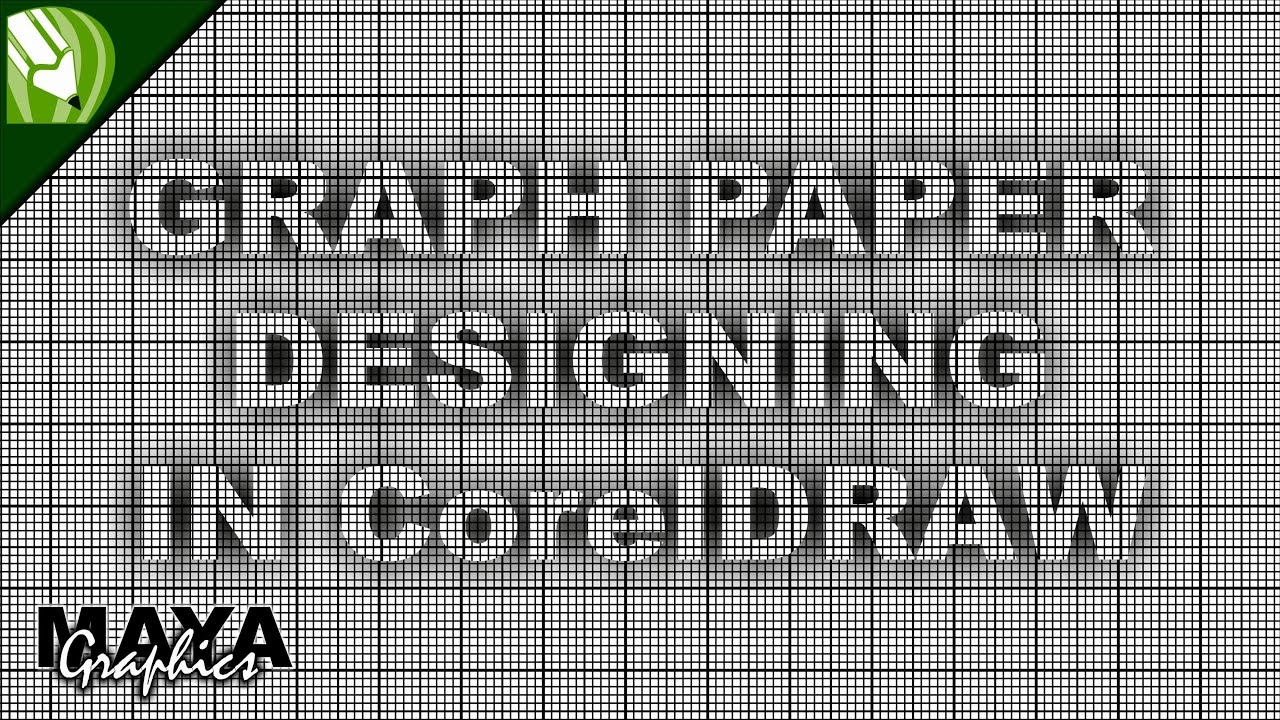
How To Create Graph Paper In Coreldraw Coreldraw Tutorial For Beginners
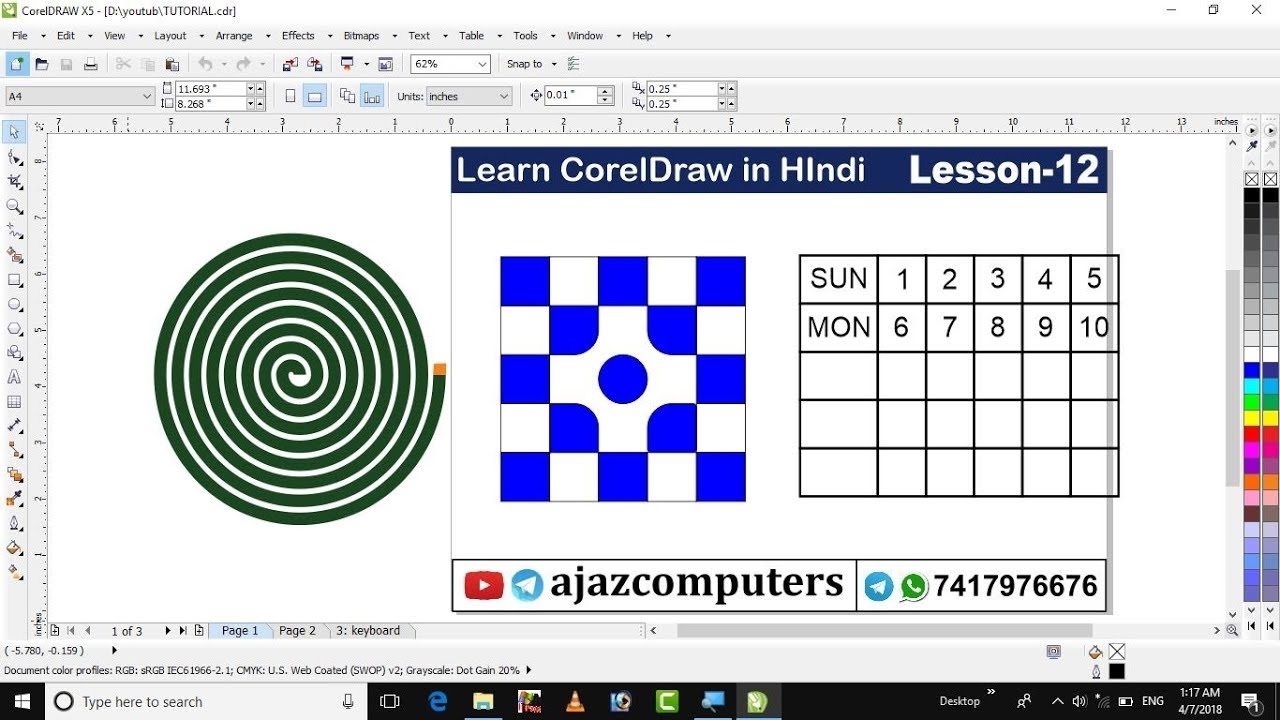
How To Use Graph Paper Tool And Spiral Tool In CorelDraw Learn CorelDraw In Hindi Tutorial 12
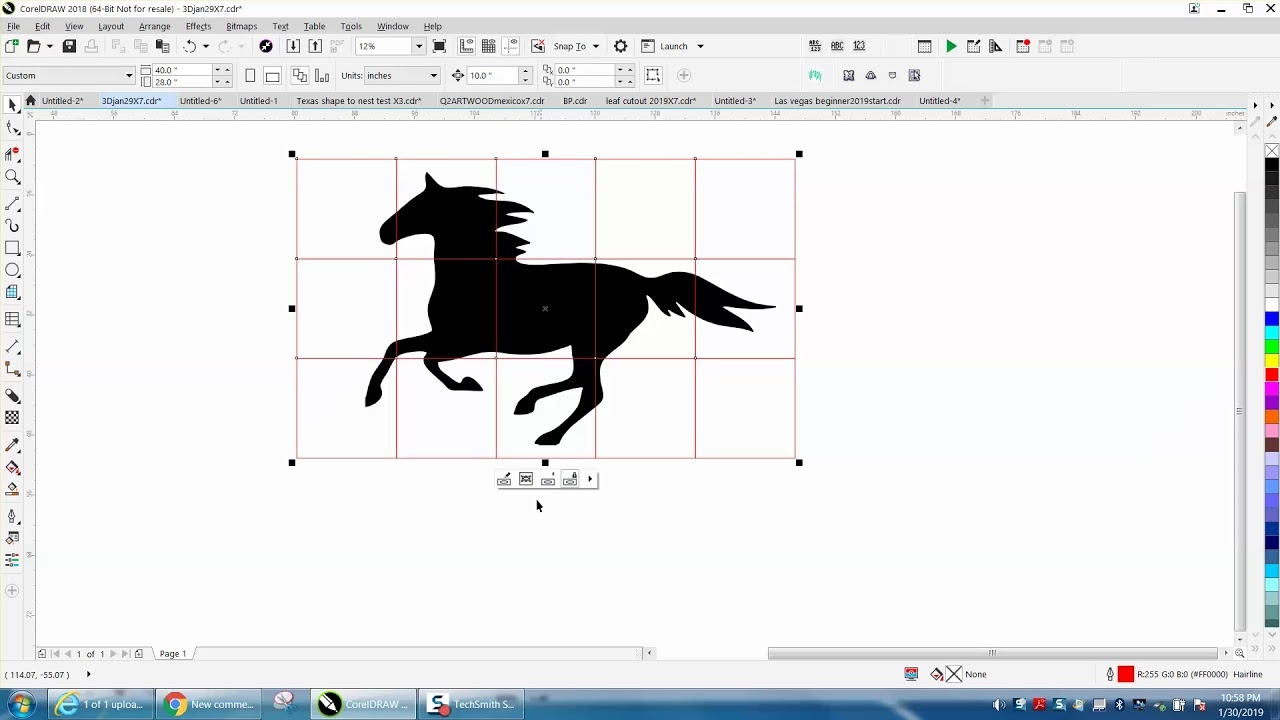
Corel Draw Tips amp Tricks Graph Paper Tool For Tile
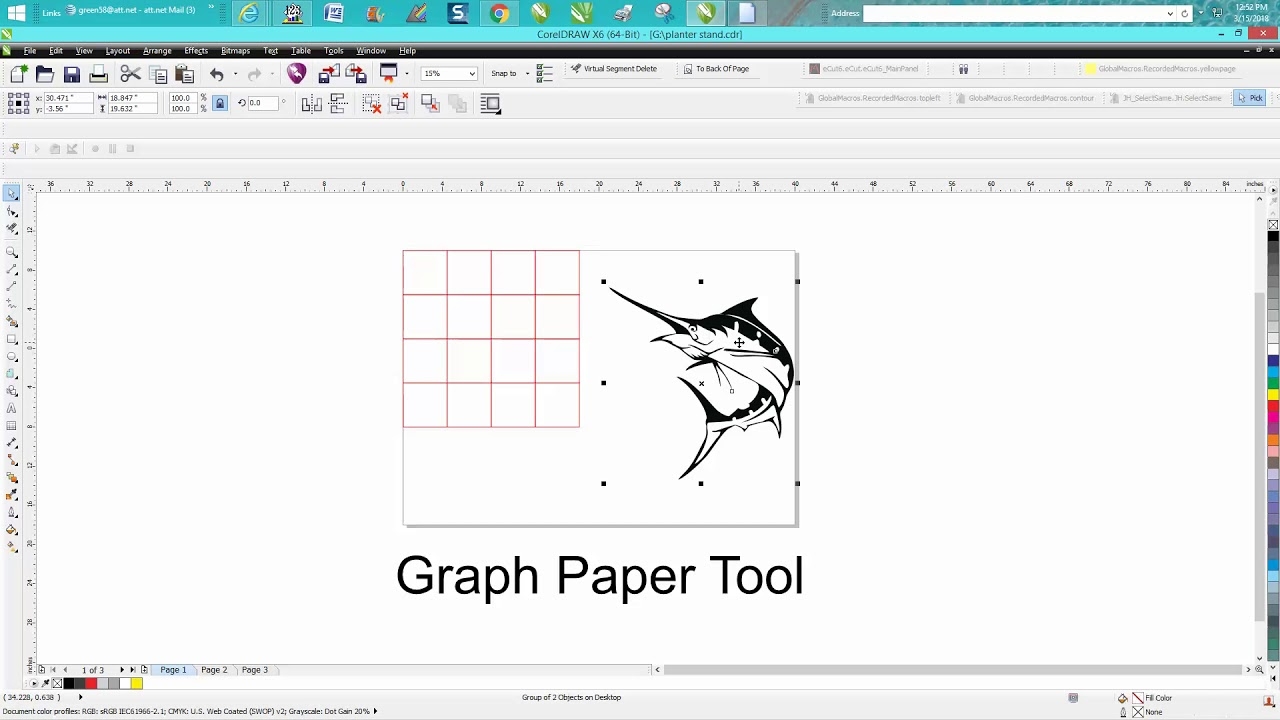
Corel Draw Tips amp Tricks Graph Paper Tool Power Clip
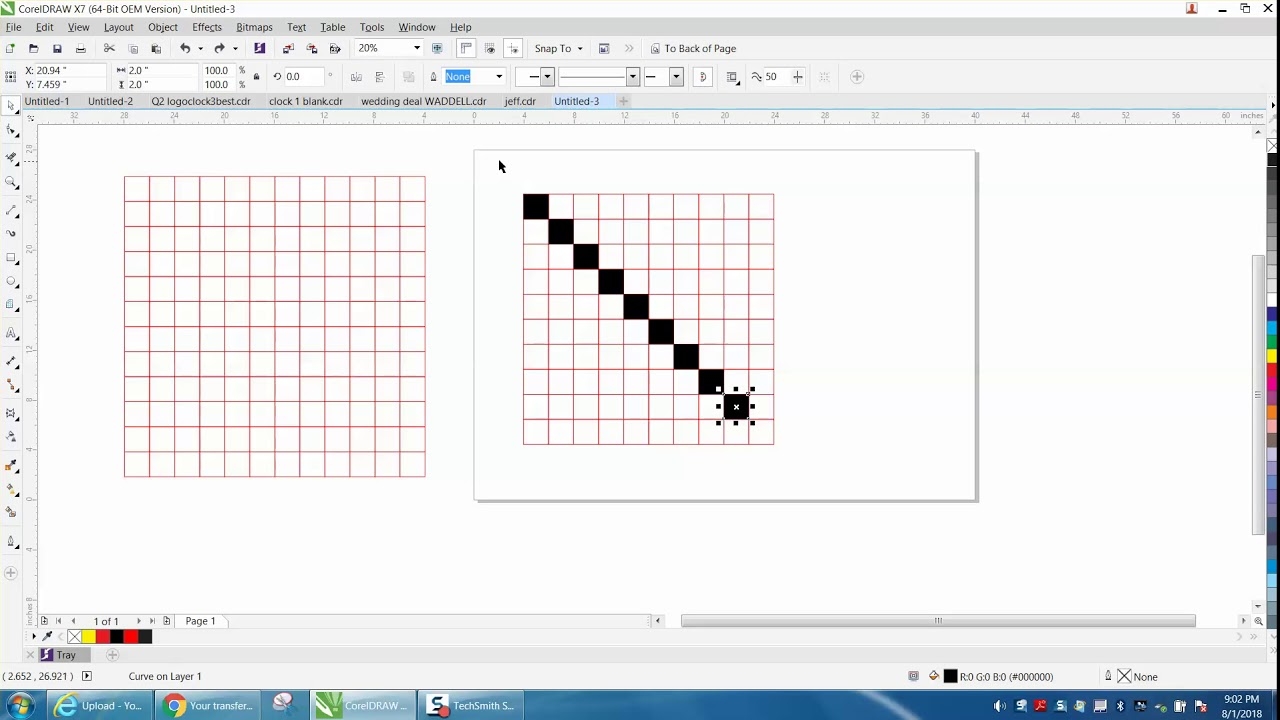
Corel Draw Tips amp Tricks Graph Paper Tool