Many artists and designers are discovering the benefits of using digital tools for their creative projects. One such tool that has gained popularity is tracing paper for the iPad, which offers a unique blend of traditional and modern techniques.
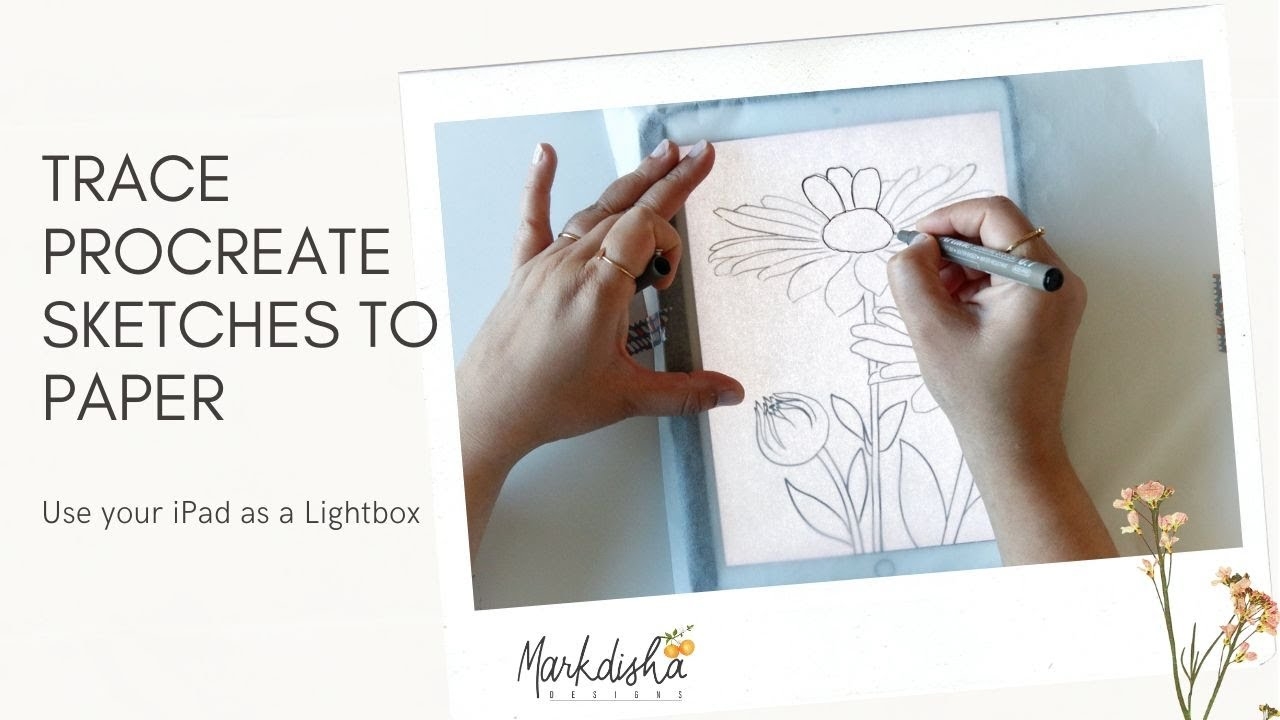
Tracing Paper Ipad
Tracing Paper iPad
Tracing paper apps for the iPad provide a seamless experience for artists. These apps often feature layers, allowing users to trace over images easily. This functionality is perfect for both beginners and seasoned professionals looking to refine their skills.
Another advantage of using tracing paper on the iPad is portability. Artists can carry their entire workspace in one device, making it easy to sketch ideas anywhere. Whether at home or on the go, creativity is always within reach.
Additionally, many tracing paper apps offer customizable settings. Users can adjust opacity, colors, and brush sizes to suit their preferences. This level of personalization helps artists achieve their desired look and feel in their work.
In conclusion, tracing paper for the iPad is an excellent tool for anyone looking to enhance their artistic journey. With its versatility and convenience, it opens up new possibilities for creativity and expression in the digital age.
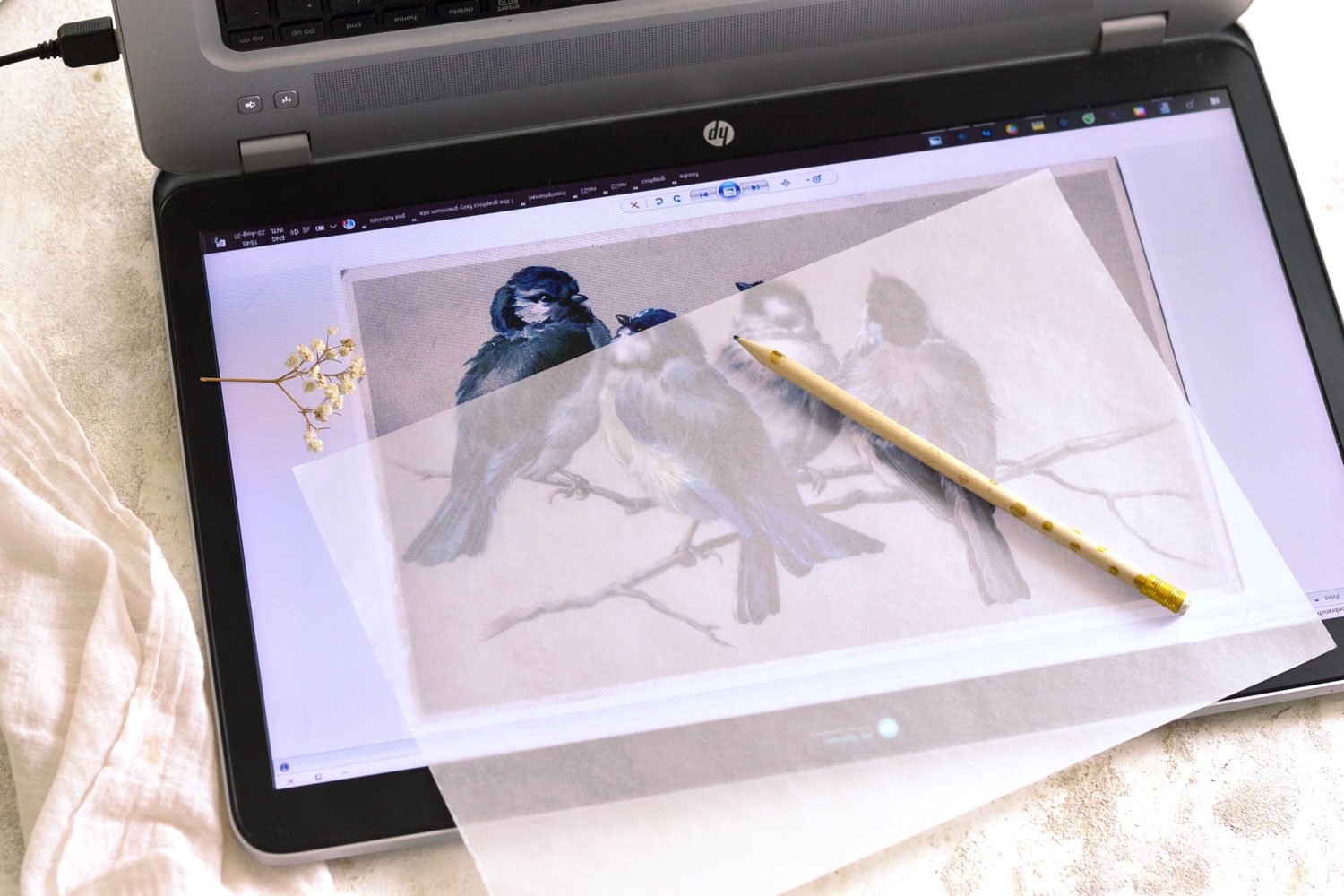
How To Trace With Your Laptop Or Tablet As A Lightbox The
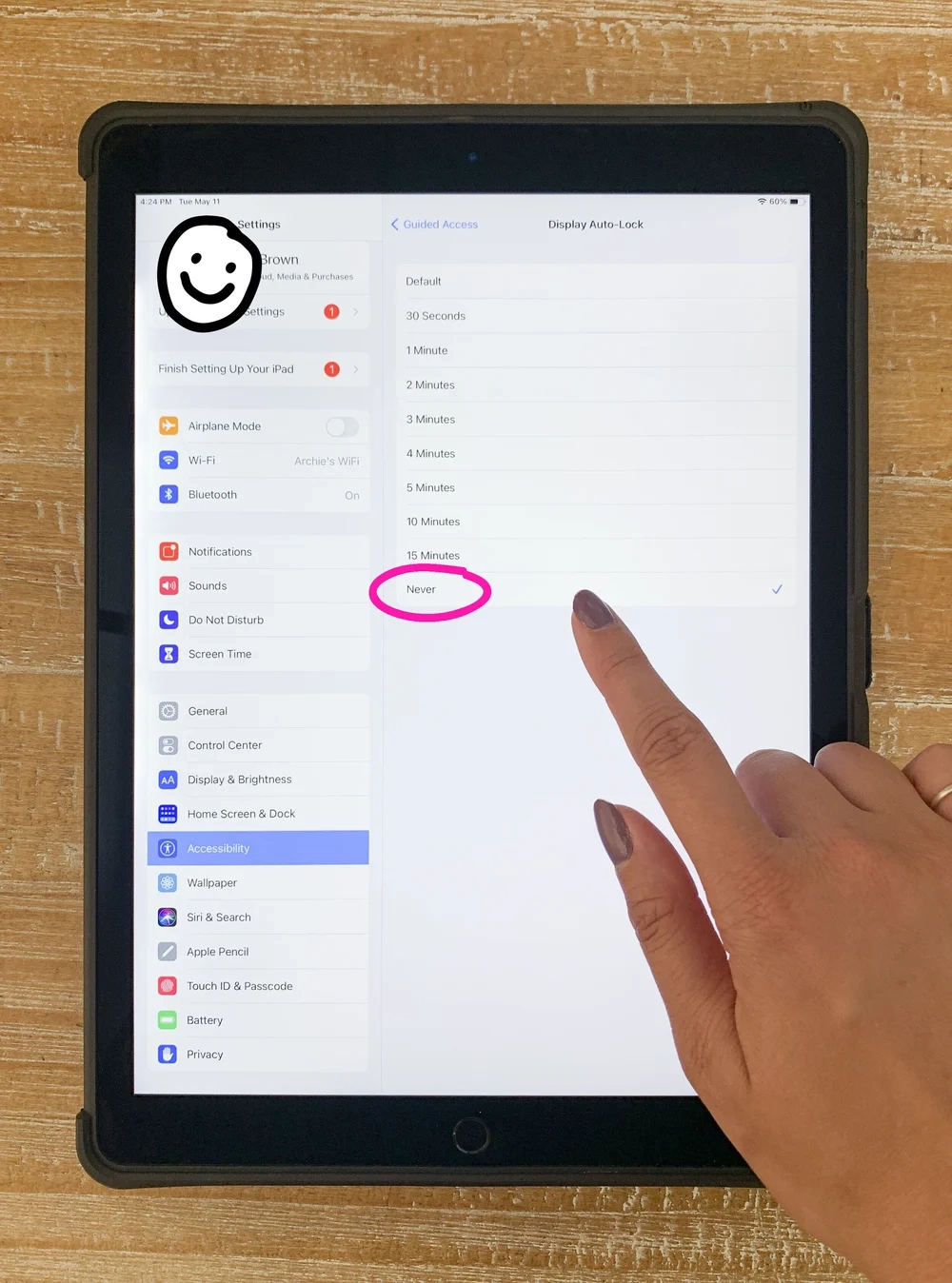
By Annie B Hot Tip Tracing On An IPad Or IPhone
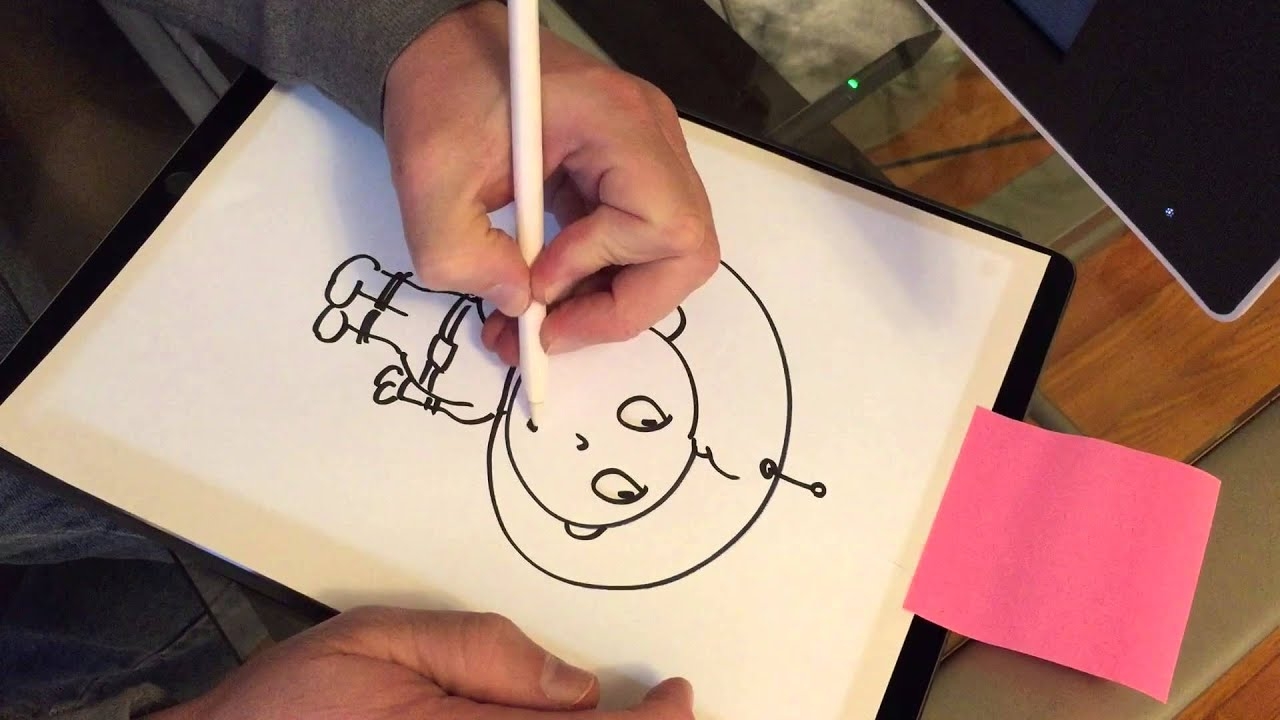
How To Trace Drawings On IPad Pro
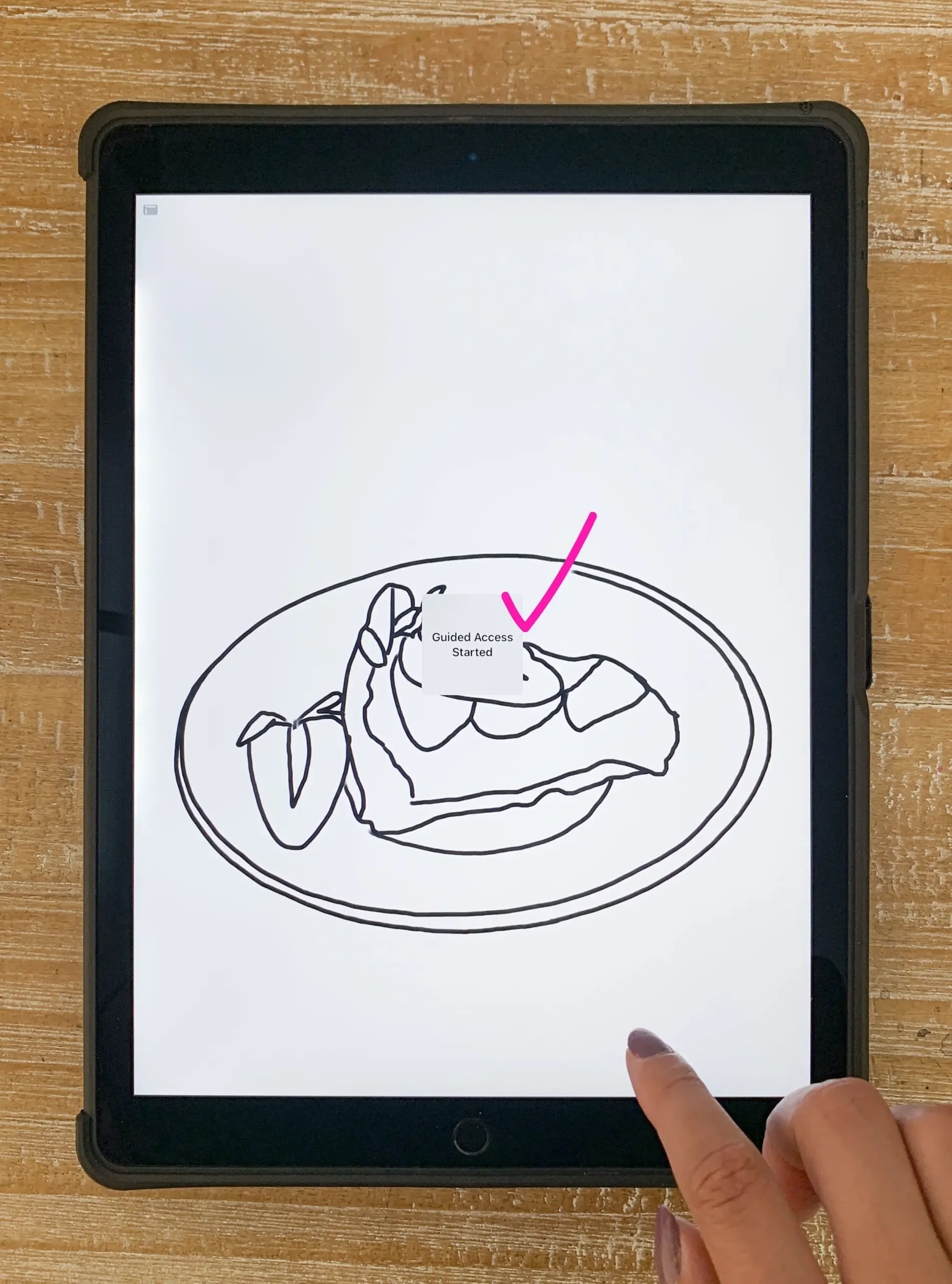
By Annie B Hot Tip Tracing On An IPad Or IPhone
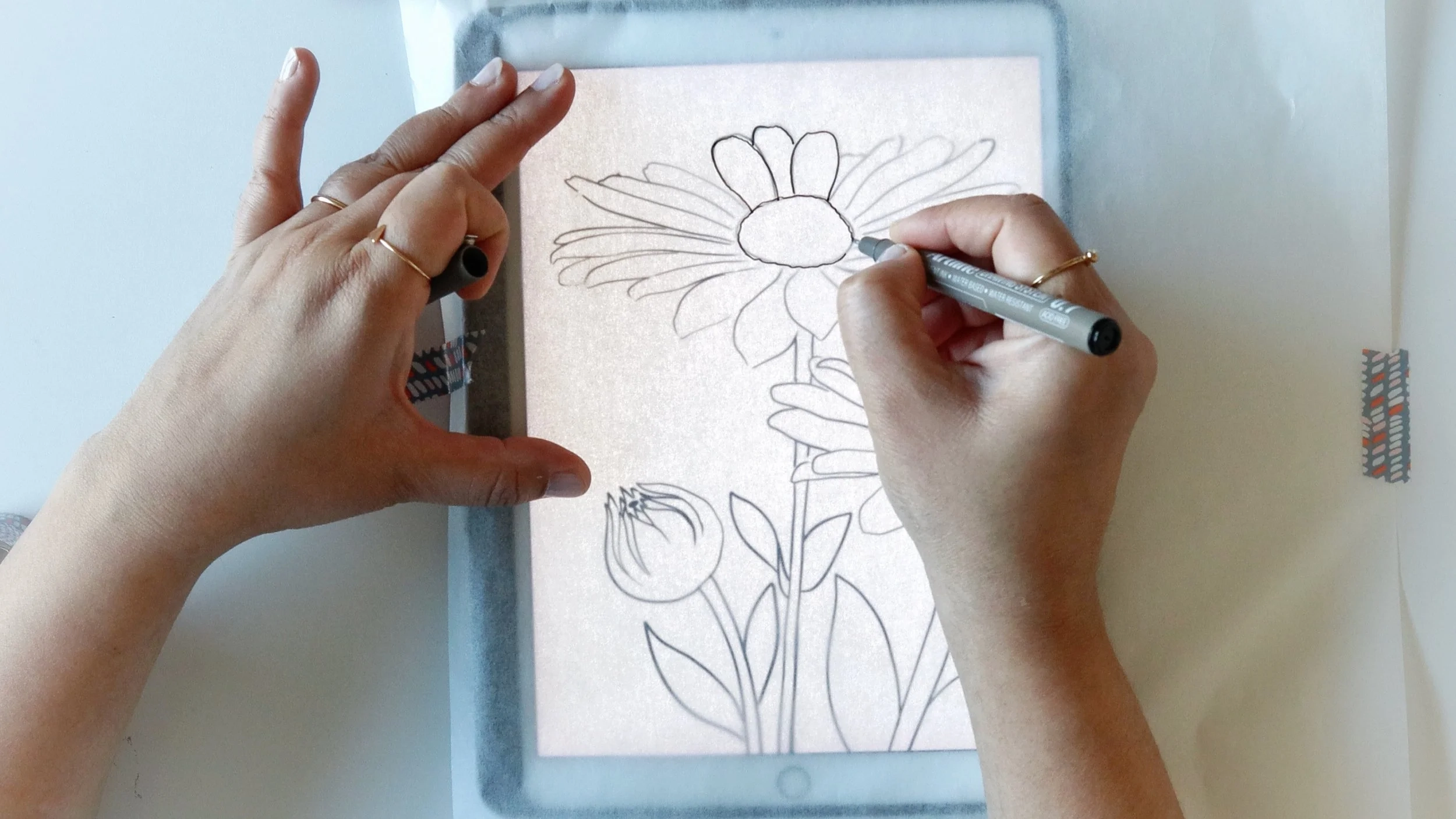
How To Transfer Your Sketches On Paper From IPad Blog Unleash