Graph paper is a versatile tool that can enhance your creativity and organization. Whether you’re sketching designs or plotting data, having a reliable graph paper template can make all the difference in your projects.
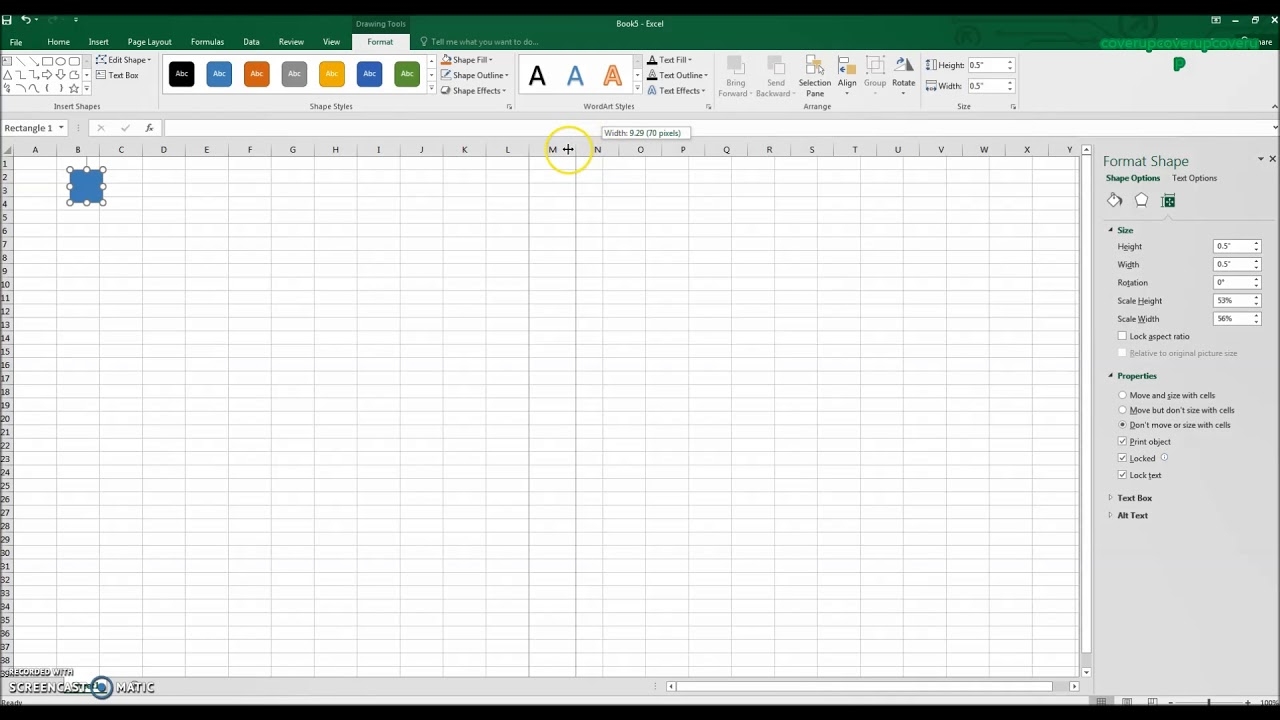
Graph Paper In Excel Template
Graph Paper In Excel Template
An Excel graph paper template is user-friendly and accessible. You can create precise graphs and charts without the hassle of traditional graph paper. This digital approach saves time and enhances productivity.
With an Excel template, you can quickly print your designs or share them digitally. This flexibility is ideal for students, professionals, and hobbyists alike who need a reliable way to visualize their ideas.
Additionally, many online resources offer free graph paper templates for Excel. These templates come in various styles, allowing you to choose one that fits your project perfectly. Simply download and start using it right away!
Incorporating a graph paper template in Excel into your workflow can streamline your creative process. It provides a structured yet flexible environment for all your plotting needs, making it an essential tool for anyone looking to enhance their work.
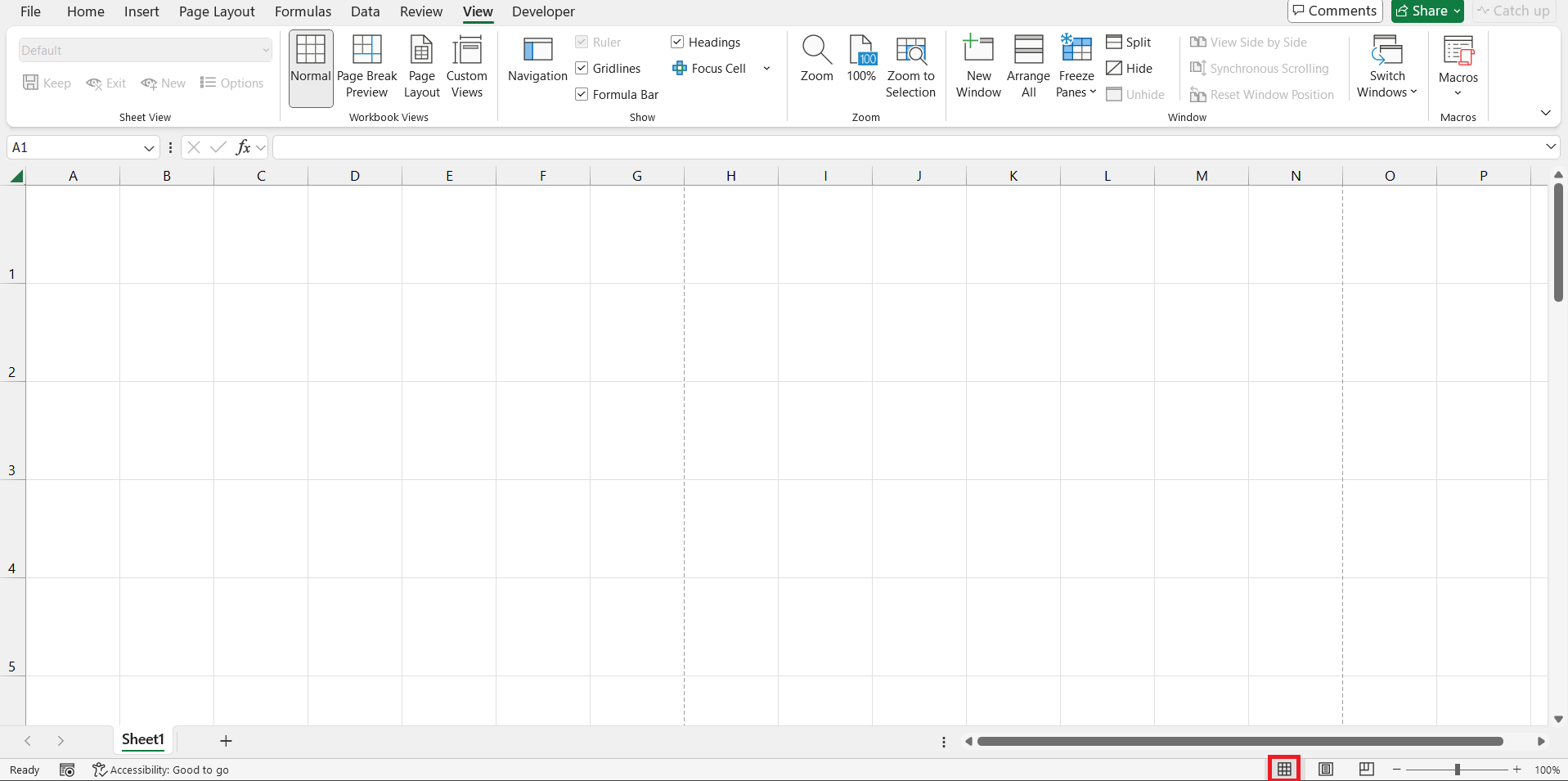
The Ultimate Guide To Create And Print Graph Paper In Excel
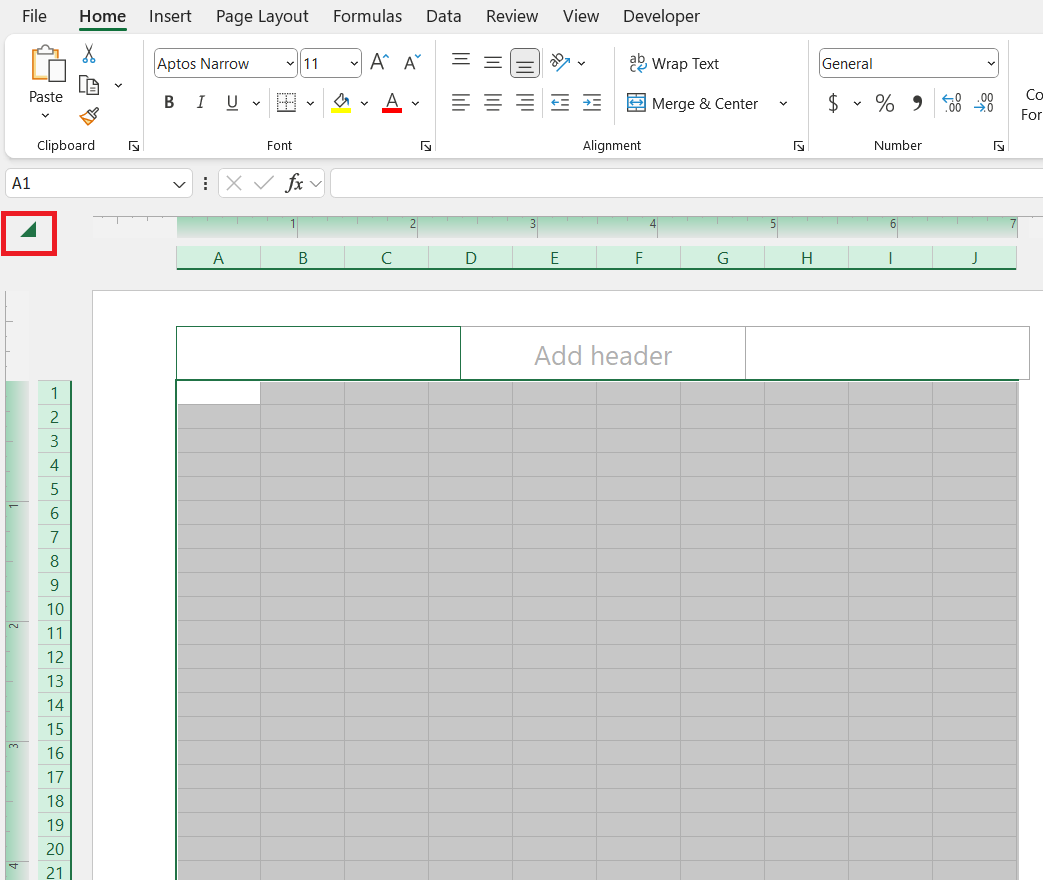
The Ultimate Guide To Create And Print Graph Paper In Excel
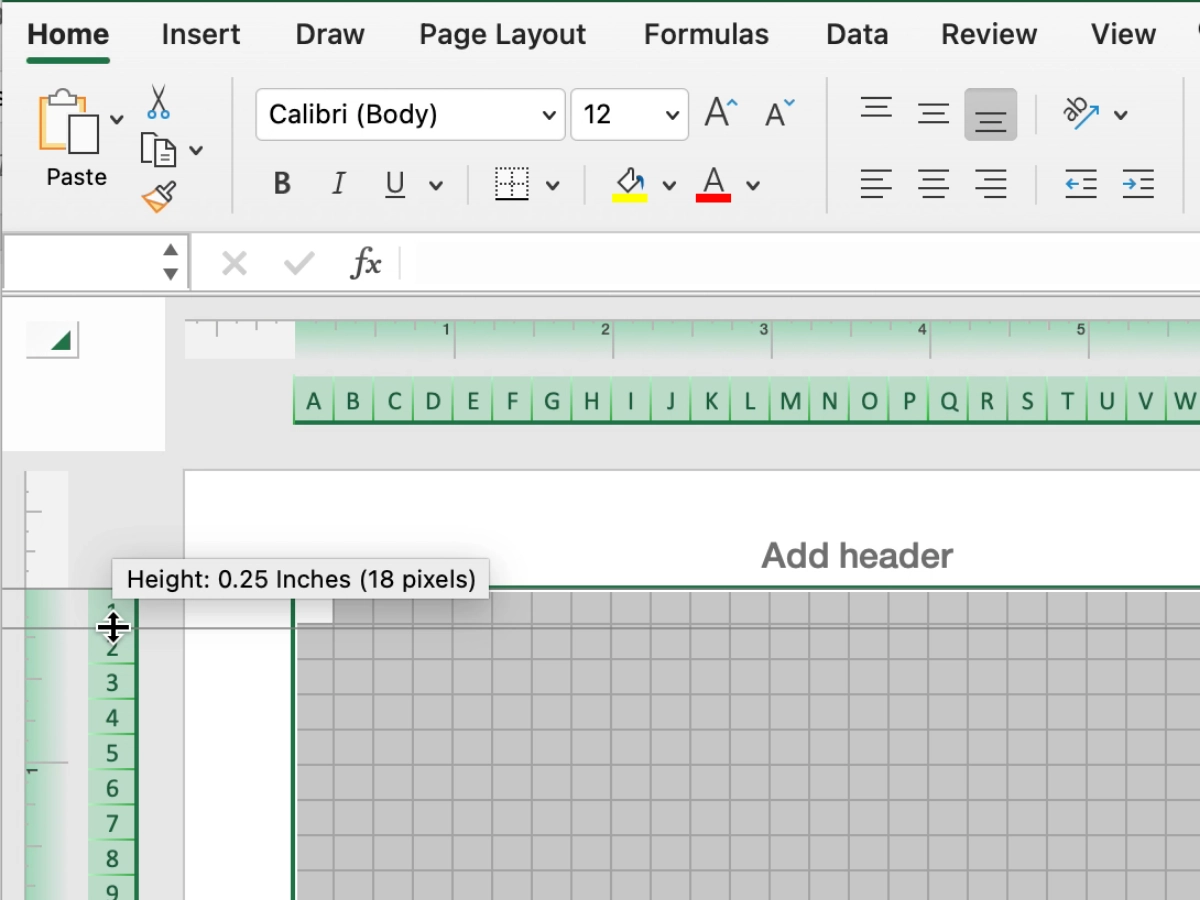
How To Make Graph Paper In Excel Knitting House Square
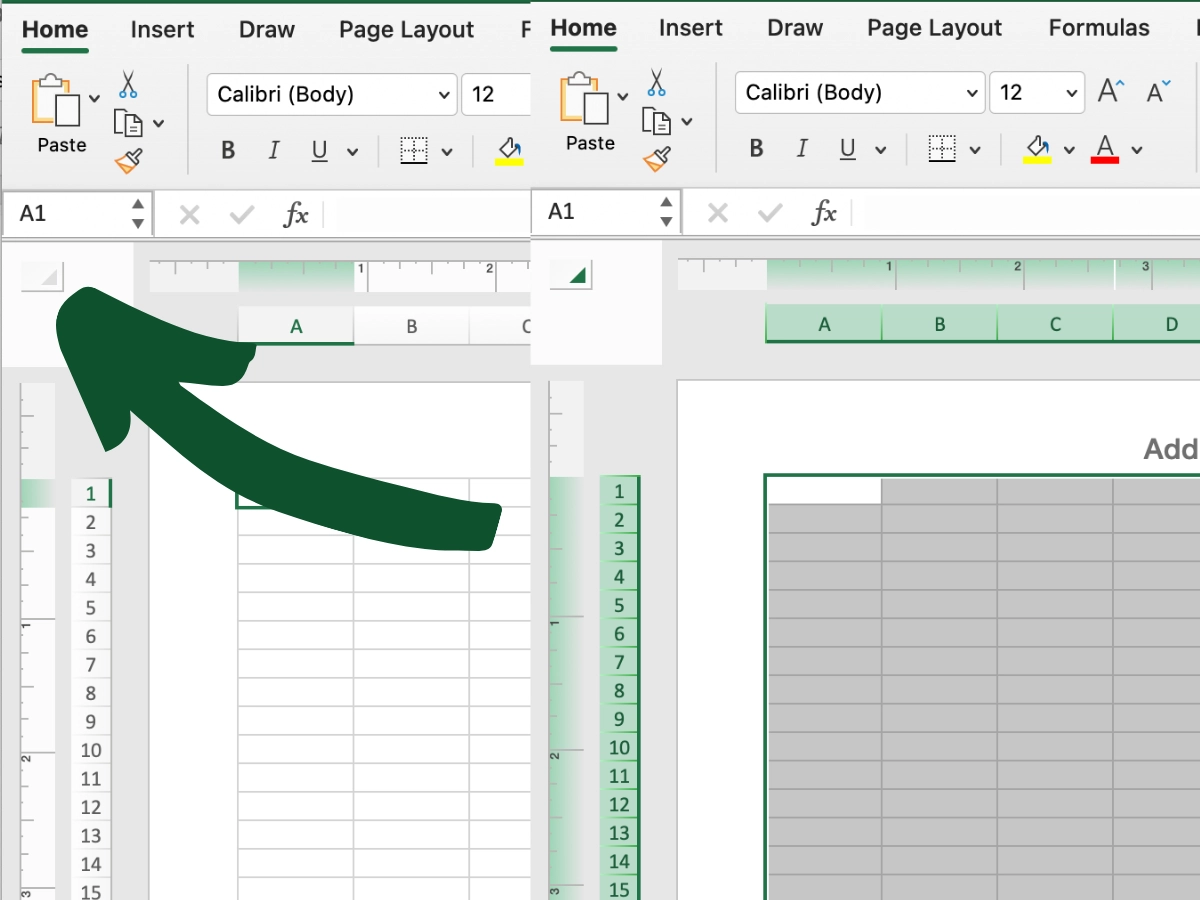
How To Make Graph Paper In Excel Knitting House Square
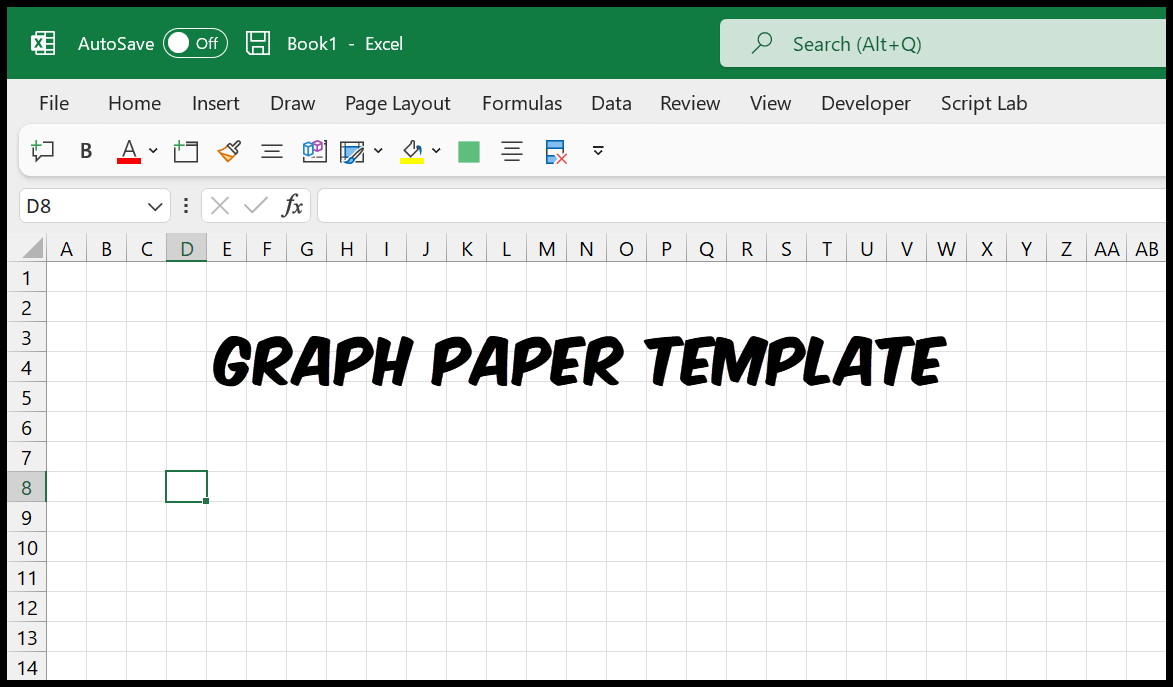
How To Print A Graph Paper In Excel Square Grid Template