Using digital tools for note-taking has become increasingly popular, especially among students and professionals. OneNote on the iPad offers a versatile platform for organizing thoughts and ideas seamlessly. With its user-friendly interface, it enhances productivity and creativity.
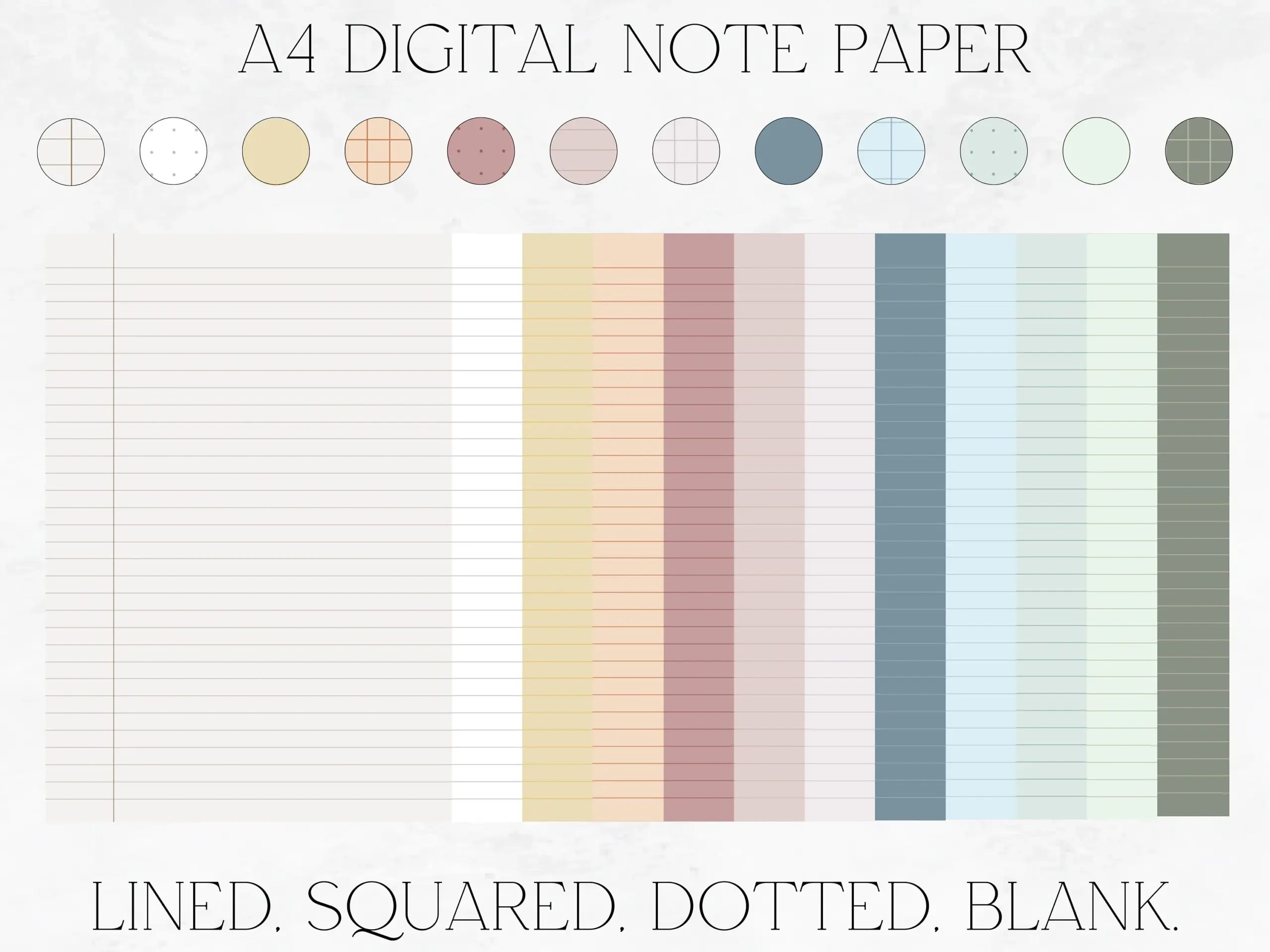
Onenote Ipad Lined Paper
Onenote Ipad Lined Paper
OneNote iPad lined paper is a fantastic feature that mimics traditional notebook pages. This option allows users to write neatly while maintaining a structured layout. It’s perfect for those who prefer a classic note-taking style.
With the lined paper feature, you can easily organize your notes by subject or project. This organization helps in quickly locating important information when needed. Plus, the digital format allows for easy editing and rearranging of content.
Another advantage of using OneNote on the iPad is the synchronization across devices. Whether you’re on your phone, tablet, or computer, your notes are always accessible. This ensures you never miss an important detail, no matter where you are.
In conclusion, OneNote iPad lined paper combines the best of both worlds: traditional note-taking with modern technology. Embrace this tool to enhance your productivity and keep your notes organized effortlessly.
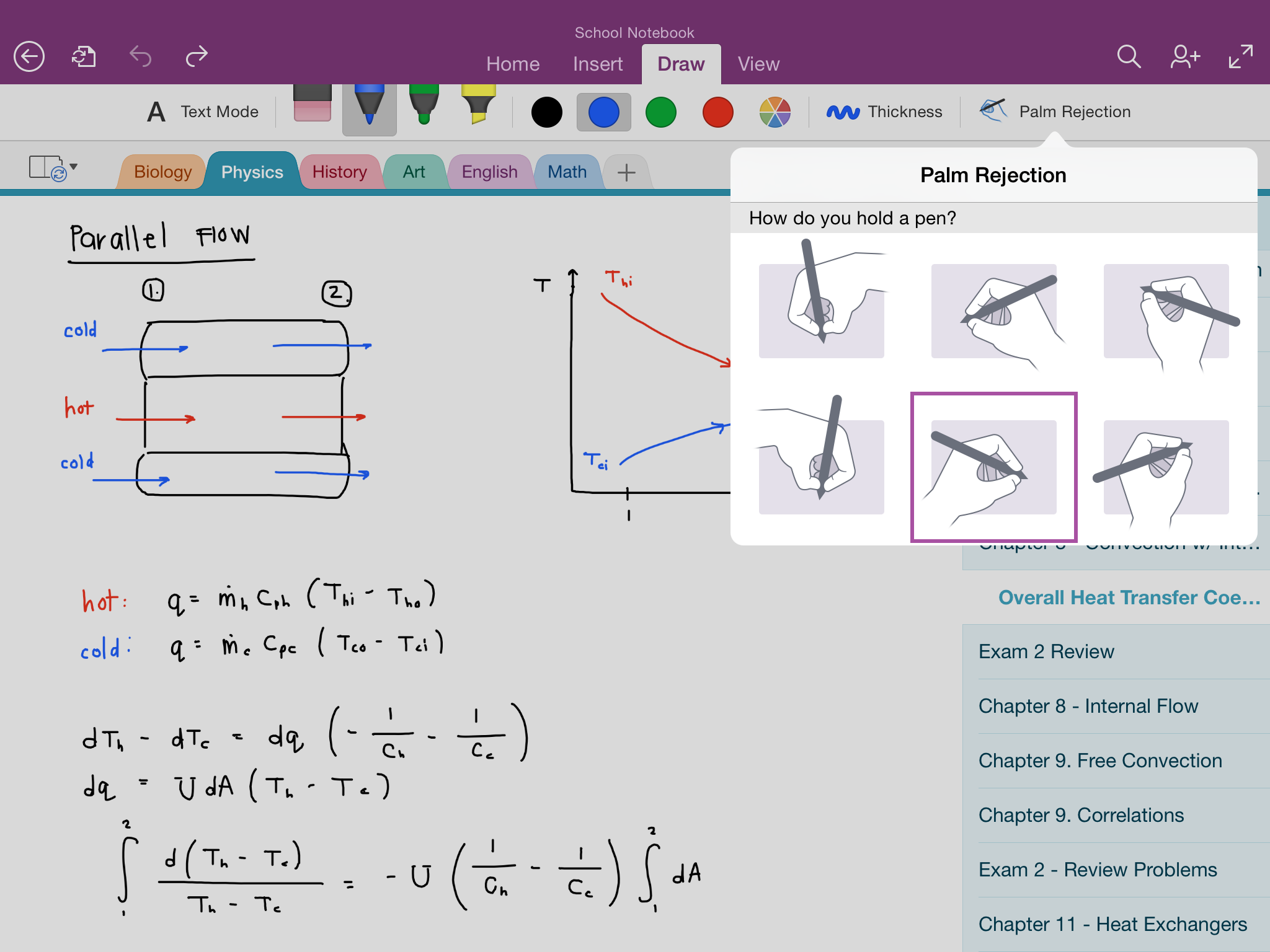
OneNote For IPad Gains Handwriting Stylus Support With Palm
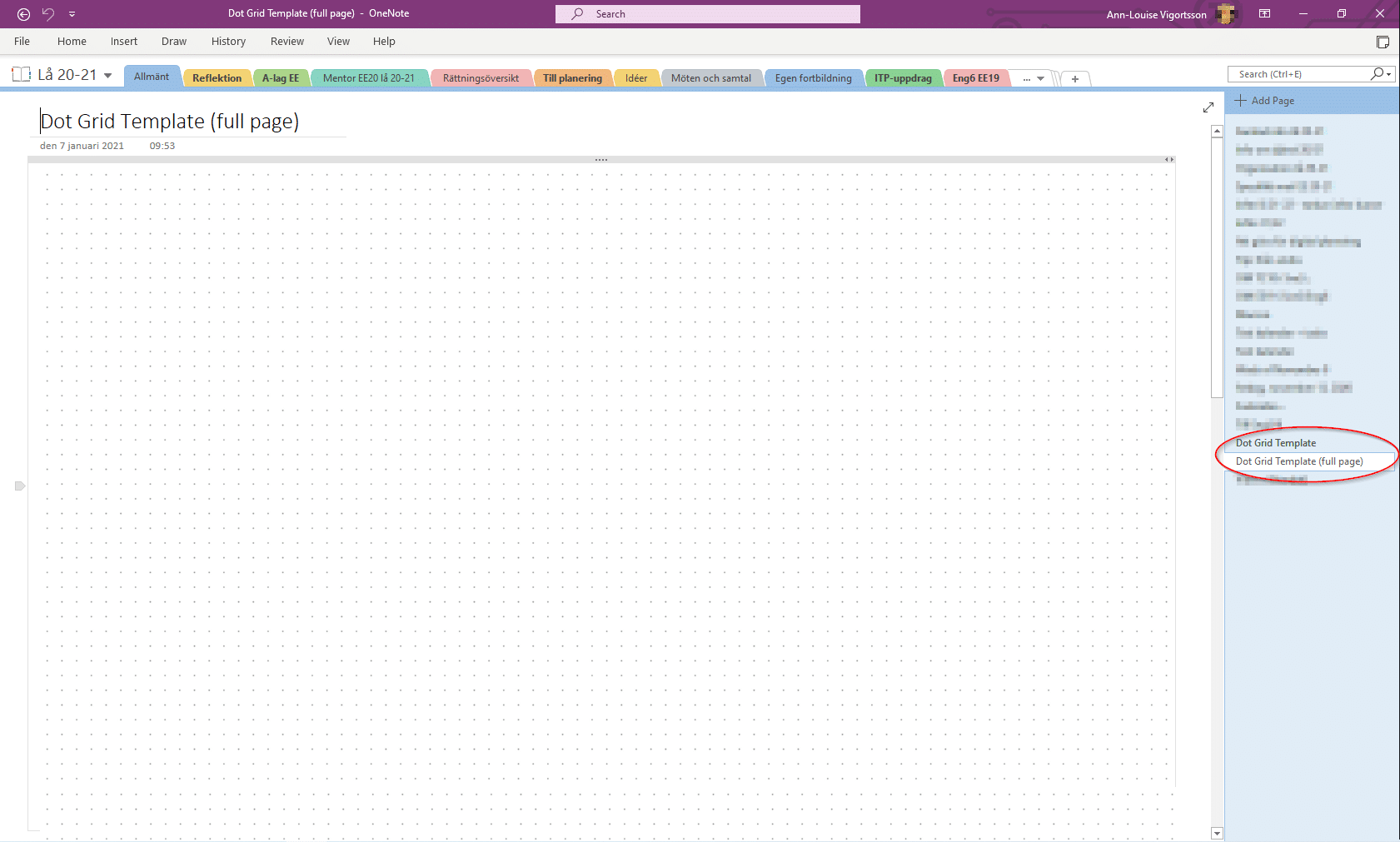
How To Use Page Templates In OneNote Little Miss Teach IT
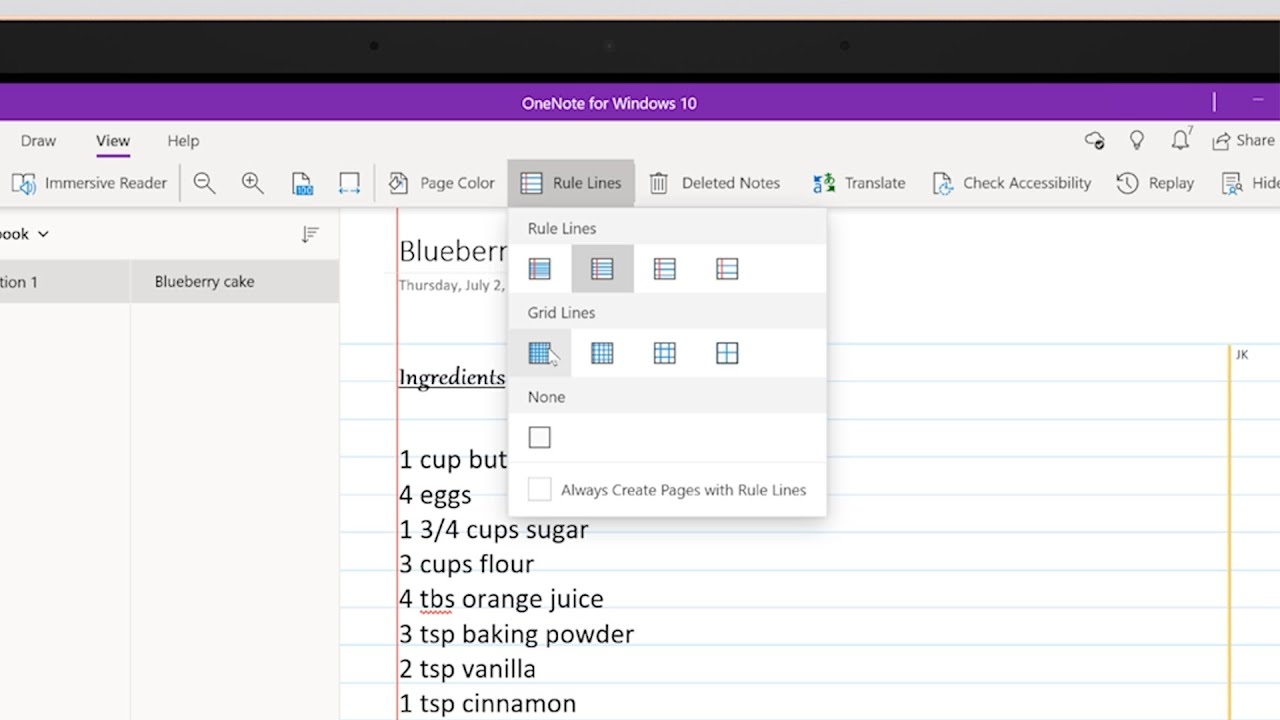
How To Add Rule Lines In OneNote For Windows 10
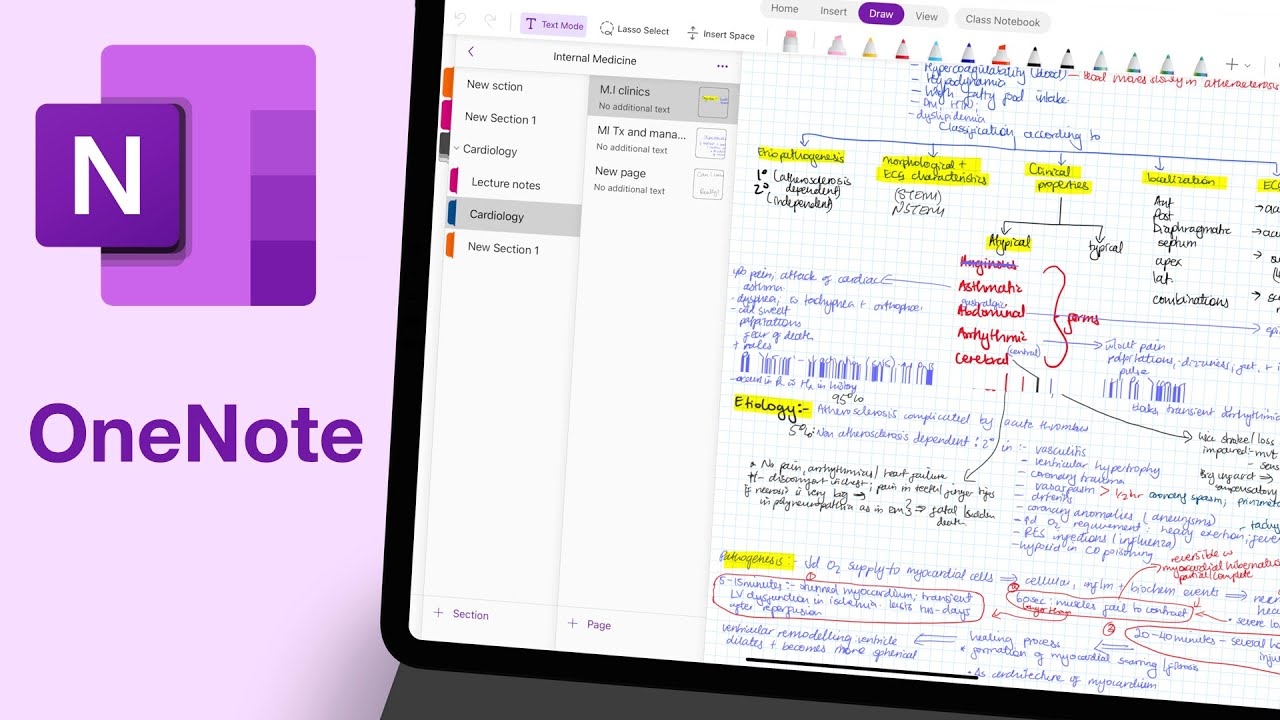
OneNote For The IPad 2024 Complete Review Paperless X
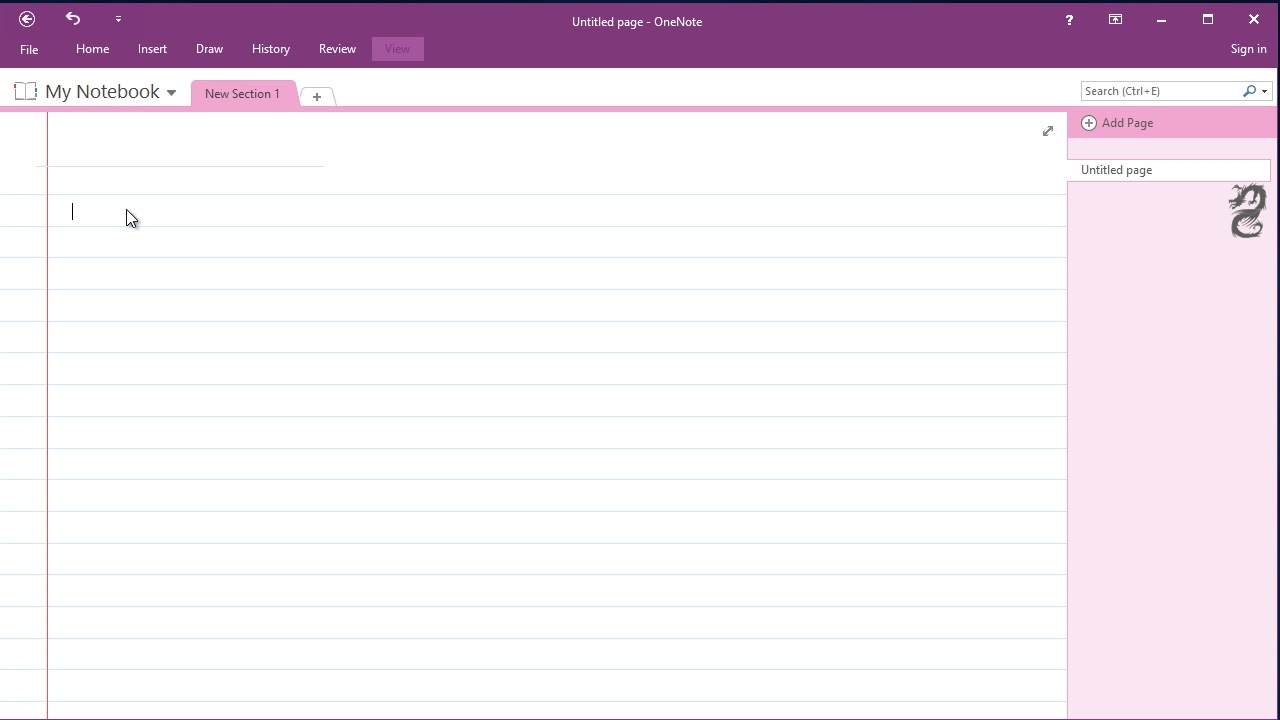
How To Create Lined Paper In OneNote How To Insert And Add Rule Lines In Pages For OneNote