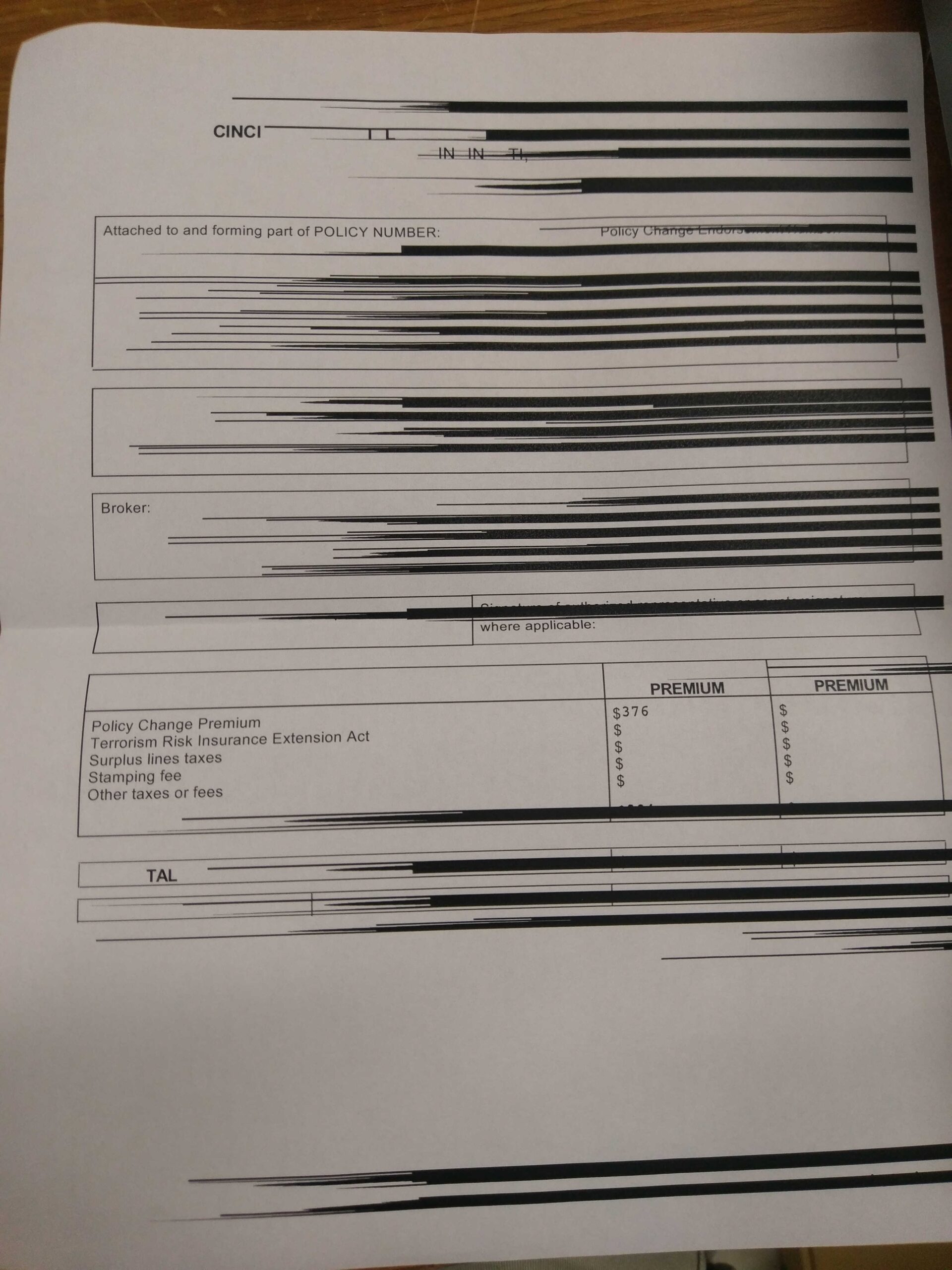
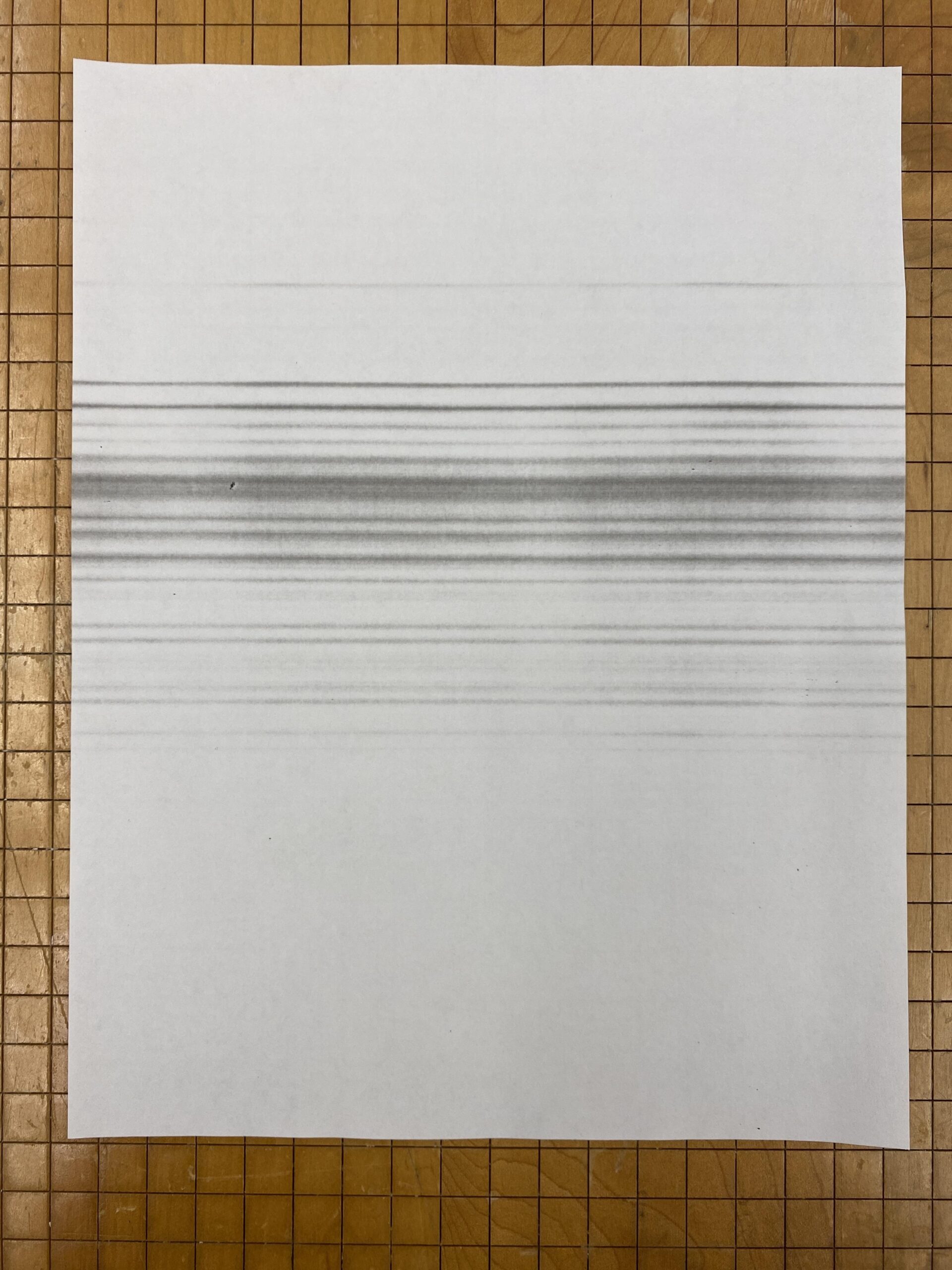
Seeing a black line on paper when printing can be frustrating, especially when you’re trying to produce clean and professional documents. This issue often arises from various sources, and understanding them can help you resolve it quickly.
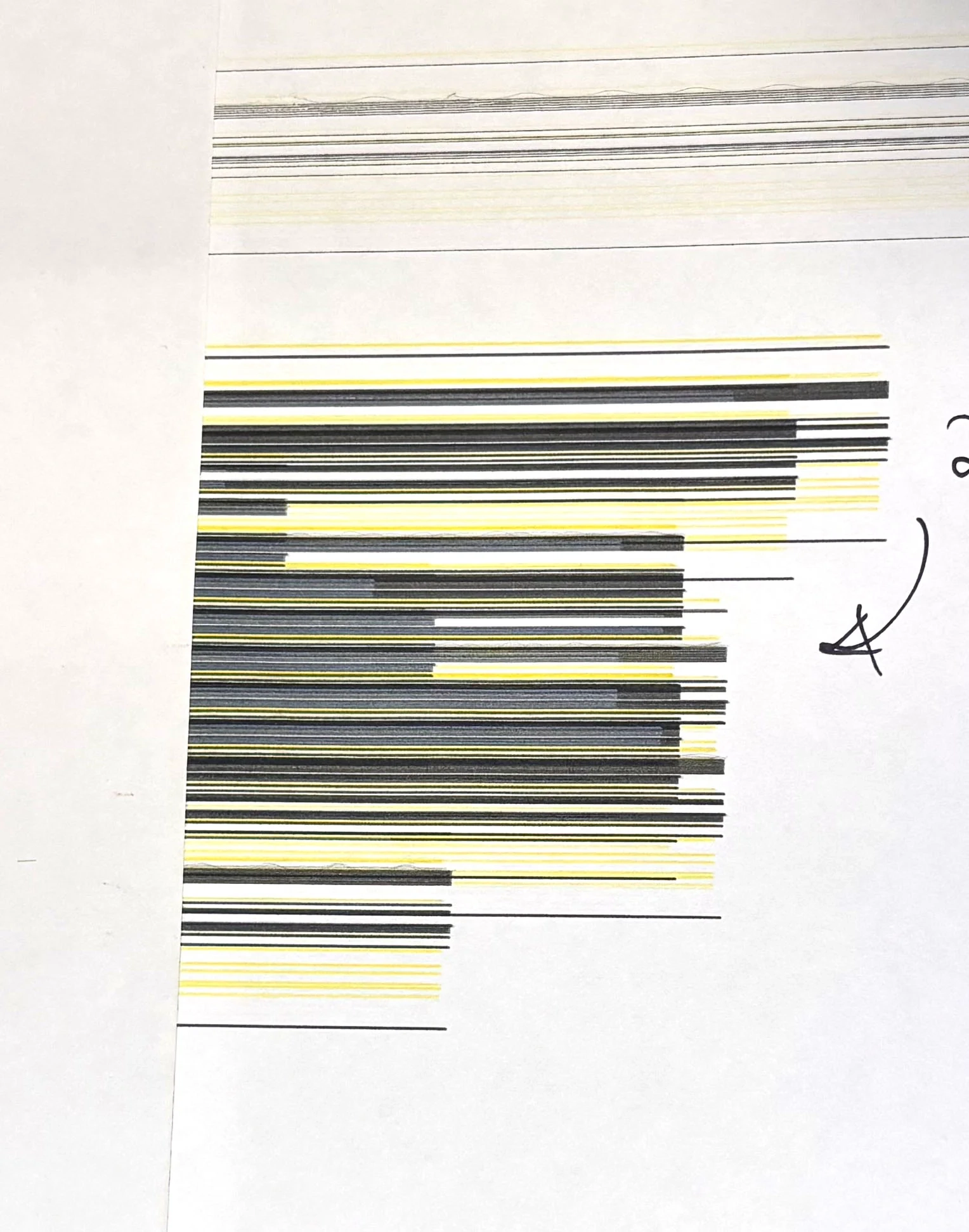
Black Line On Paper When Printing
Black Line On Paper When Printing
The black line on paper when printing is commonly caused by dirty printer components. Dust or debris on the print head or rollers can lead to streaks or lines appearing on your documents.
Another potential cause is low-quality ink or toner. Using subpar supplies can result in inconsistent printing, including unwanted lines. Always opt for high-quality cartridges to ensure the best results.
Additionally, check your printer settings. Sometimes, incorrect settings can lead to unexpected print outcomes. Ensure that you are using the right paper type and print quality settings for your job.
If the issue persists, consider performing routine maintenance on your printer. Cleaning the print head and rollers can often resolve the black line problem effectively.
Addressing a black line on paper when printing is crucial for maintaining quality. By identifying the cause and taking appropriate action, you can enjoy clear and professional prints once again.
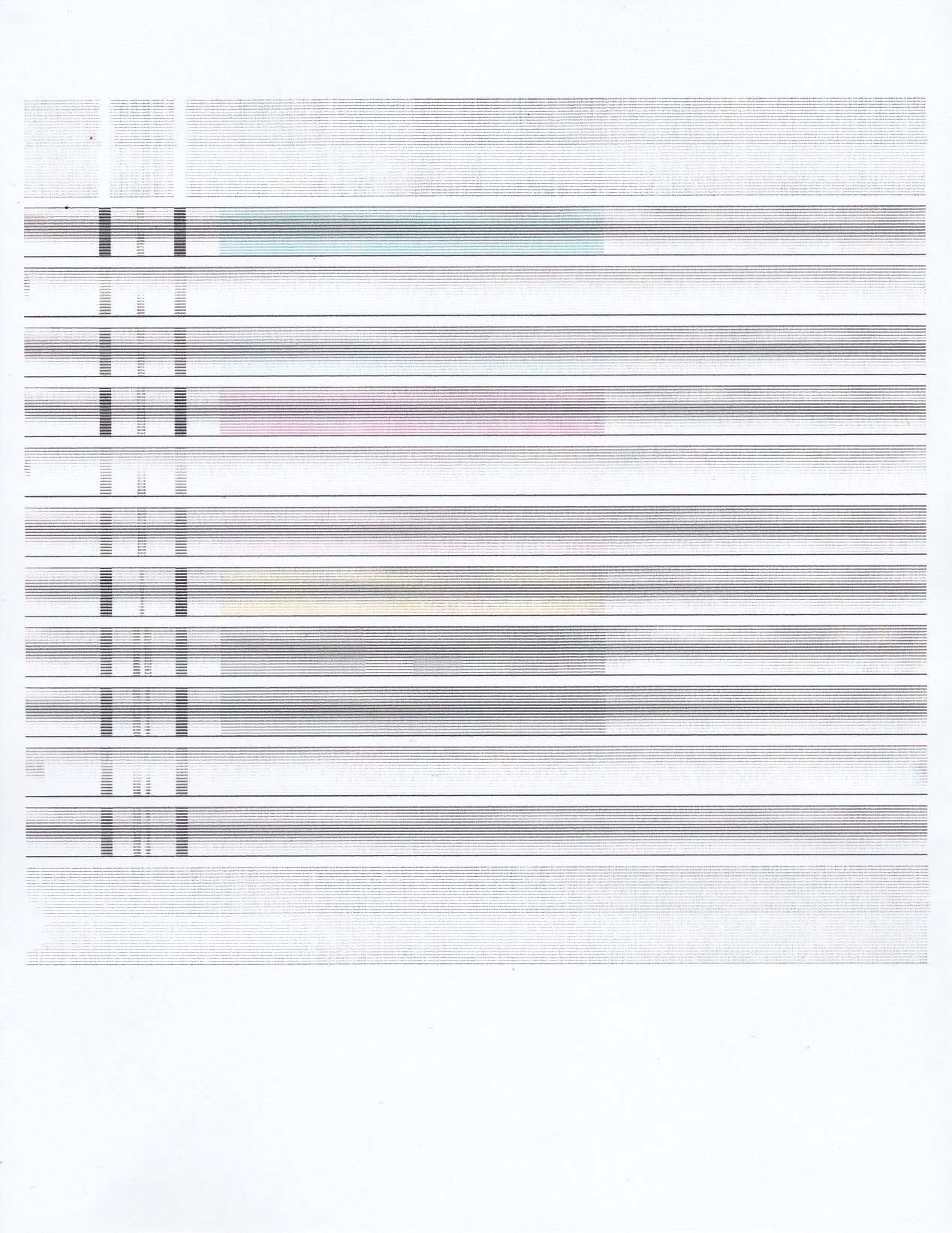
Black Horizontal Lines MG7720 Canon Community
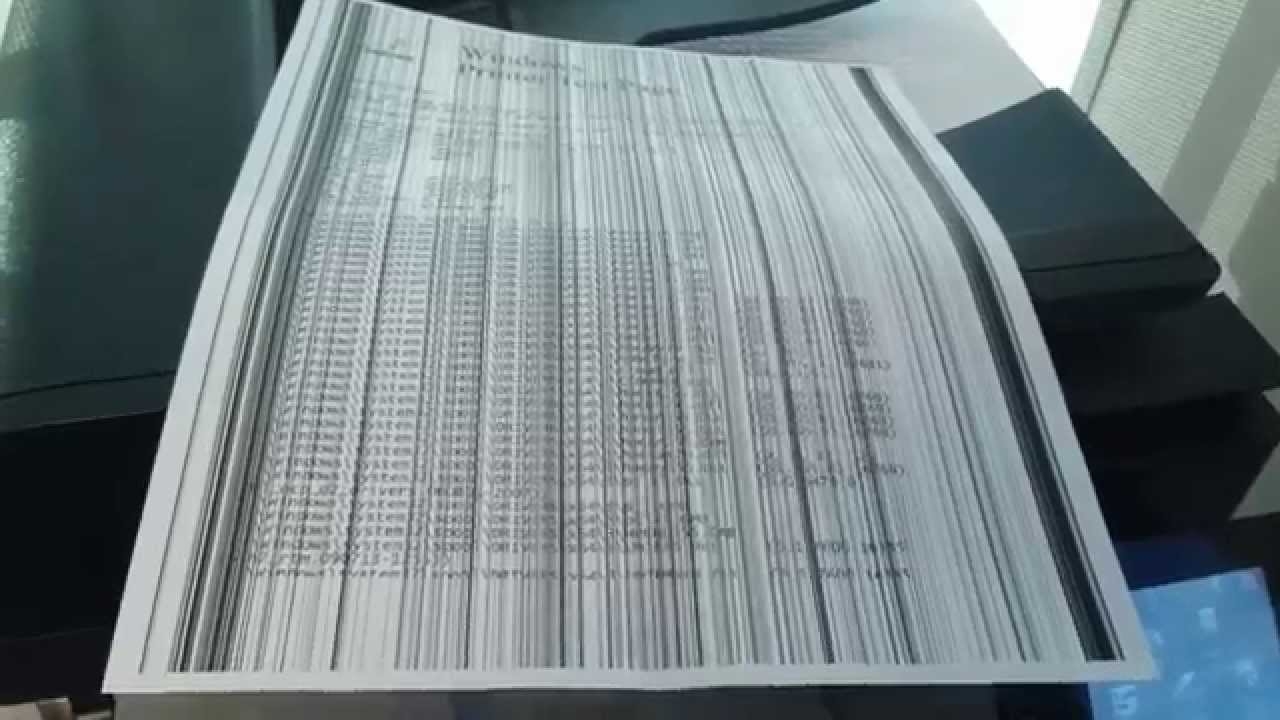
HP Laserjet Pro MFP M476dn Lines When Copying And Scanning
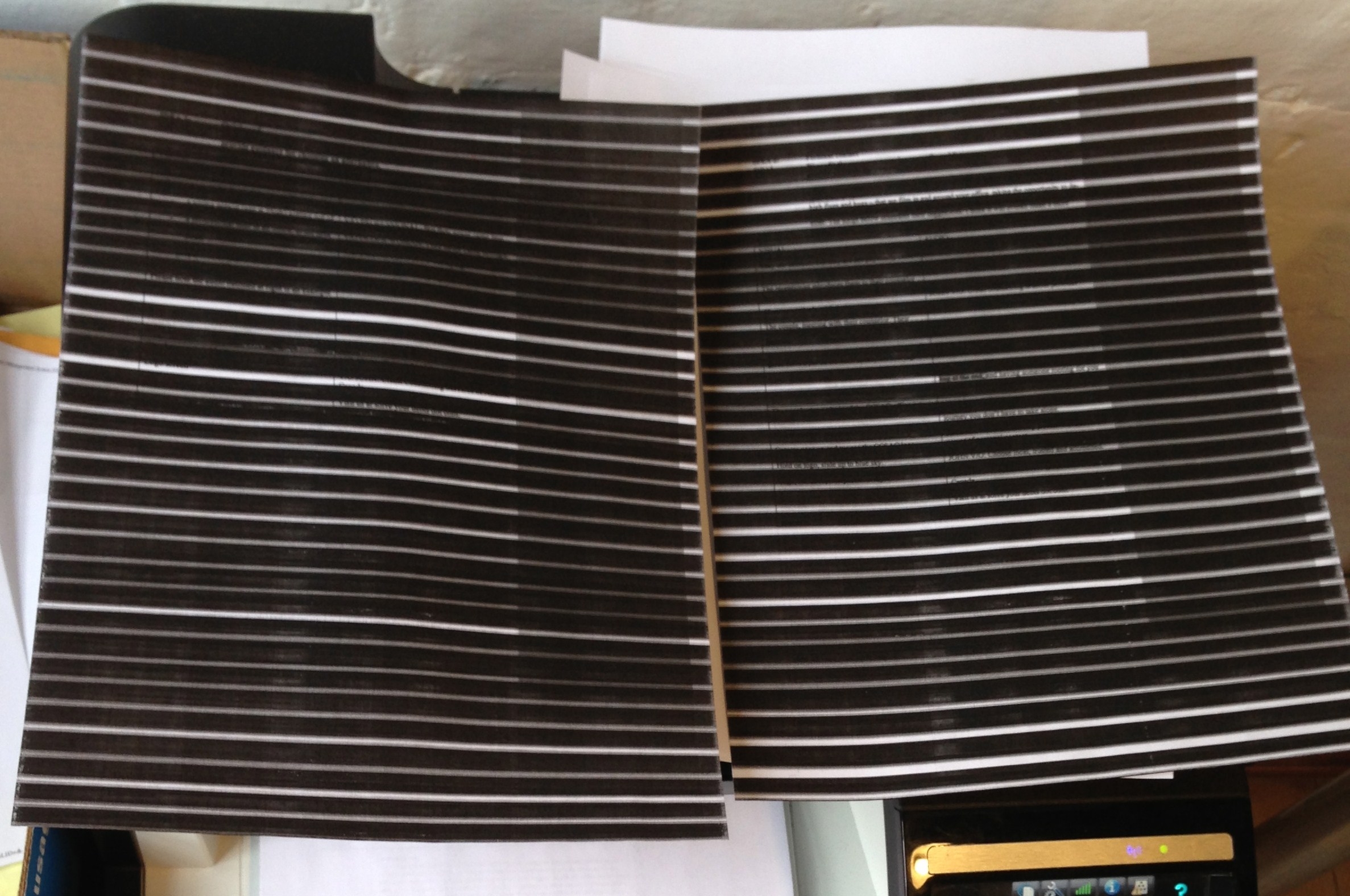
Laserjet Pro CM1415 Prints A Page Full Of Horizontal Black L
Laserjet P1006 Prints Large Black Horizontal Lines HP Support
Why Are These Black Streaks Appearing On Copies And Prints I ve