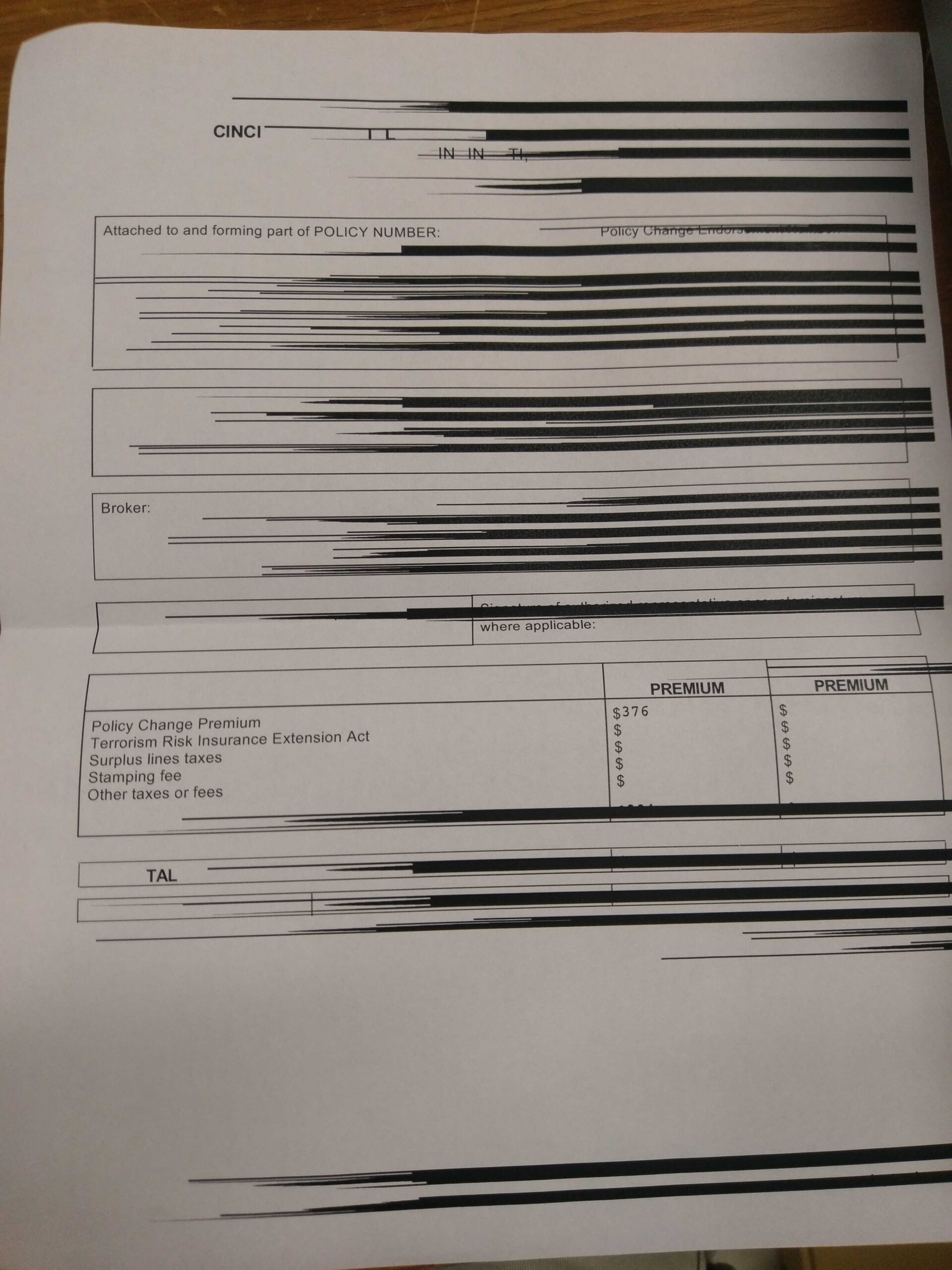
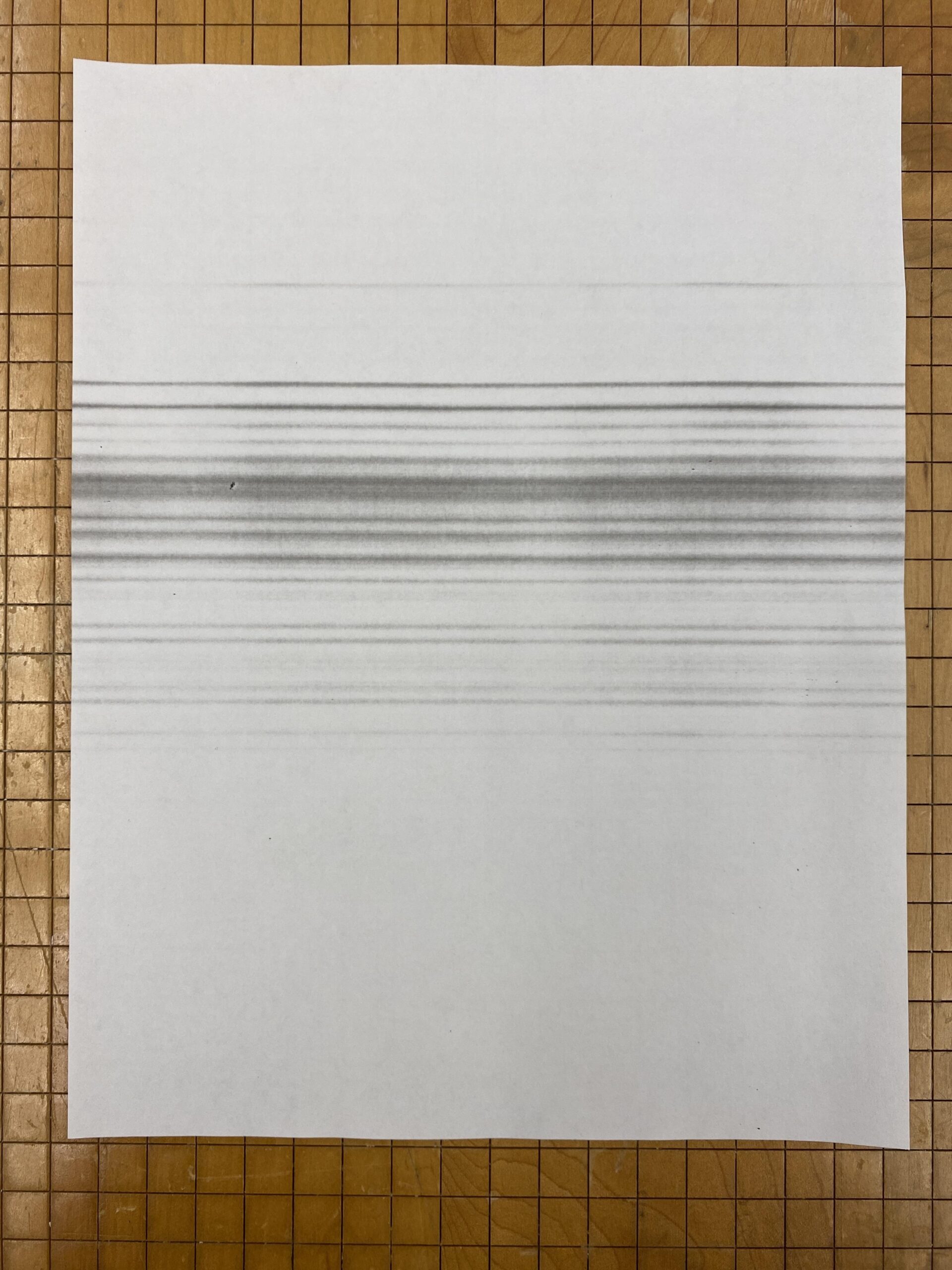
Seeing black lines on your printed documents can be frustrating. It often indicates an issue with your printer that needs attention. Understanding the causes can help you resolve the problem quickly and efficiently.
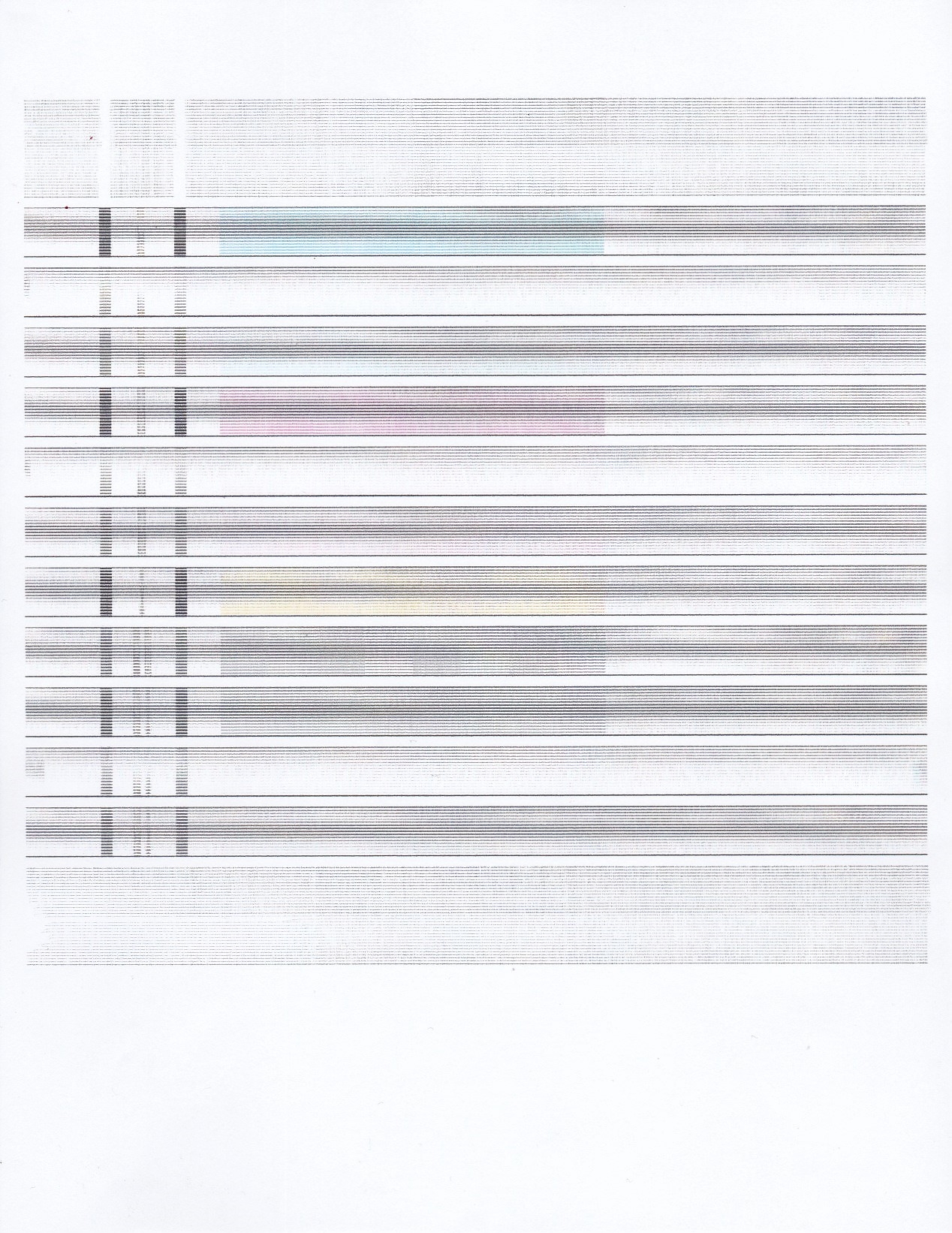
Printer Black Lines On Paper
Printer Black Lines On Paper
One of the primary causes of black lines is a dirty print head. Dust and ink residue can accumulate, leading to uneven printing. Regular cleaning of the print head can significantly improve print quality.
Another reason could be low-quality or incompatible ink cartridges. Using subpar cartridges may result in poor ink distribution, causing those pesky lines. Always opt for high-quality cartridges that are compatible with your printer model.
Additionally, worn-out drum units can contribute to this issue. If your printer uses a drum, check its condition regularly. Replacing a worn drum can restore your printer’s performance and eliminate unwanted lines.
Lastly, ensure that your paper is suitable for your printer. Using the wrong type of paper can lead to smudging and lines. Always refer to your printer’s manual for recommended paper types.
Addressing printer black lines on paper is essential for maintaining print quality. By following these tips, you can enjoy clearer prints and avoid unnecessary frustration in the future.
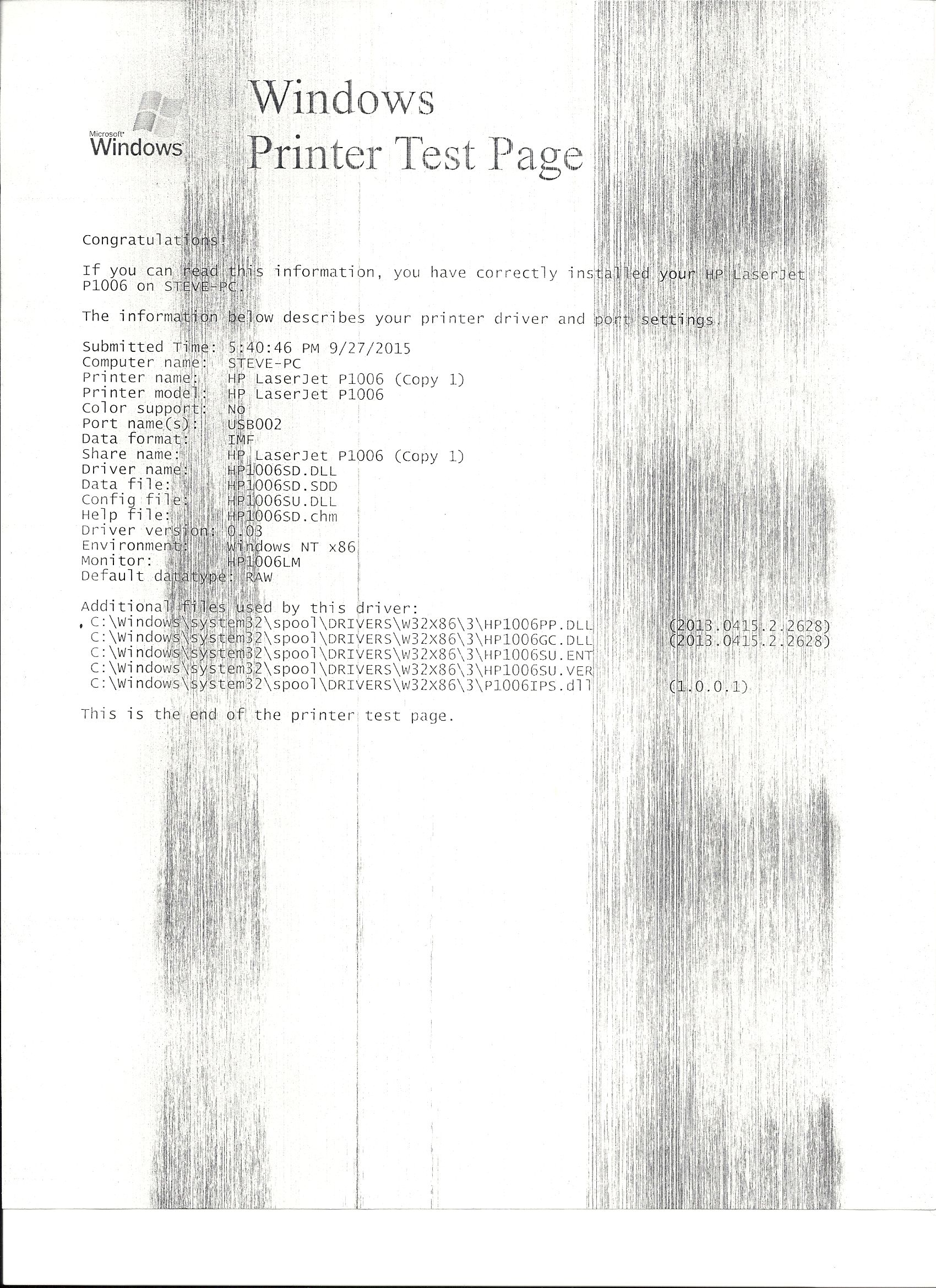
How To Clean HP Laser Printer Streaks
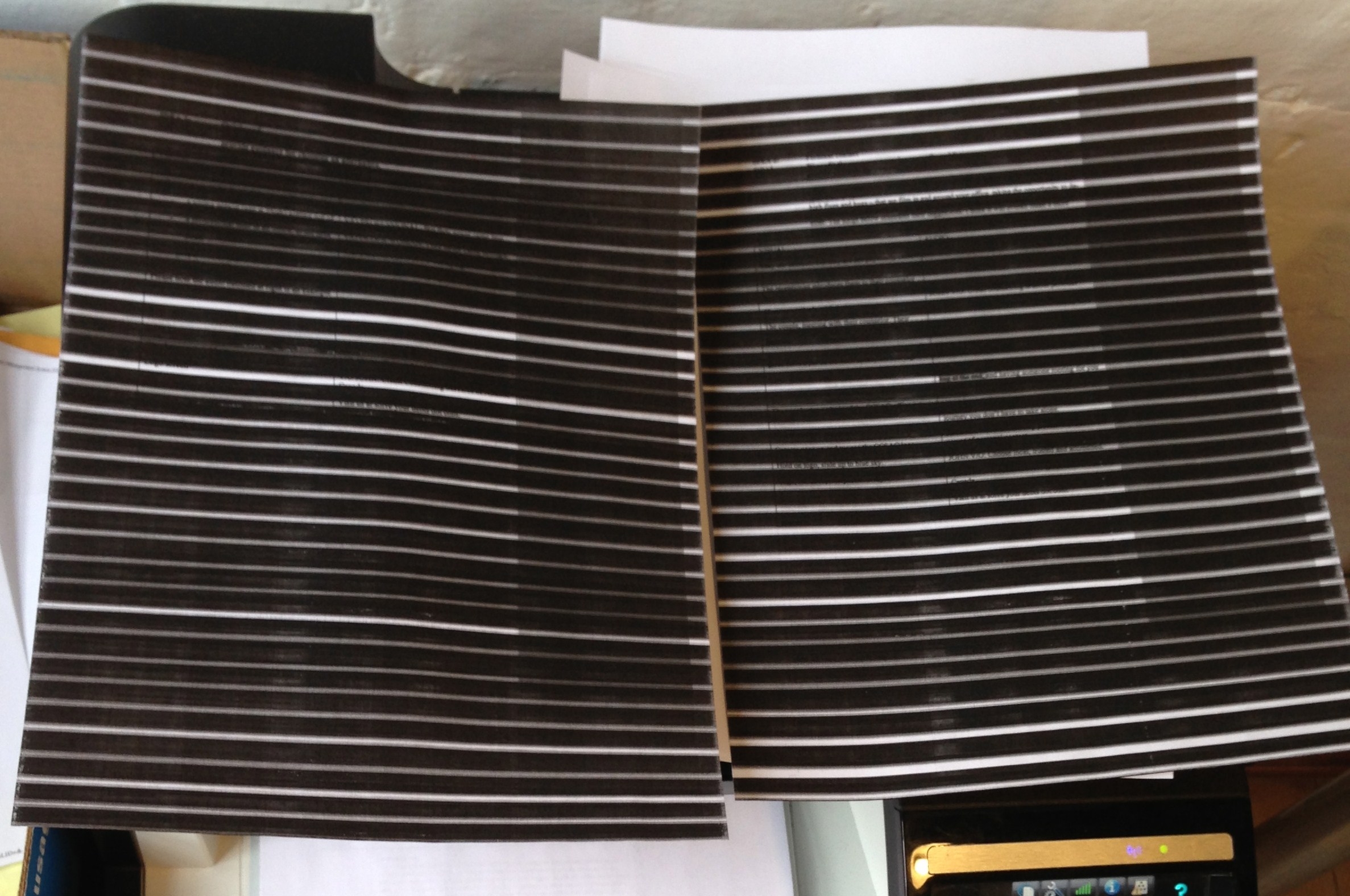
Laserjet Pro CM1415 Prints A Page Full Of Horizontal Black L
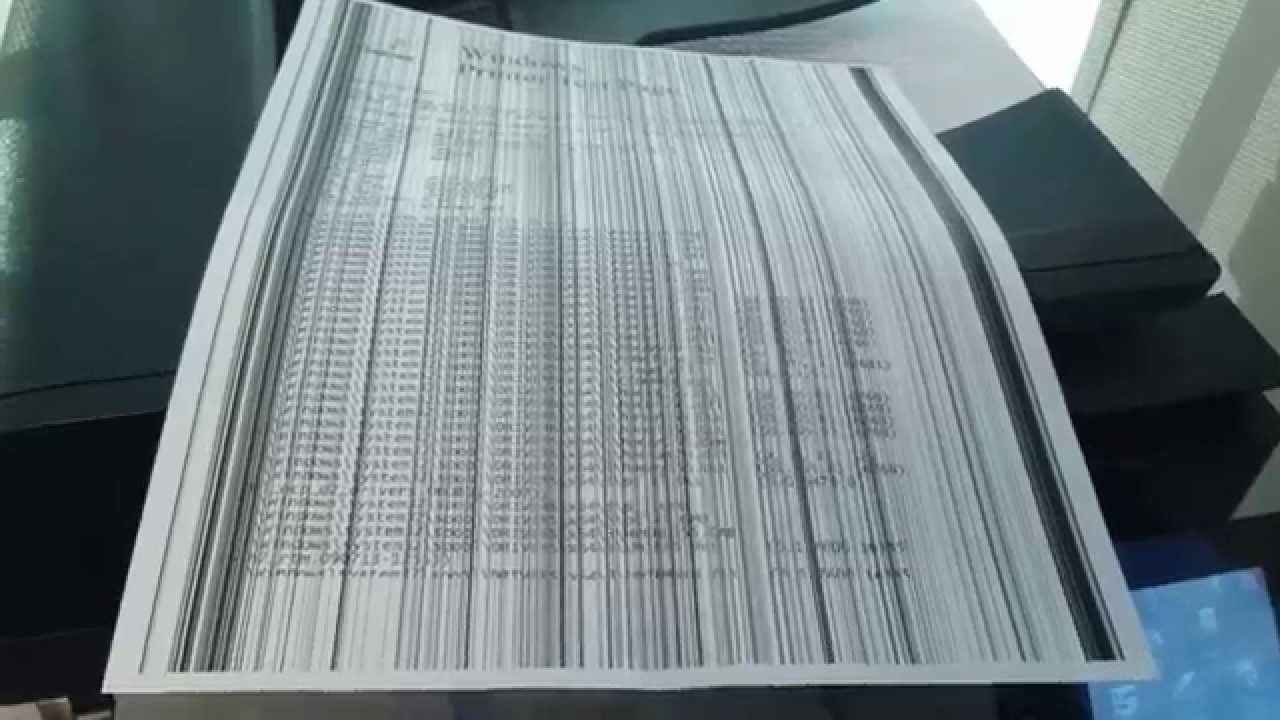
Lines On Printout Fix
Laserjet P1006 Prints Large Black Horizontal Lines HP Support
Why Are These Black Streaks Appearing On Copies And Prints I ve