Finding the right tools for your creative projects can be a game changer. One such tool that has gained popularity among artists and designers is tracing paper software, which simplifies the process of creating detailed designs.
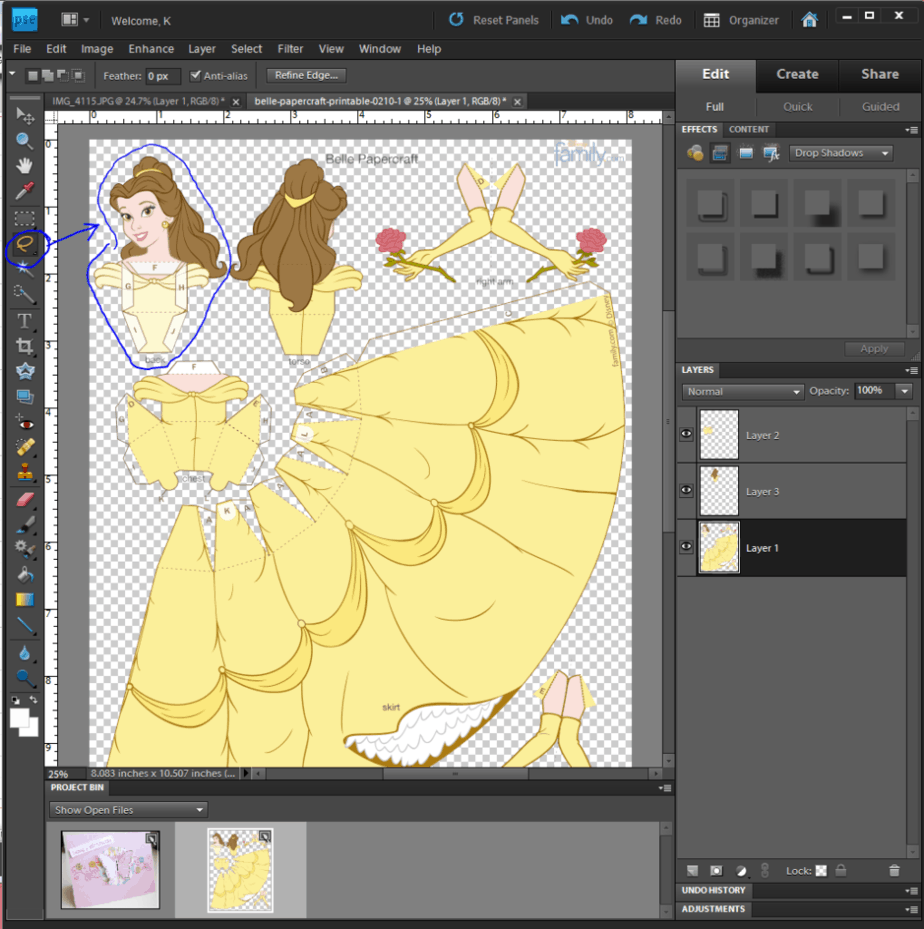
Tracing Paper Software
Tracing Paper Software
Tracing paper software offers various features that cater to different artistic needs. Users can adjust opacity, add layers, and even change colors, making it versatile for any project. This flexibility is essential for achieving the desired results.
Many programs also include tools for sketching and drawing directly on the screen. This means you can create original artwork while using existing images as a guide, blending creativity with practicality seamlessly.
Additionally, tracing paper software often supports multiple file formats. This compatibility ensures that you can import and export your work easily, allowing for smooth collaboration with others or sharing on social media platforms.
Incorporating tracing paper software into your creative routine can save time and improve your artistic skills. By utilizing these tools, you can focus more on your creativity and less on the technical aspects of design.
Embracing tracing paper software can elevate your artistic journey. With its user-friendly features and flexibility, it’s an invaluable asset for anyone looking to enhance their design process.

Revolutionising Design Techniques From Tracing Paper To
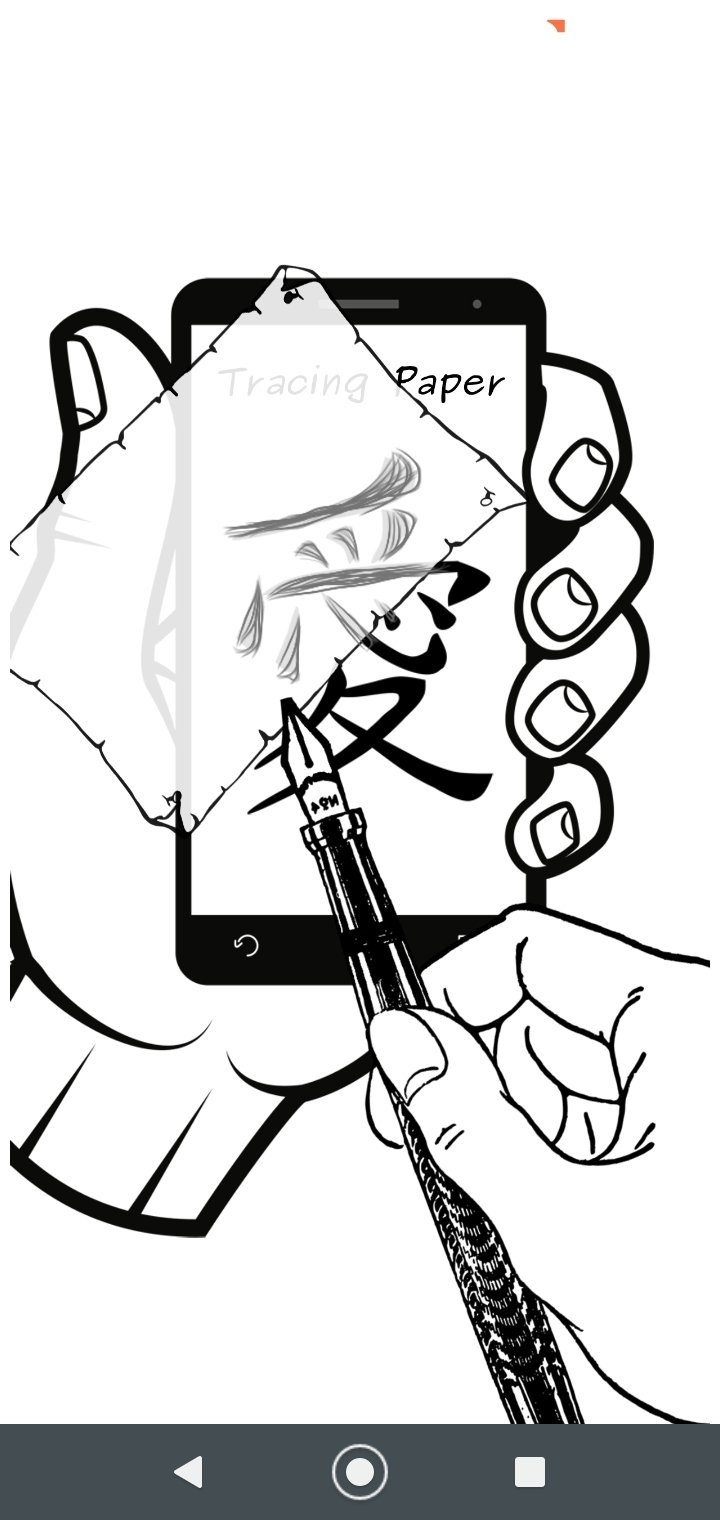
Printable Tracing Paper A4 130g Tracing Paper A4 130g 50 Sheets
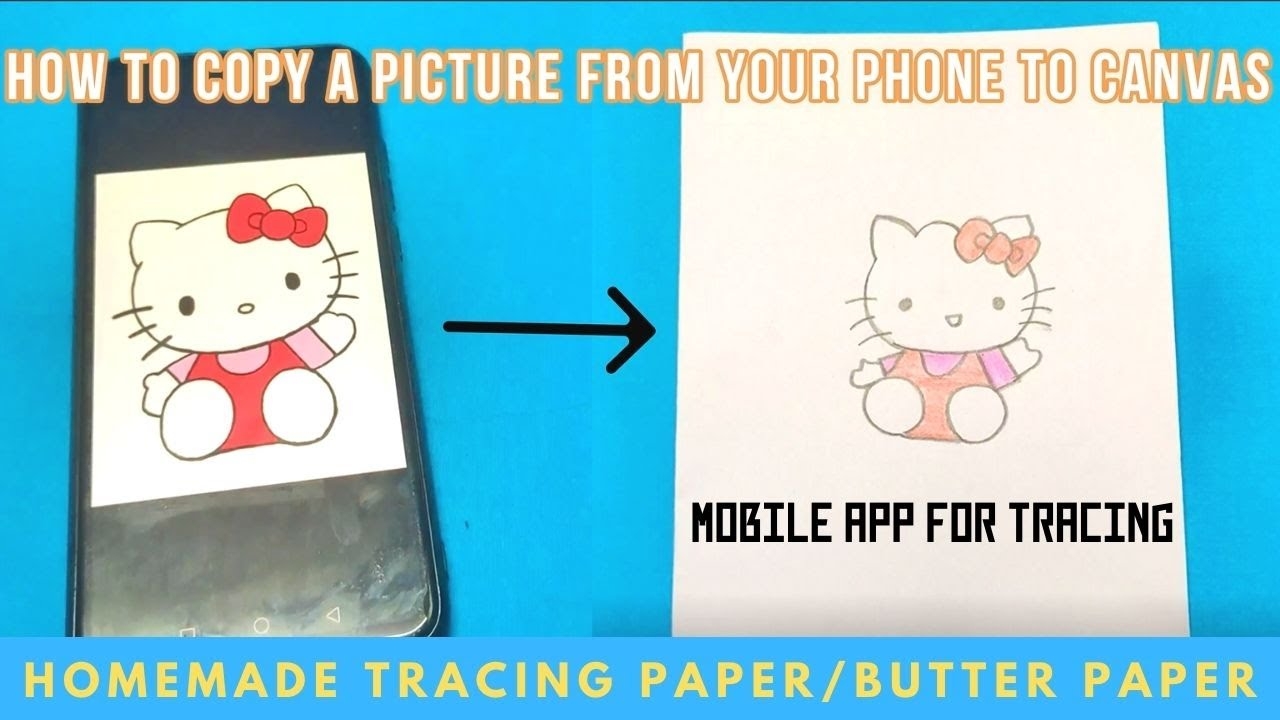
How To Trace Pictures From Mobile Without Wiggling Homemade Tracing Paper Tracer Lightbox App
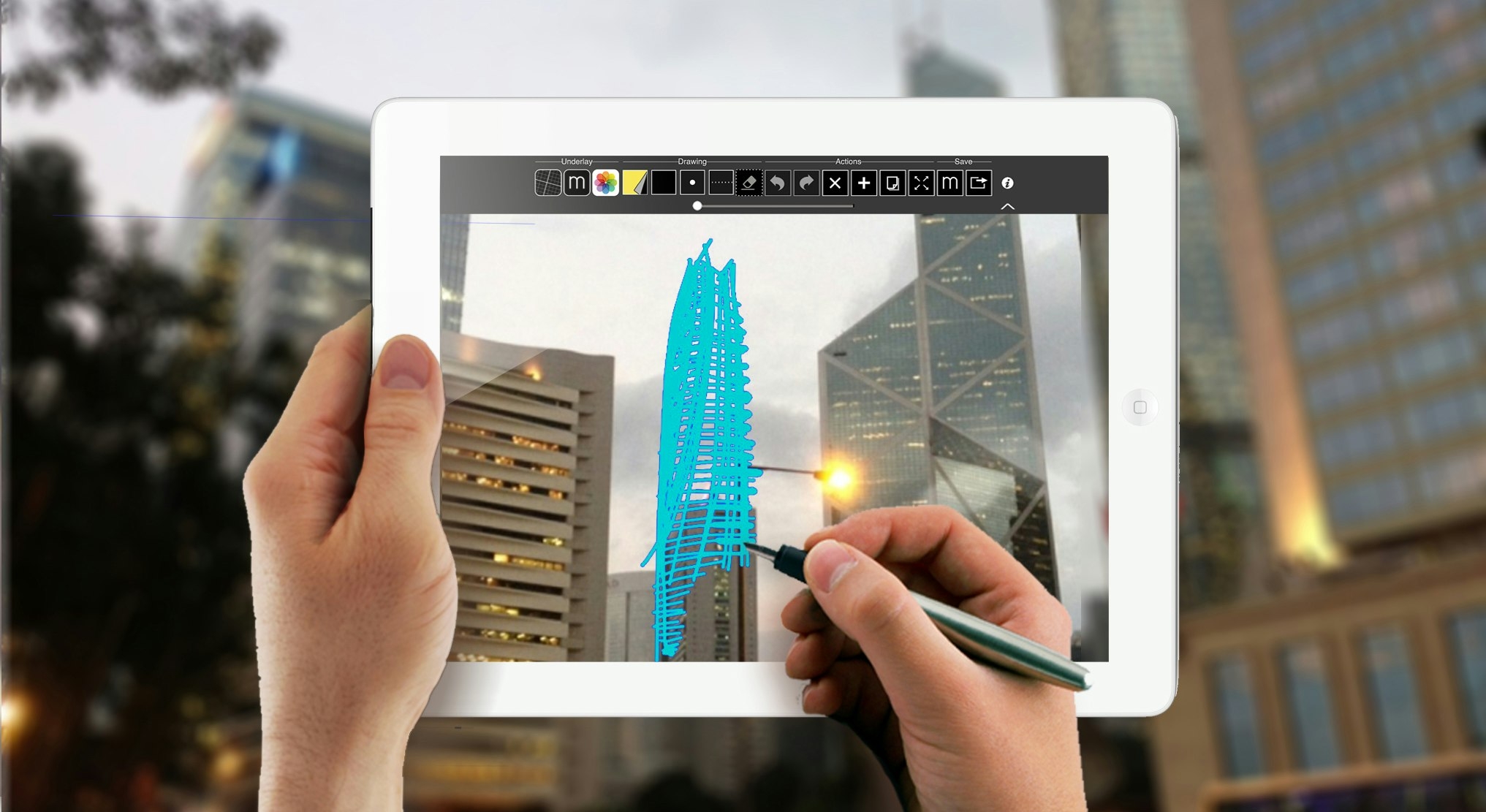
Apps For Architects Turn Your IPad Into A Digital Drafting Board
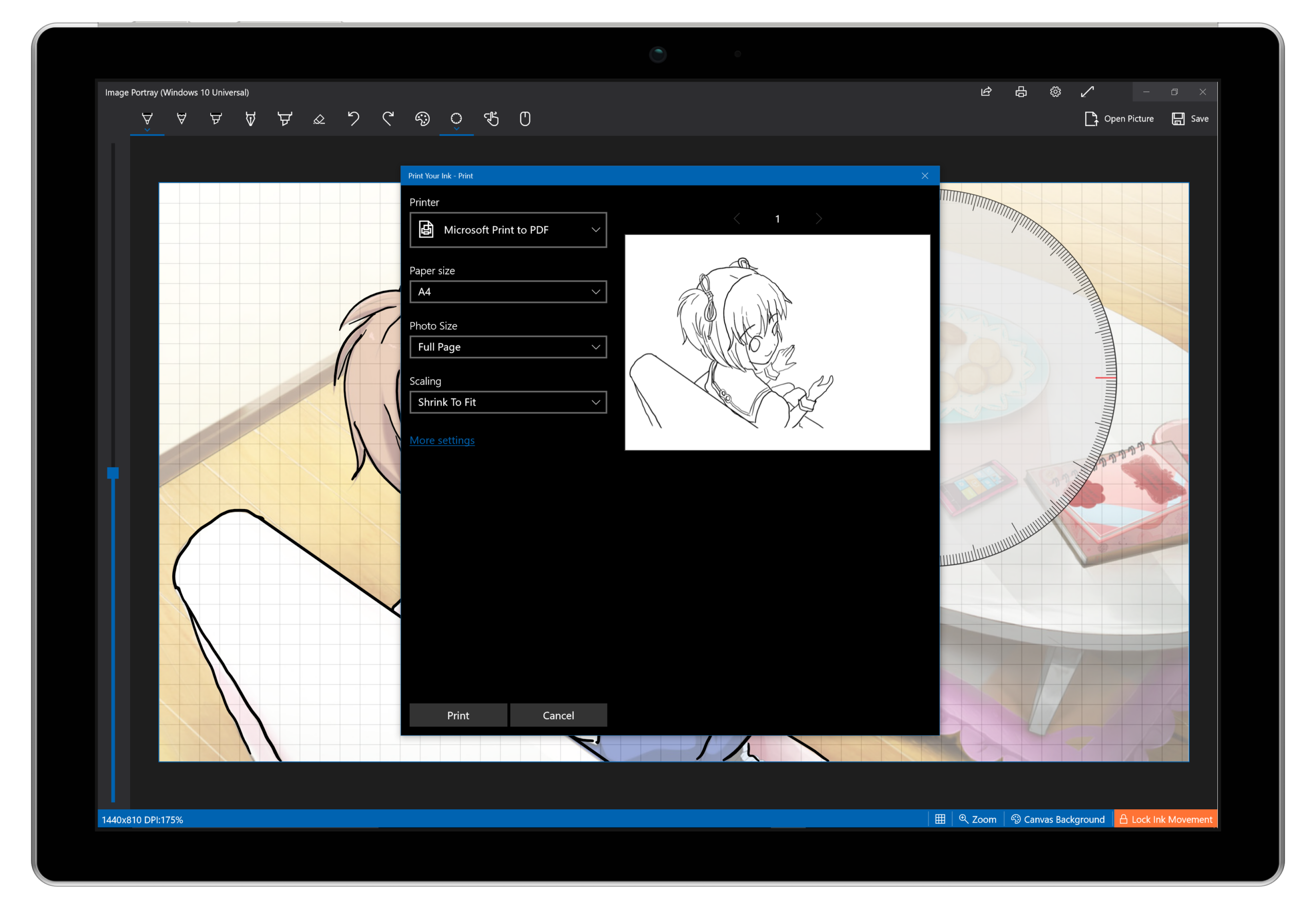
Tracing Free Download And Install On Windows Microsoft Store