Toner lines on paper can be a frustrating issue for anyone using a printer. These unsightly marks often appear unexpectedly, disrupting your documents and causing unnecessary stress. Understanding the causes can help you tackle this problem effectively.
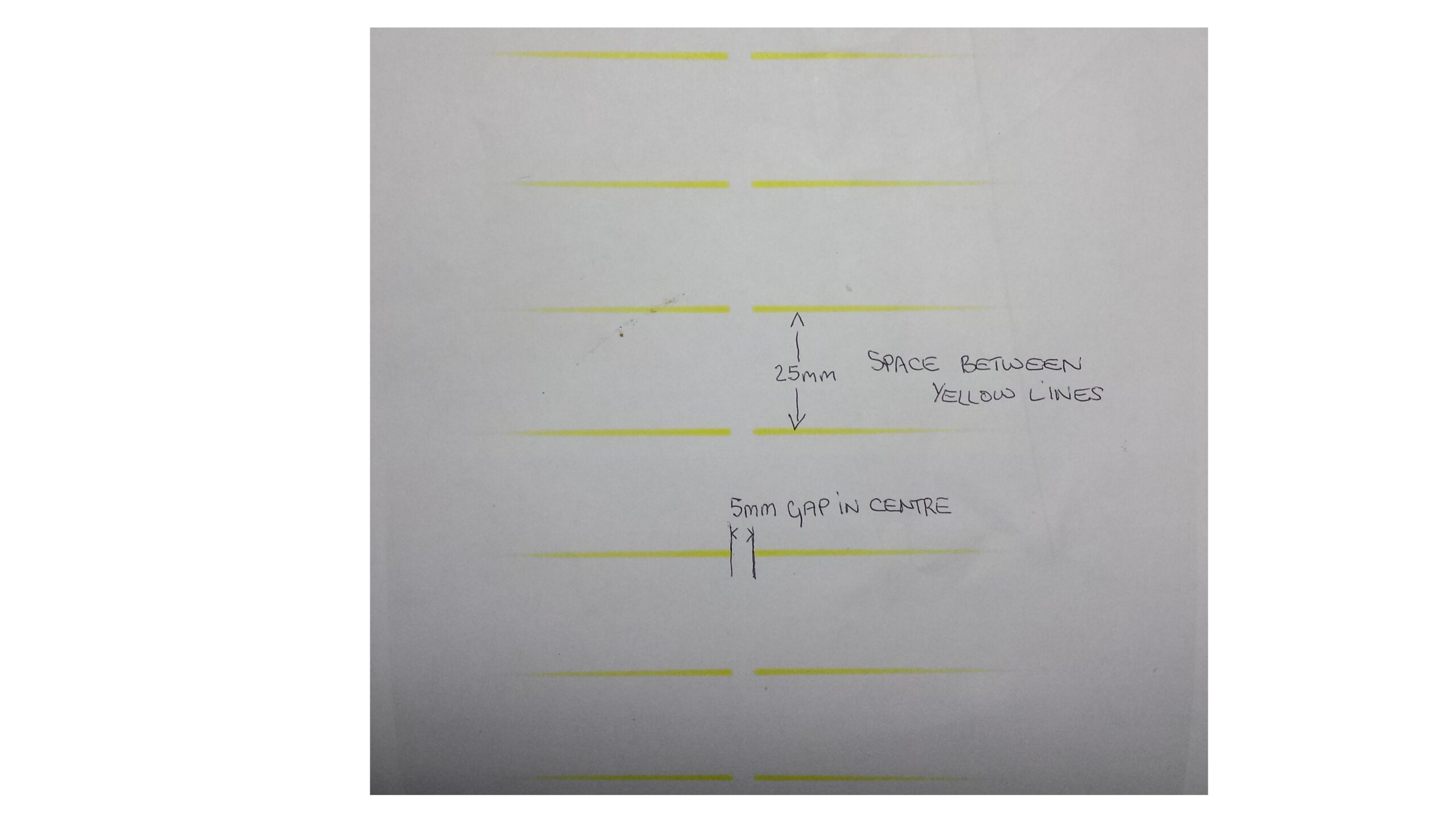
Toner Lines On Paper
Toner Lines On Paper
One common cause of toner lines on paper is a dirty drum unit. Dust and debris can accumulate over time, leading to uneven toner distribution. Regular cleaning of the drum can significantly improve print quality and reduce these lines.
Another factor to consider is the type of toner used. Low-quality or incompatible toner cartridges may not adhere properly to the paper, resulting in streaks or lines. Always opt for high-quality toner that matches your printer’s specifications.
Additionally, using the wrong type of paper can lead to toner issues. Some papers are not designed for laser printers, causing toner to smudge or not adhere correctly. Ensure you use recommended paper types for optimal results.
In conclusion, addressing toner lines on paper involves understanding their causes and taking proactive measures. Regular maintenance, quality supplies, and proper paper choices can help keep your prints looking sharp and professional.
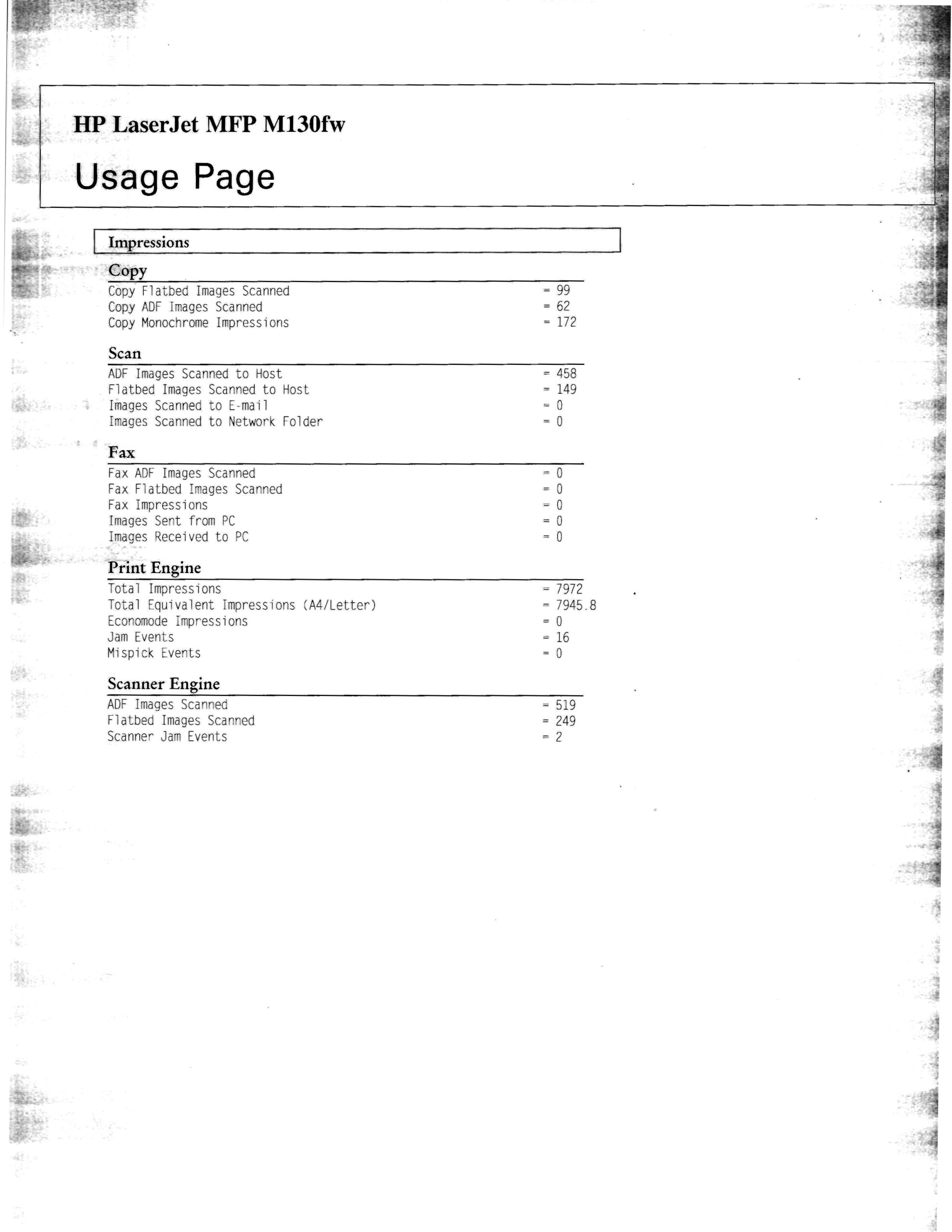
Solved Streaks On Edge Of Paper HP Support Community 8707611
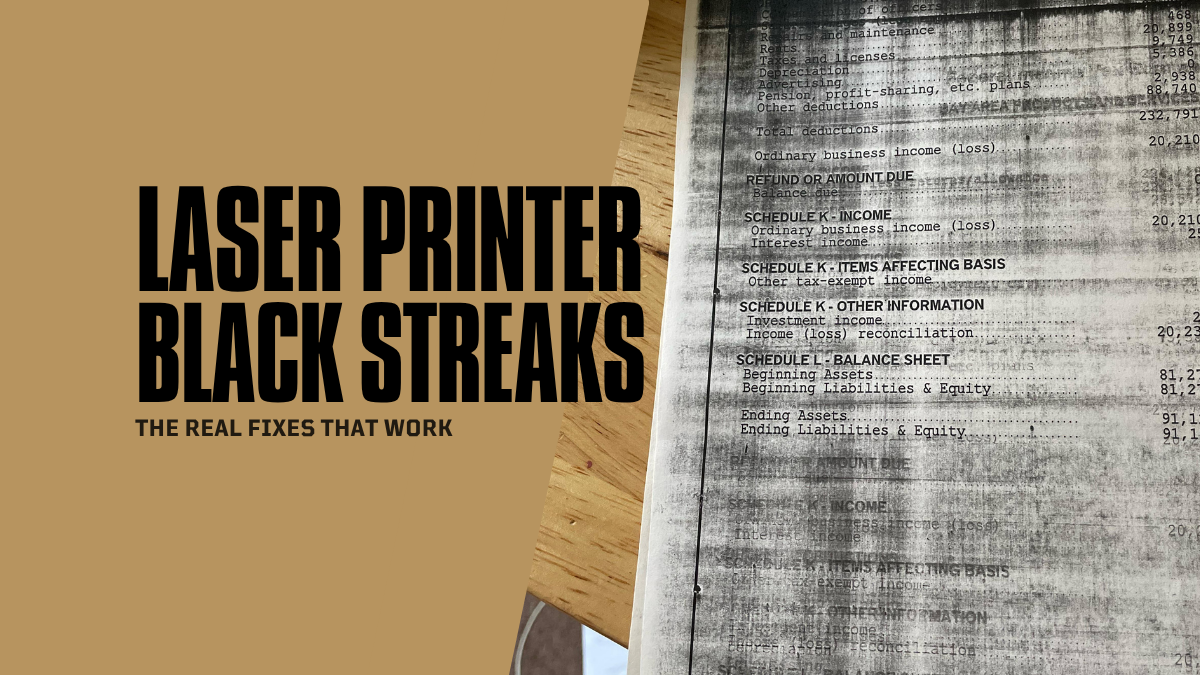
Laser Printer Black Streaks Explained The Real Fixes That Work
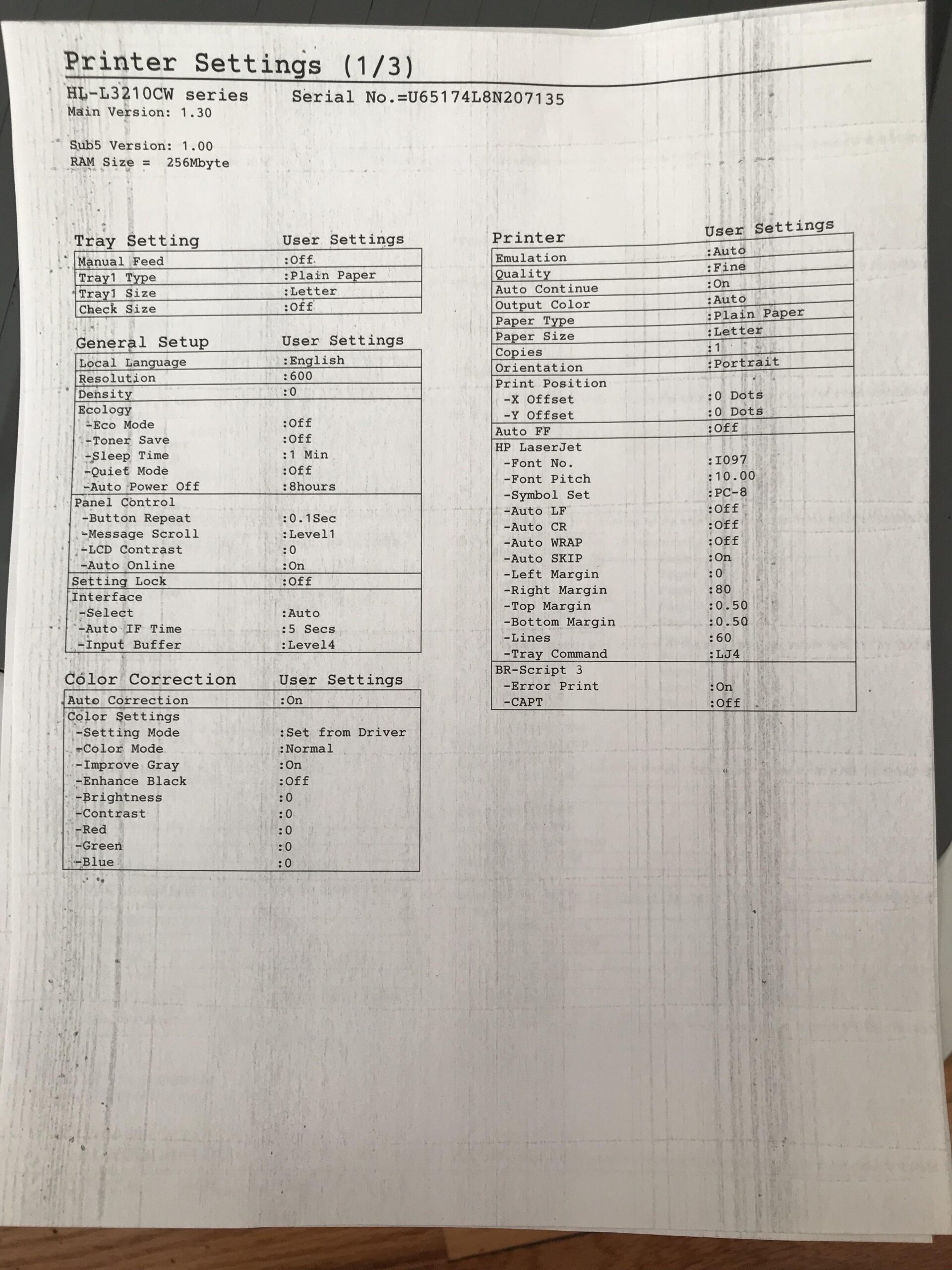
Brother Printer Streaks HELP R printers
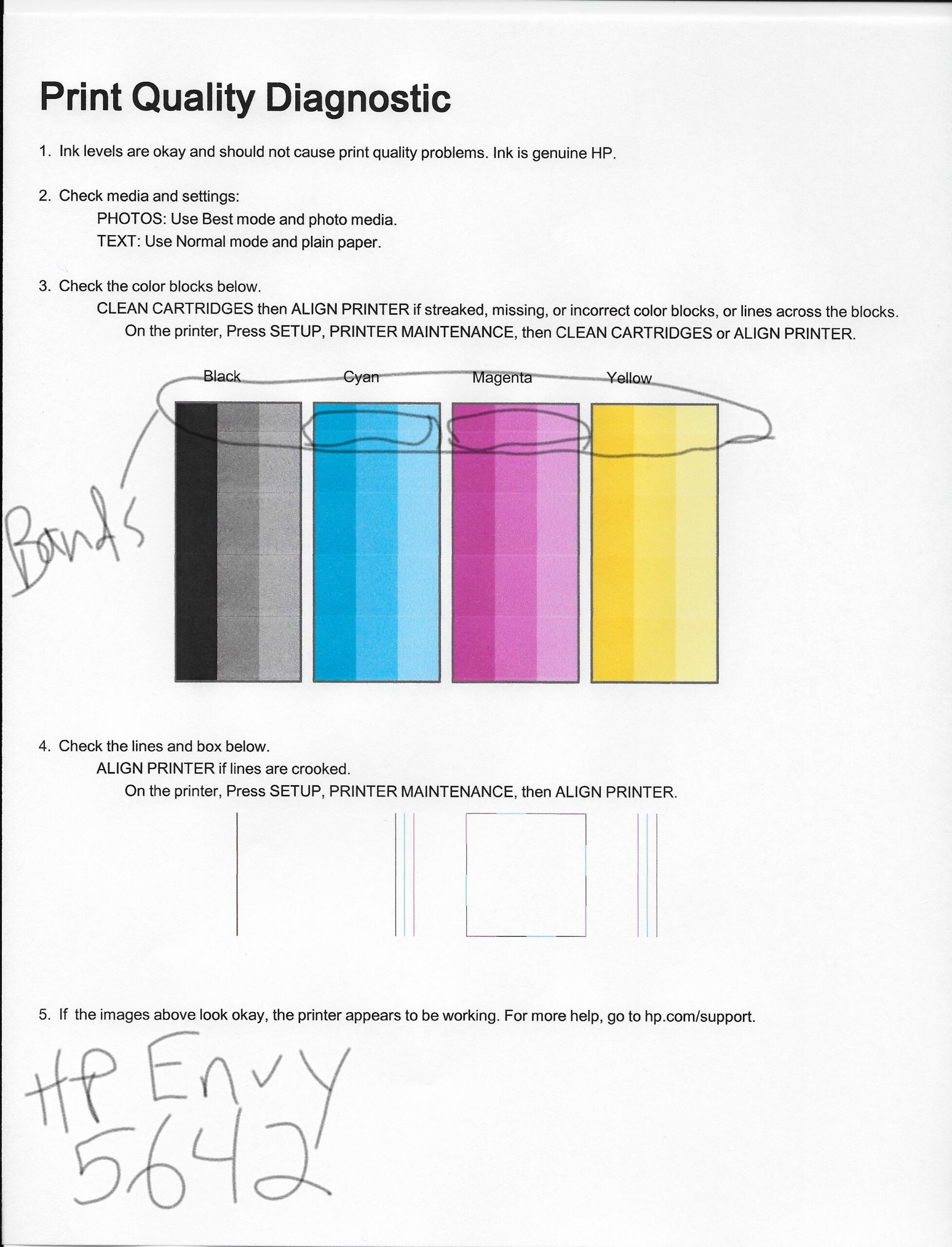
Lines Across My Print Diagnostic Page HP Support Community 6207853
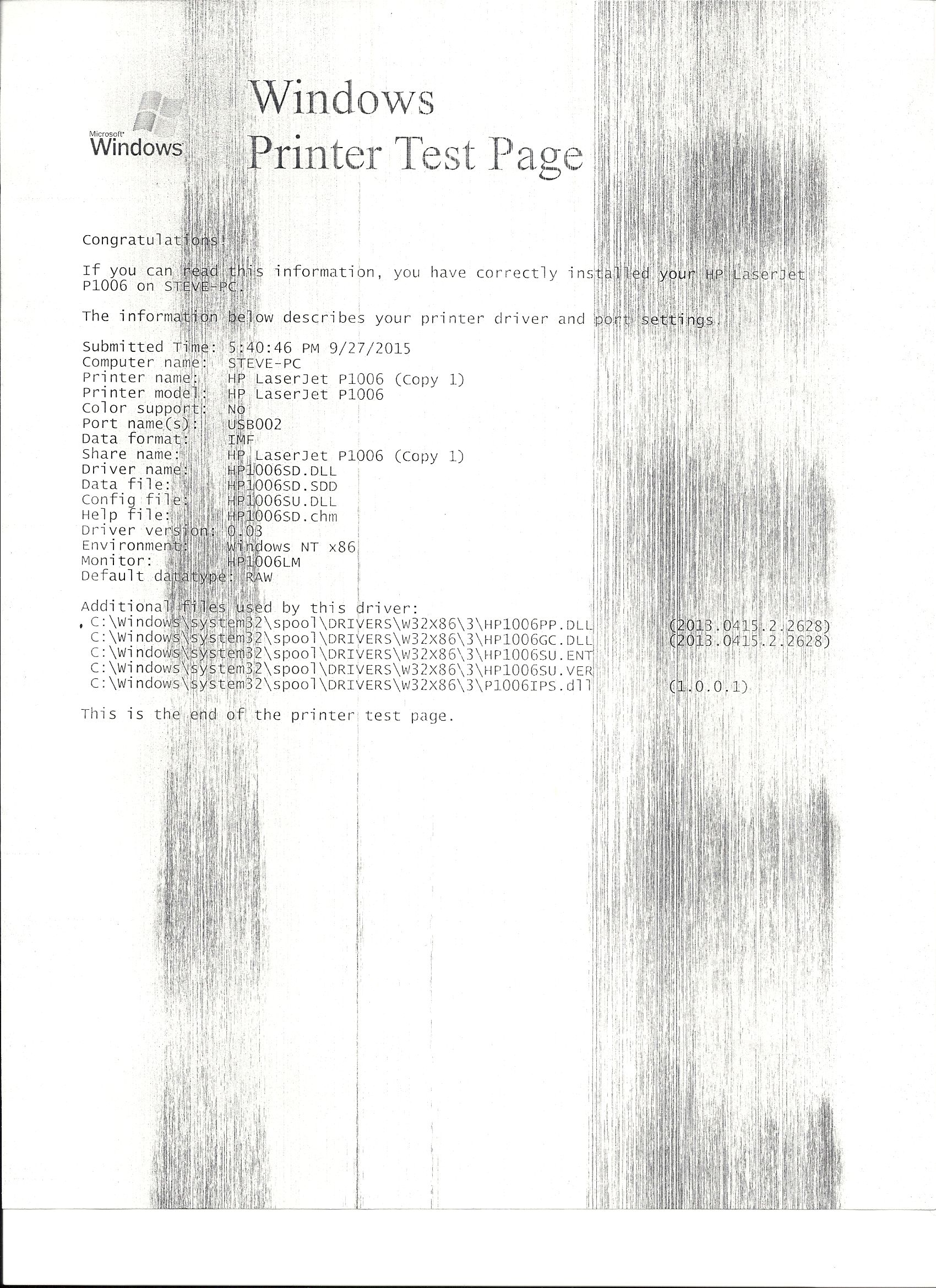
Solved Streaks In Print On A B W Laserjet Printer HP Support