Lined paper is a classic tool for note-taking and organizing thoughts. It offers a structured way to jot down ideas, making it easier to stay focused during presentations or lectures. Many people still prefer it over digital alternatives.
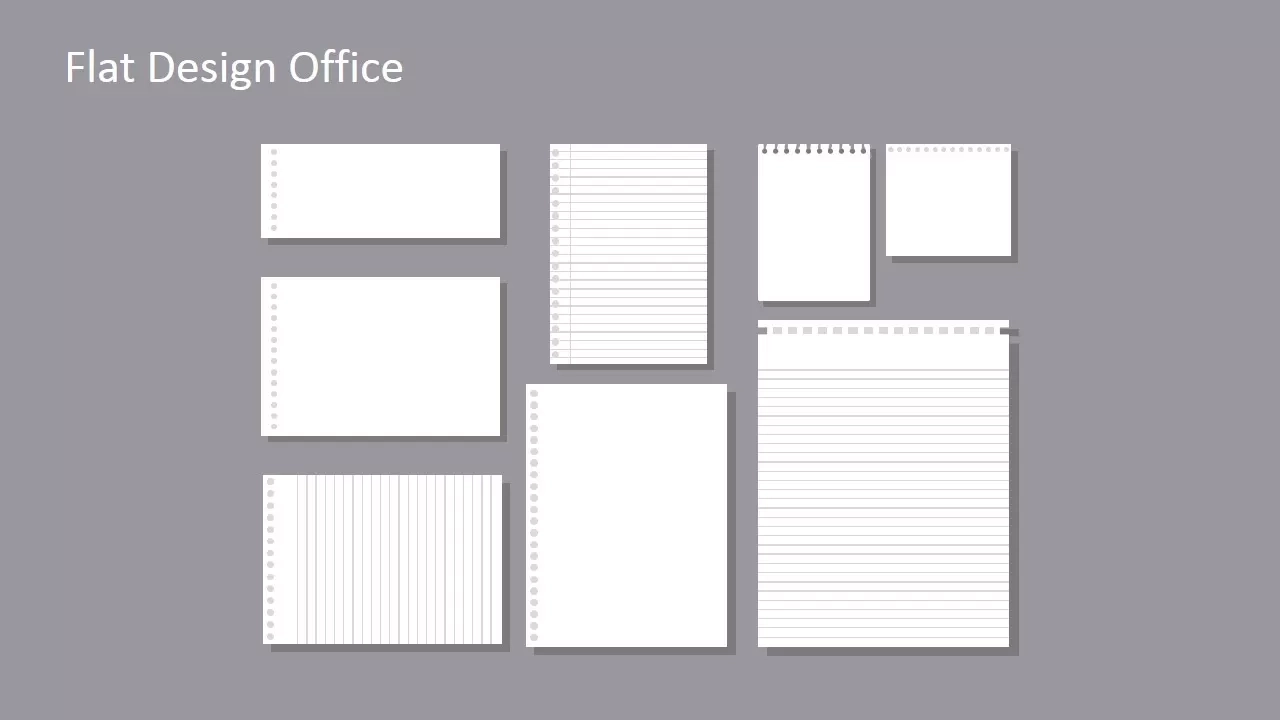
Lined Paper For Powerpoint
Lined Paper For Powerpoint
Using lined paper for PowerPoint slides can create a cohesive look throughout your presentation. It helps guide the viewer’s eye and makes it easier to follow along with your points. This technique is especially useful for educational settings.
To incorporate lined paper into your PowerPoint, you can find templates online or create your own. Adjust the line spacing and color to match your brand or theme, ensuring that it complements your content without overwhelming it.
Another advantage of lined paper backgrounds is their versatility. Whether you’re presenting a business proposal or an academic project, this style can adapt to various topics. It adds a touch of professionalism while maintaining a casual feel.
In conclusion, lined paper for PowerPoint presentations offers a unique way to enhance your slides. By using this familiar format, you can improve audience engagement and make your content more accessible and enjoyable to follow.
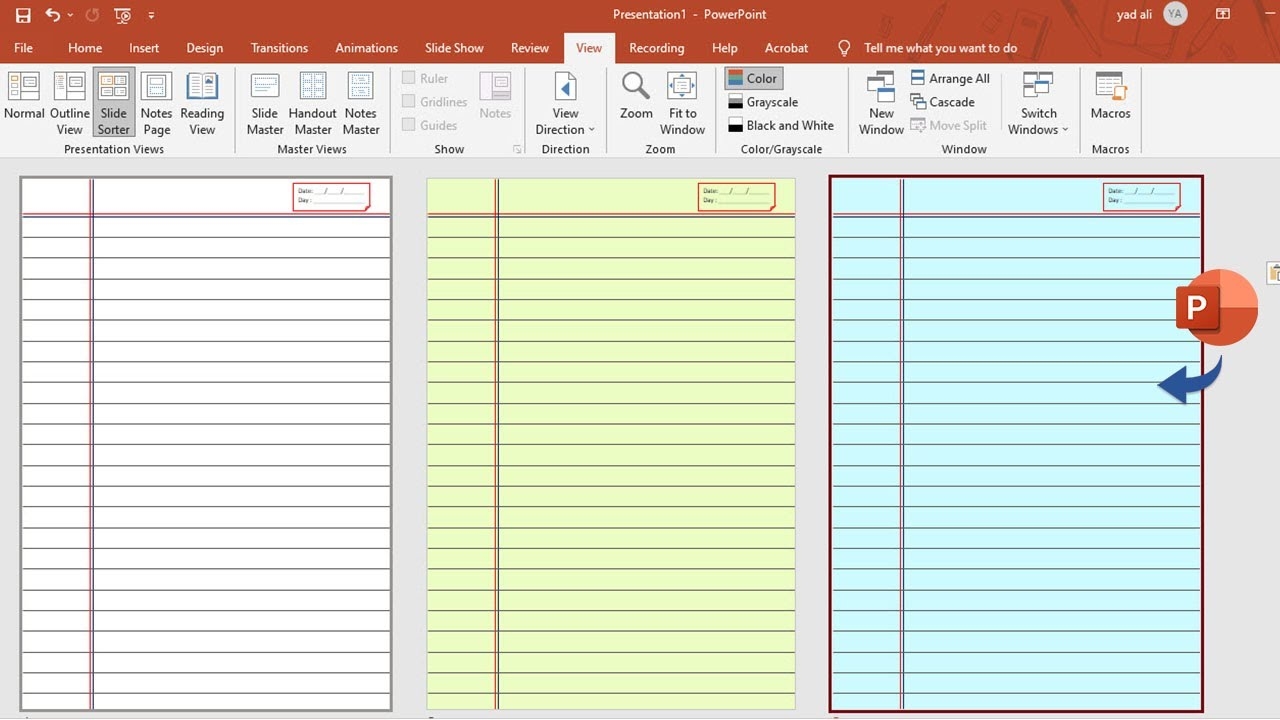
How To Create Printable Lined Paper In Ms PowerPoint 2019 Printable Notebook Page In Ms PowerPoint

Free Printable Lined Paper Templates To Customize Online
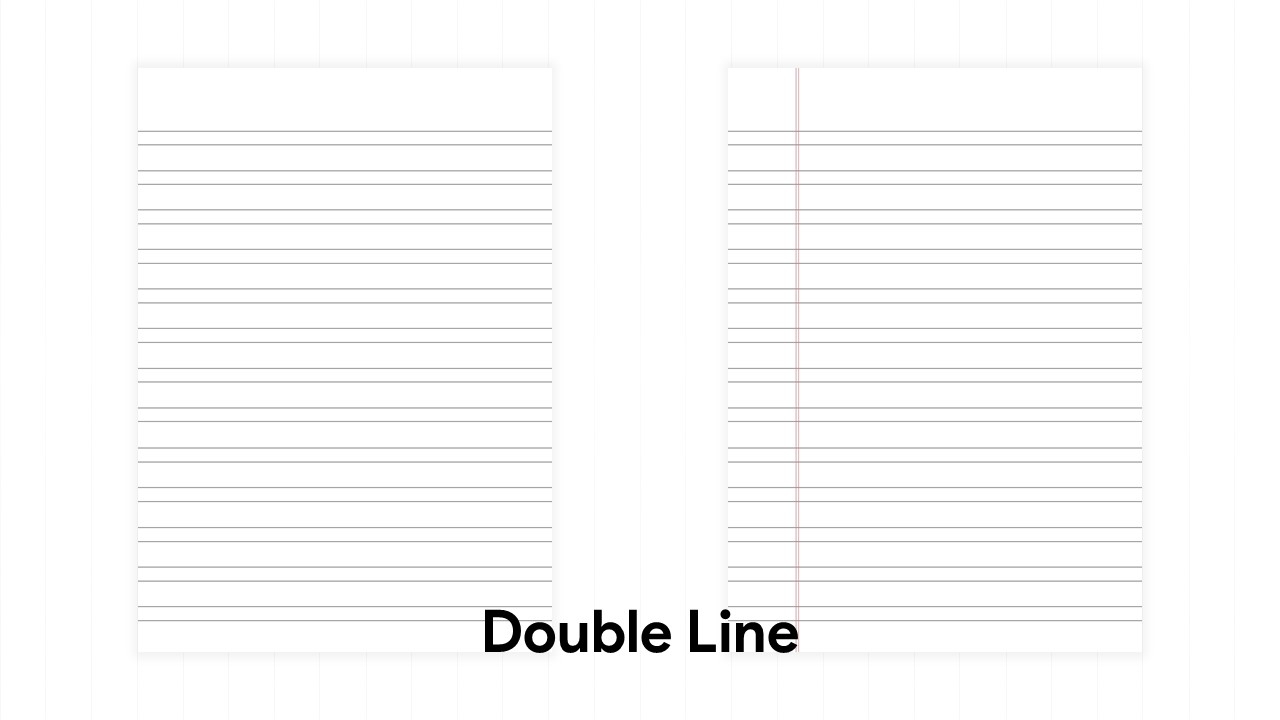
Free Notebook Paper Template PowerPoint amp Google Slides

Free Lined Paper Backgrounds For Powerpoint Education Ppt
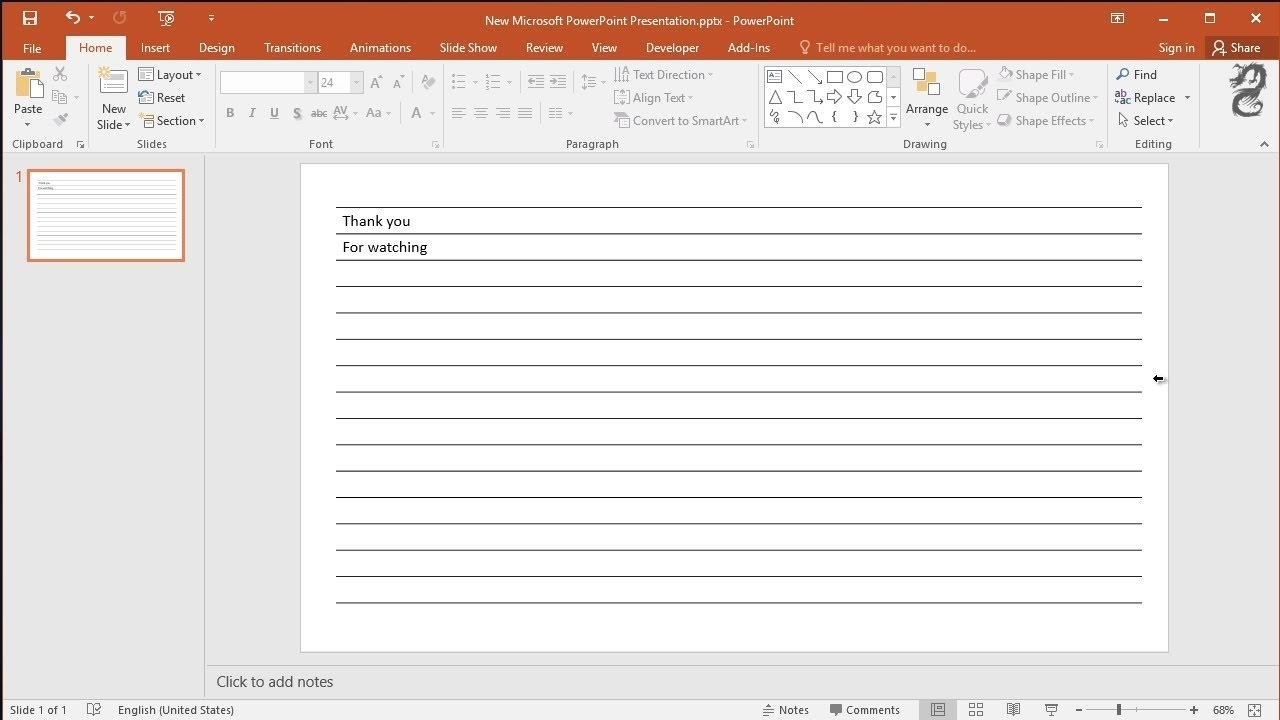
How To Create Lined Paper In Powerpoint