Graph paper is a versatile tool that can enhance your drawing, designing, or mathematical tasks. Many people find it useful for creating precise diagrams or organizing data visually. Using graph paper in digital formats can streamline your workflow significantly.
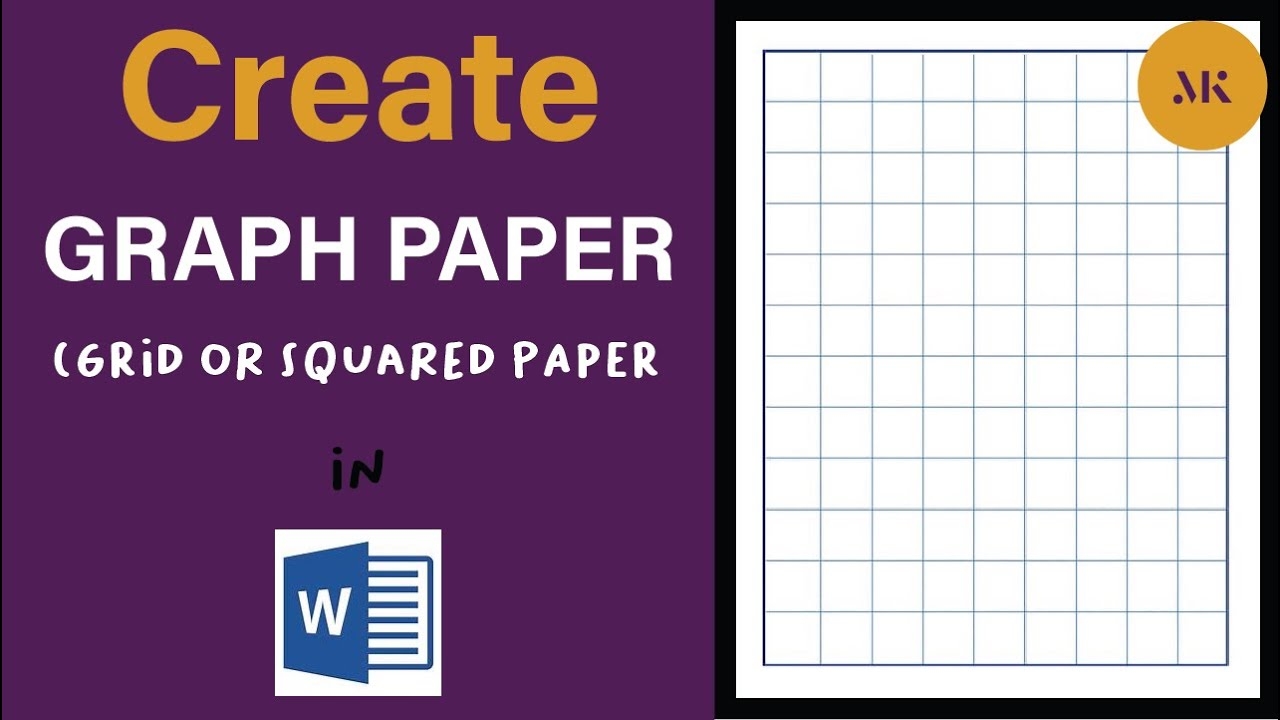
Graph Paper In Word
Graph Paper In Word
To create graph paper in Word, start by opening a new document. You can adjust the page layout to suit your preferences, ensuring that the grid fits well within the margins. This customization makes it easier to work on various projects.
Next, use the table feature to create a grid. By inserting a table with equal rows and columns, you can mimic the look of traditional graph paper. Adjusting the cell size will help you achieve the desired scale for your work.
Another option is to use shapes to draw lines manually. This method allows for more creativity and flexibility in designing unique layouts. You can also color or shade specific areas for added visual appeal.
Finally, saving your customized graph paper as a template can save time in future projects. This way, you’ll always have access to your preferred grid style whenever you need it.
Using graph paper in Word opens up many possibilities for creativity and organization. With just a few simple steps, you can create a personalized workspace that enhances your productivity and artistic expression.
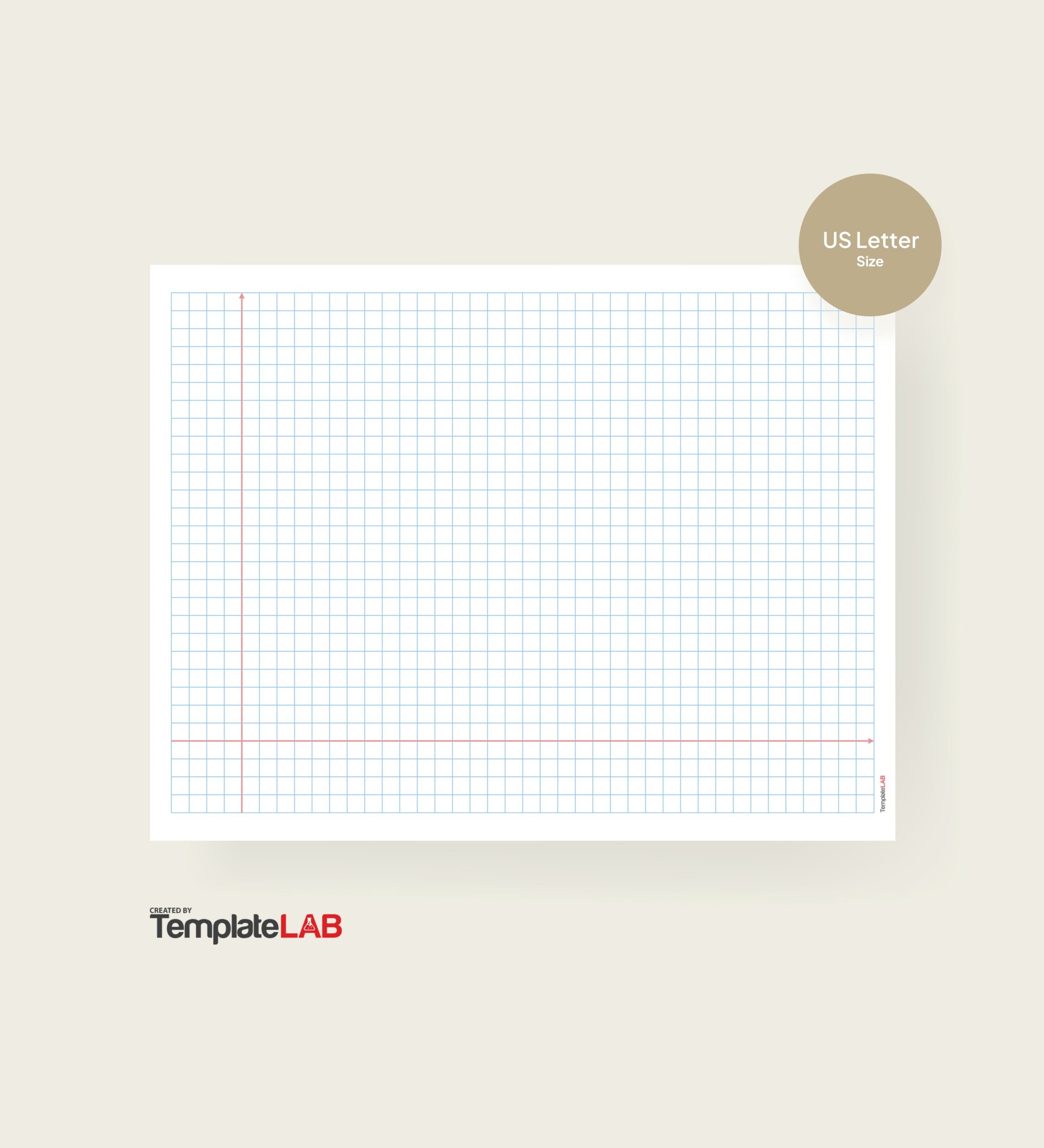
24 Free Printable Graph Paper Templates Word PDF
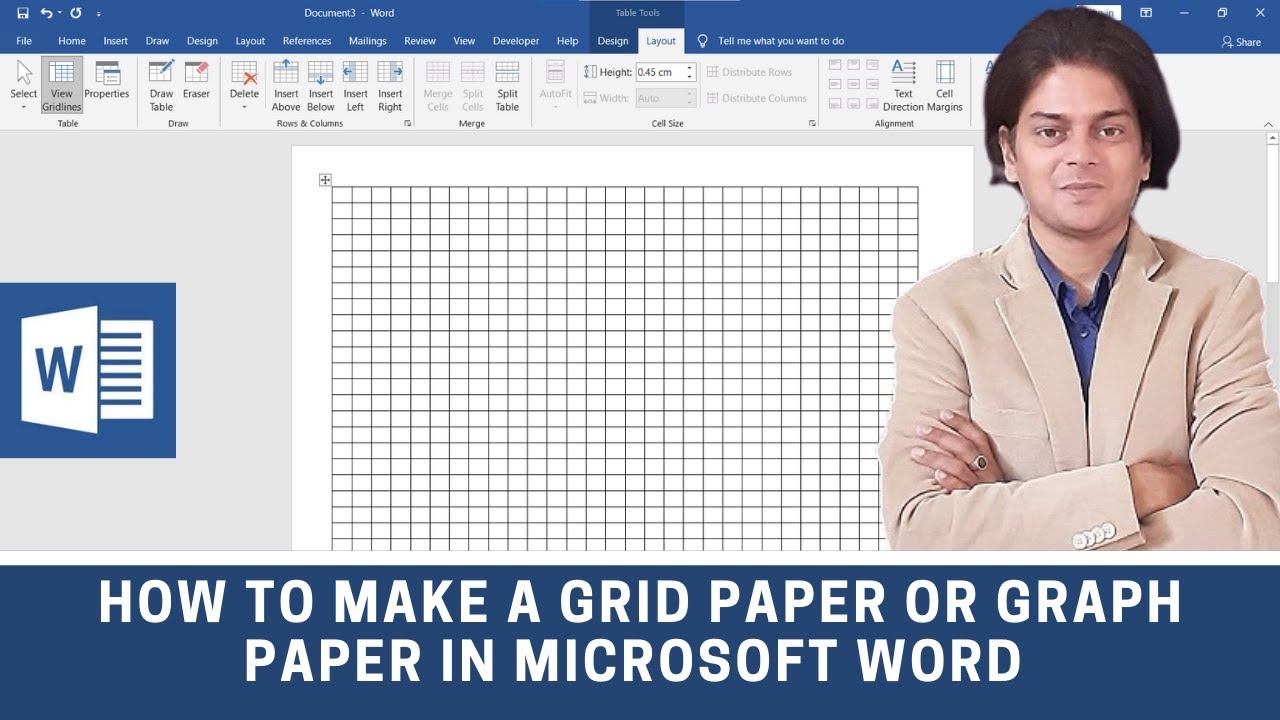
How To Make A Grid Paper Or Graph Paper In Microsoft Word
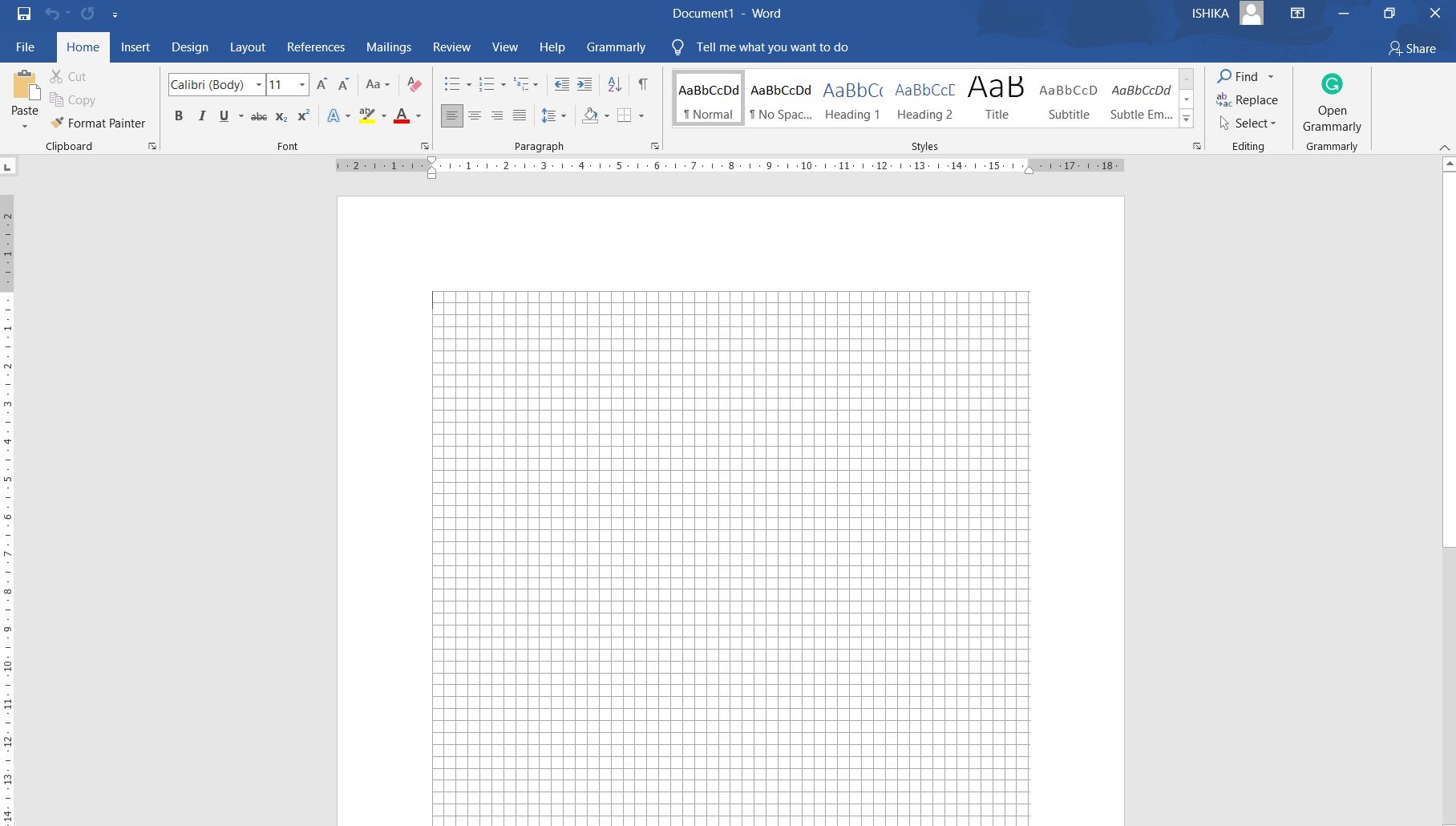
Boxes Like Graph Paper Microsoft Q amp A
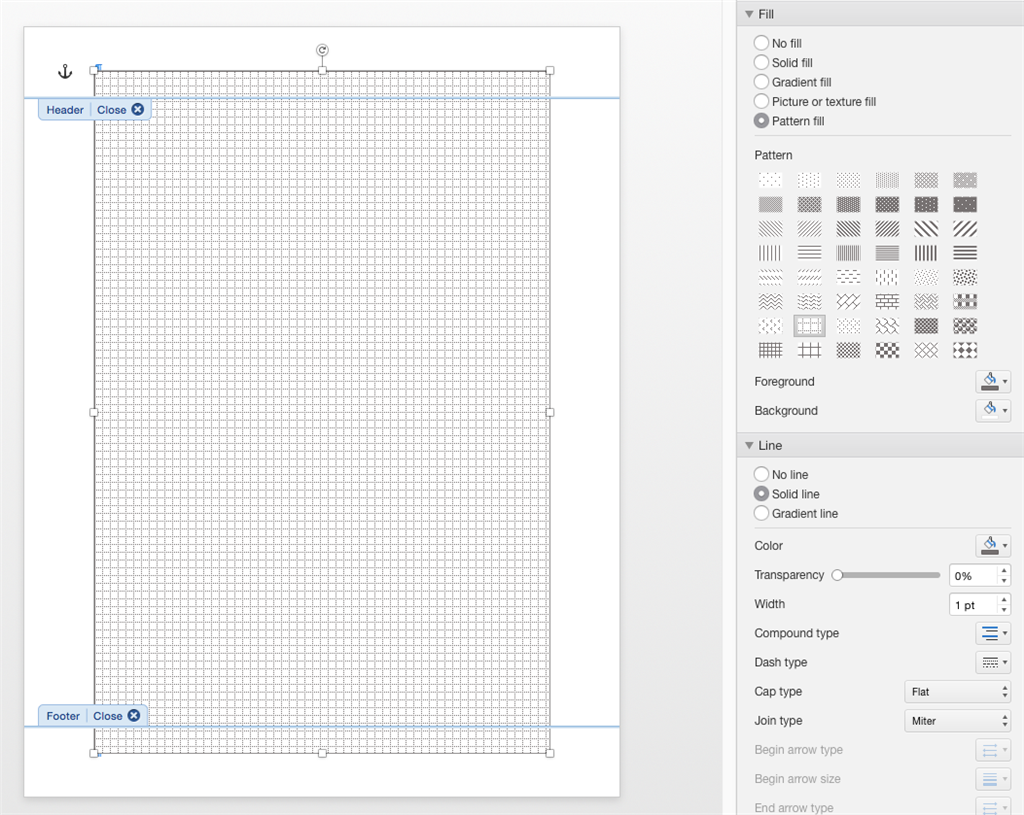
Graph Paper As Background In A Word Document Tiled Pattern
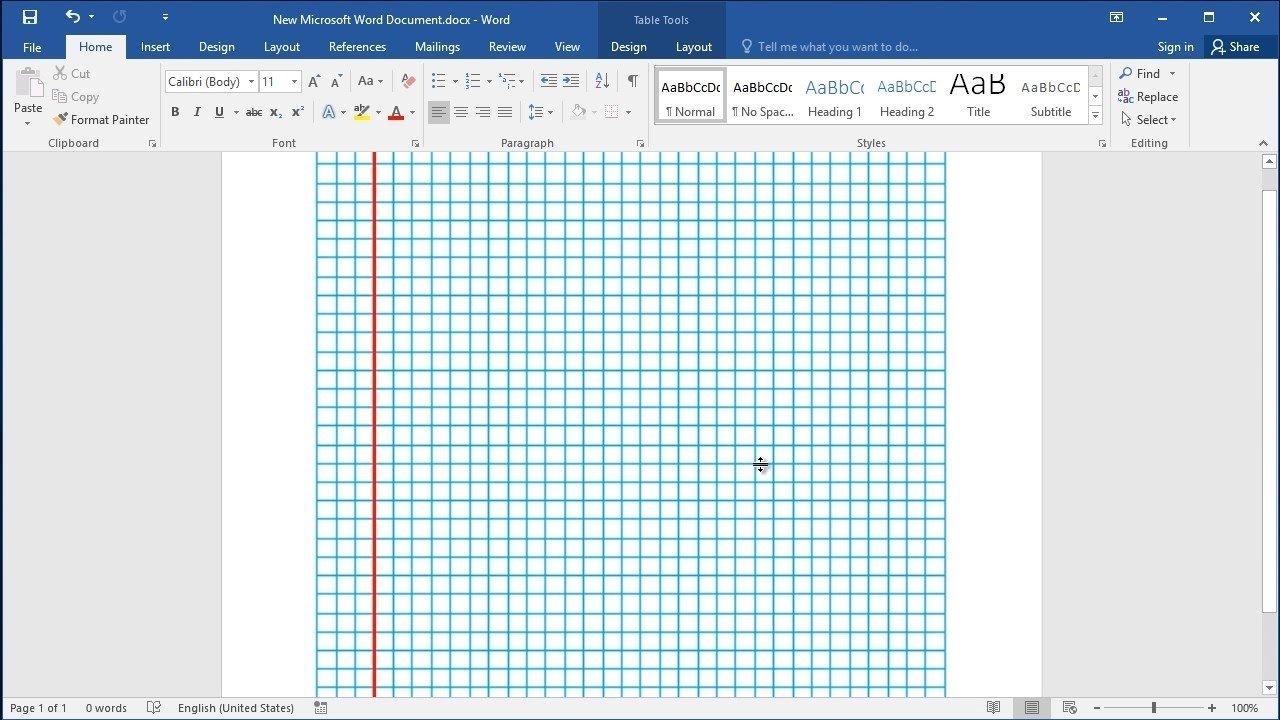
How To Get Graph Paper In Word