Finding the right app for note-taking can be a game changer, especially for students and professionals. An iPhone app with a lined paper icon can make your writing experience feel more organized and familiar.
Iphone App With Lined Paper Icon
Iphone App With Lined Paper Icon
One popular choice is GoodNotes, which offers a realistic lined paper experience. Users can write with their fingers or an Apple Pencil, making it feel just like writing on paper.
Another great option is Notability, known for its versatility. It combines handwriting with audio recording, allowing you to capture lectures or meetings while taking notes on lined paper backgrounds.
For those who prefer simplicity, the Notes app on iPhone also features a lined paper option. It’s user-friendly and integrates seamlessly with other Apple devices, making it easy to access your notes anywhere.
Choosing an iPhone app with a lined paper icon enhances your note-taking experience. Whether you’re a student or a professional, these apps provide the structure you need to stay organized and productive.
Incorporating one of these apps into your daily routine can significantly improve your writing efficiency. Explore the options available and find the perfect fit for your needs today!
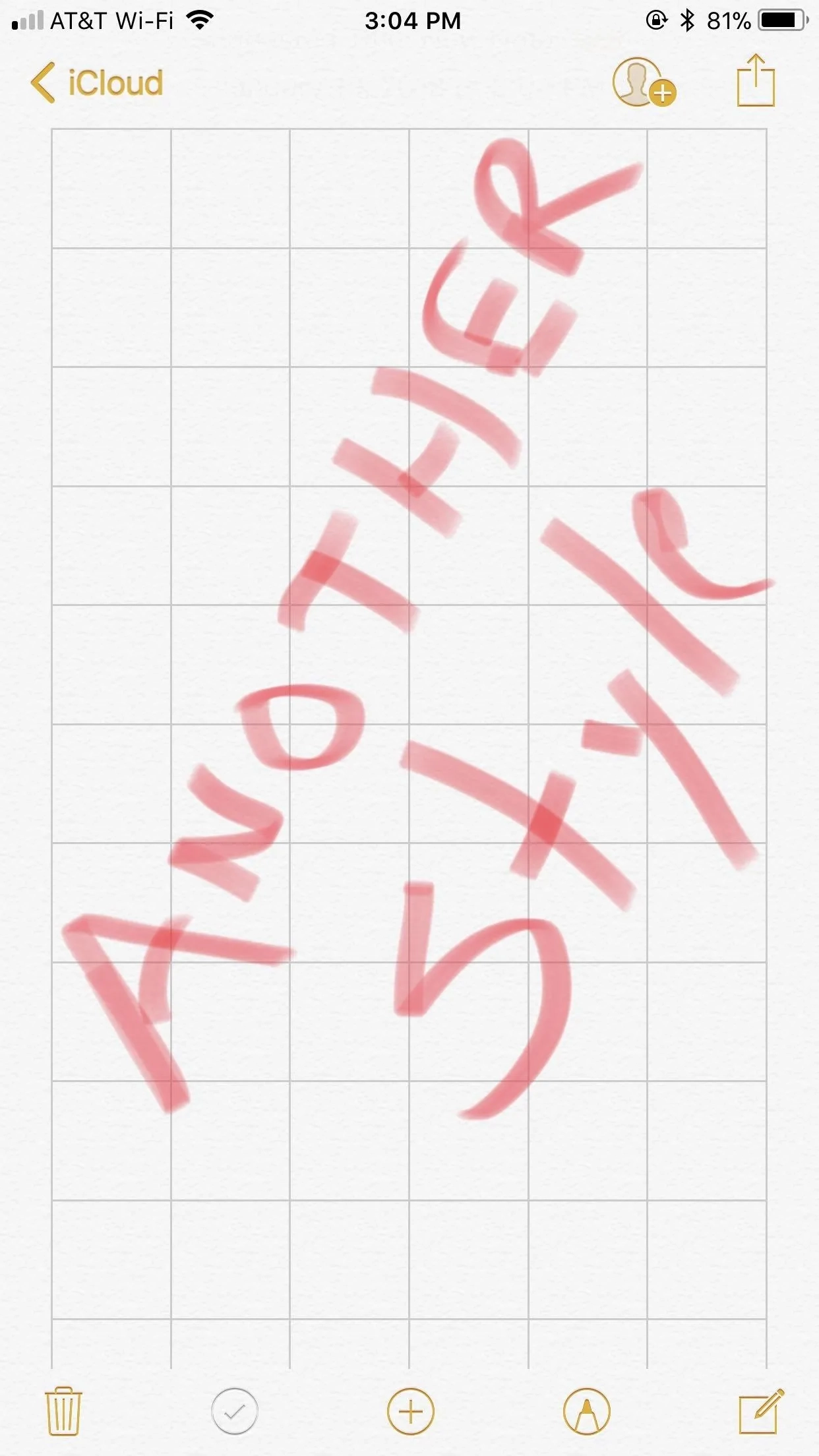
Notes 101 How To Customize Your Paper Style With Lines Or Grids
How To Use Notes In IOS 16 IPadOS 16 MacOS Ventura AppleInsider
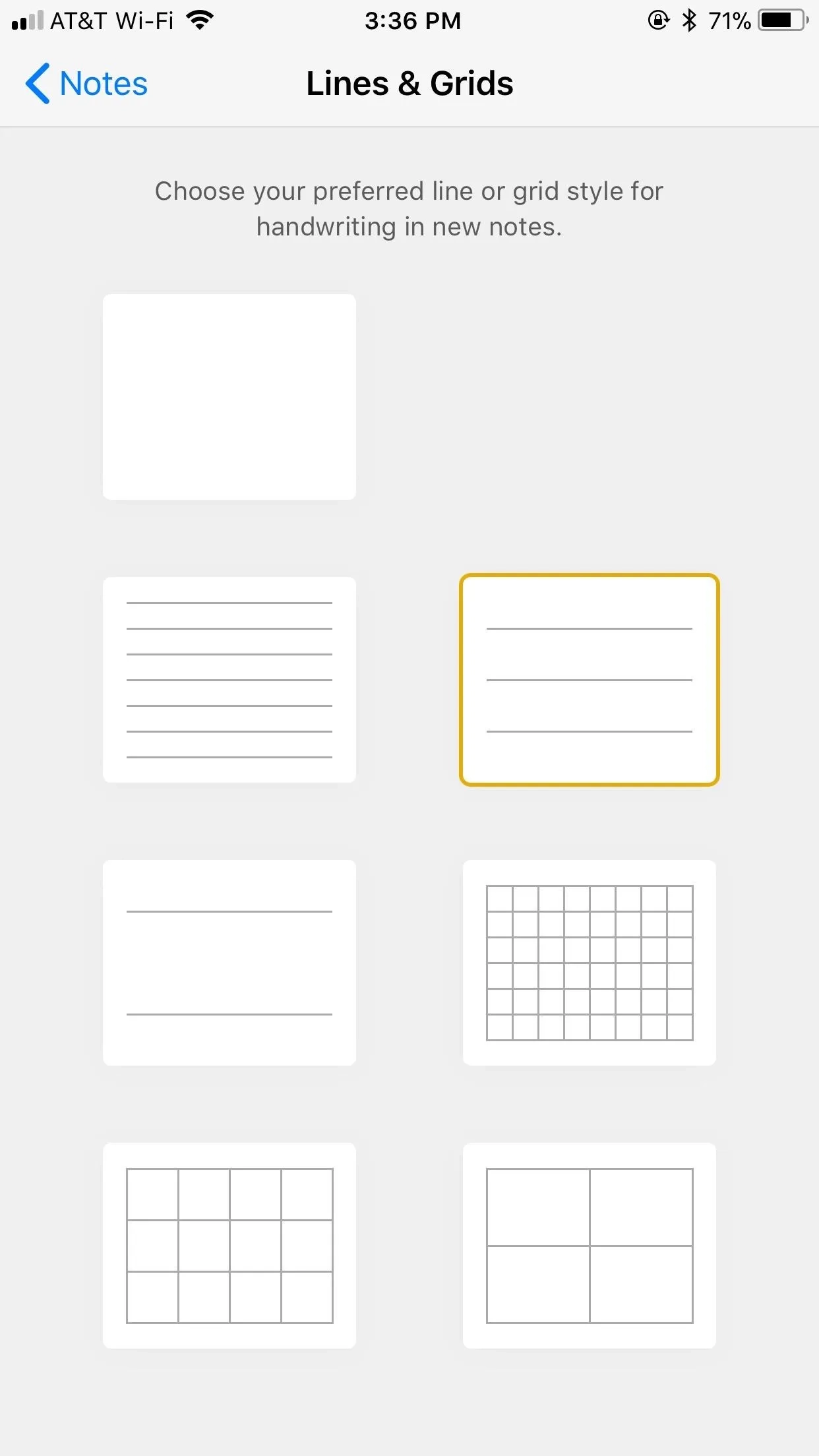
Notes 101 How To Customize Your Paper Style With Lines Or Grids
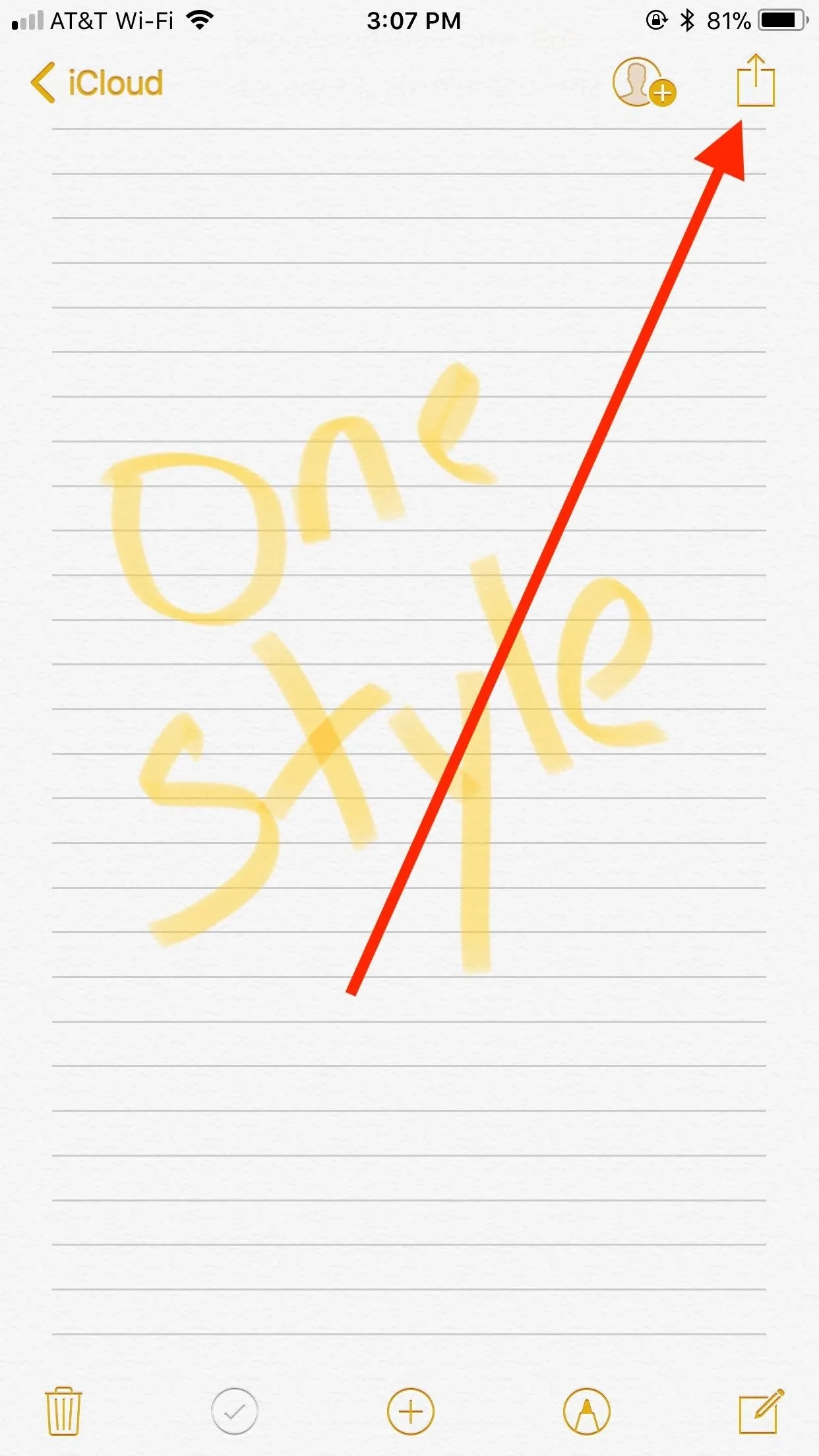
Notes 101 How To Customize Your Paper Style With Lines Or Grids
Inside Apple Notes Everything You Need To Stay Focused