Lined paper is a staple for students and professionals alike, providing a structured way to jot down notes or ideas. Its simplicity allows for clear writing, making it a favorite among many. Whether you’re drafting an essay or sketching concepts, lined paper is essential.
Lined Paper Illustrator
Lined Paper Illustrator
Using Lined Paper Illustrator can enhance your creative projects significantly. You can choose the line spacing, color, and even the paper texture. This flexibility makes it perfect for artists and writers who want a unique touch.
To get started, open Adobe Illustrator and create a new document. Use the line tool to draw horizontal lines across your canvas. Adjust the spacing between lines to suit your writing style or project requirements.
Another great feature is the ability to save your custom designs. Once you’ve created your ideal lined paper, you can save it as a template for future use. This saves time and ensures consistency in your work.
In conclusion, Lined Paper Illustrator offers a fantastic way to personalize your writing experience. By customizing your lined paper, you can enhance creativity and productivity in all your projects.
Wide Ruled Notebook Paper Template In Illustrator Word PDF PSD
Lined Paper Template In Pages Illustrator Word PSD PDF Google
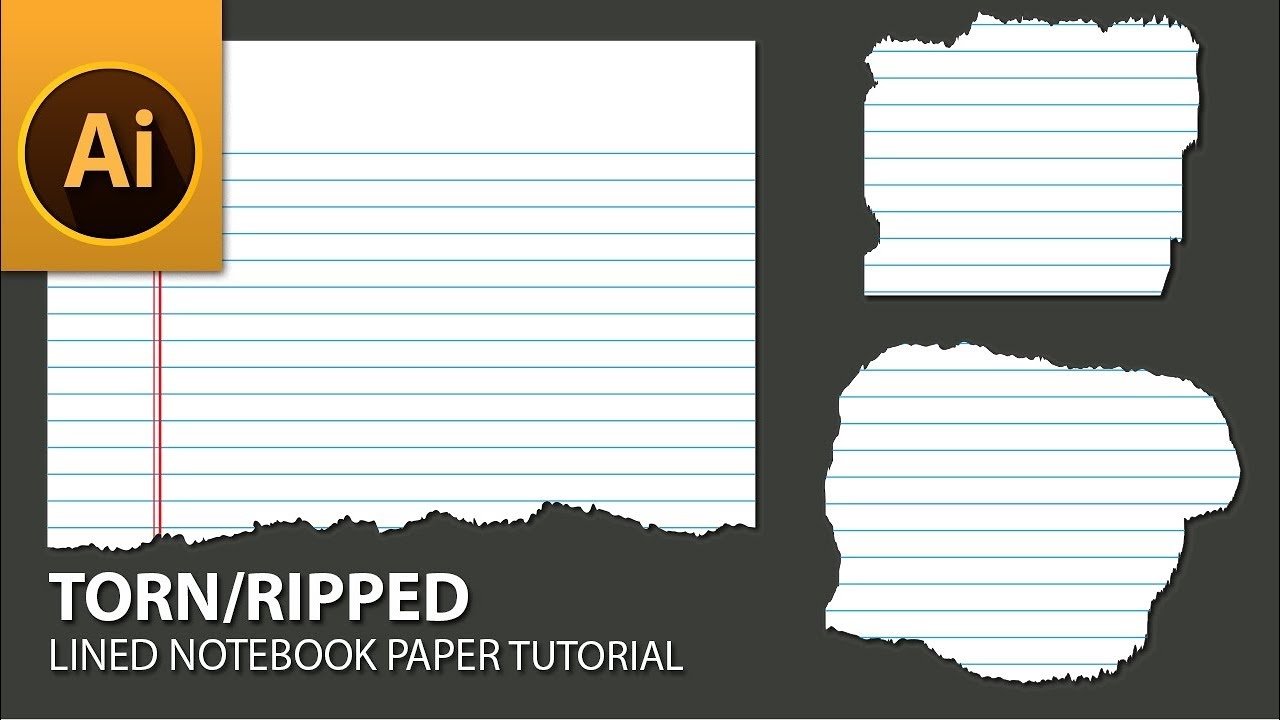
Torn Lined Notebook Paper Illustrator Tutorial
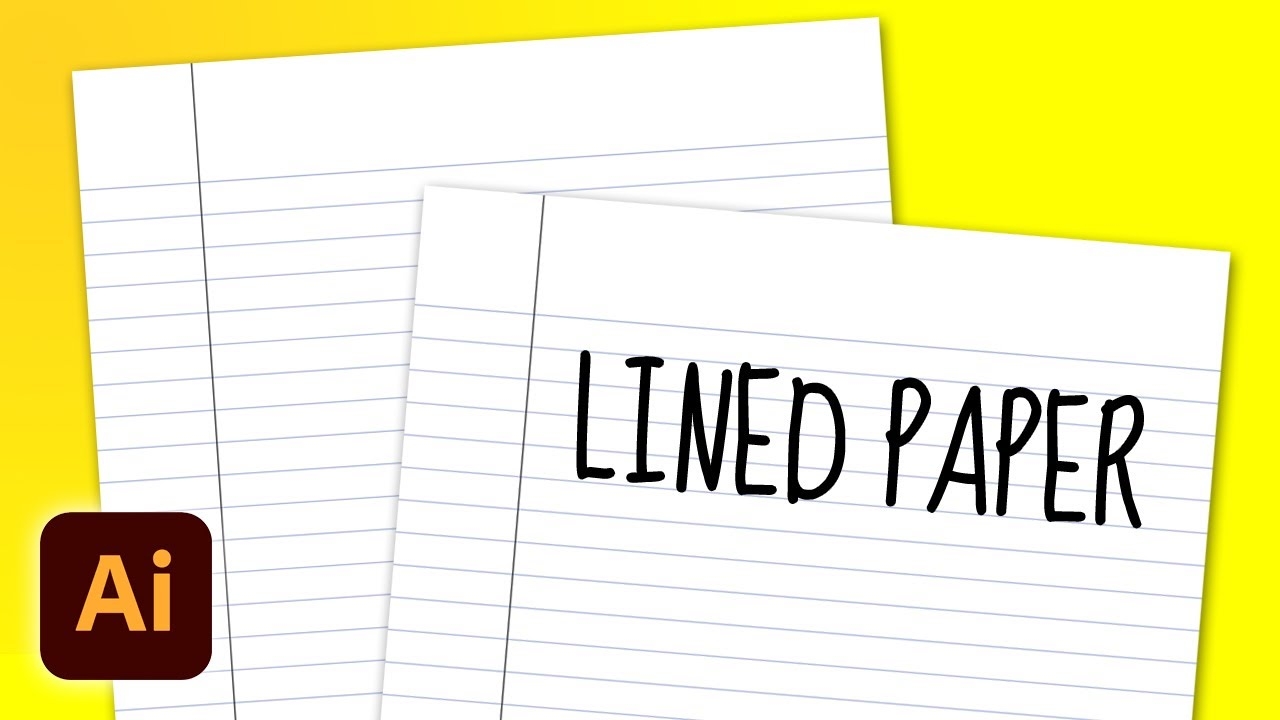
Easy Lined Paper Template PDF In Illustrator CC
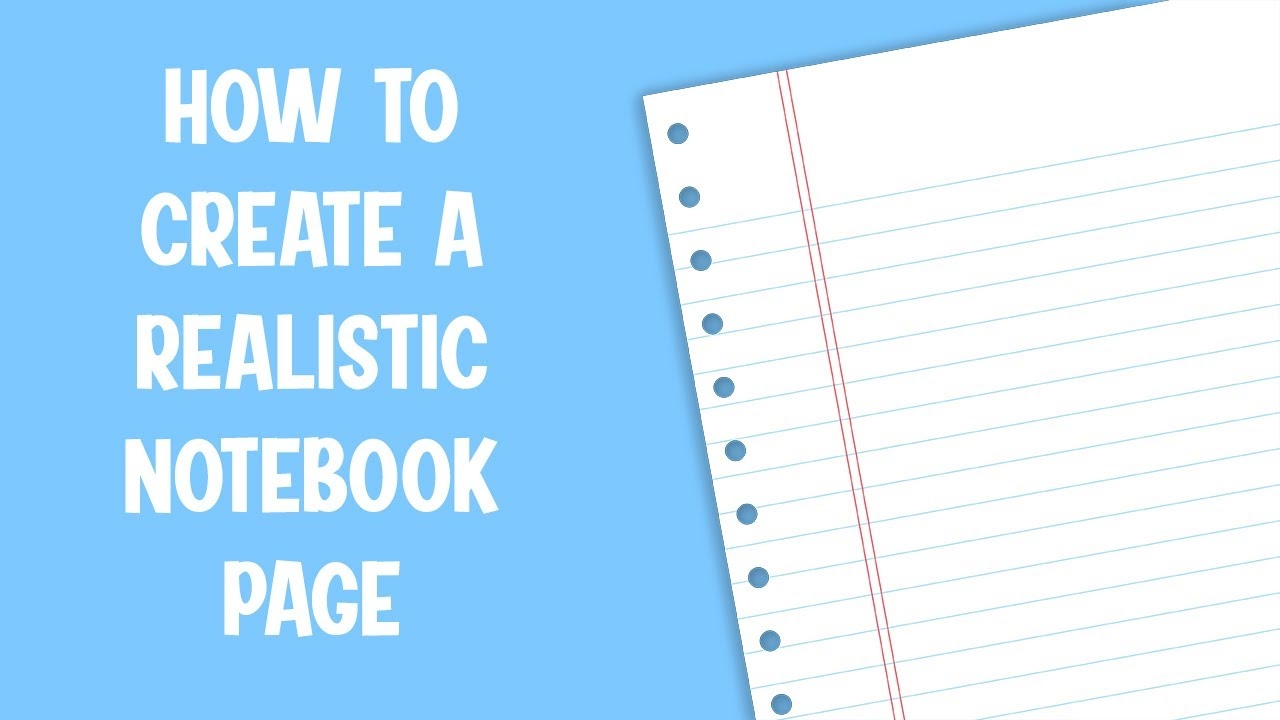
How To Create A Notebook Page In Adobe Illustrator