Graph paper is a versatile tool that many people use for various projects, from math homework to artistic designs. Its grid layout helps in maintaining precision and organization, making it a favorite among students and professionals alike.
Graph Paper Word Doc
Graph Paper Word Doc
A Graph Paper Word Doc can be easily created using Microsoft Word or similar word processing software. This format allows you to adjust the size of the grid according to your specific needs, whether for drawing or calculations.
To create your own graph paper in Word, start by setting up a table with equal row and column sizes. This method ensures that each square is uniform, providing the perfect grid for your projects.
Additionally, you can customize your Graph Paper Word Doc by changing the color of the lines or adding labels. This personalization makes it easier to use for different tasks, whether for schoolwork or creative projects.
Having a ready-to-use Graph Paper Word Doc saves time and effort. You can print multiple copies or save it digitally for future use, ensuring you always have graph paper on hand when inspiration strikes.
Creating a Graph Paper Word Doc is an efficient way to meet your graphing needs. With just a few simple steps, you can have a personalized tool that enhances your productivity and creativity.
Graph Paper Online Fill Online Printable Fillable Blank
24 Free Printable Graph Paper Templates Word PDF Worksheets
24 Free Printable Graph Paper Templates Word PDF
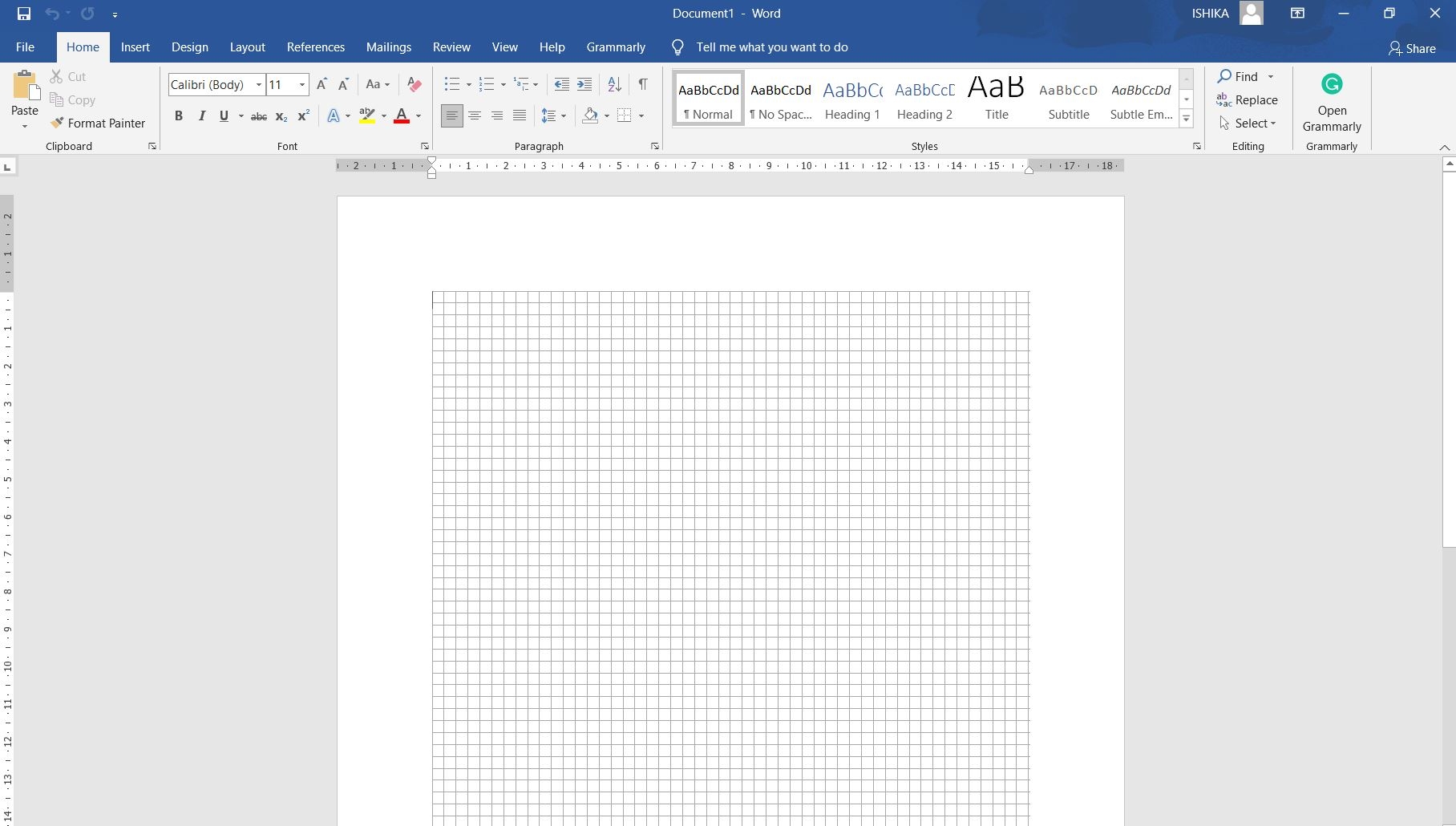
Boxes Like Graph Paper Microsoft Q amp A
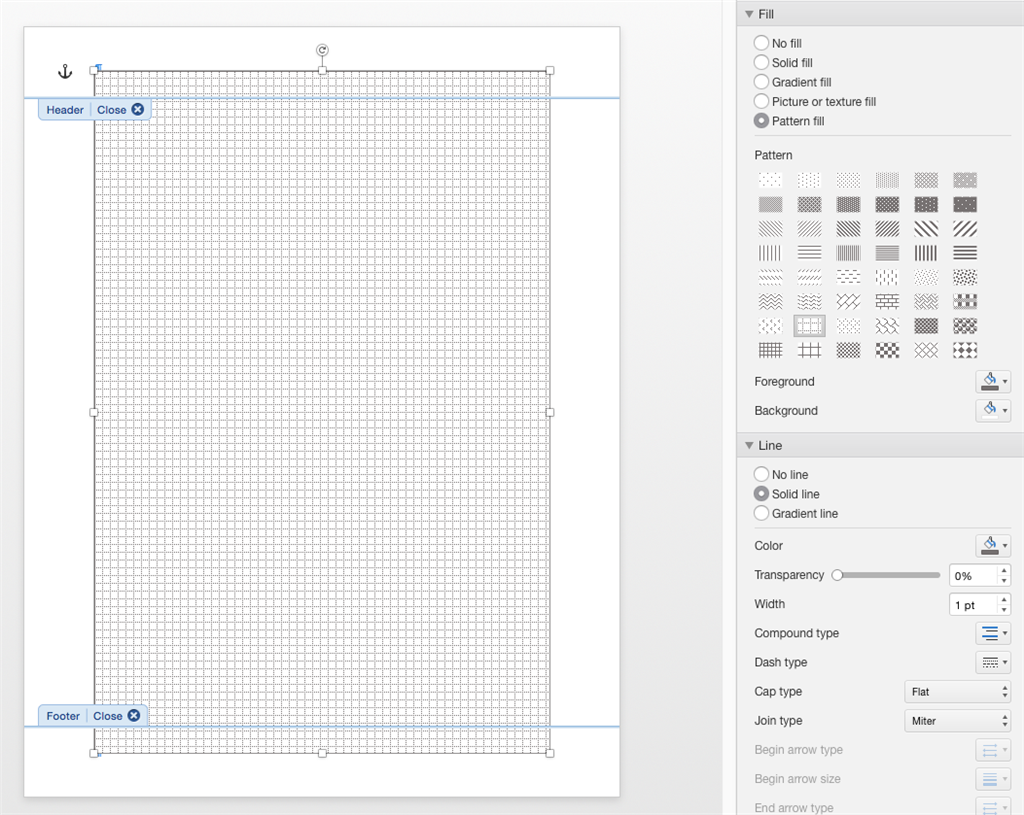
Graph Paper As Background In A Word Document Tiled Pattern