Finding the right tools for note-taking can make a significant difference in productivity. A simple yet effective solution is using an A4 lined paper template, especially in Word. This template helps keep your notes organized and neat.

A4 Lined Paper Template Word
A4 Lined Paper Template Word
An A4 lined paper template in Word is perfect for various tasks. You can use it for taking lecture notes, drafting reports, or even writing letters. The lined format ensures that your writing stays straight and well-aligned.
Creating your own A4 lined paper template in Word is simple. Just open a new document, set the page size to A4, and add horizontal lines using the shape tool. This customization allows you to adjust line spacing according to your preference.
Additionally, many free templates are available online for download. These templates often come with different styles and designs, allowing you to choose one that suits your personal taste or project needs.
Incorporating an A4 lined paper template into your routine can streamline your writing process. With organized notes, you’ll find it easier to review and reference important information whenever needed.
Using an A4 lined paper template in Word can enhance your writing experience significantly. It’s a practical tool that keeps your thoughts organized and makes note-taking enjoyable and efficient.
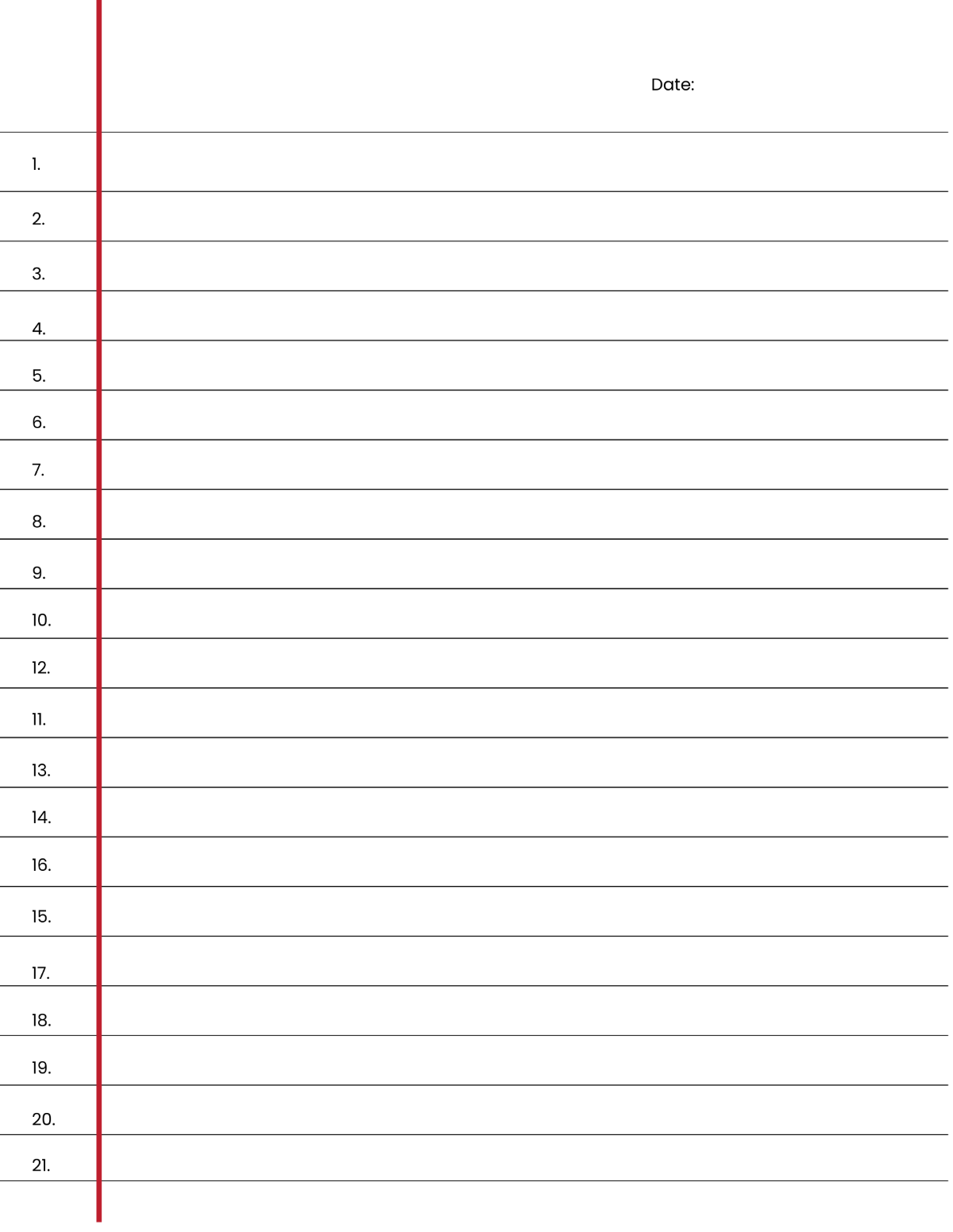
Free Printable Lined Paper Templates To Customize Online
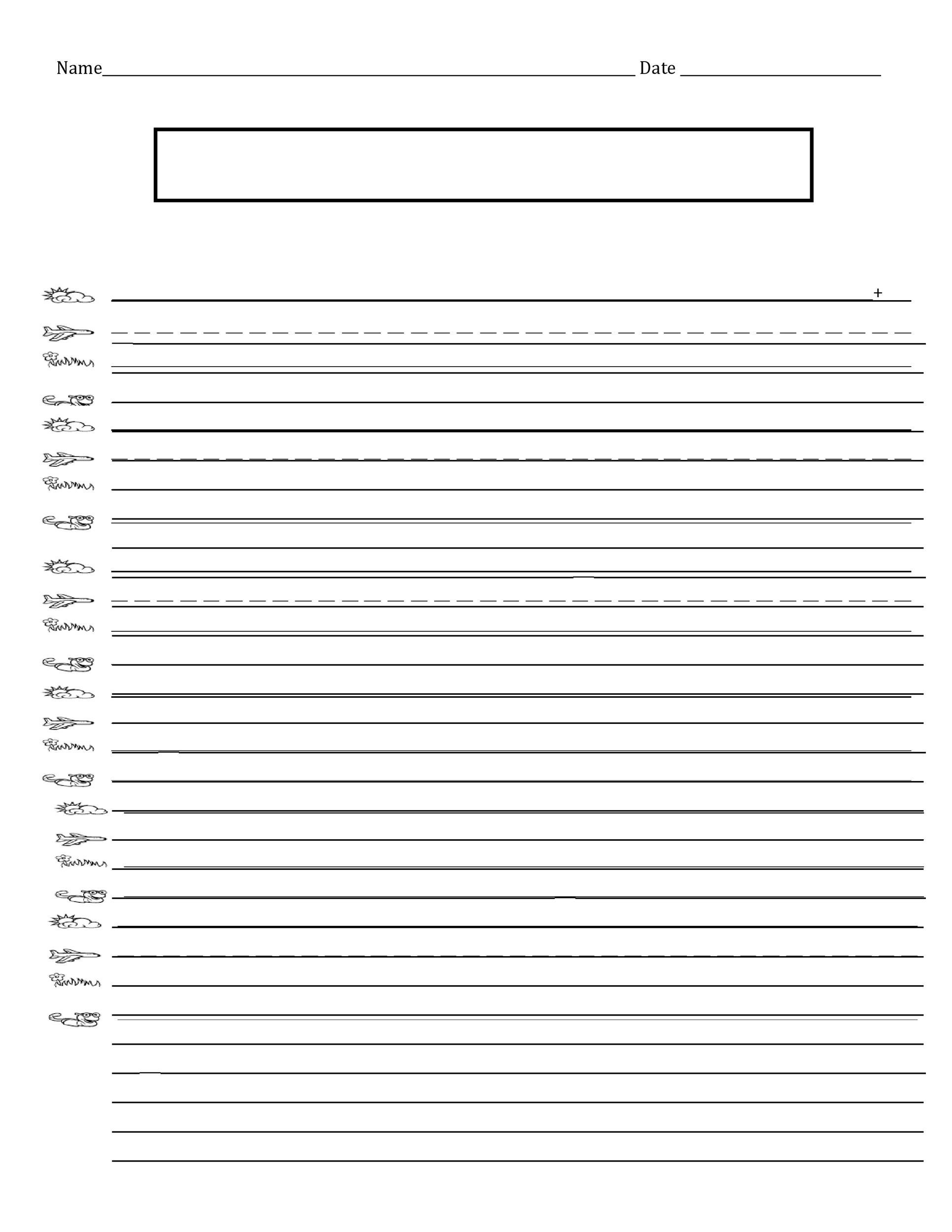
32 Printable Lined Paper Templates TemplateLab
Free Printable Lined Paper Templates To Customize Online
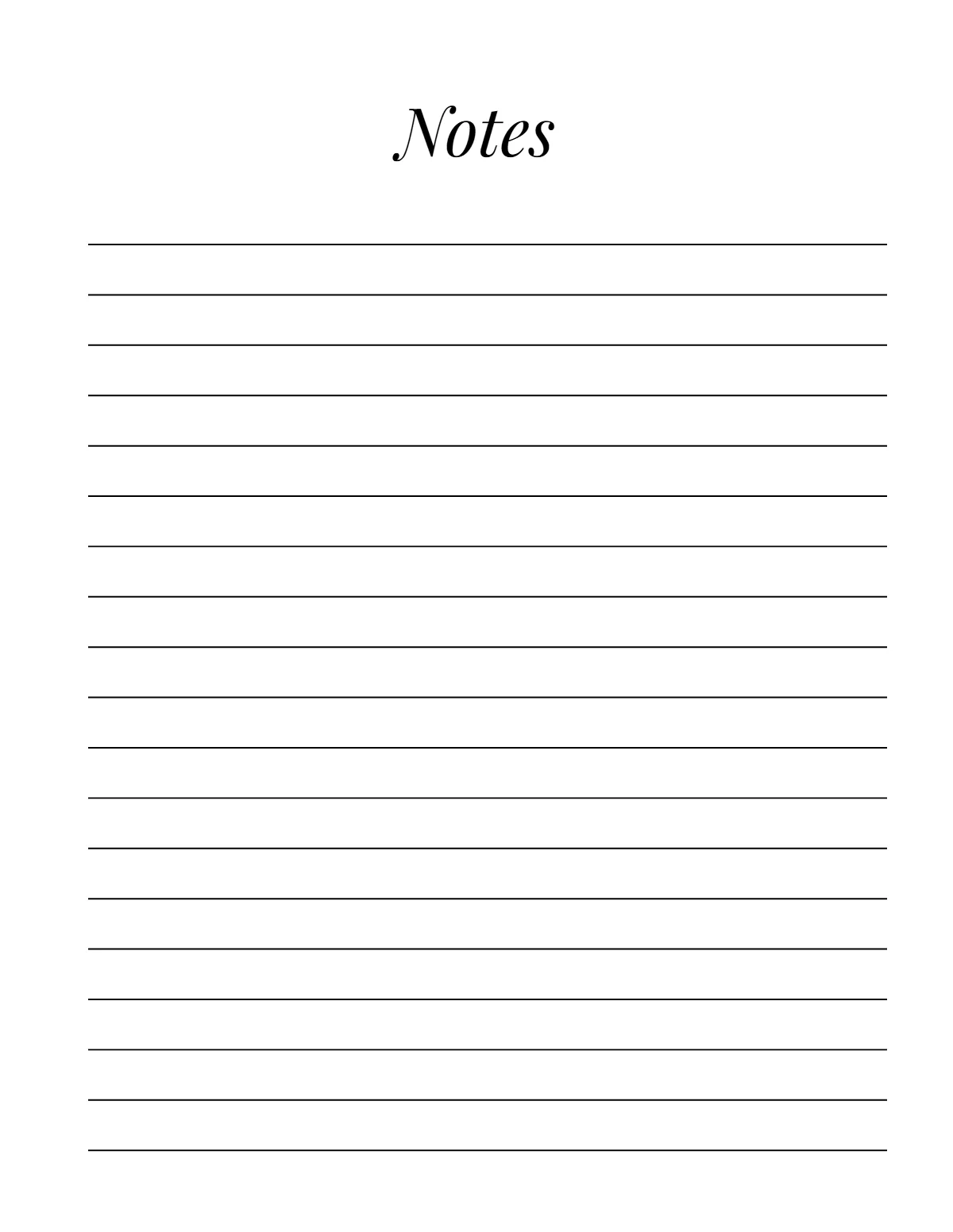
Free Printable Lined Paper Templates To Customize Online
32 Printable Lined Paper Templates TemplateLab