Graph paper has long been a favorite among artists and designers for its precise grid layout. With the rise of digital art, using graph paper in apps like Procreate has become increasingly popular for creating structured designs.
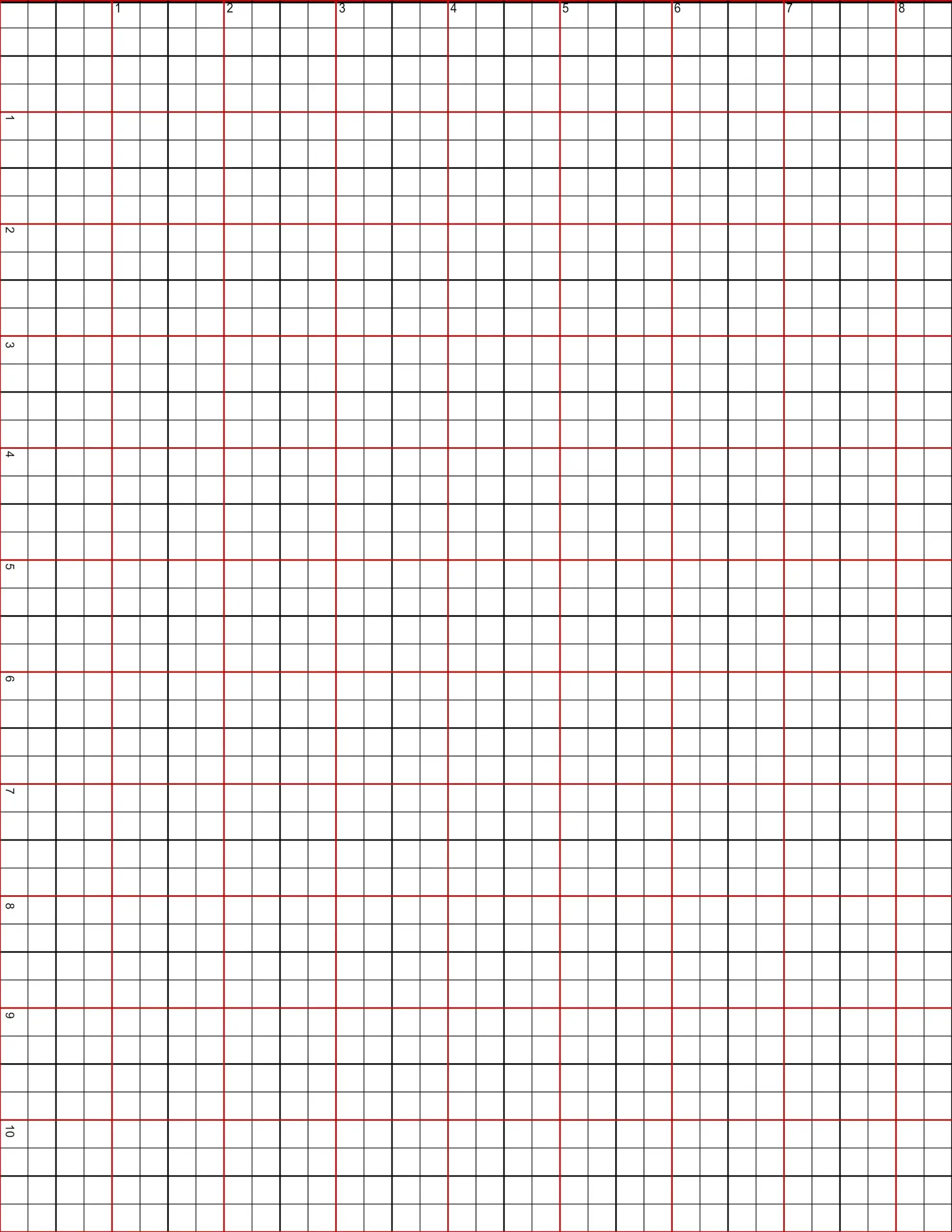
Graph Paper Procreate
Graph Paper Procreate
Using graph paper in Procreate can enhance your creative process significantly. The grid helps maintain proportions and symmetry, which is especially useful for technical drawings or geometric designs.
To get started, simply download a graph paper template or create your own within Procreate. This flexibility allows you to customize the grid size according to your project needs, ensuring that your artwork is perfectly aligned.
Additionally, Procreate offers various brushes and tools that can complement your graph paper designs. Experimenting with different styles can lead to unique creations that stand out in your portfolio.
Incorporating graph paper into your digital art routine can streamline your workflow and boost creativity. It’s a simple yet effective way to elevate your artistic skills while enjoying the process of creation.
Embracing graph paper in Procreate opens up a world of possibilities for artists. Whether you’re sketching or designing, this tool can help you achieve precision and creativity in every project.
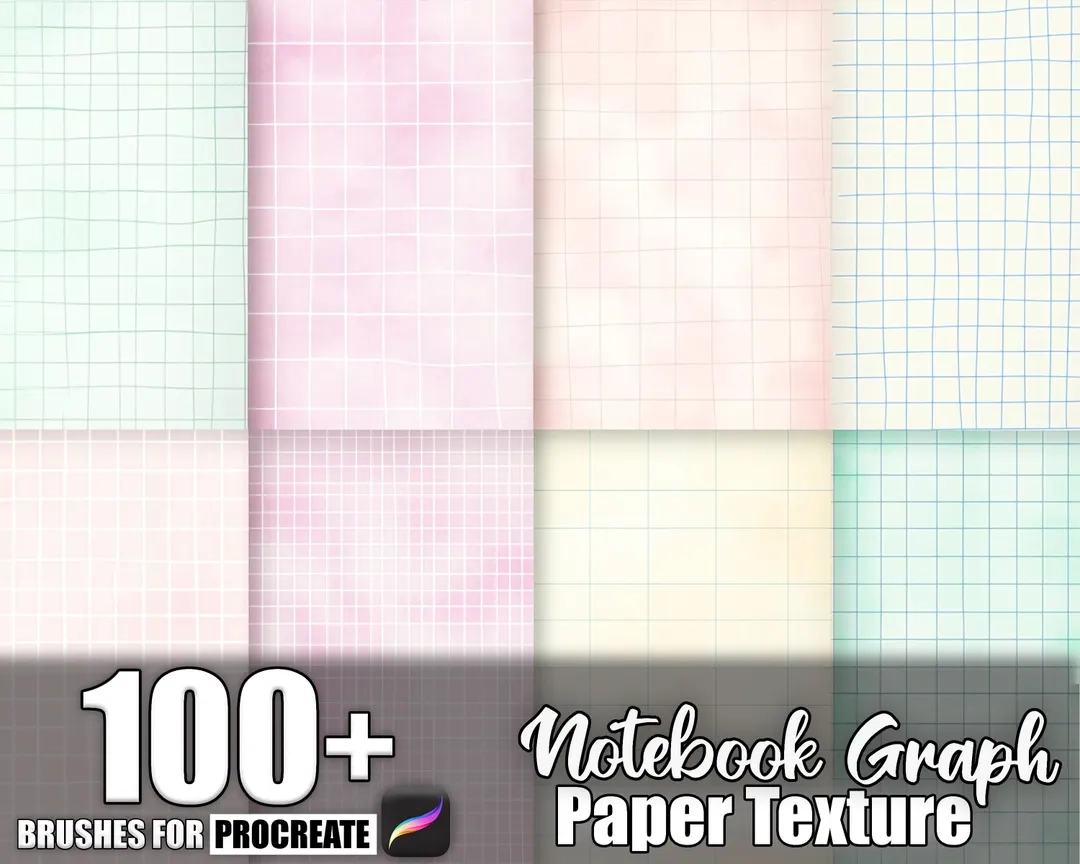
100 Notebook Graph Paper Procreate Textures Brushes For
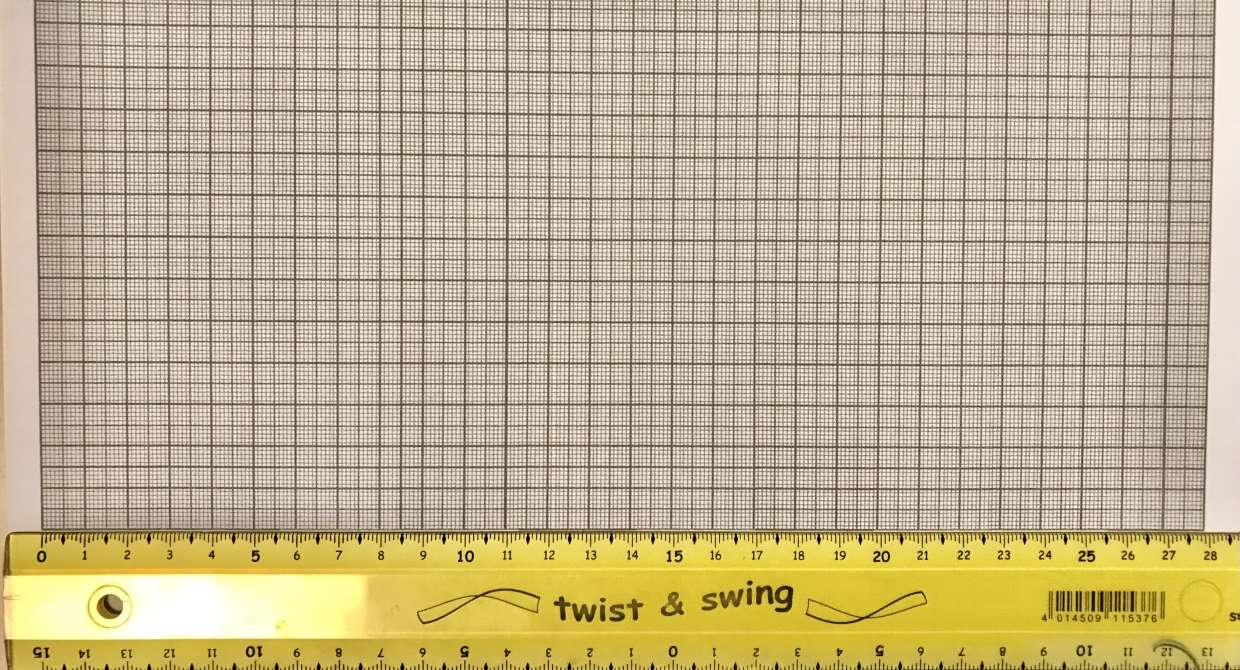
Print In Correct Size Tutorial
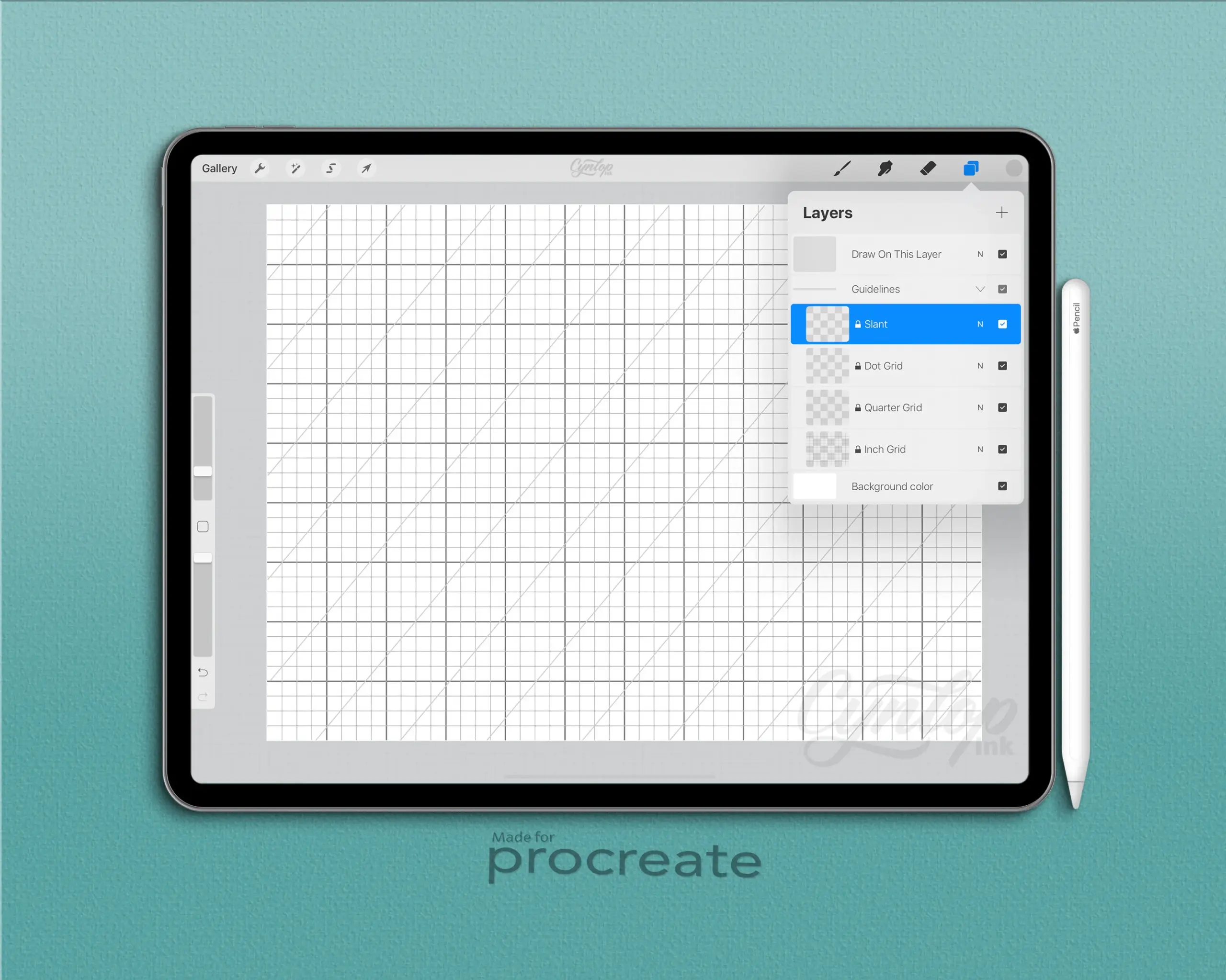
Procreate App Dot And Square Grid File
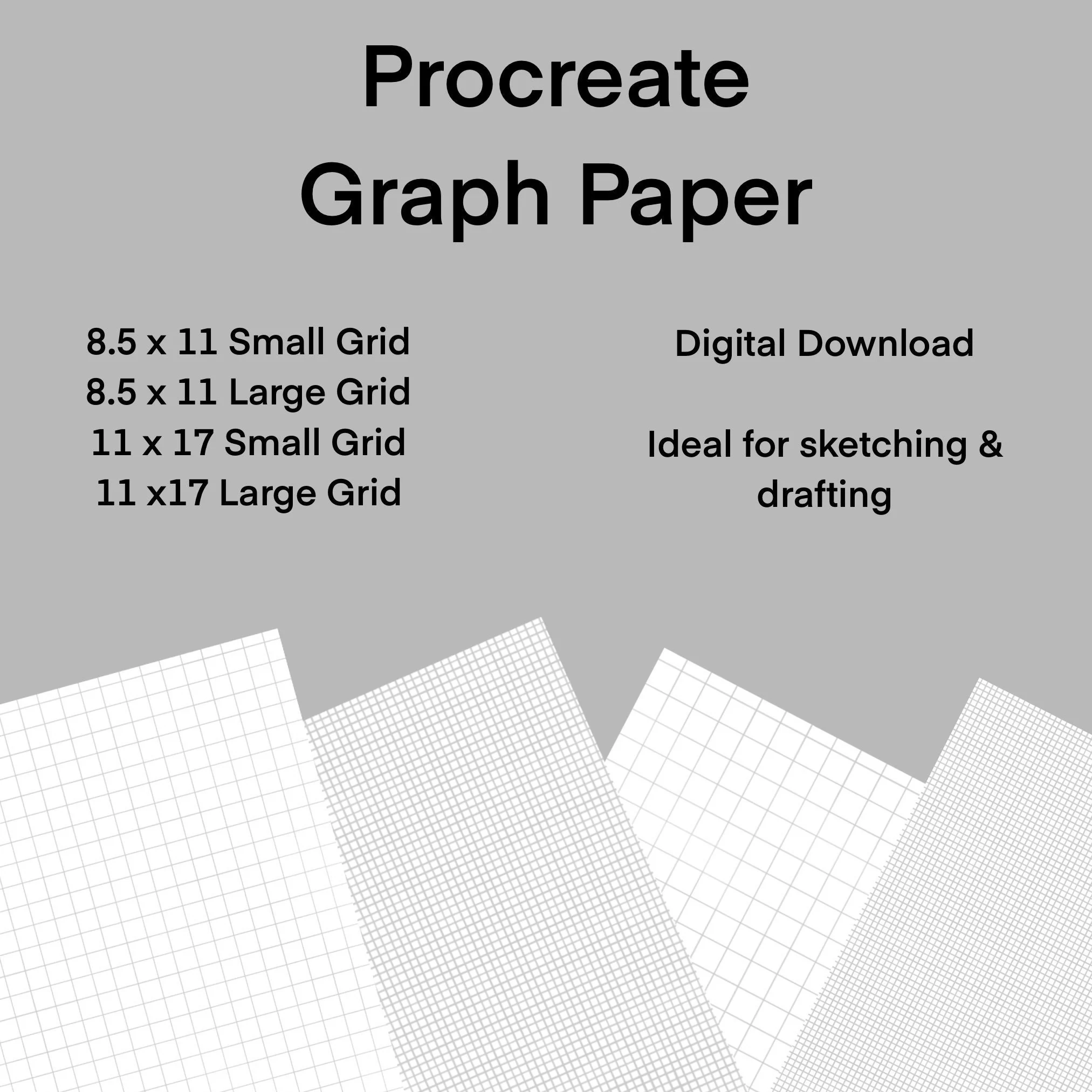
Digital Graph Grid Paper For Procreate For Drafting drawing
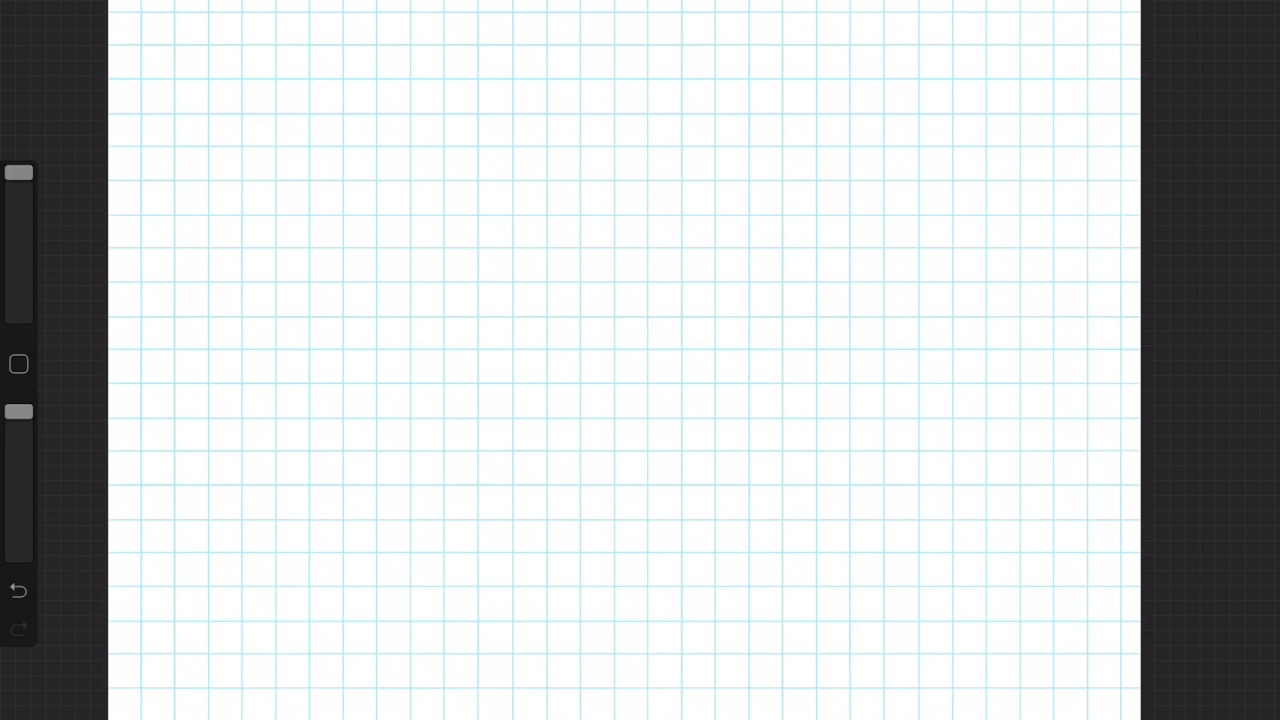
Sketch50 Tip 2 Adding A Grid In Procreate