Printer issues can be frustrating, especially when you notice black lines appearing on your printed documents. These lines can disrupt the quality of your work and lead to wasted time and resources. Understanding the causes can help you resolve the problem quickly.
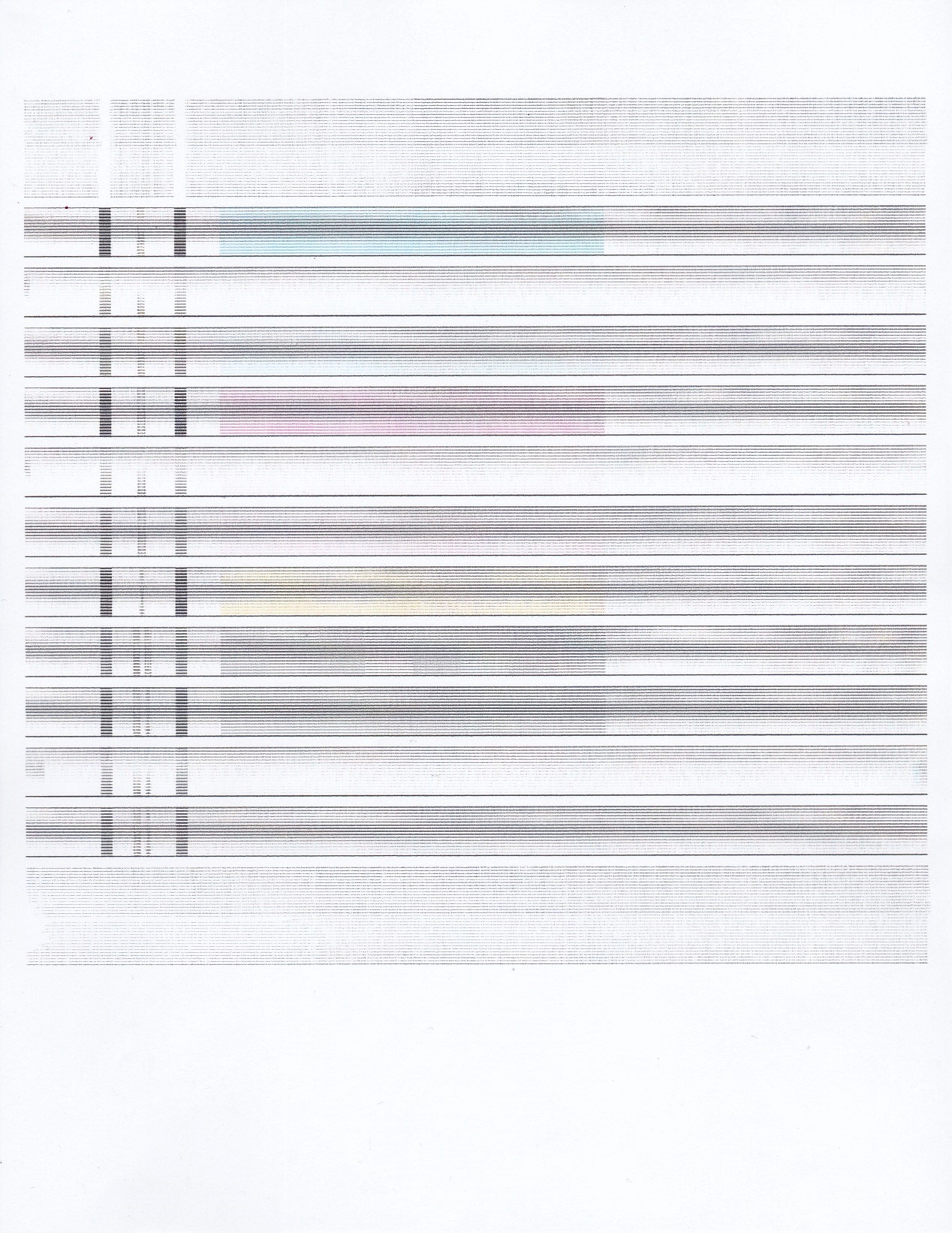
Printer Prints Black Lines On Paper
Printer Prints Black Lines On Paper
One common reason for black lines on paper is a dirty print head. Dust and ink residue can accumulate, leading to uneven printing. Regular maintenance, such as cleaning the print head, can significantly improve print quality.
Another factor could be low-quality or incompatible ink cartridges. Using generic cartridges may save money but can result in poor print quality. Opting for original manufacturer cartridges often yields better results and fewer issues.
Additionally, check your printer settings. Sometimes, incorrect settings can lead to unexpected printing results. Ensure that the paper type and print quality settings match your intended output for optimal performance.
If the problem persists despite these checks, it might be time to consult a professional technician. They can diagnose deeper issues that may not be easily visible and provide solutions tailored to your printer model.
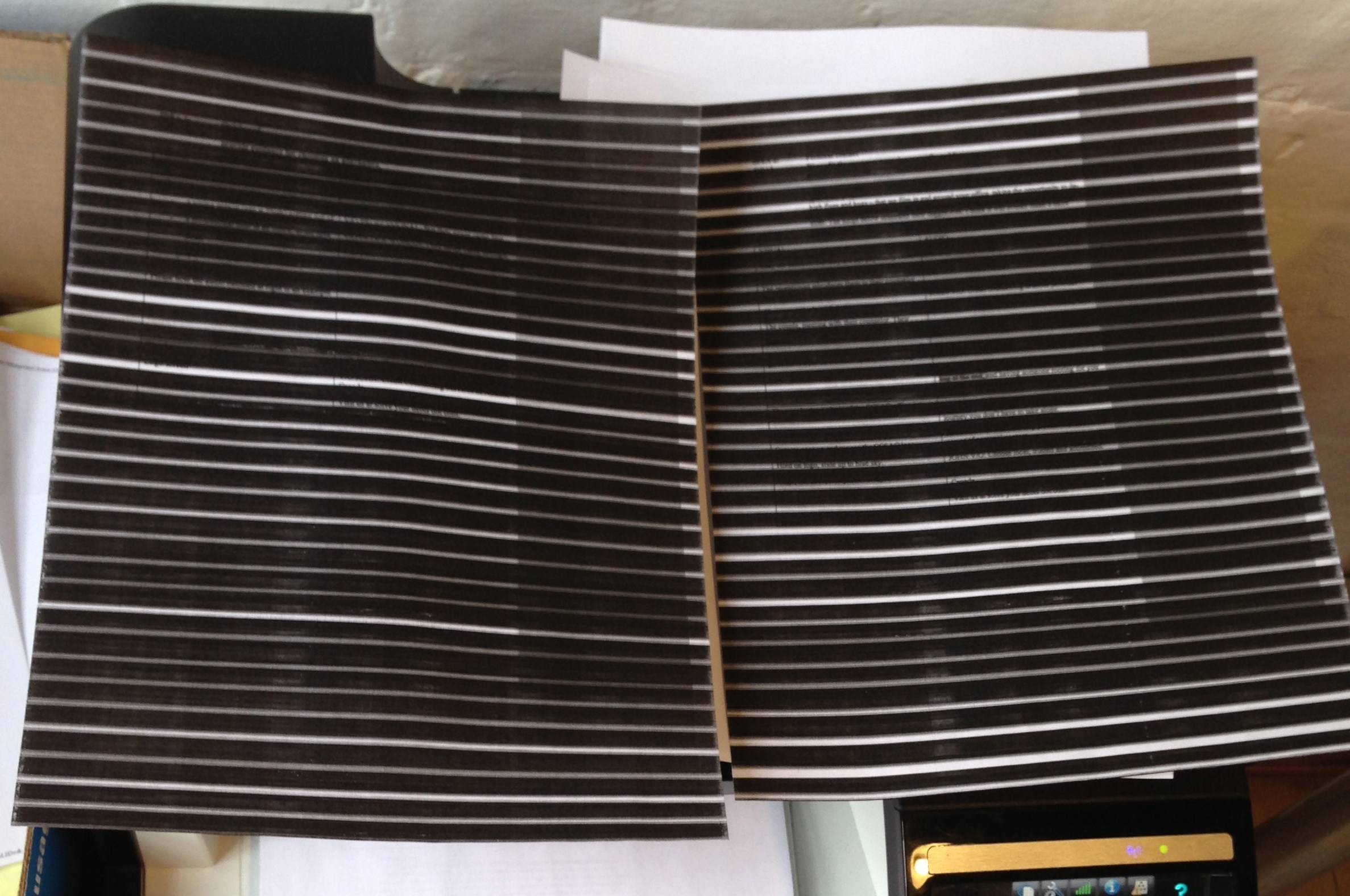
Laserjet Pro CM1415 Prints A Page Full Of Horizontal Black L
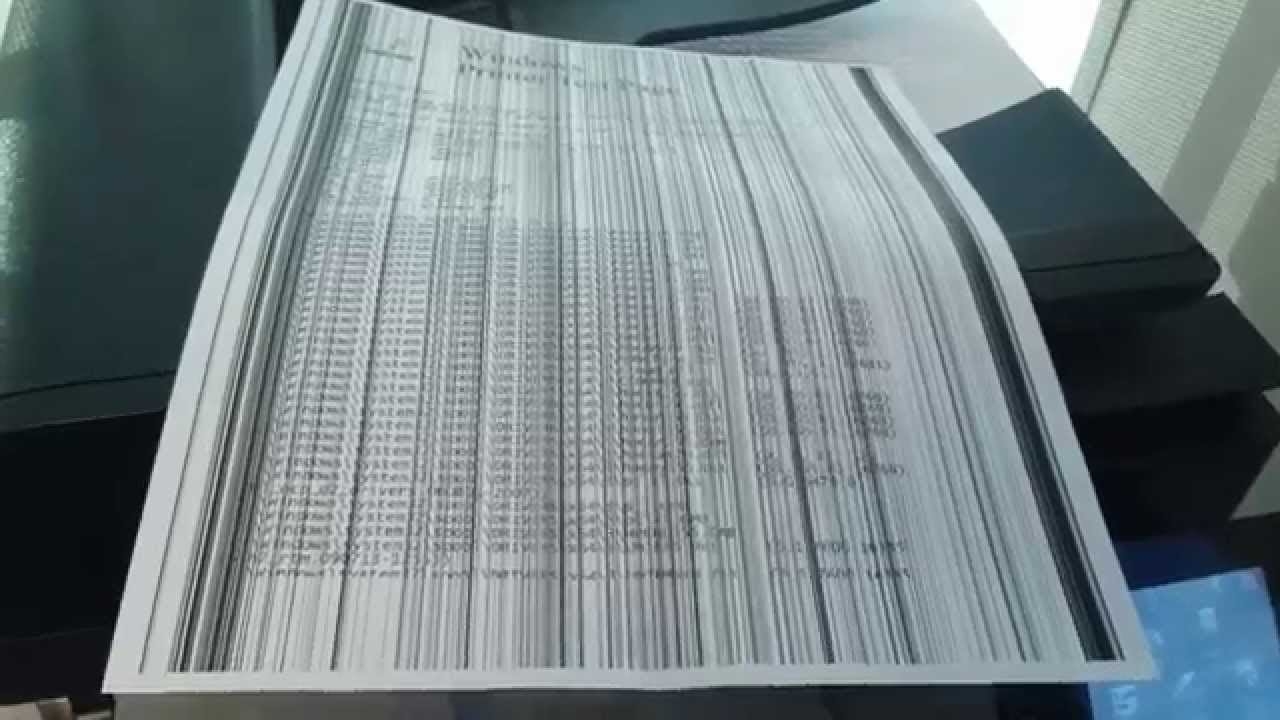
Lines On Printout Fix
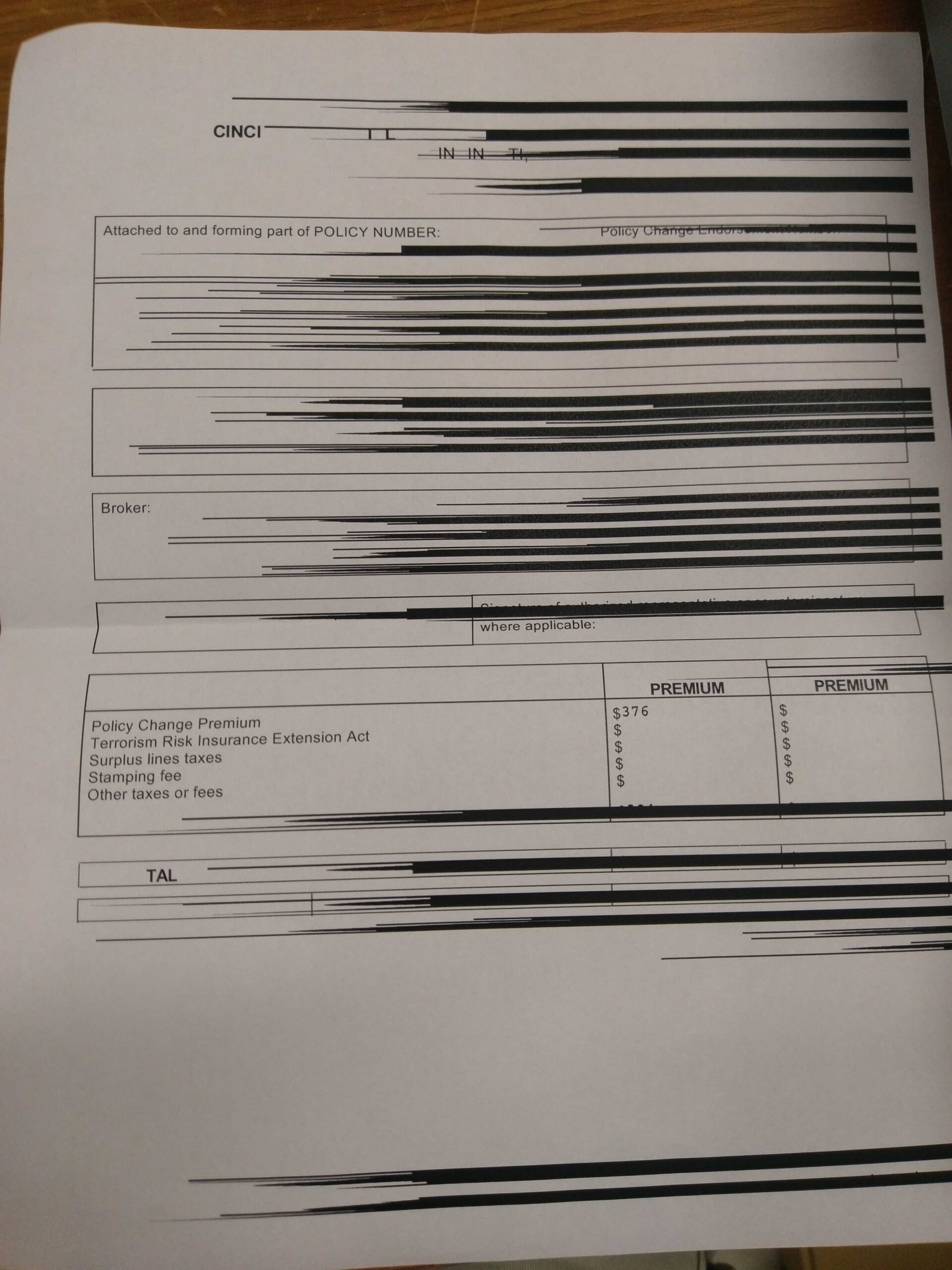
Laserjet P1006 Prints Large Black Horizontal Lines HP Support
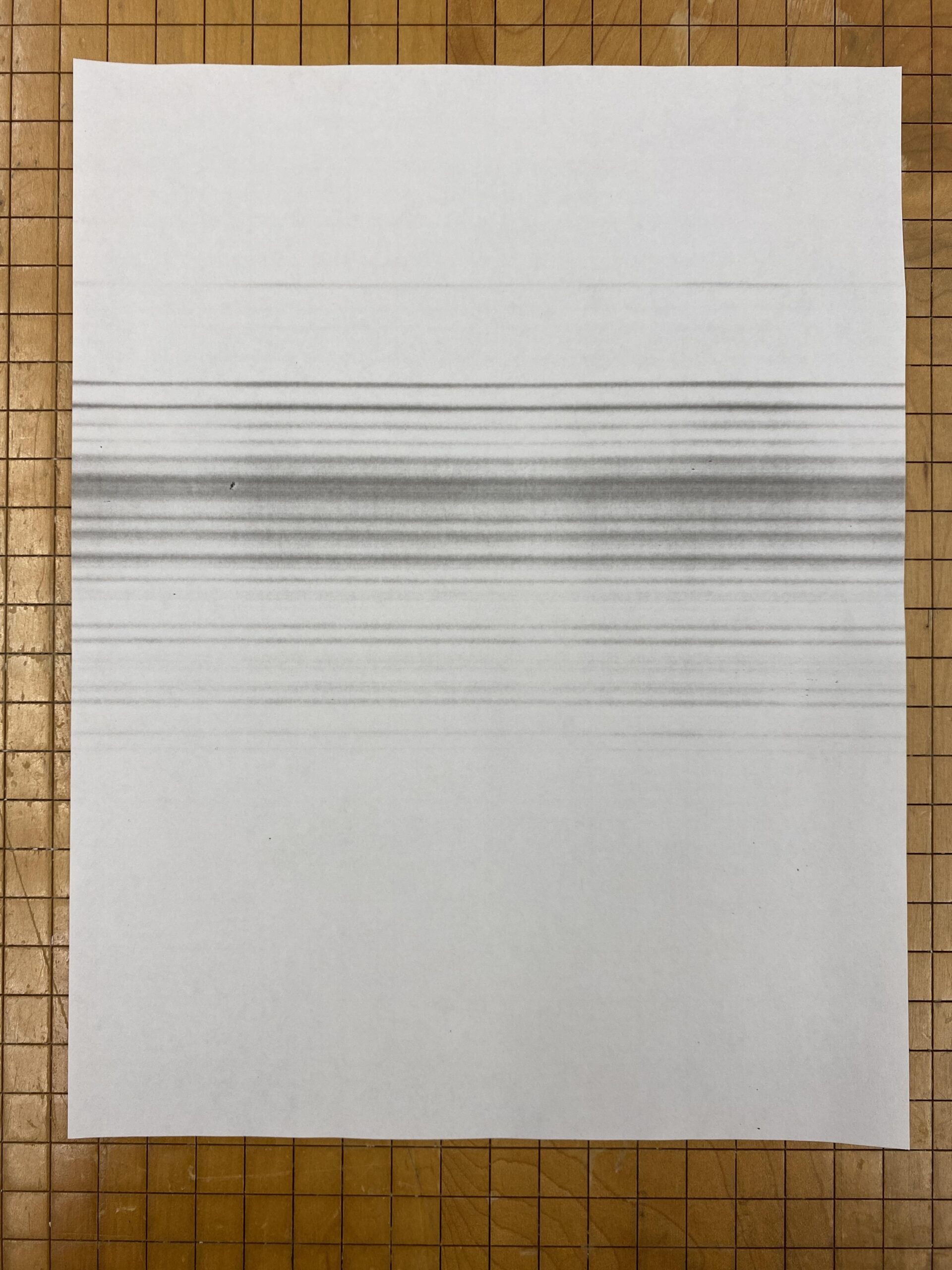
Why Are These Black Streaks Appearing On Copies And Prints I ve
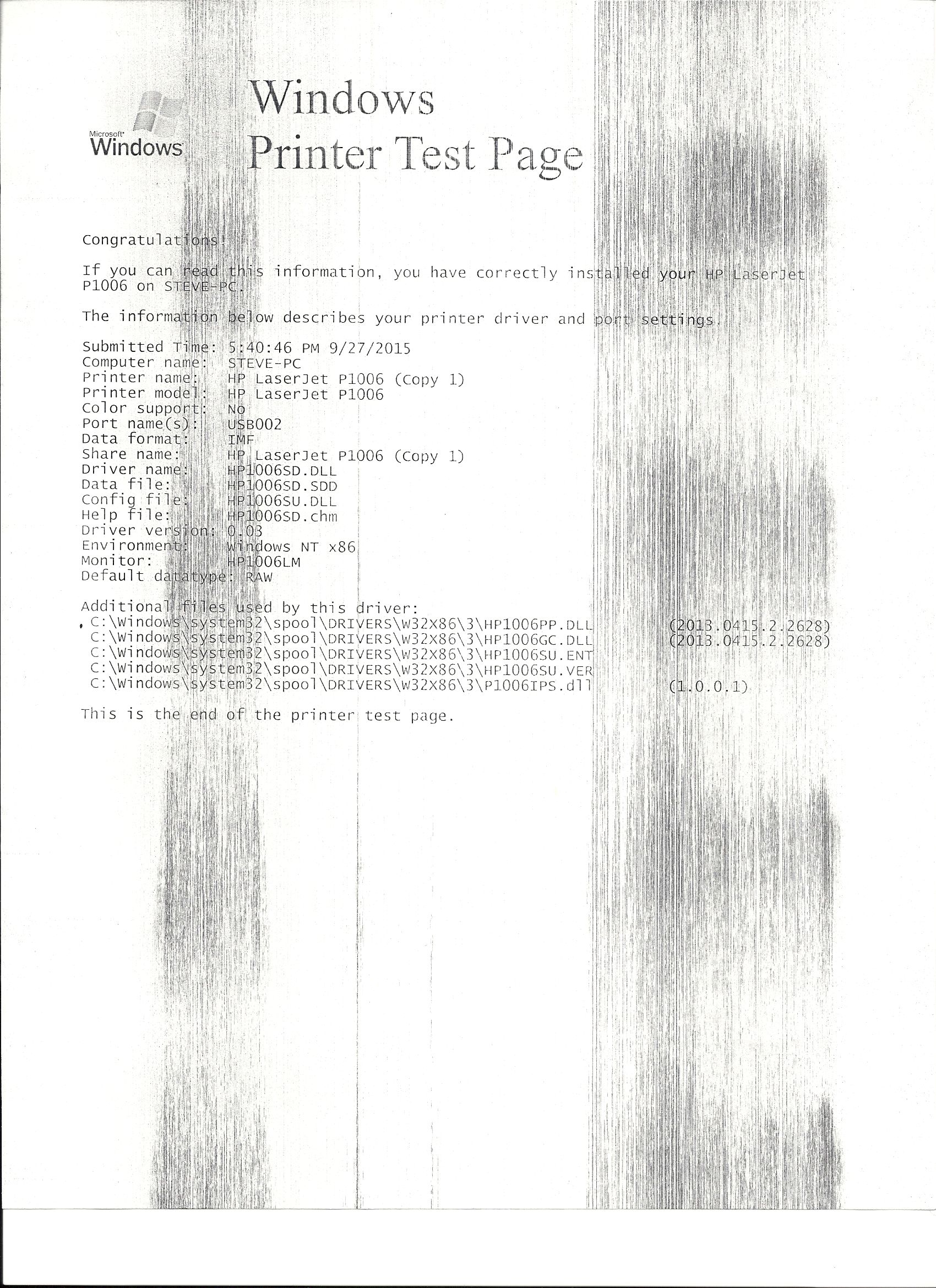
Solved Streaks In Print On A B W Laserjet Printer HP Support