Having a reliable printer at home or in the office is essential for smooth operations. However, encountering issues like black lines on printed documents can be frustrating and disruptive to your workflow. Understanding the causes can help you resolve these problems quickly.
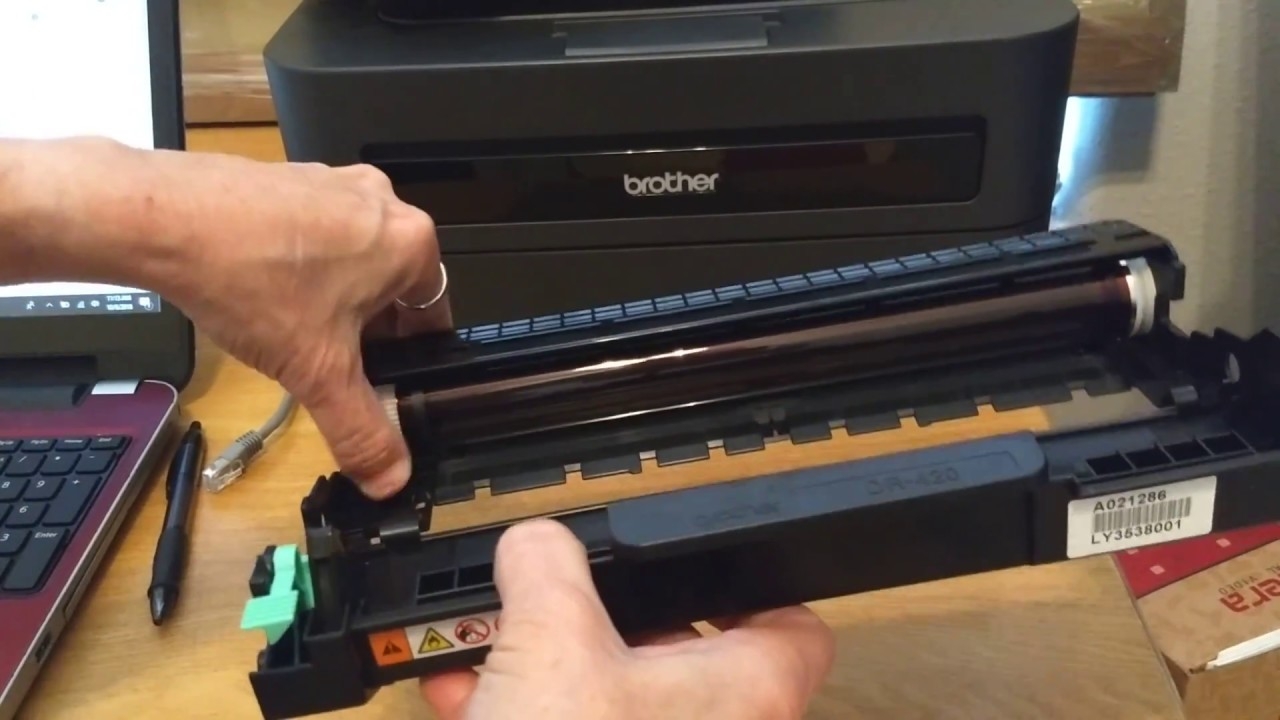
Brother Printer Black Line On Paper
Brother Printer Black Line On Paper
One common reason for black lines on your prints is a dirty print head. Dust and debris can accumulate over time, affecting print quality. Regular cleaning of the print head can help maintain optimal performance and prevent these annoying lines.
Another factor to consider is the condition of your drum unit. If it’s nearing the end of its life, it may not transfer ink properly, leading to unwanted lines on your documents. Replacing the drum unit can often resolve this issue effectively.
Lastly, ensure that you are using high-quality ink cartridges. Low-quality or incompatible cartridges can result in poor print quality and may contribute to black lines appearing on your pages. Always opt for genuine Brother cartridges for the best results.
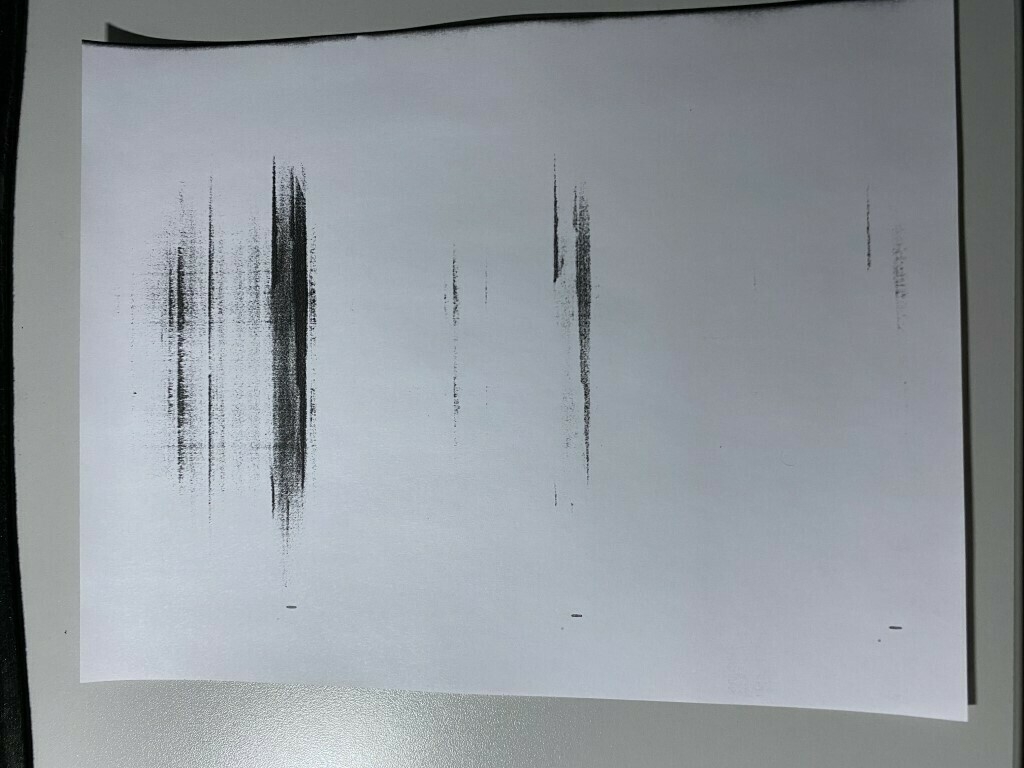
Brother MFC L2700DW Printer Too Much Toner On First Page
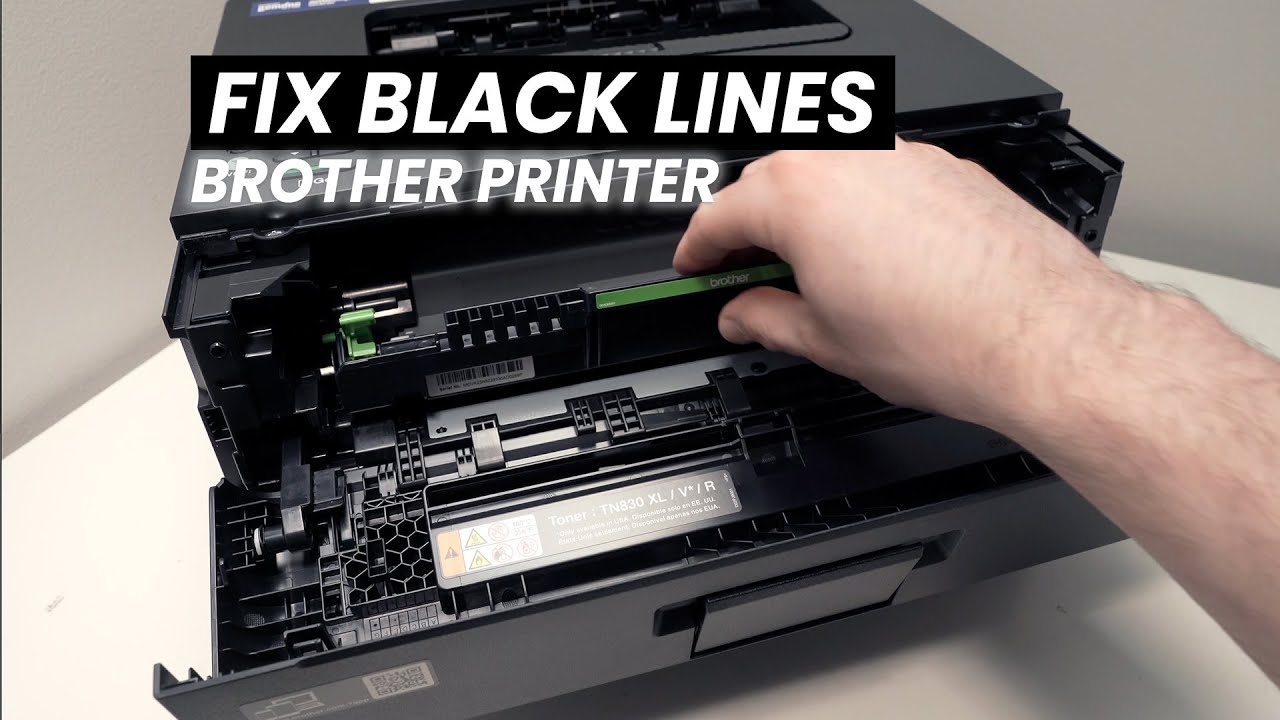
Brother Printer How To Fix Black Lines Problem
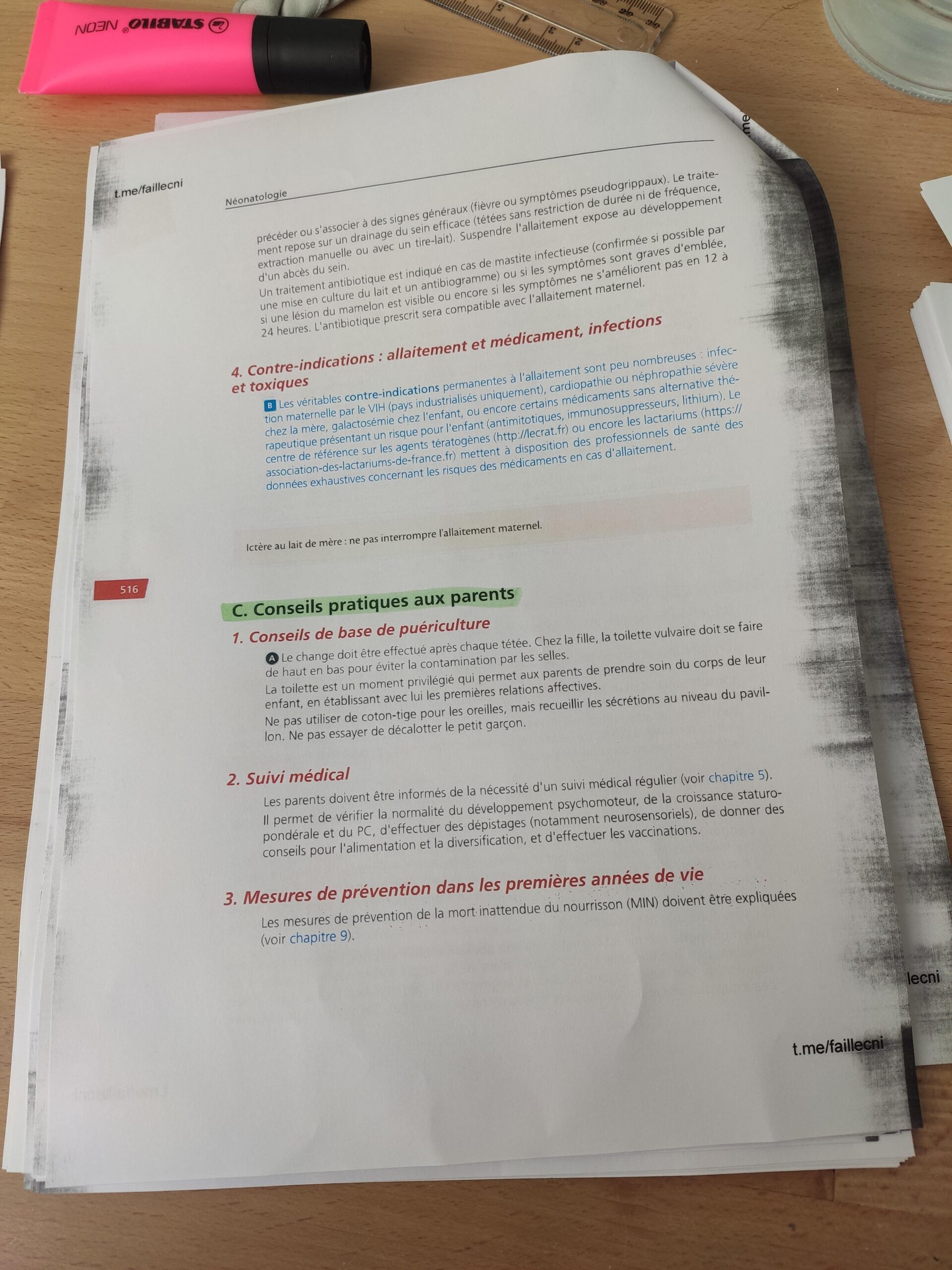
Hi I Have An Issue With My Brother MFC L3750 CDW Printer It
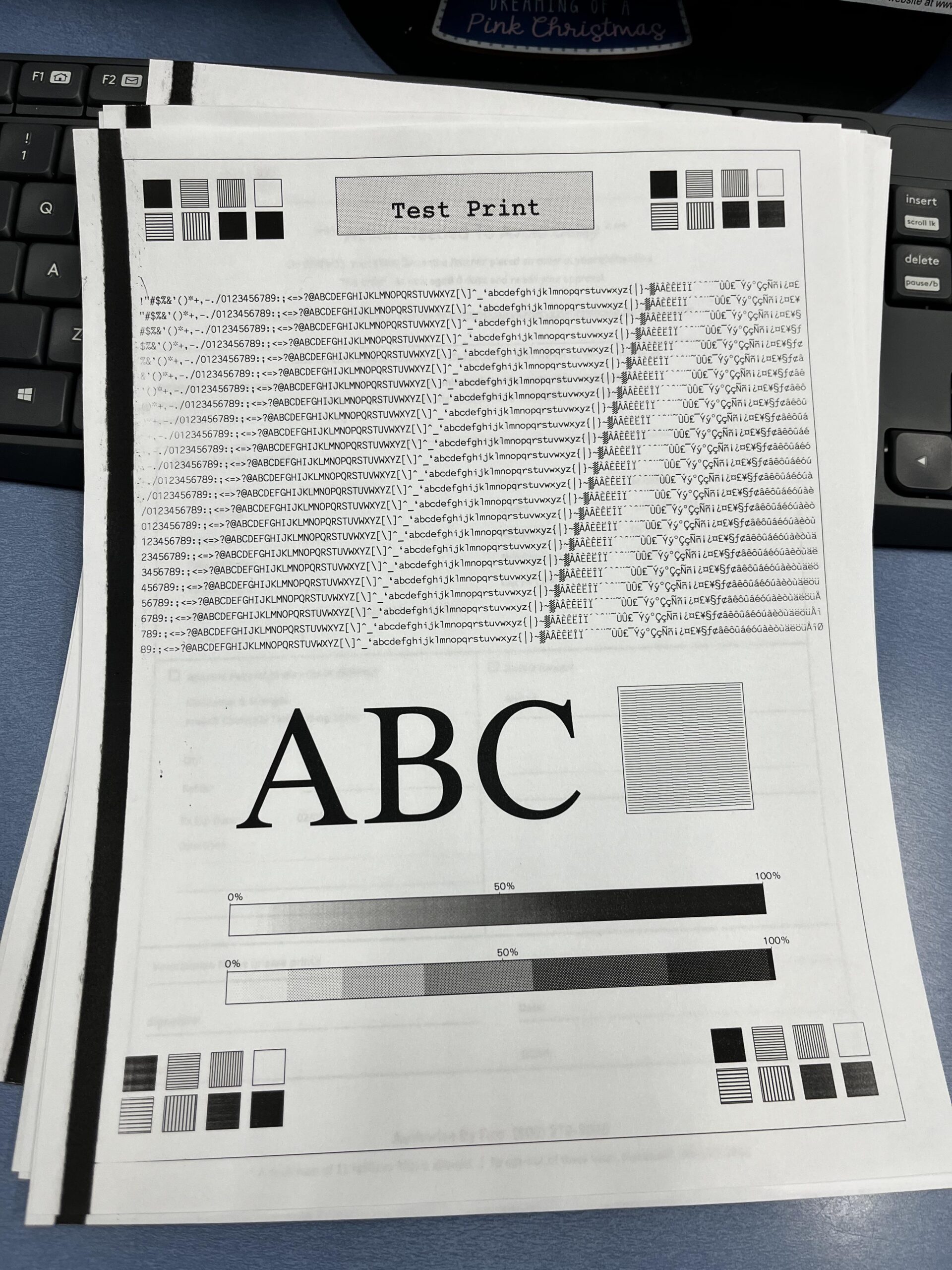
My MFC Printer Prints A Giant Black Line How Do We Fix It R
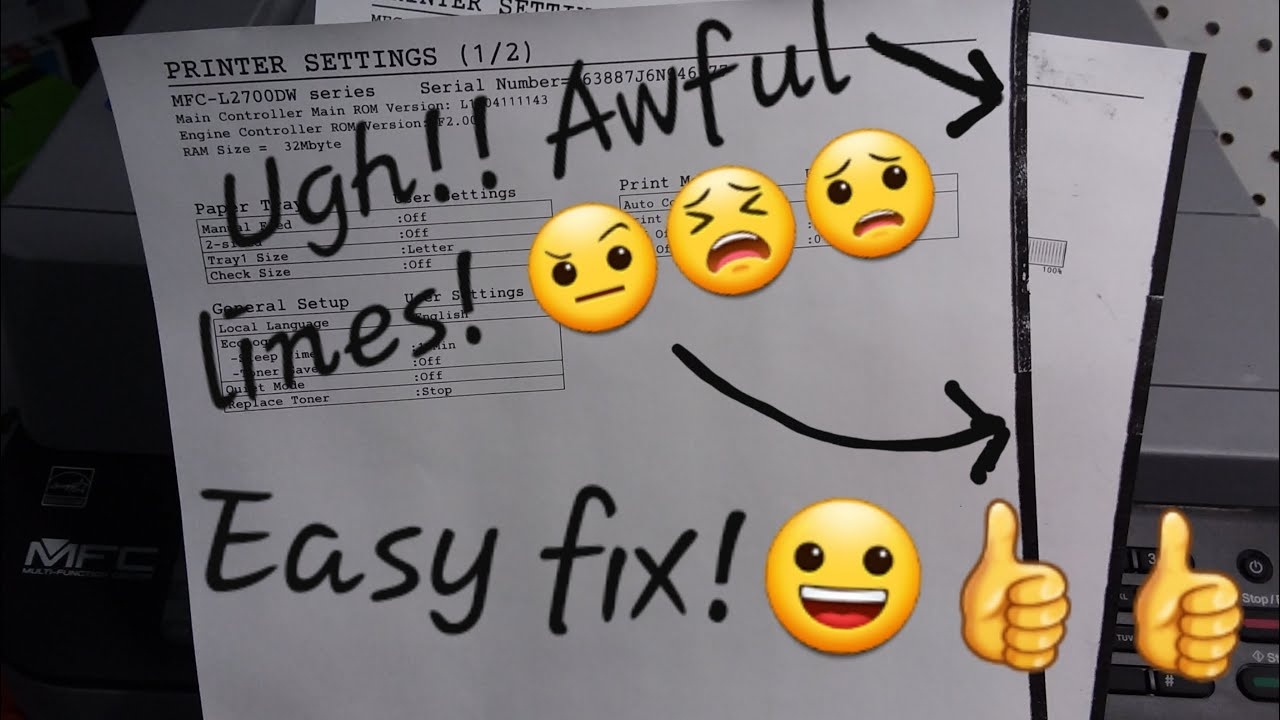
How To Remove Vertical Black Line Across Page On Brother Laser Printer