Understanding how to use AutoCAD effectively can significantly enhance your drafting skills. One essential aspect to grasp is the concept of line scale in paper space, which can streamline your workflow and improve accuracy.
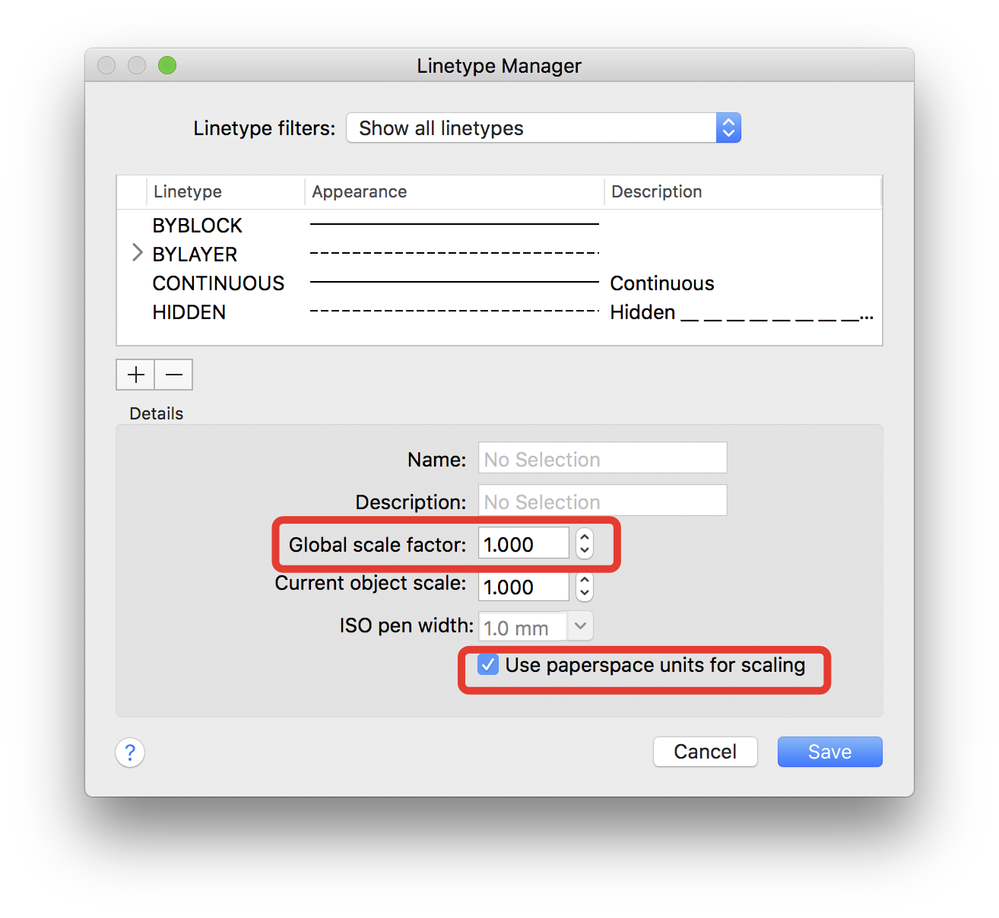
Autocad Paper Space Line Scale
Autocad Paper Space Line Scale
In AutoCAD, paper space is where you set up your layout for printing. Adjusting the line scale in this environment is crucial for achieving precise results. It allows you to control how objects are displayed on your final print.
To set the line scale, you need to understand the relationship between model space and paper space. The line scale adjusts the size of objects so they appear accurately on paper, regardless of their actual size in model space.
Using the correct line scale can prevent common issues like distorted images or misaligned text. By ensuring everything is proportionate, you can create professional-looking drawings that meet industry standards.
In conclusion, mastering the autocad paper space line scale is vital for any designer. Taking the time to learn this feature will enhance your drafting capabilities and ensure your projects are presented flawlessly.
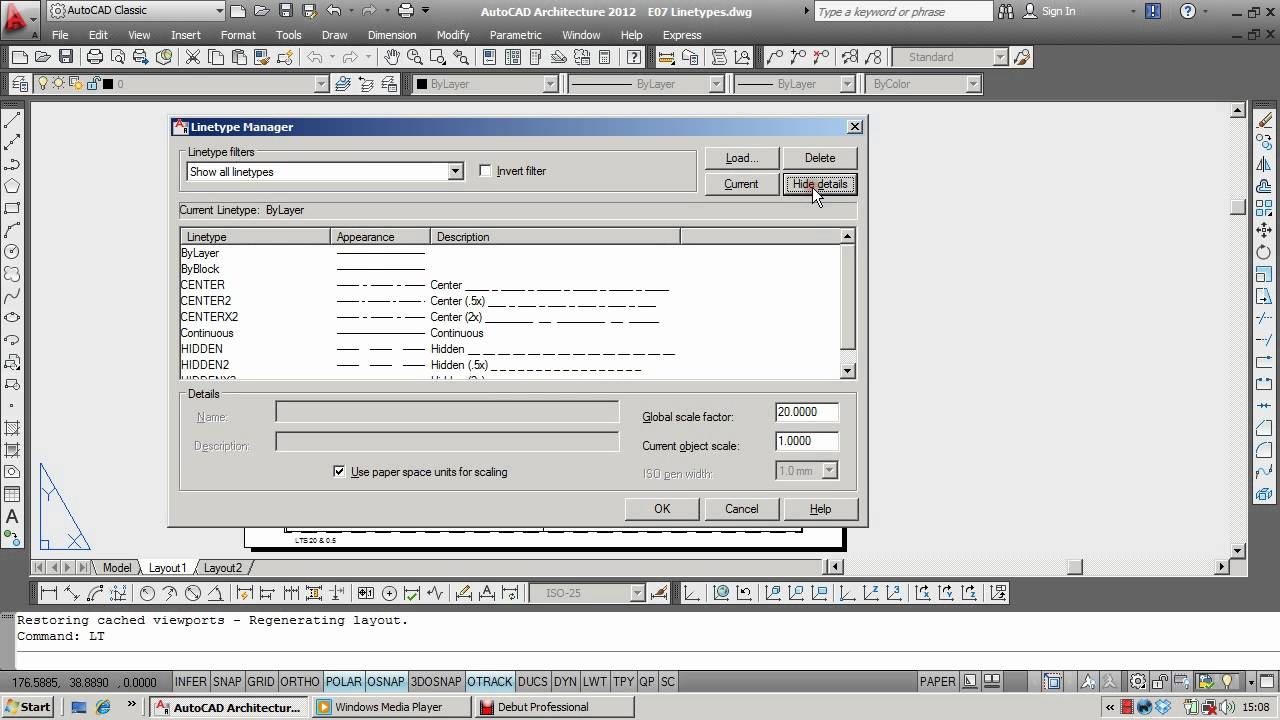
AutoCAD Linetypes Solving Paper Space Problems
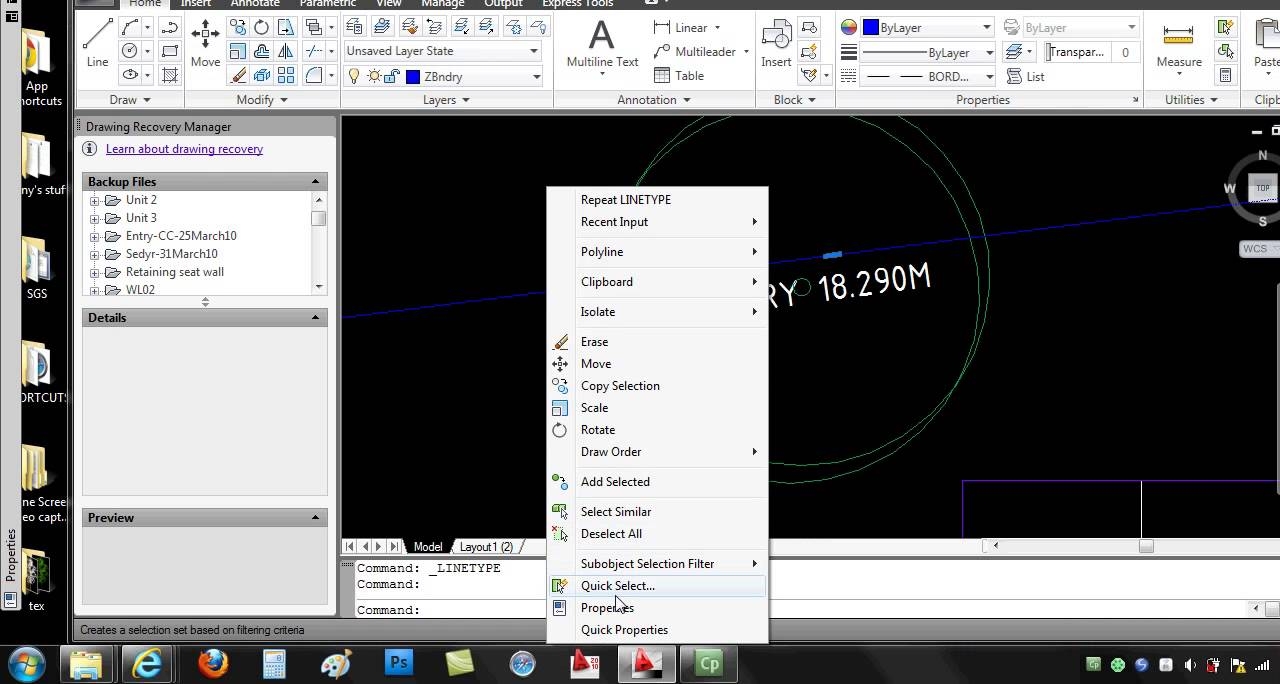
Linetype Scale And Paper Space
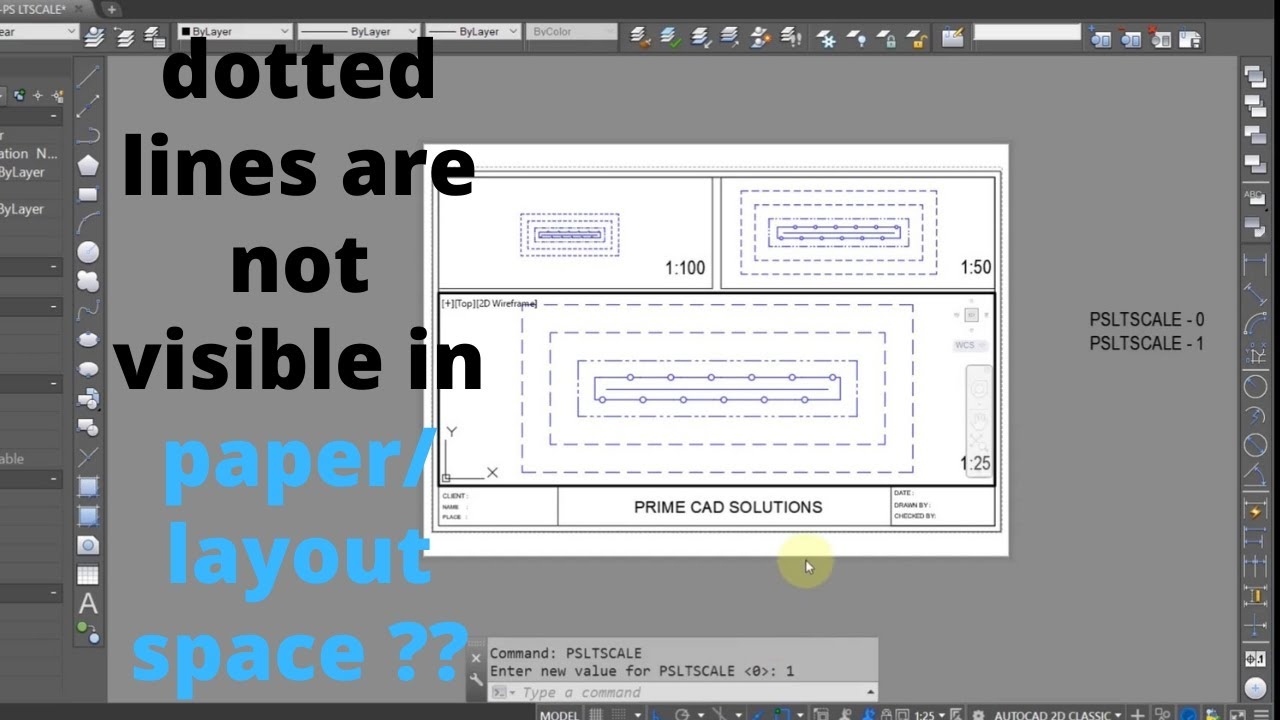
How To Change Linetype Scale Hidden Lines Model Space And Paper Layout Space The Same In Autocad
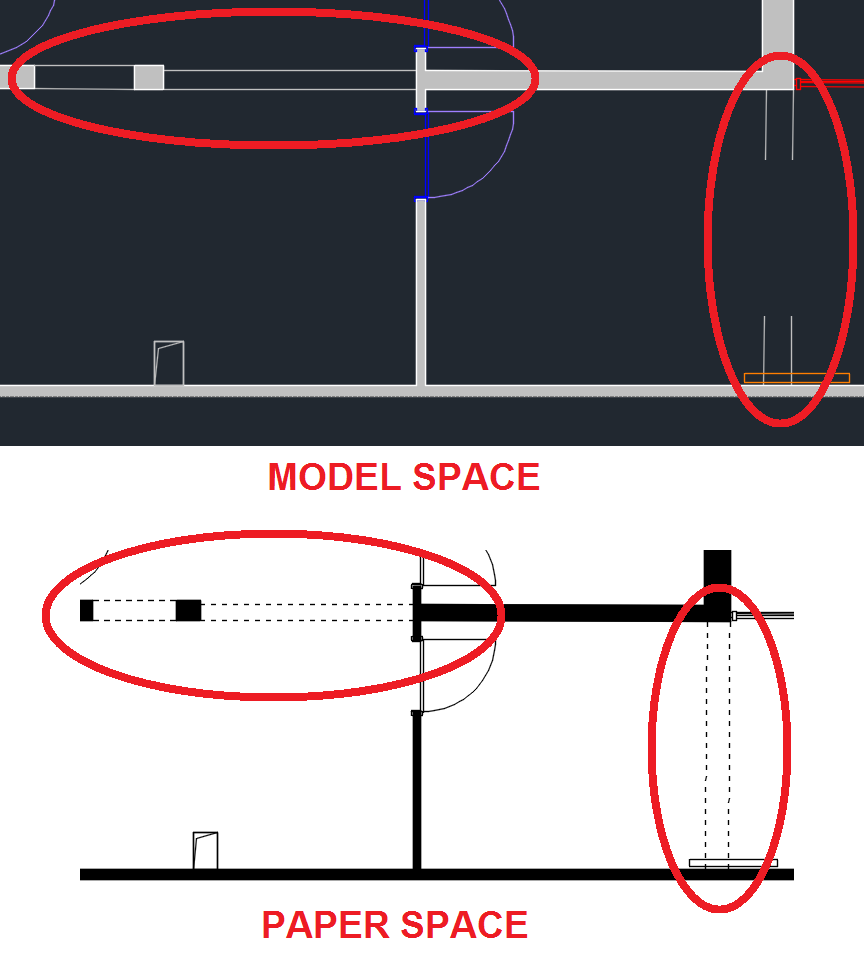
Solved Linetype Scale In Model Space Not Showing Properly
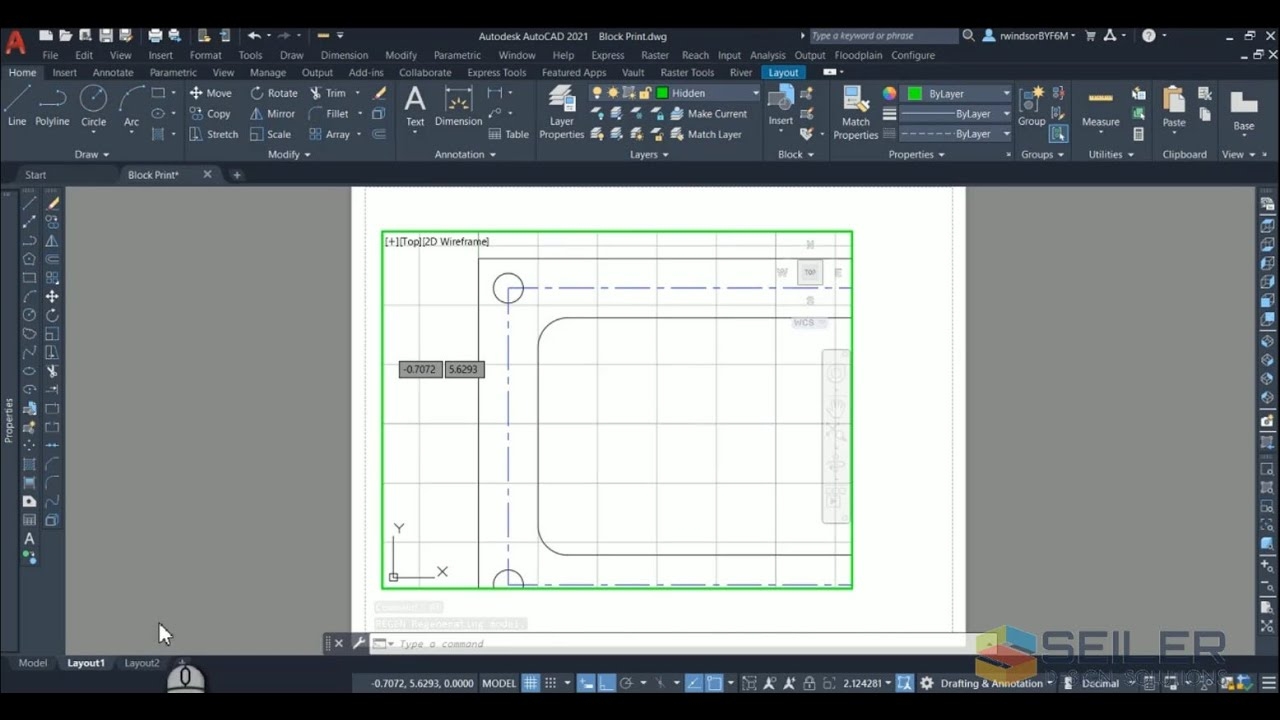
AutoCAD Paper Space Linetype Scale