Finding the right tools for your design projects can be a game changer. Many professionals rely on digital solutions to enhance their workflow and improve accuracy. One such tool that stands out is Bluebeam Graph Paper.
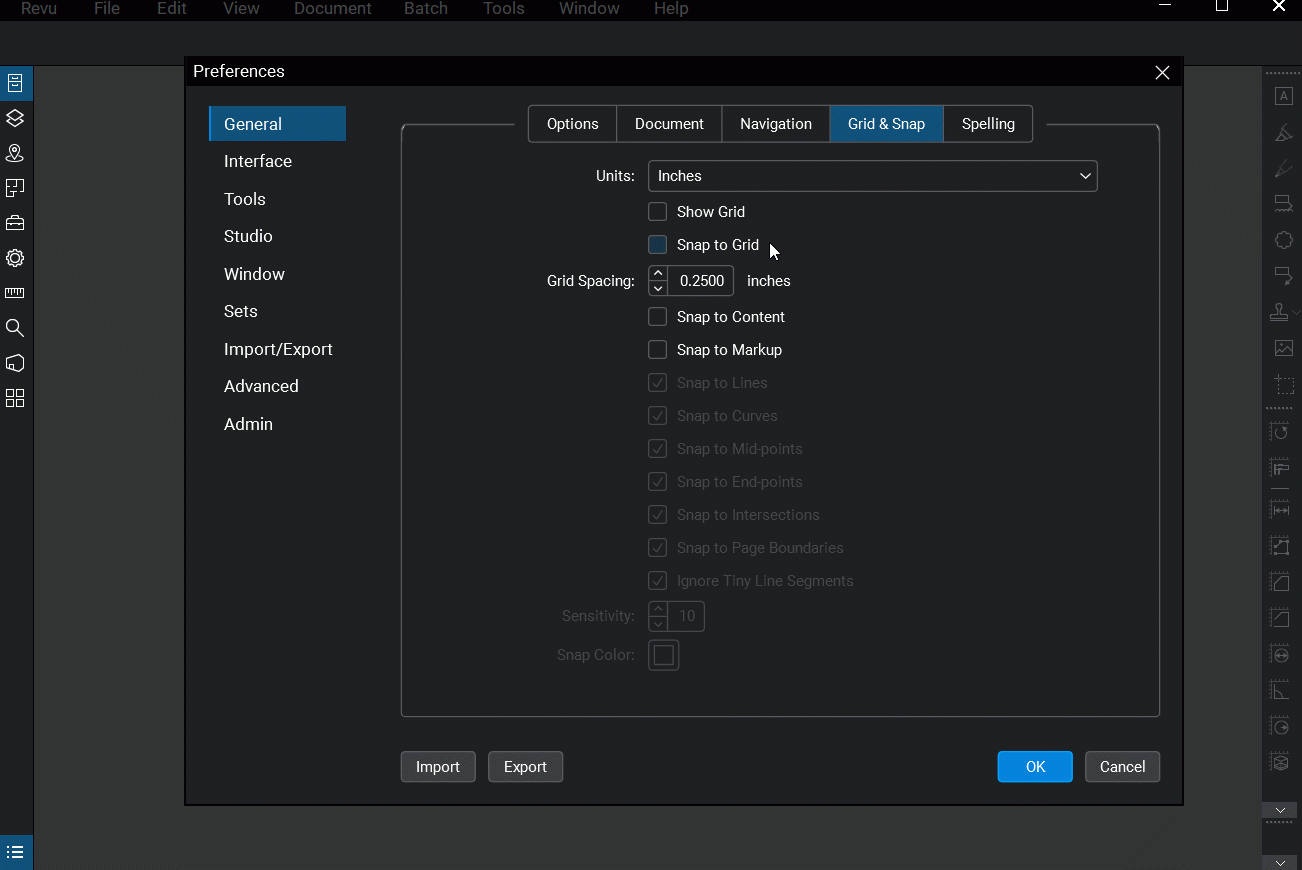
Bluebeam Graph Paper
Bluebeam Graph Paper
This innovative tool allows users to customize grid sizes and colors, catering to various project needs. Whether you’re sketching initial concepts or finalizing detailed plans, Bluebeam Graph Paper adapts to your requirements seamlessly.
Another great feature is its ability to integrate with other Bluebeam products. This connectivity ensures that your designs remain consistent across different platforms, enhancing collaboration among team members and clients.
Moreover, Bluebeam Graph Paper is user-friendly, making it accessible for both beginners and experienced professionals. The intuitive interface allows users to focus on creativity rather than getting bogged down by complicated software.
In conclusion, Bluebeam Graph Paper is a versatile tool that simplifies the design process. Its customizable features and ease of use make it a must-have for anyone looking to elevate their project outcomes.

7 Ways To Customize Bluebeam Revu Using Preferences Taradigm
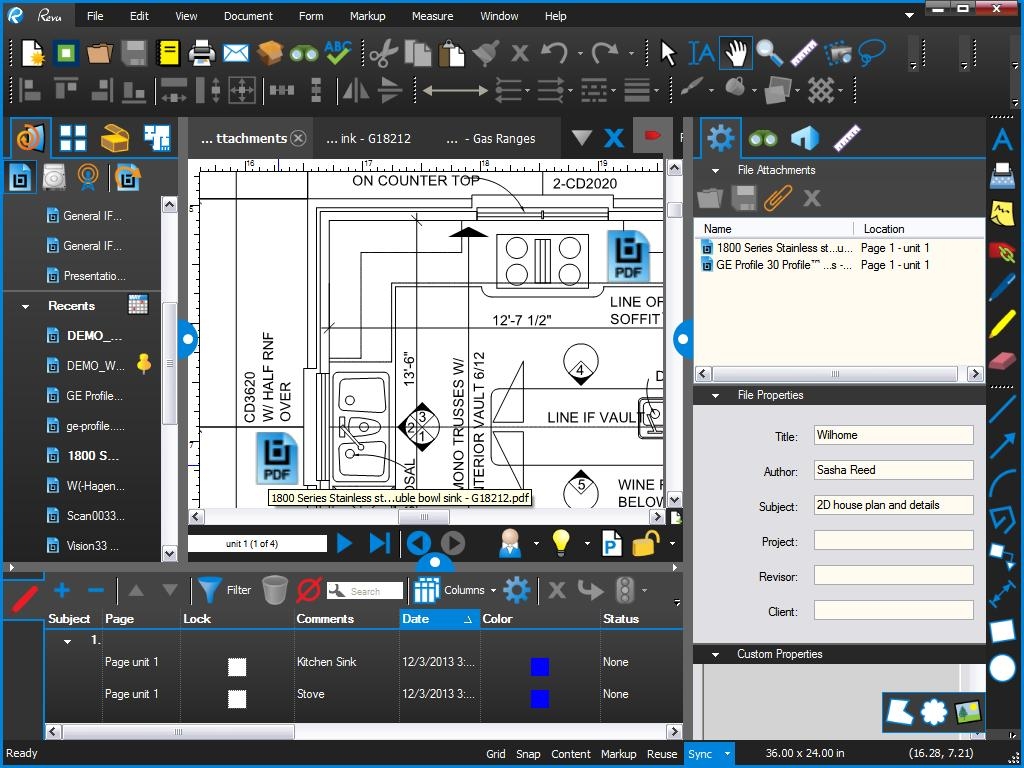
Bluebeam Revu Idea The Ultimate HomeBuilder As Built Hagen
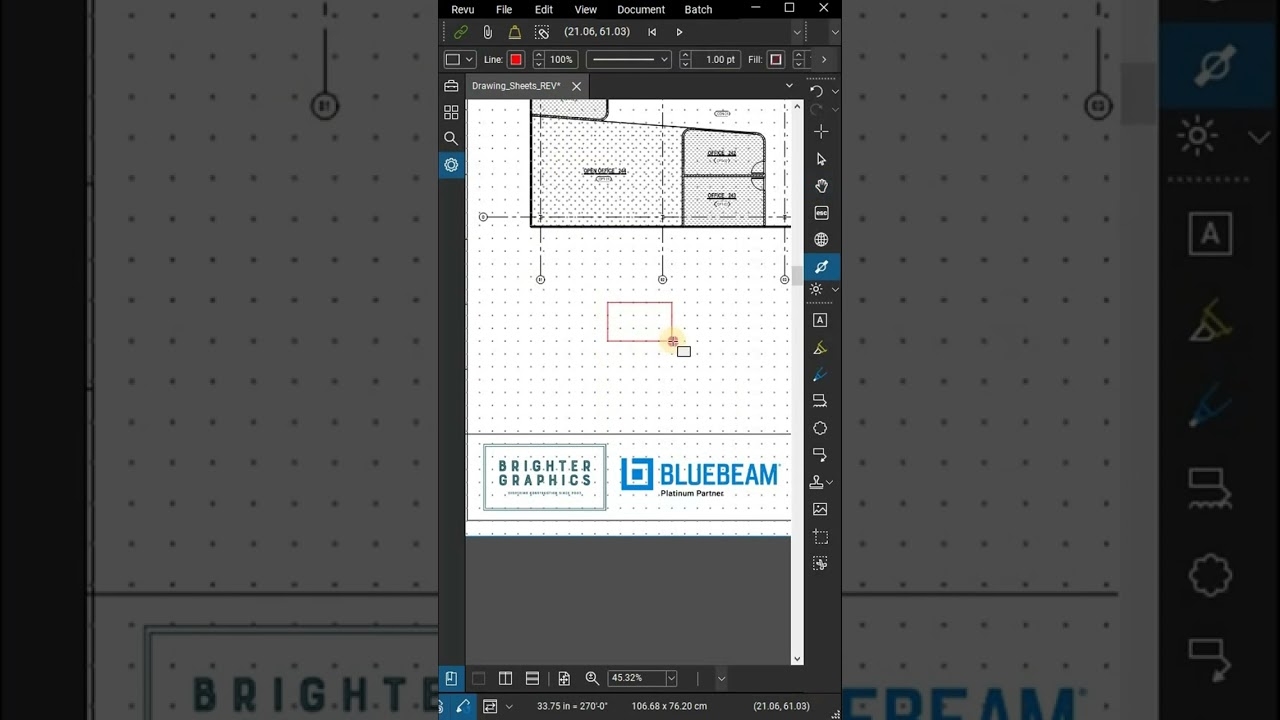
BluebeamMeUp The Grid Feature In Bluebeam Revu shorts YouTube
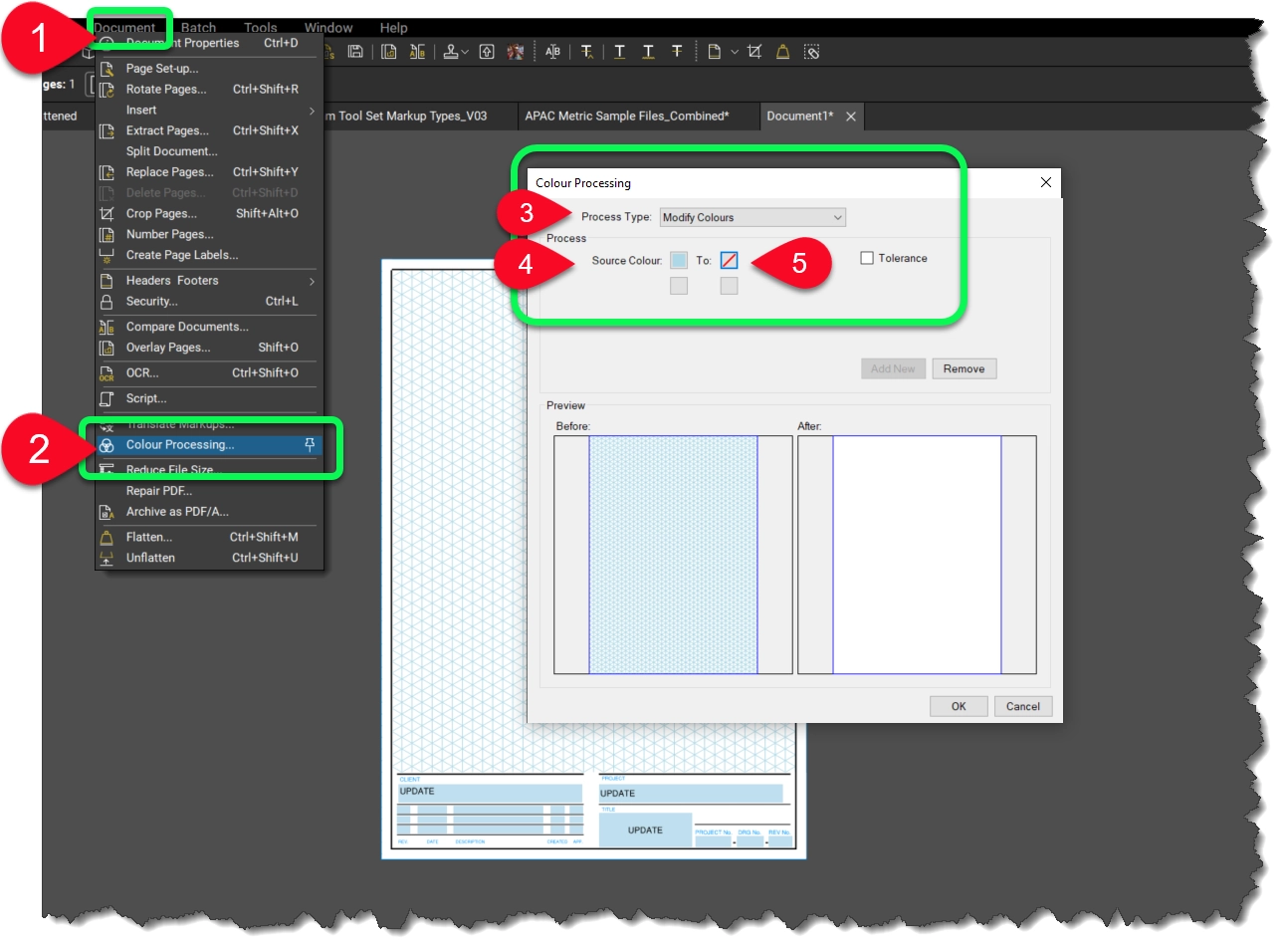
Removal Of Grid Lines Bluebeam Community
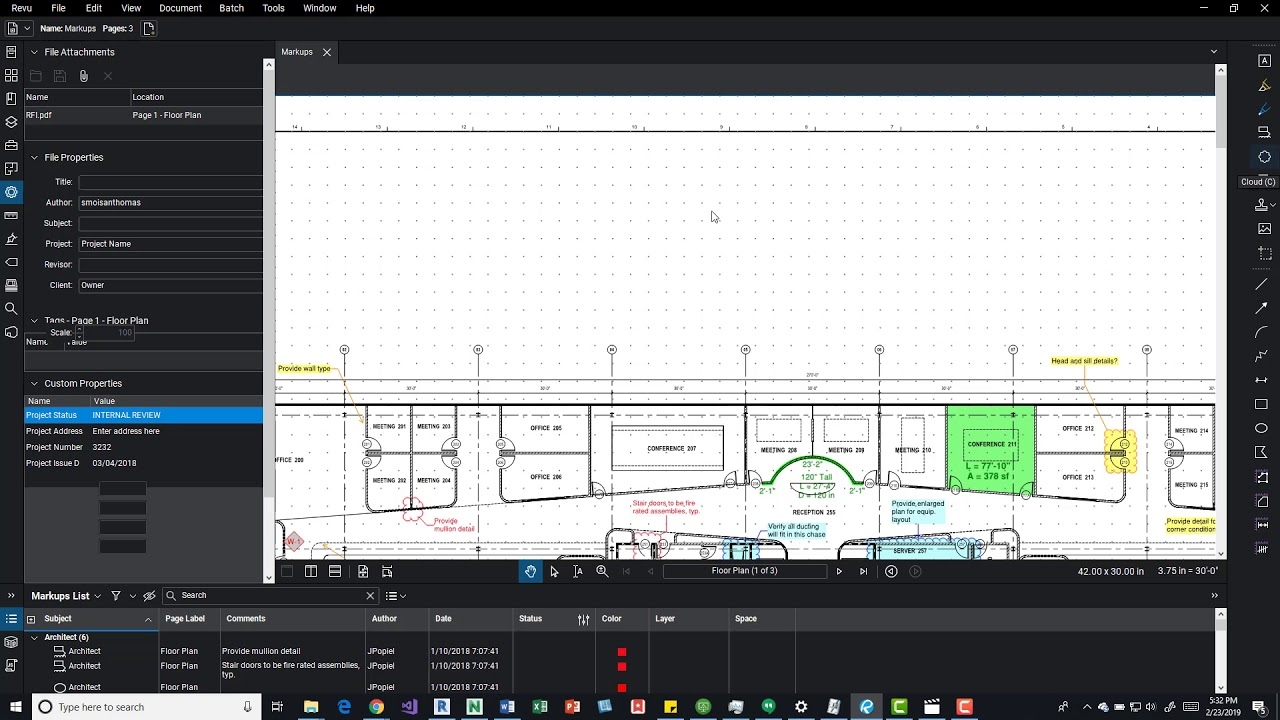
Bluebeam 2018 Snaps And Grid