Printing issues can be frustrating, especially when you rely on your Brother printer for important documents. One common problem users face is the appearance of white lines on printed pages. Understanding this issue can help you resolve it quickly.
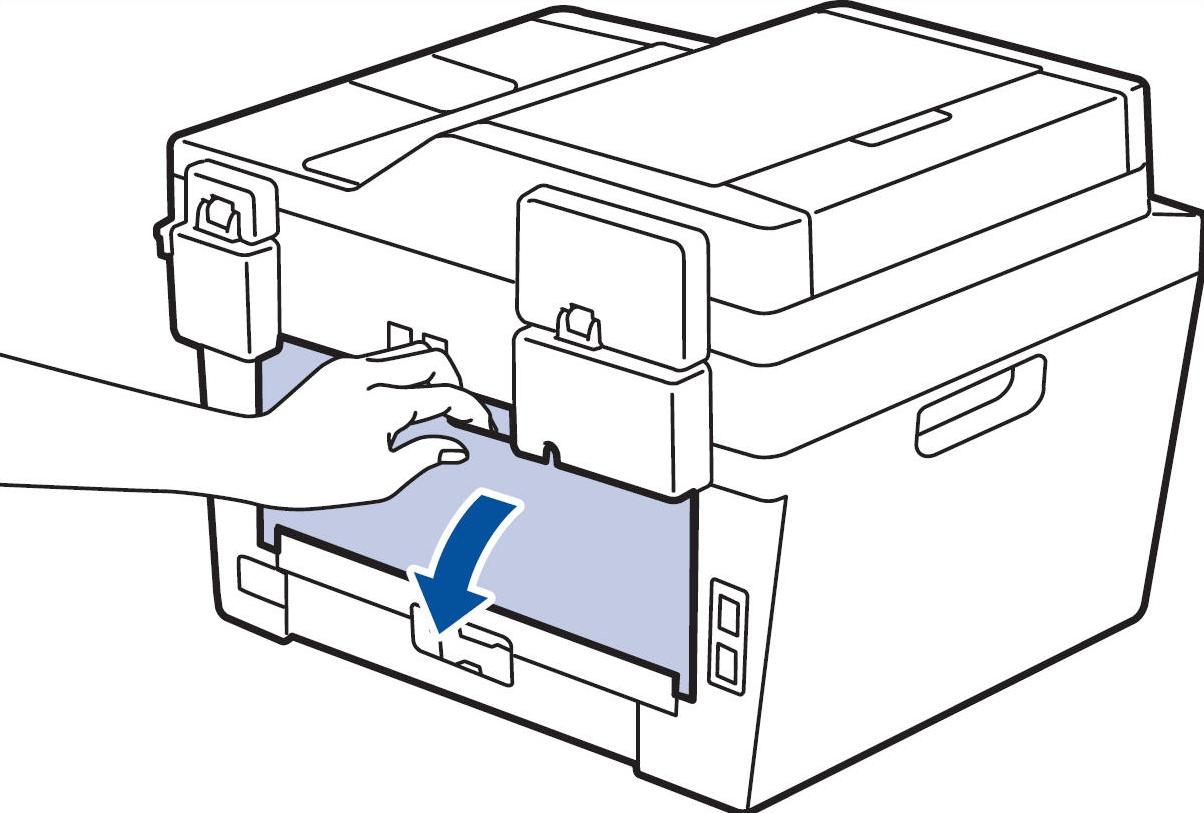
Brother Printer White Lines On Paper
Brother Printer White Lines On Paper
One primary reason for white lines is insufficient ink. Check your ink cartridges to ensure they are not empty or low. Replacing or refilling them can often resolve the issue quickly.
Another common cause is a clogged print head. Over time, ink can dry and block the nozzles, leading to incomplete printing. Running a print head cleaning cycle through your printer settings can help clear this blockage.
Additionally, using incompatible or low-quality paper may contribute to printing issues. Ensure you are using the recommended paper type for your Brother printer to achieve the best results.
If you’ve tried these solutions and still see white lines, consider updating your printer drivers. Outdated software can lead to various printing problems, including inconsistent output quality.
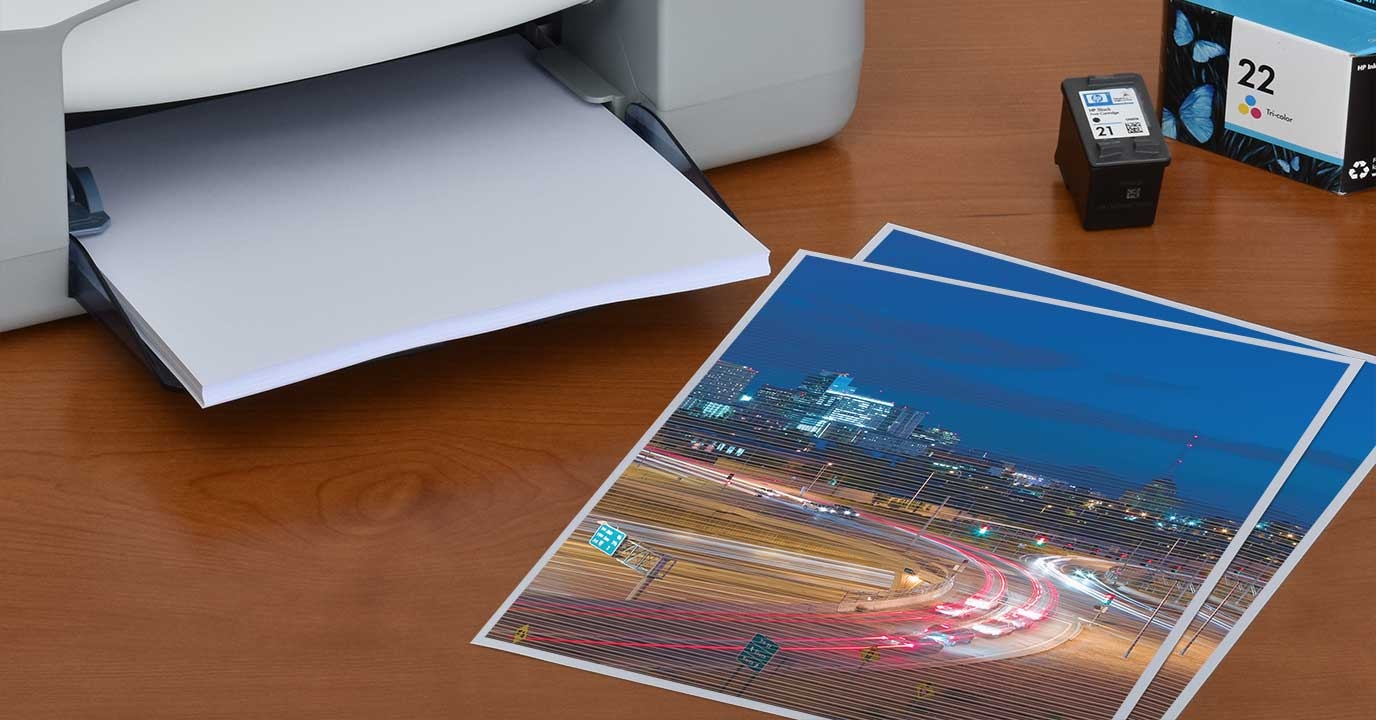
How Can I Fix Lines And White Streaks On My Inkjet Printer
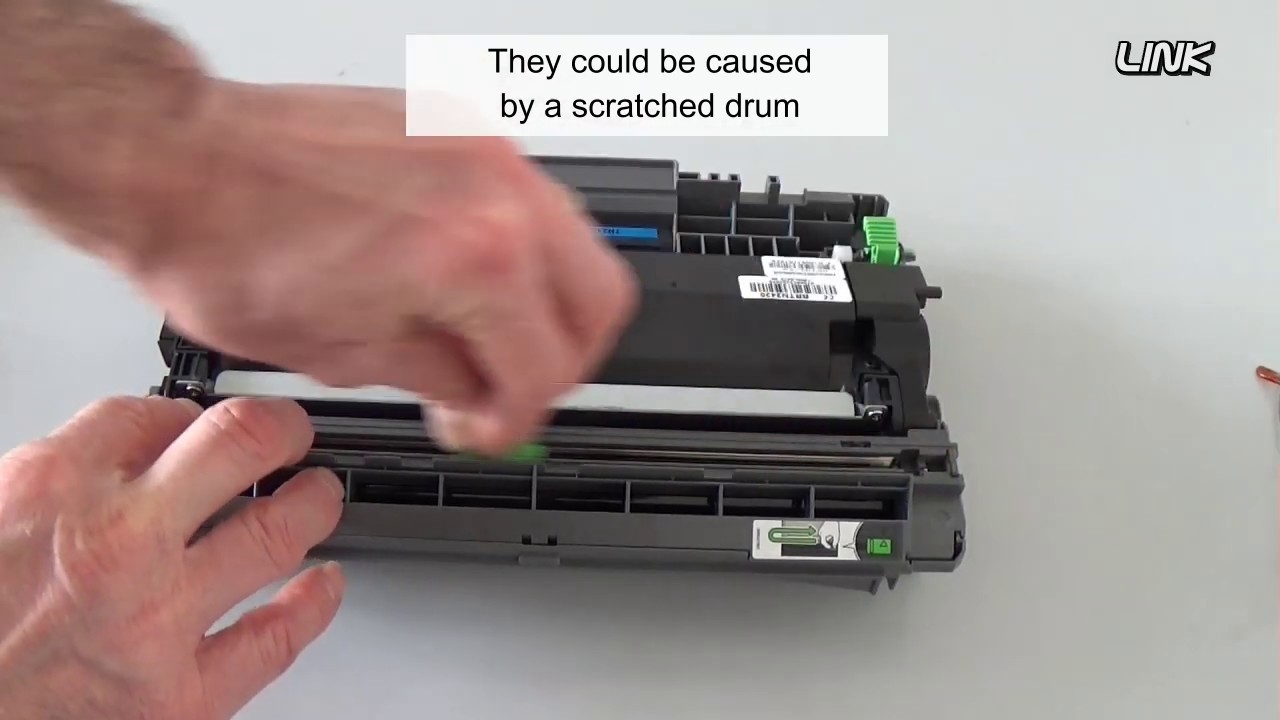
White Vertical Lines Over A Printed Page A Quick Method
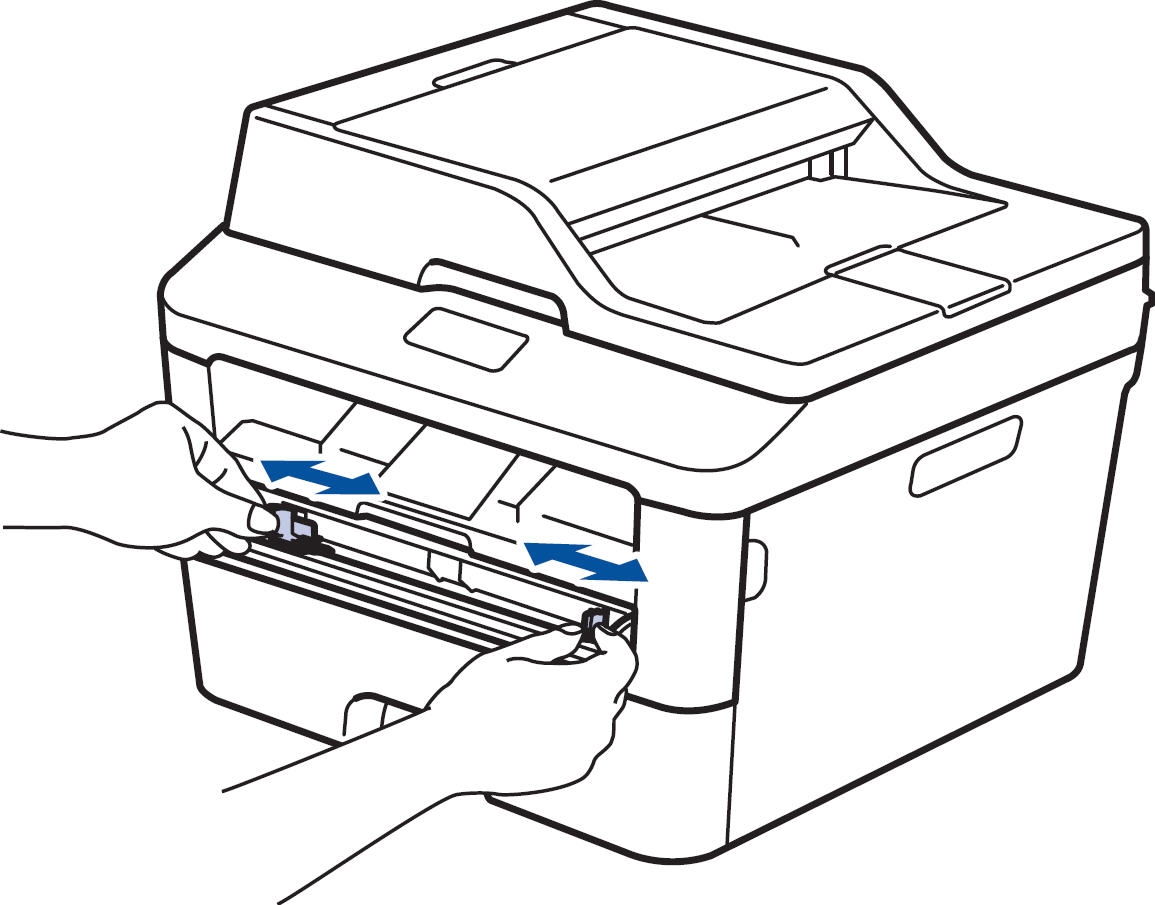
The Printed Pages Have White Horizontal Lines Or Streaks How Can
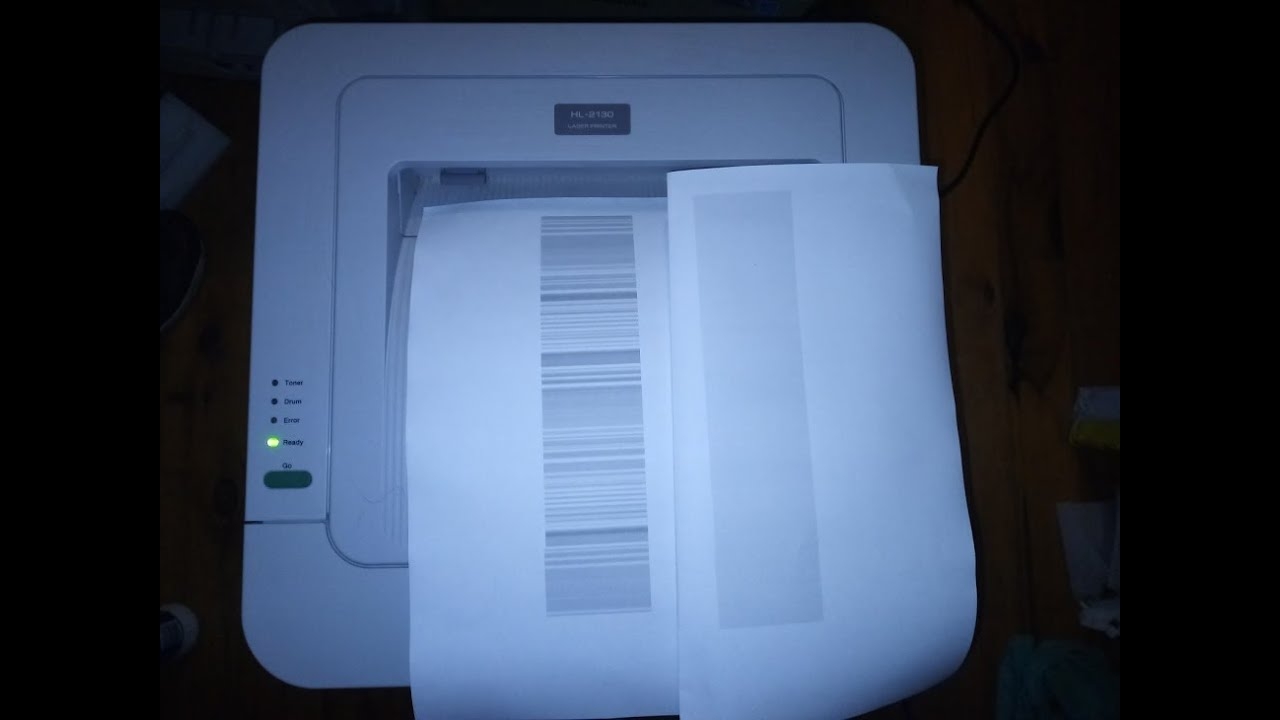
Brother Printer Horizontal White Lines Prints MFC7360n MFC 7860 HL2130 2250 2270 2135w
How Do I Clear White Lines On Printed Documents Brother MFCJ4620DW MFCJ5620DW