Creating designs or organizing data can be a breeze with the right tools. One such tool that many find helpful is Excel graph paper. It offers a flexible way to visualize information and enhance creativity.
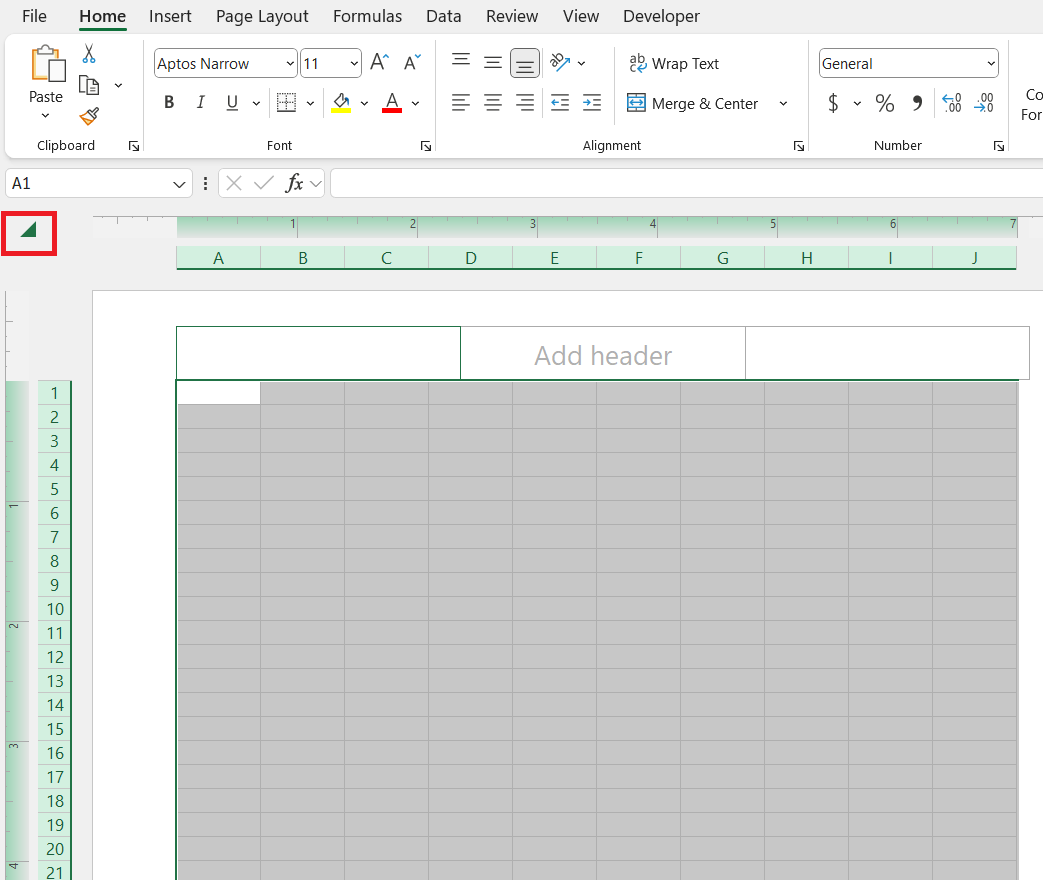
Excel Graph Paper
Excel Graph Paper
Using Excel graph paper can simplify various tasks, from drafting architectural plans to creating charts. The grid layout helps maintain proportions and ensures accuracy in your designs.
Another advantage of Excel graph paper is its customizability. You can adjust the grid size, color, and even add labels to suit your specific needs. This flexibility makes it a favorite among professionals and hobbyists alike.
Additionally, sharing your work becomes effortless with Excel. You can easily save and send your designs to colleagues or friends, allowing for collaboration and feedback without any hassle.
In conclusion, Excel graph paper is an invaluable resource for anyone looking to organize their ideas visually. Its versatility and ease of use make it a go-to choice for various projects, big or small.
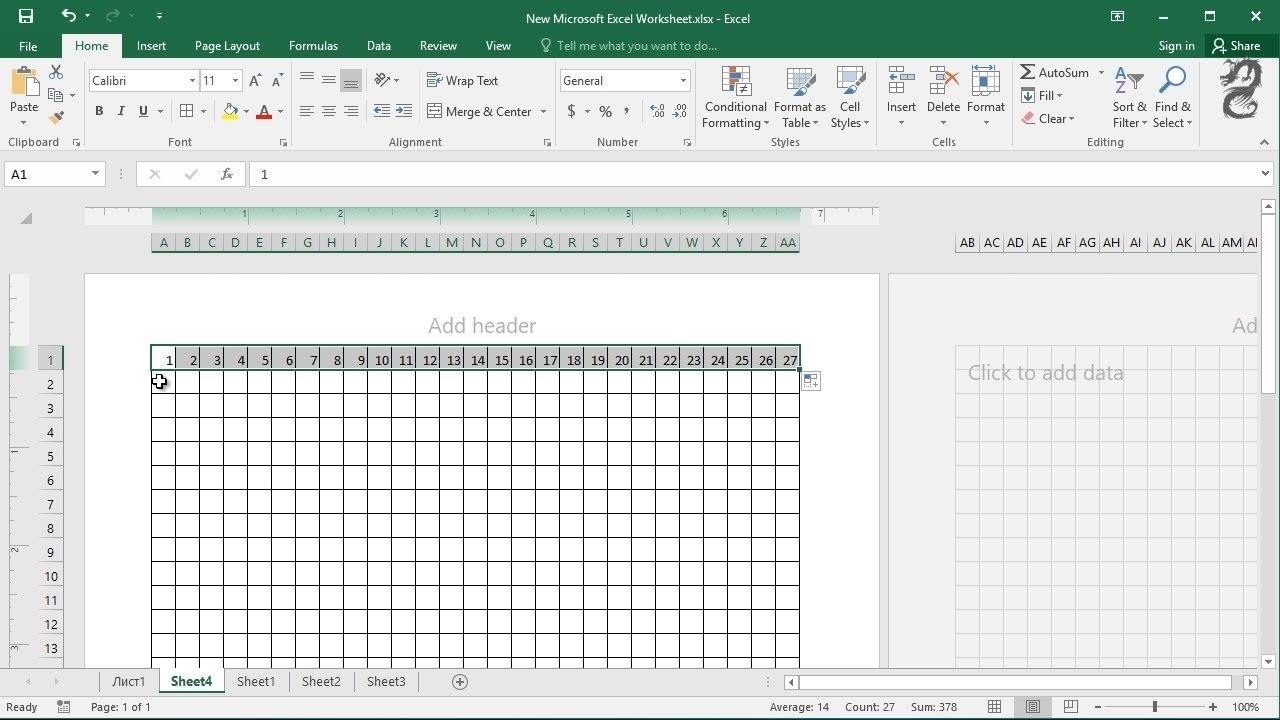
How To Make Graph Paper In Excel
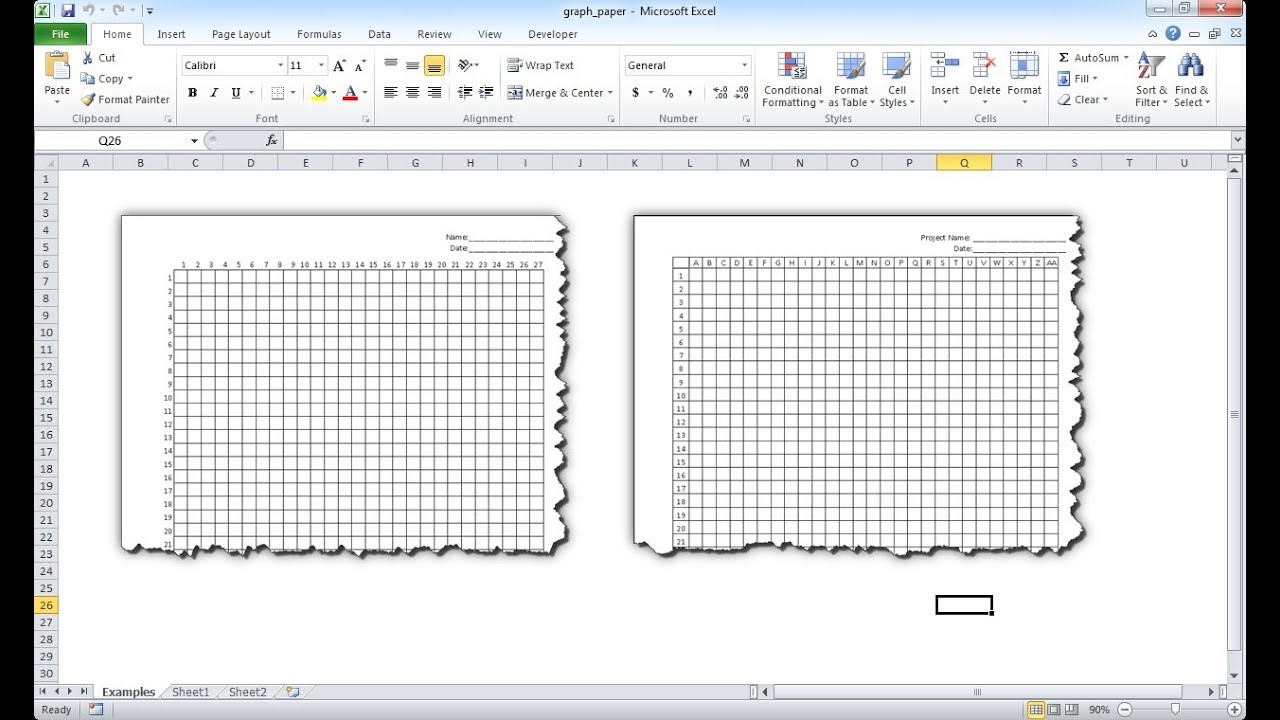
Make Graph Paper In Excel
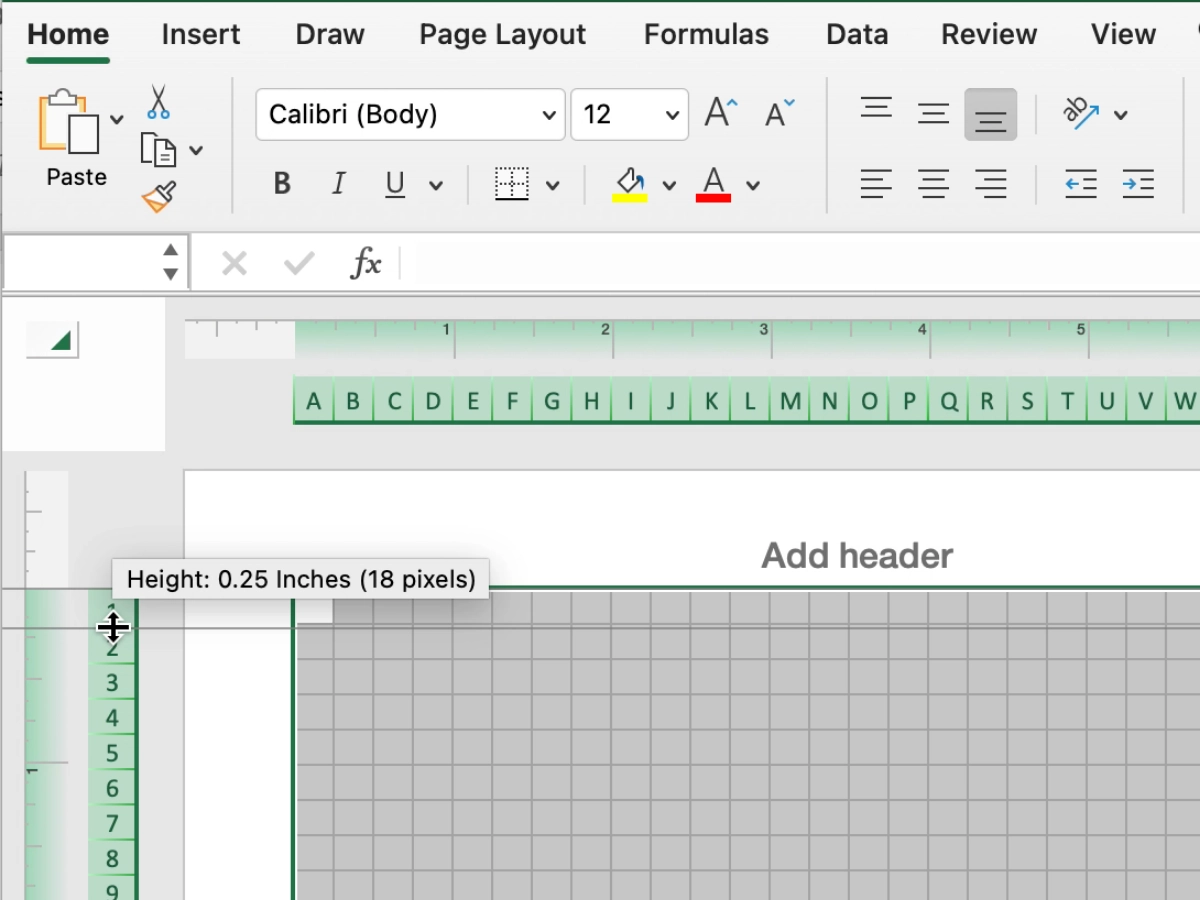
How To Make Graph Paper In Excel Knitting House Square
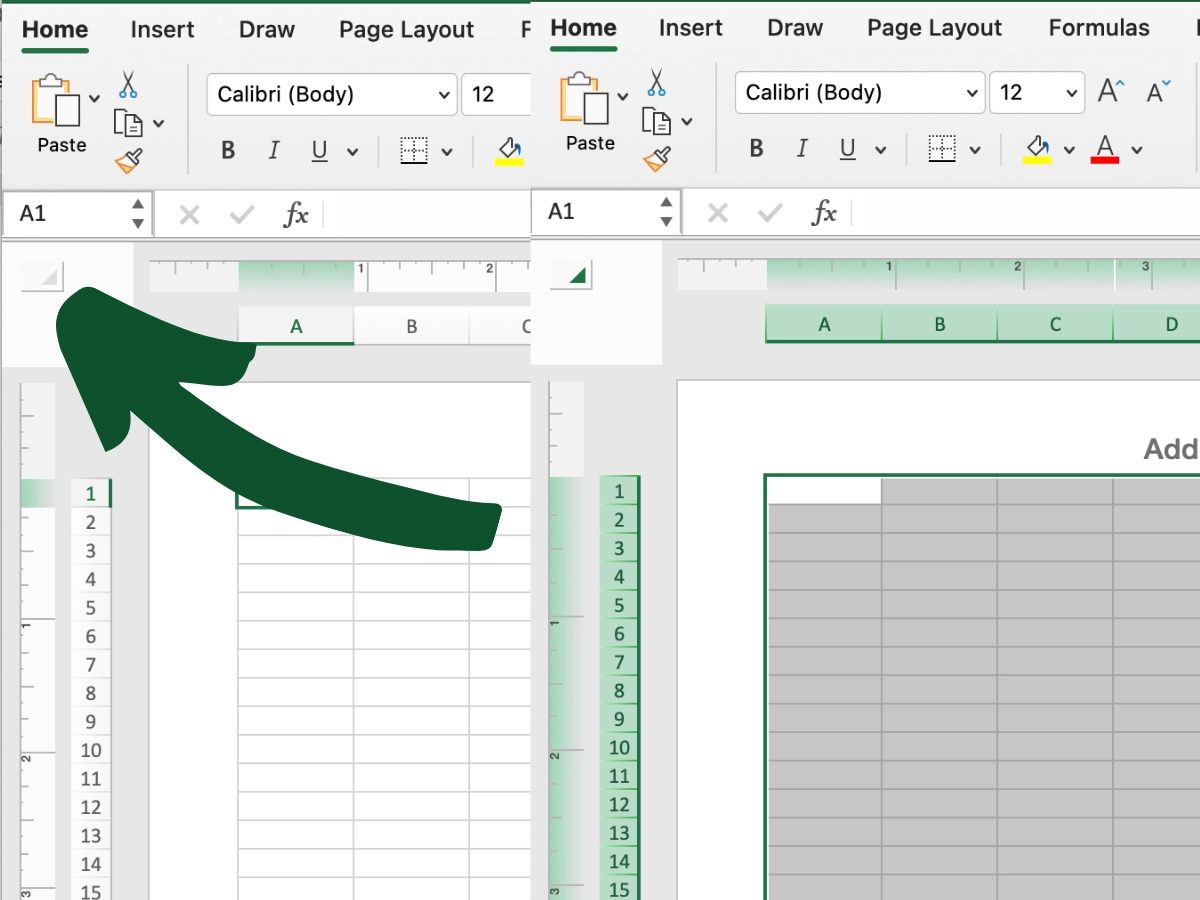
How To Make Graph Paper In Excel Knitting House Square
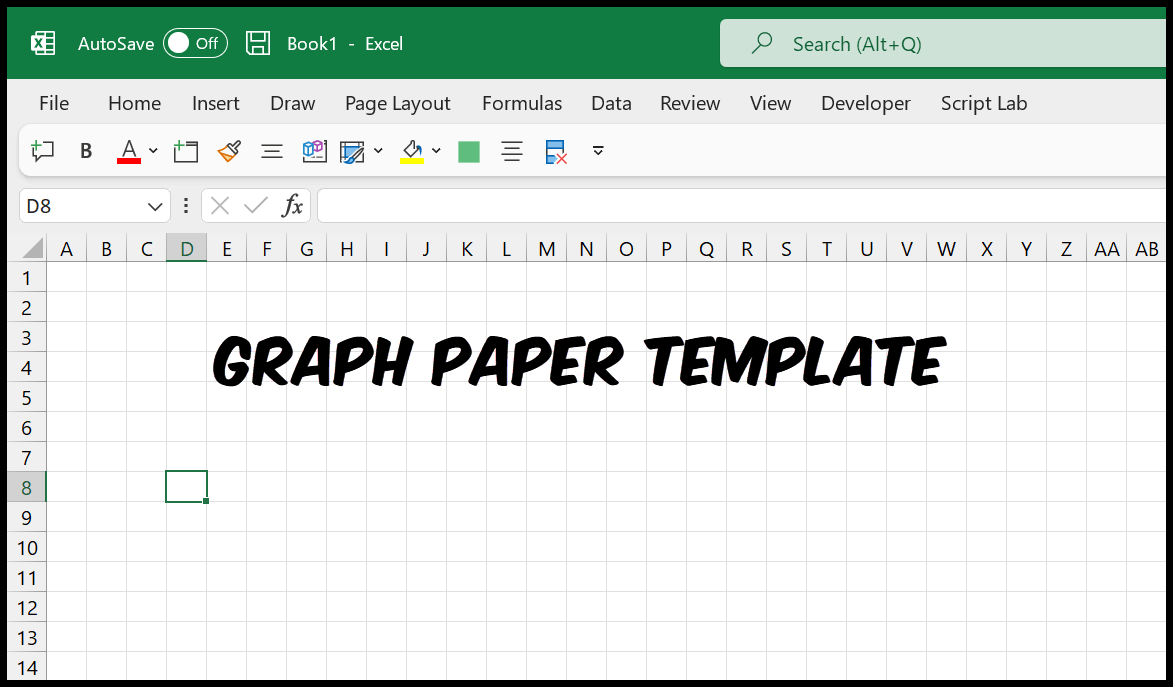
How To Print A Graph Paper In Excel Square Grid Template