Graph paper is a versatile tool that many people find useful for various projects. Whether you’re sketching designs, plotting graphs, or creating intricate artwork, having the right kind of graph paper can make a difference.
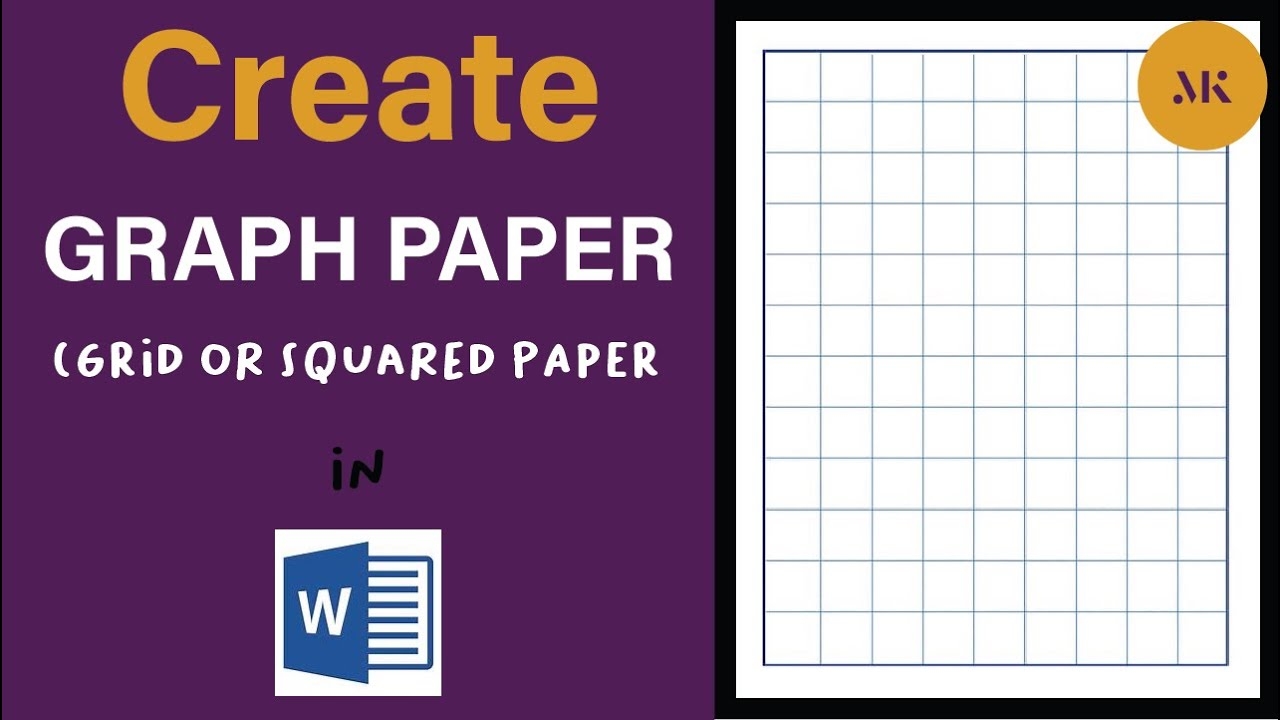
Graph Paper In Microsoft Office
Graph Paper In Microsoft Office
Creating graph paper in Microsoft Office is straightforward. You can use applications like Word or Excel to generate a grid that suits your needs. This flexibility allows you to customize the size and style of the grid easily.
In Word, you can insert a table and adjust the cell sizes to create a grid-like appearance. This method is perfect for those who want to print their designs directly from the document.
Excel is another excellent option for graph paper. By adjusting the row heights and column widths, you can create precise squares that mimic traditional graph paper. This is especially useful for plotting data points or creating charts.
Using graph paper in Microsoft Office not only enhances your projects but also saves time. With just a few clicks, you can have a customized grid ready for your next creative endeavor.
In conclusion, utilizing graph paper in Microsoft Office can streamline your work process. Whether for academic purposes or personal projects, these tools provide an efficient way to visualize your ideas effectively.
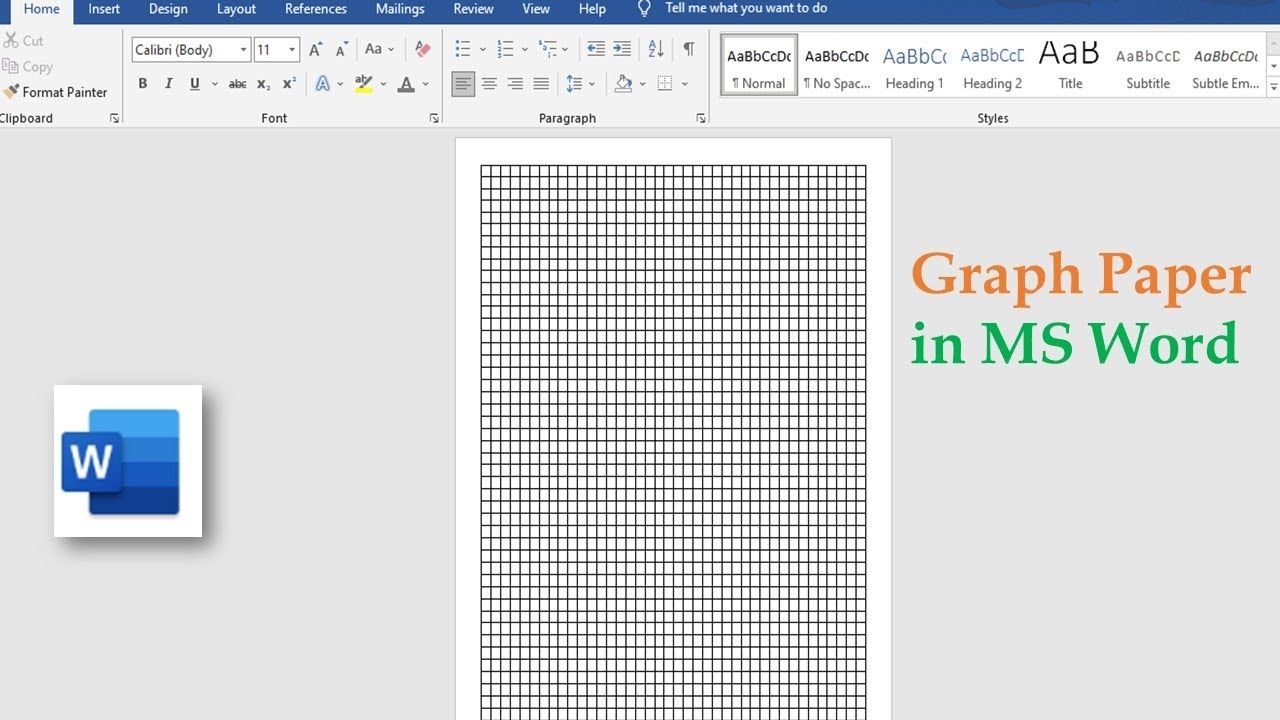
How To Make Graph Paper In MS Word
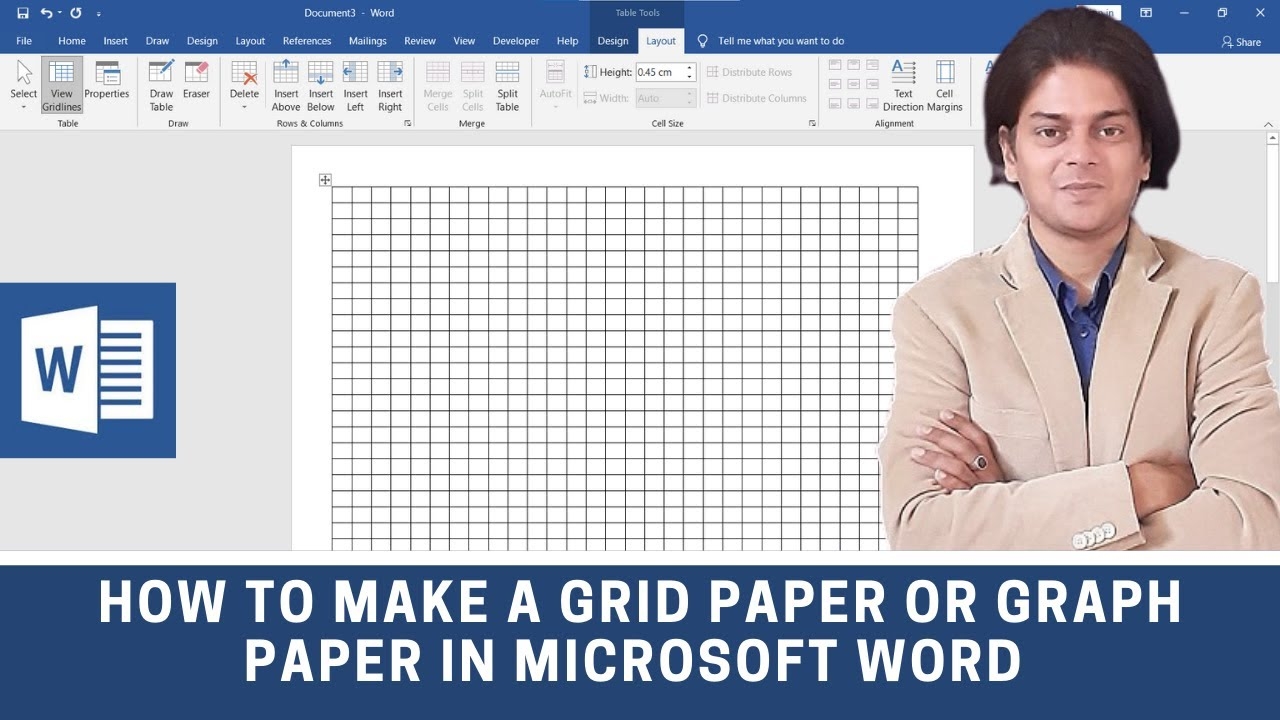
How To Make A Grid Paper Or Graph Paper In Microsoft Word
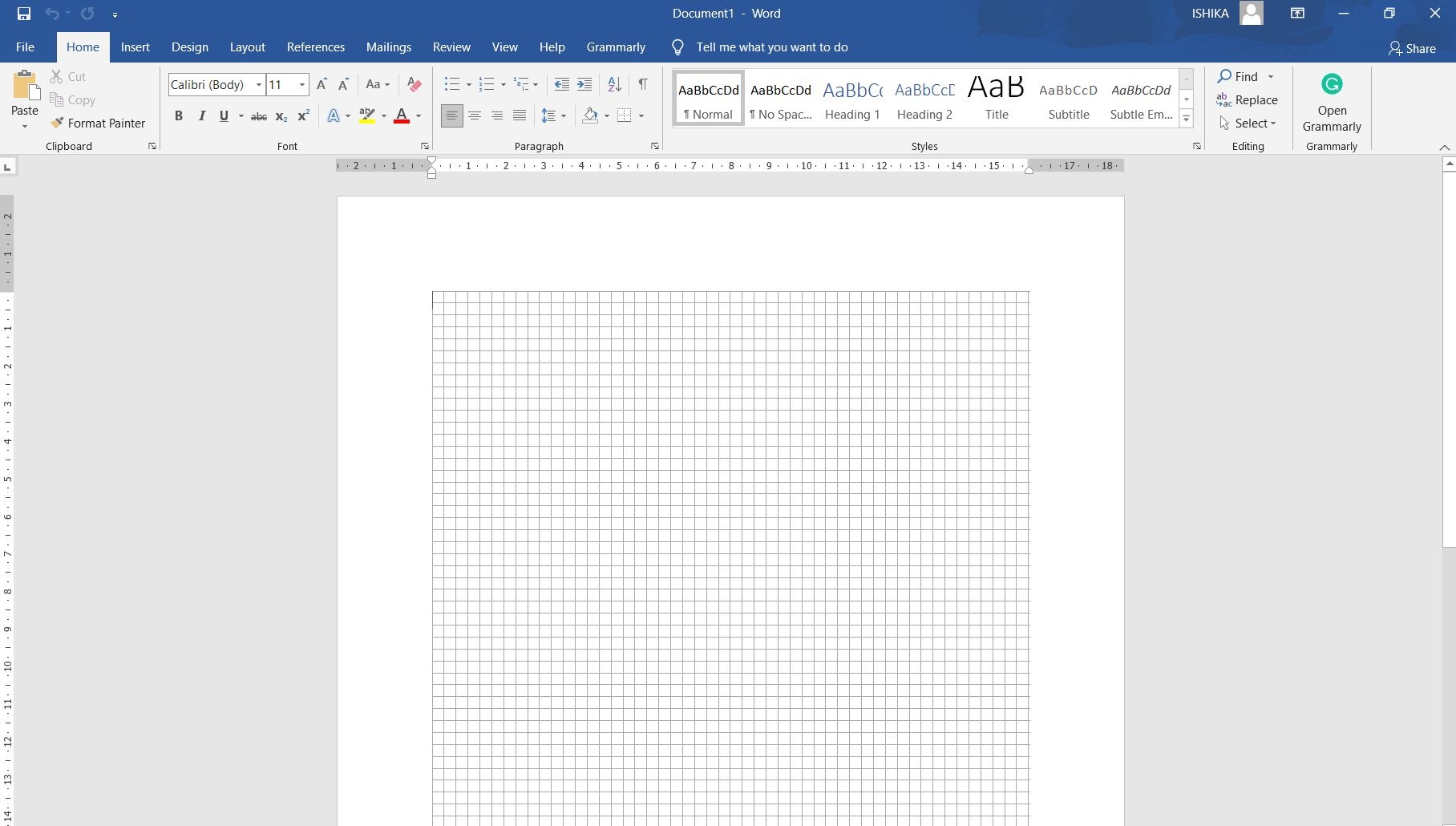
Boxes Like Graph Paper Microsoft Q amp A
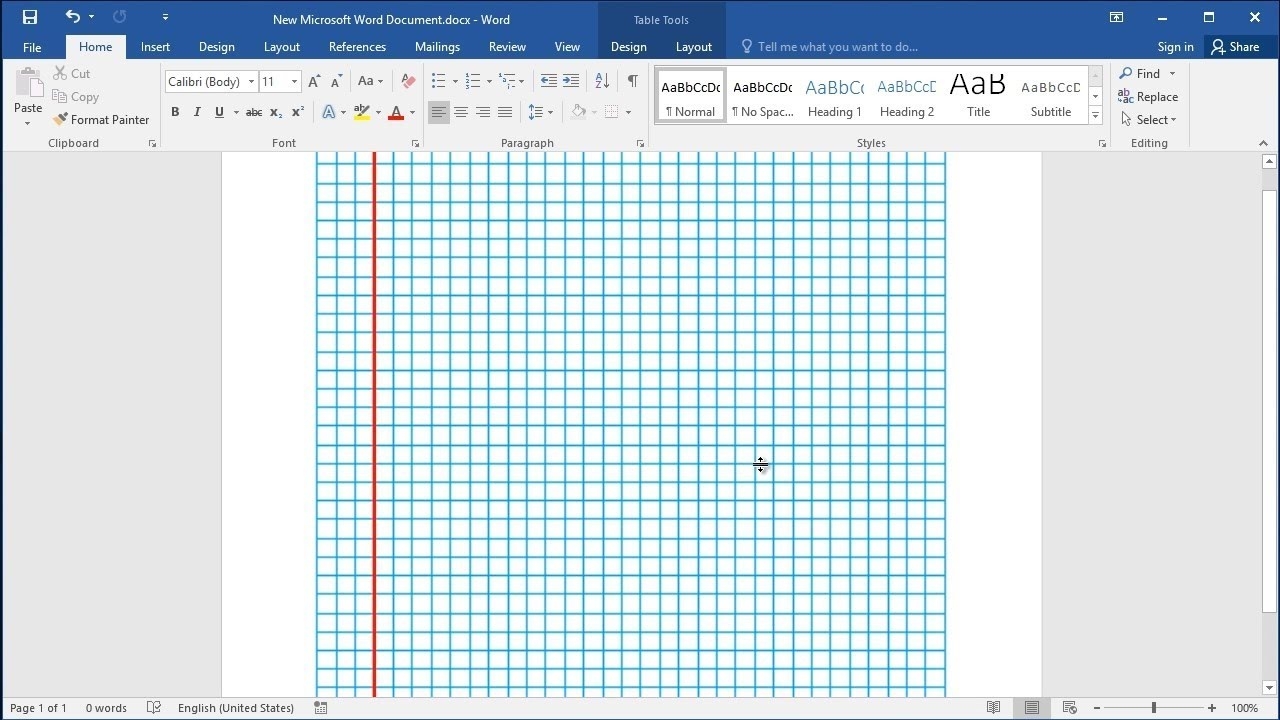
How To Get Graph Paper In Word
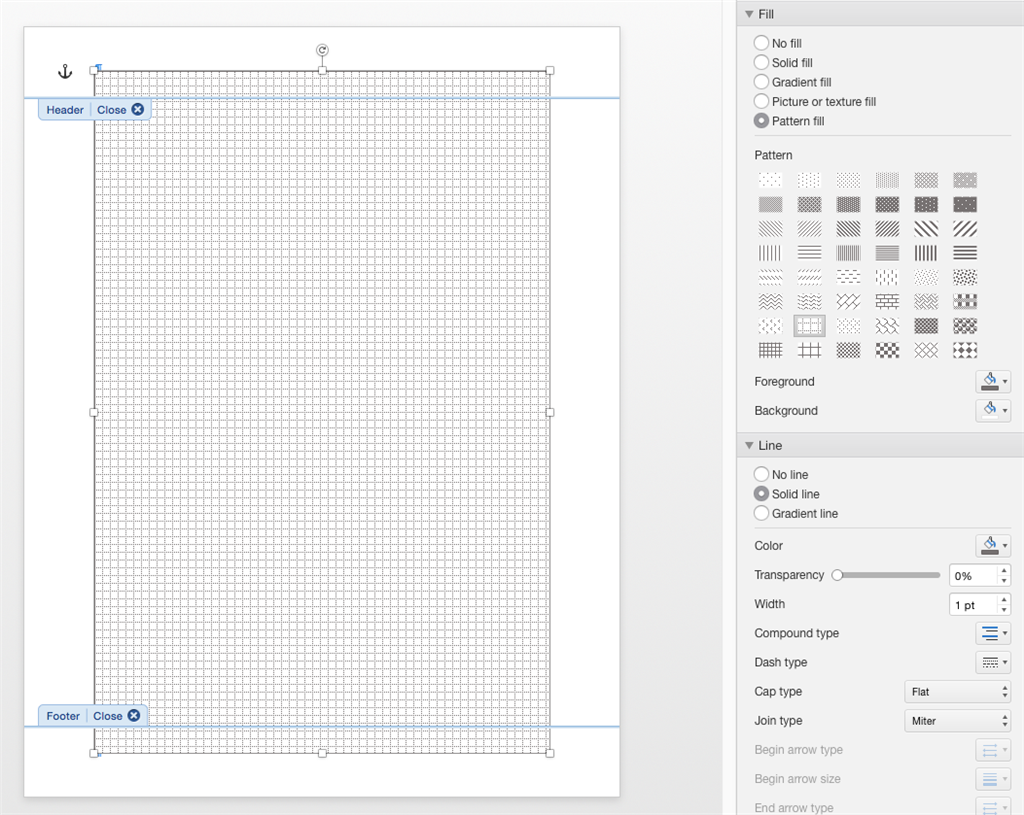
Graph Paper As Background In A Word Document Tiled Pattern