Graph paper is a versatile tool for designers and artists alike. It provides a structured layout that can enhance creativity and precision in various projects. Using graph paper in design applications can streamline your workflow significantly.
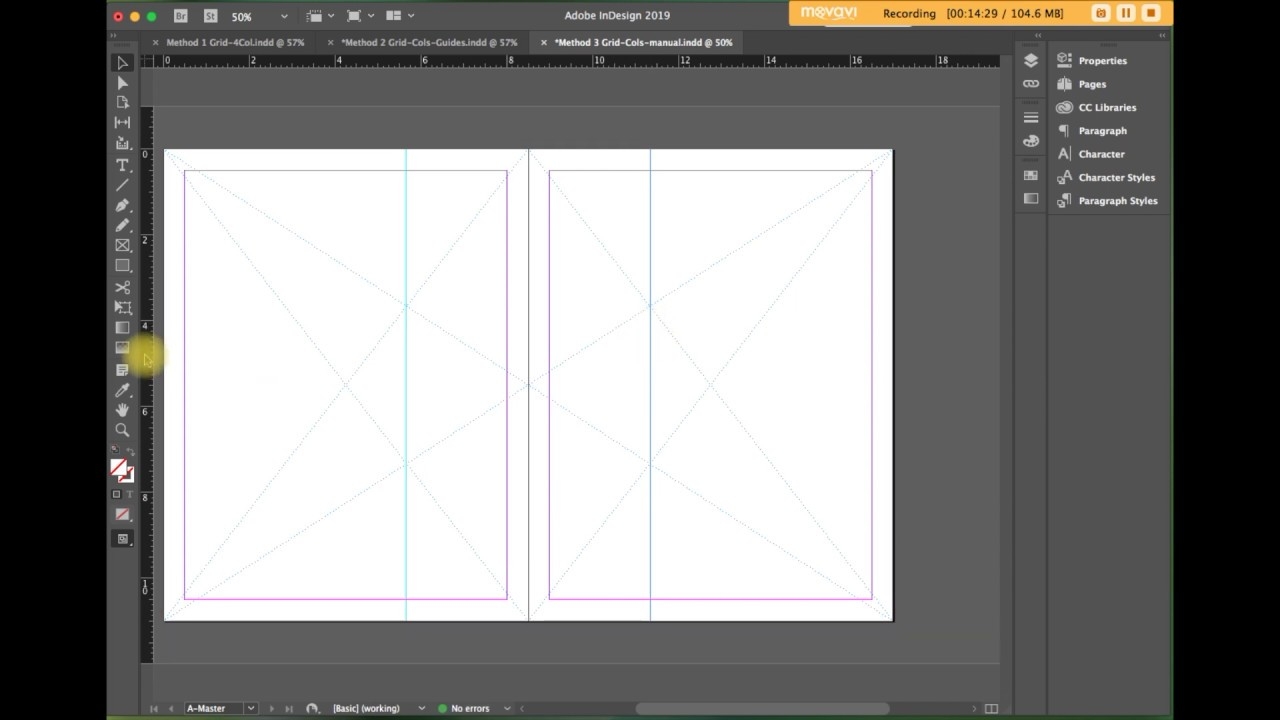
Graph Paper Indesign
Graph Paper Indesign
To start, you can create a custom grid in InDesign that mimics the look of traditional graph paper. This feature allows you to set specific measurements, ensuring your design elements align perfectly. It’s an excellent way to maintain consistency across your project.
Another benefit of using graph paper in InDesign is the ease of sketching out ideas. You can quickly draft layouts, making adjustments as needed without losing sight of the overall structure. This flexibility is invaluable during the creative process.
Additionally, graph paper helps with scaling designs accurately. Whether you’re working on a brochure or a poster, having a grid ensures that your elements are proportionate and visually appealing. It’s a simple yet effective technique for any designer.
In conclusion, integrating graph paper into your InDesign projects can enhance both creativity and precision. By utilizing grids, you’ll find it easier to create polished designs that stand out. Embrace this technique for your next project!
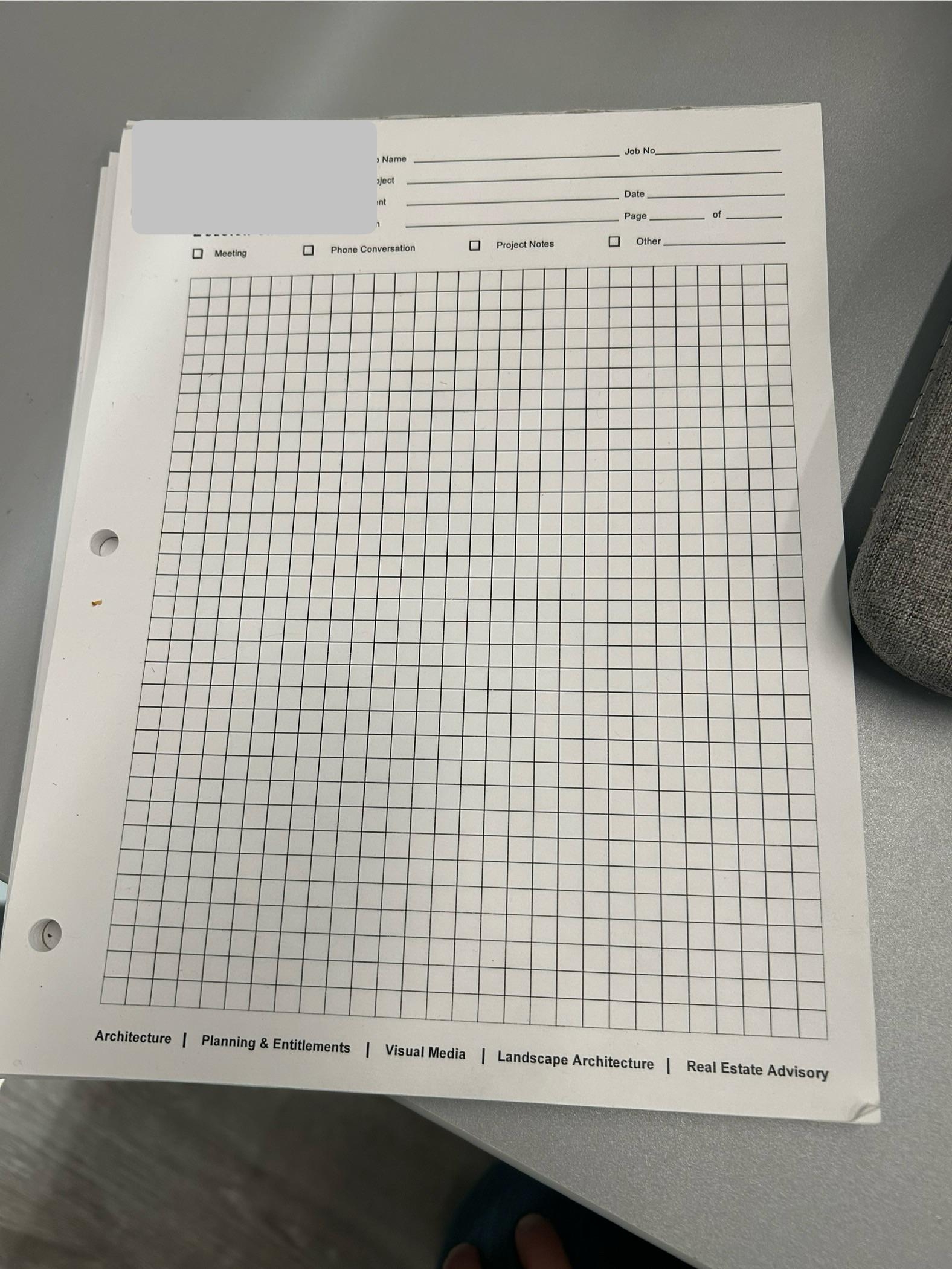
Creating A Page With A Printed Grid R indesign
How To Setup And Create A Grid In Adobe InDesign
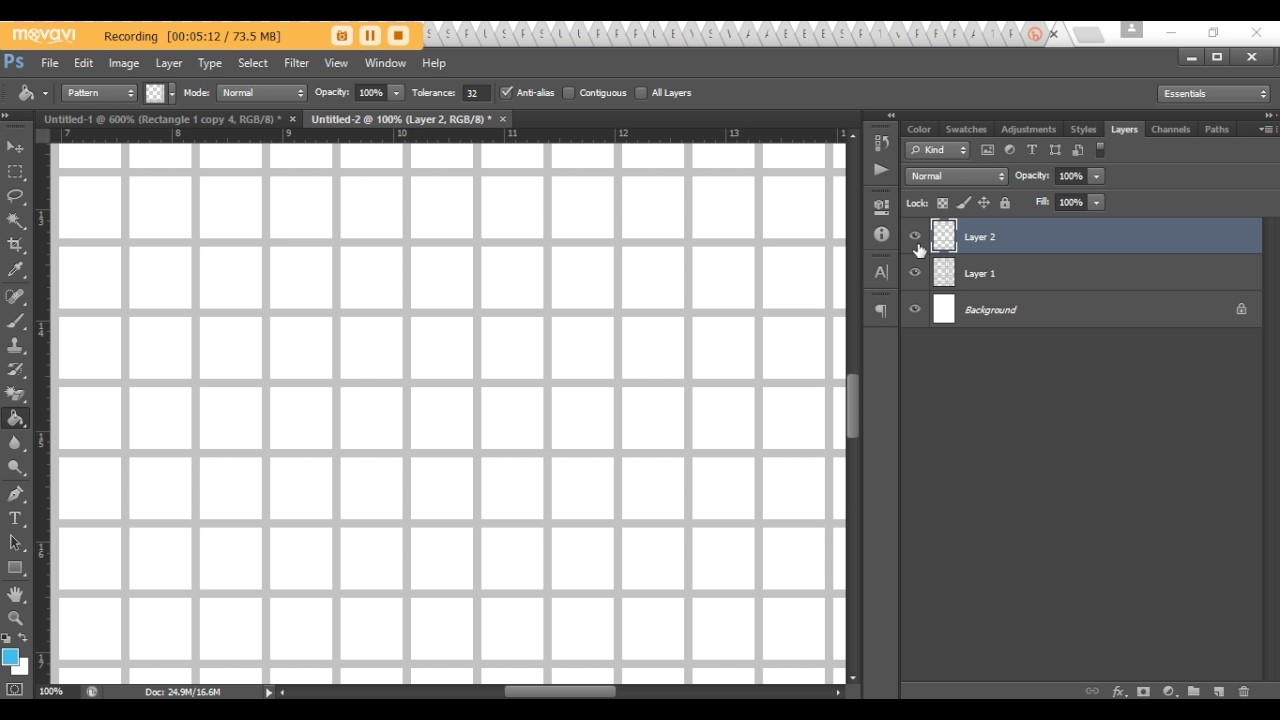
How To Make Graph Paper To Print And Add To Your Planner how To Make Printables
TUTORIAL How To Create Lined Pages In Adobe InDesign Dot Grid Pages Graph Paper
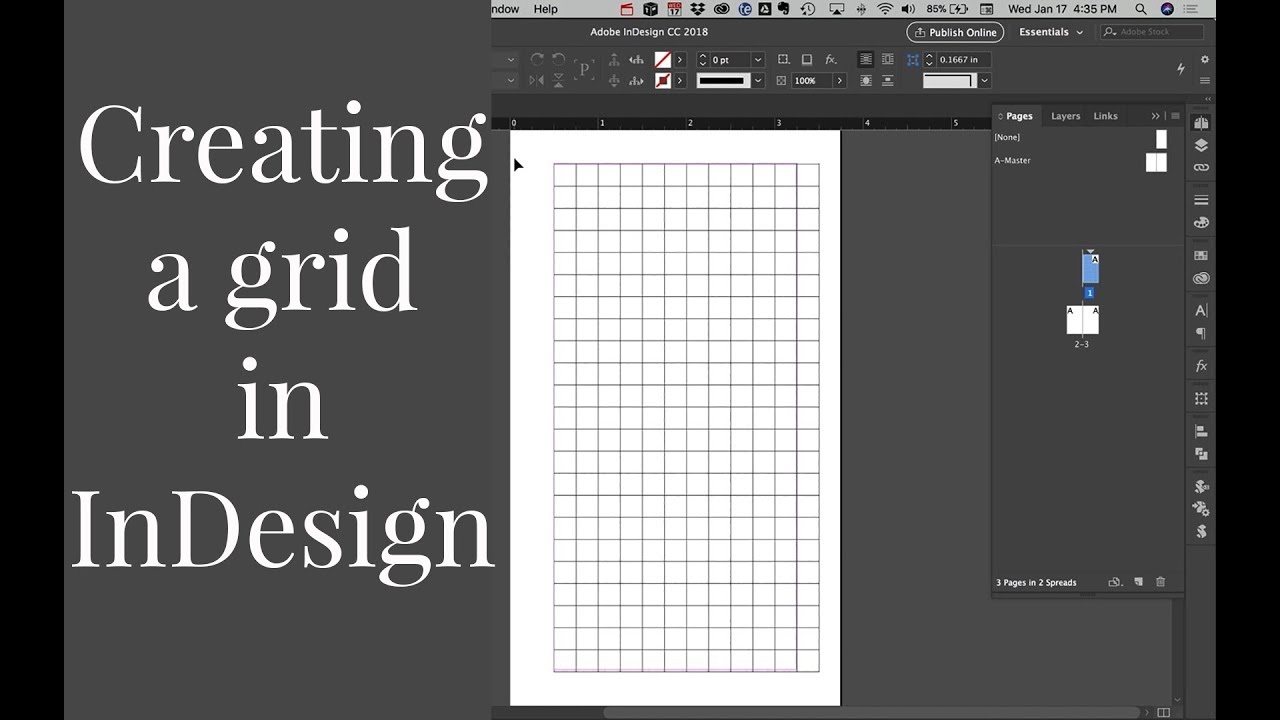
Creating A Grid In InDesign Kendra Bork