Graph paper is a handy tool for various tasks, from drawing to mathematical calculations. Many people prefer using digital formats for convenience, and Microsoft Word offers a simple solution for creating graph paper.
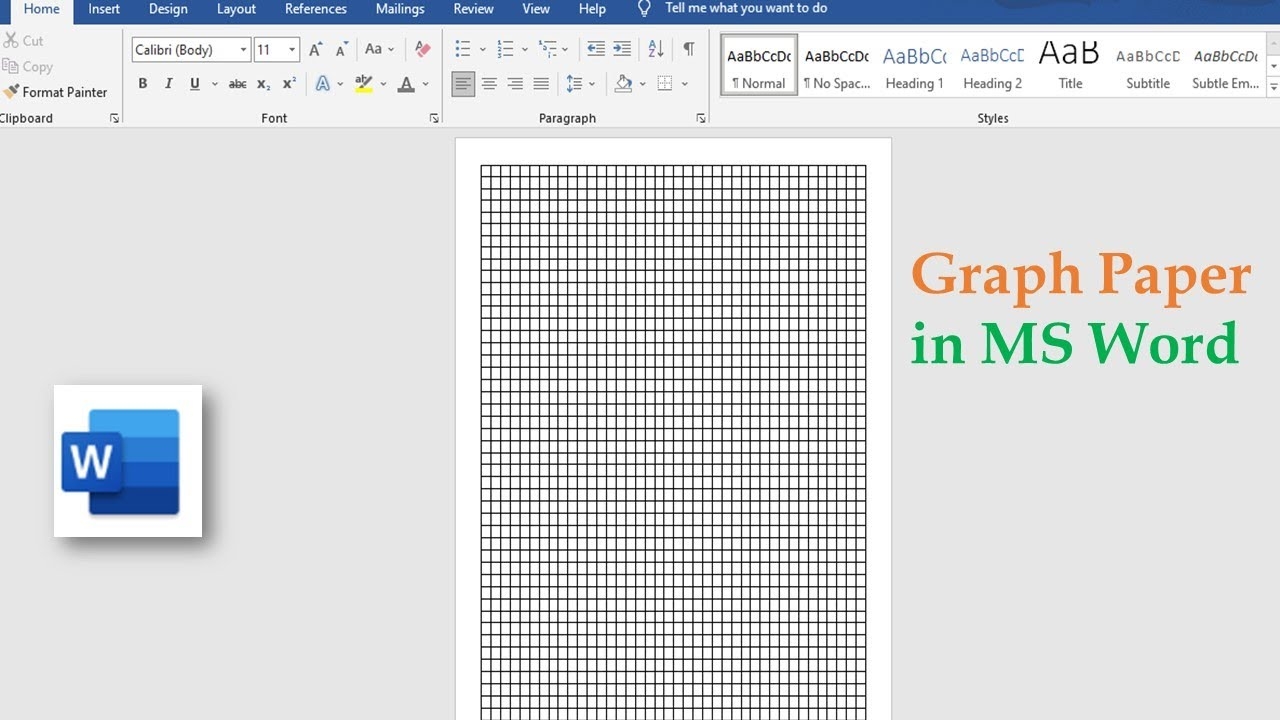
Graph Paper On Word
Graph Paper On Word
Creating graph paper on Word is straightforward. Start by opening a new document and adjusting the page layout to your preference. You can choose the orientation and size that best fits your needs.
Next, insert a table to form the grid. By adjusting the number of rows and columns, you can create the perfect squares for your graph paper. This method gives you flexibility in designing your layout.
Additionally, you can customize the table’s borders to make them more visible or change their color. This feature is particularly useful for artists or students who need clear lines for their work.
Once you’ve created your graph paper, save it as a template for future use. This way, you can easily access it whenever you need to start a new project without starting from scratch.
Using graph paper on Word is an efficient way to combine digital convenience with traditional drawing methods. With just a few steps, you can create a personalized workspace that meets all your needs.
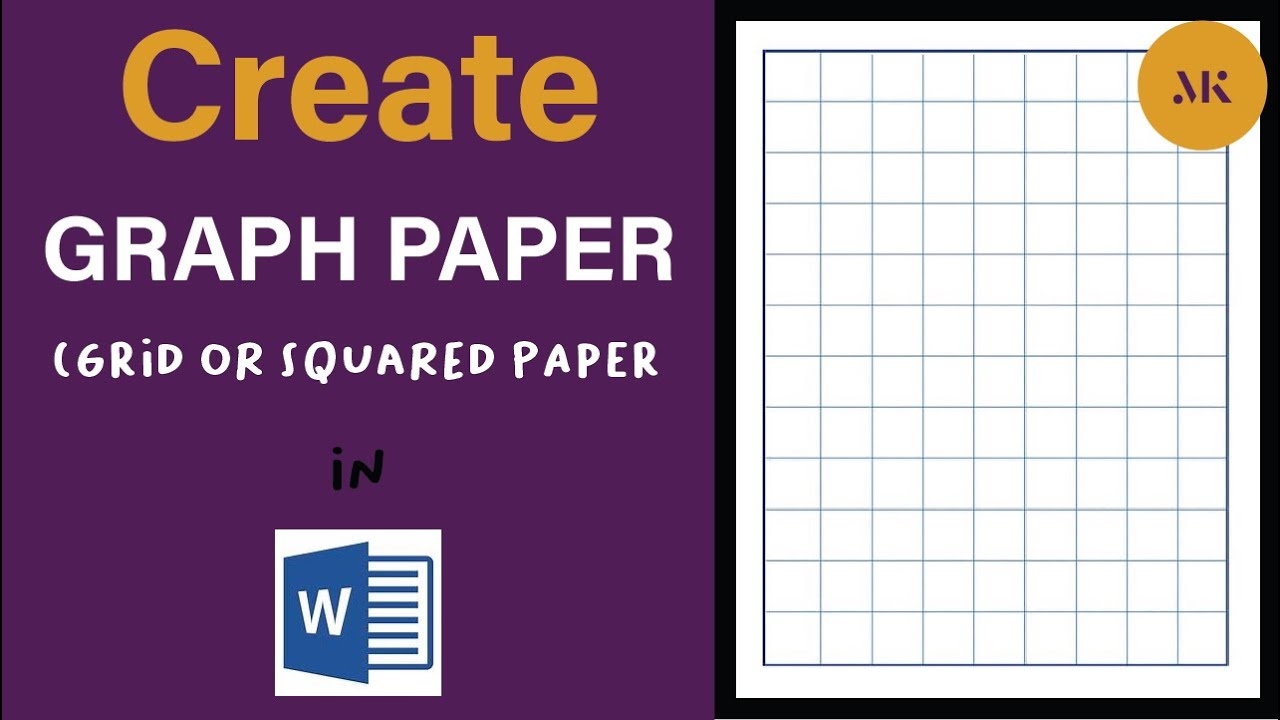
How To Create Grid Pages Create Graph Paper In Word Microsoft Word Tutorial
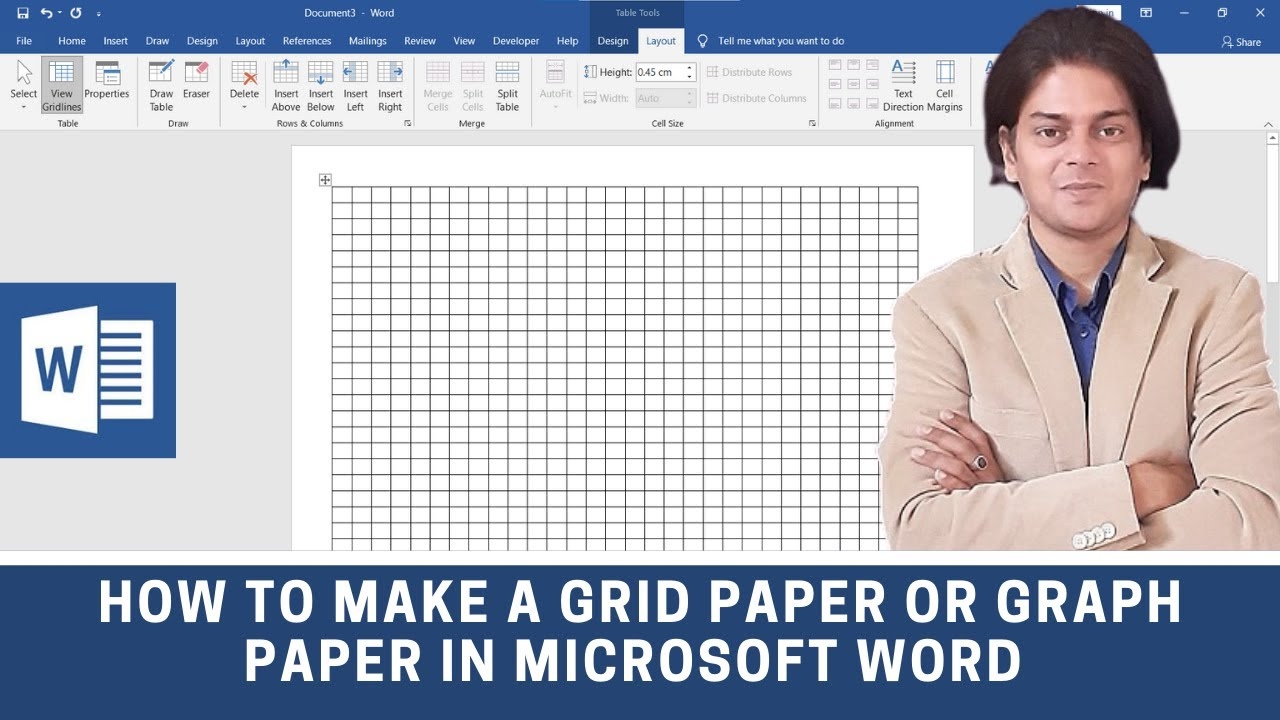
How To Make A Grid Paper Or Graph Paper In Microsoft Word
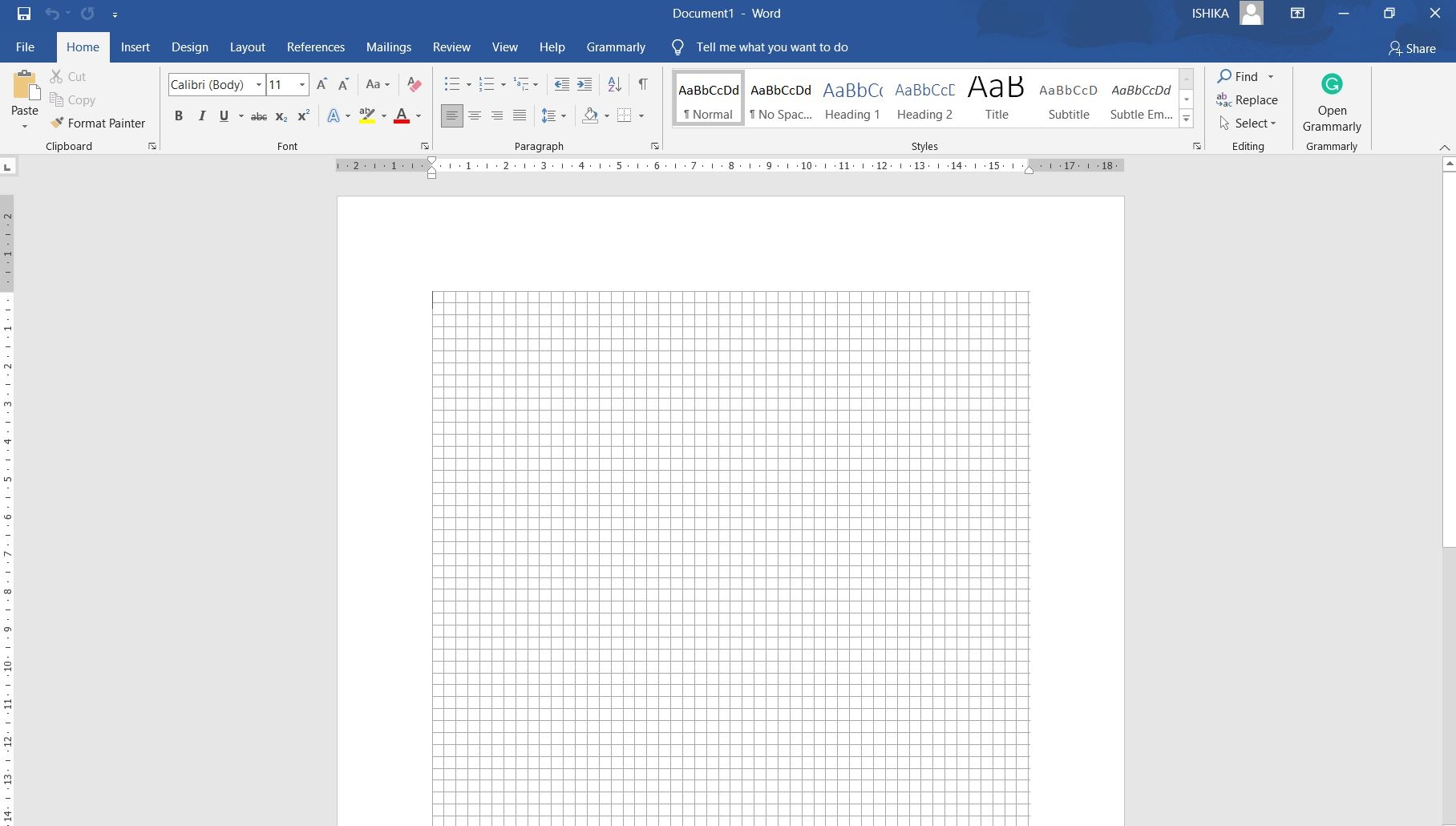
Boxes Like Graph Paper Microsoft Q amp A
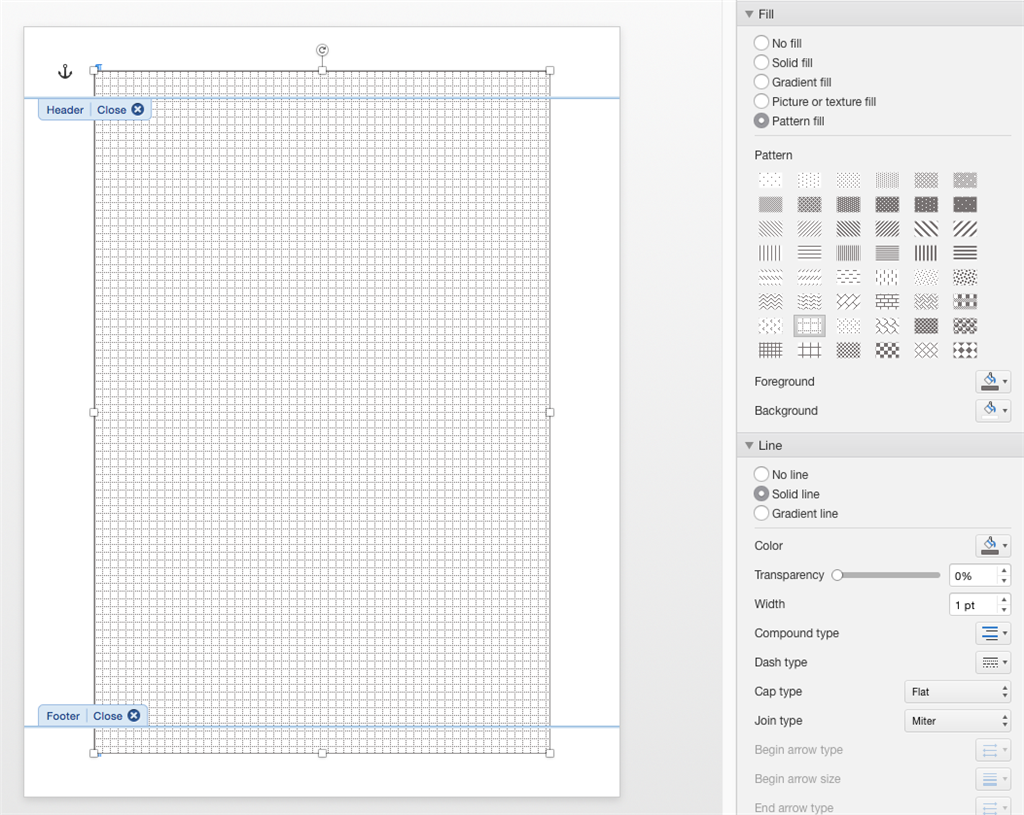
Graph Paper As Background In A Word Document Tiled Pattern
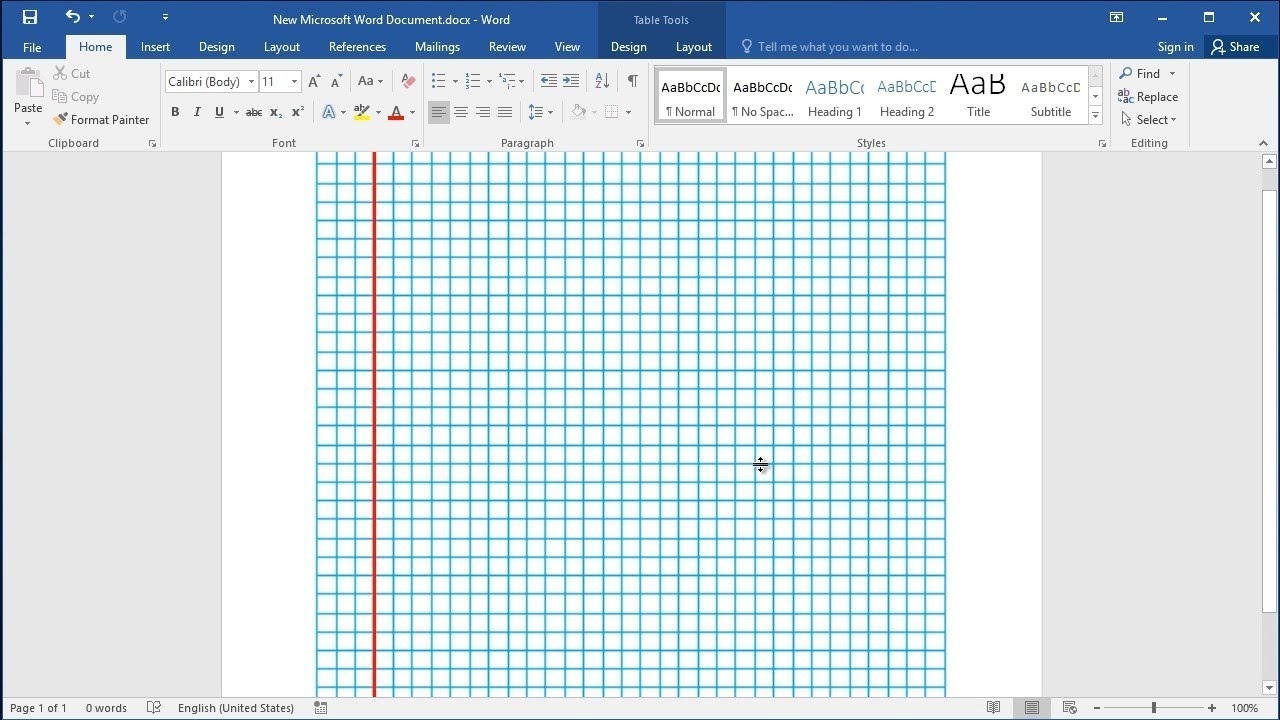
How To Get Graph Paper In Word