Graph paper is a versatile tool that can enhance your creativity and productivity. Whether you’re sketching designs, plotting graphs, or organizing data, having a reliable graph paper template is essential for clear and precise work.
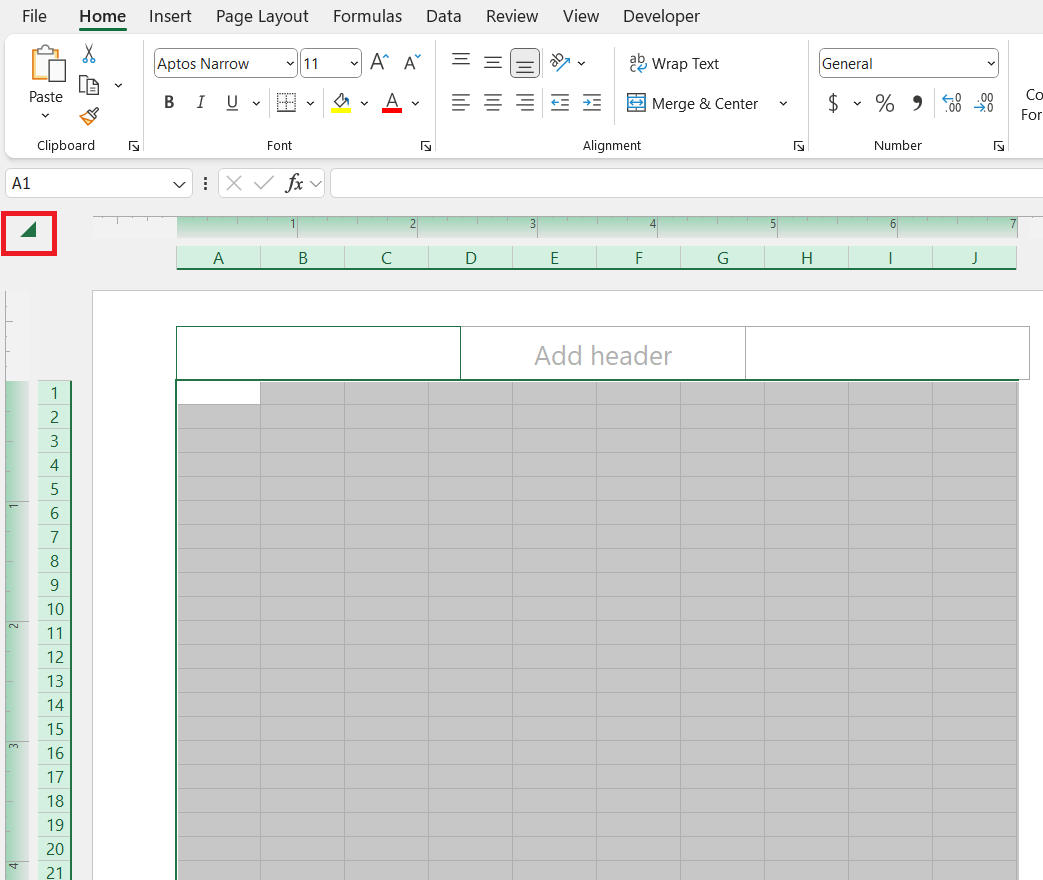
Graph Paper Template For Excel
Graph Paper Template For Excel
Creating a graph paper template for Excel is simple and effective. You can adjust the size of the squares based on your needs, whether you prefer smaller grids for detailed work or larger squares for broader sketches.
Excel’s gridlines provide a clean backdrop for your designs. By using the formatting options, you can change colors and styles, making your graph paper visually appealing while maintaining functionality.
Additionally, sharing your Excel graph paper template with others is easy. You can save it as a file or share it via cloud services, allowing collaboration on projects without any hassle.
Incorporating a graph paper template into your workflow can significantly improve your efficiency. With its customizable features and ease of use, it’s an invaluable resource for anyone looking to organize their thoughts or data effectively.
Embracing a graph paper template for Excel can elevate your projects to new heights. It’s a practical solution that combines creativity with organization, making it an essential tool in any workspace.
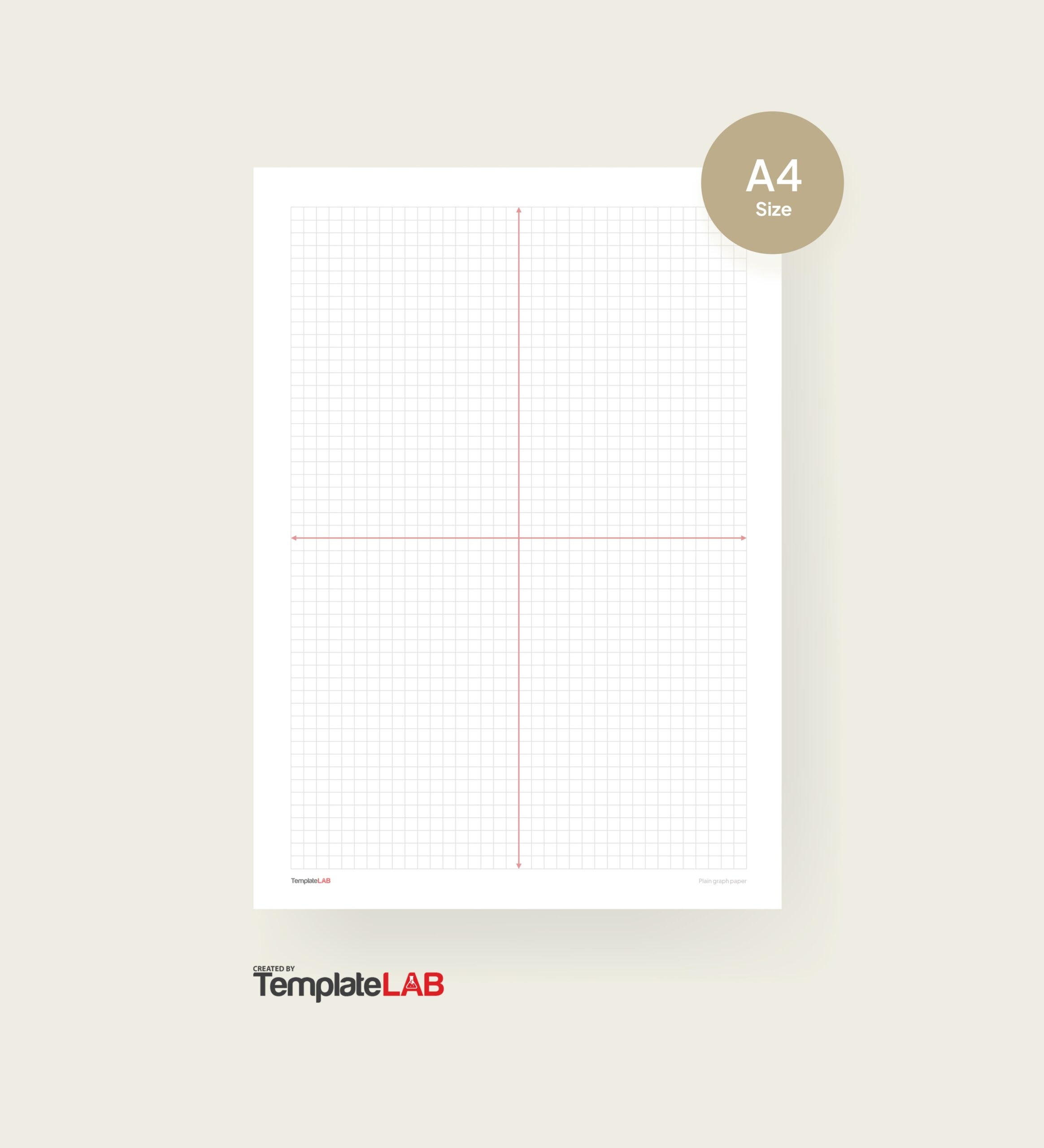
24 Free Printable Graph Paper Templates Word PDF
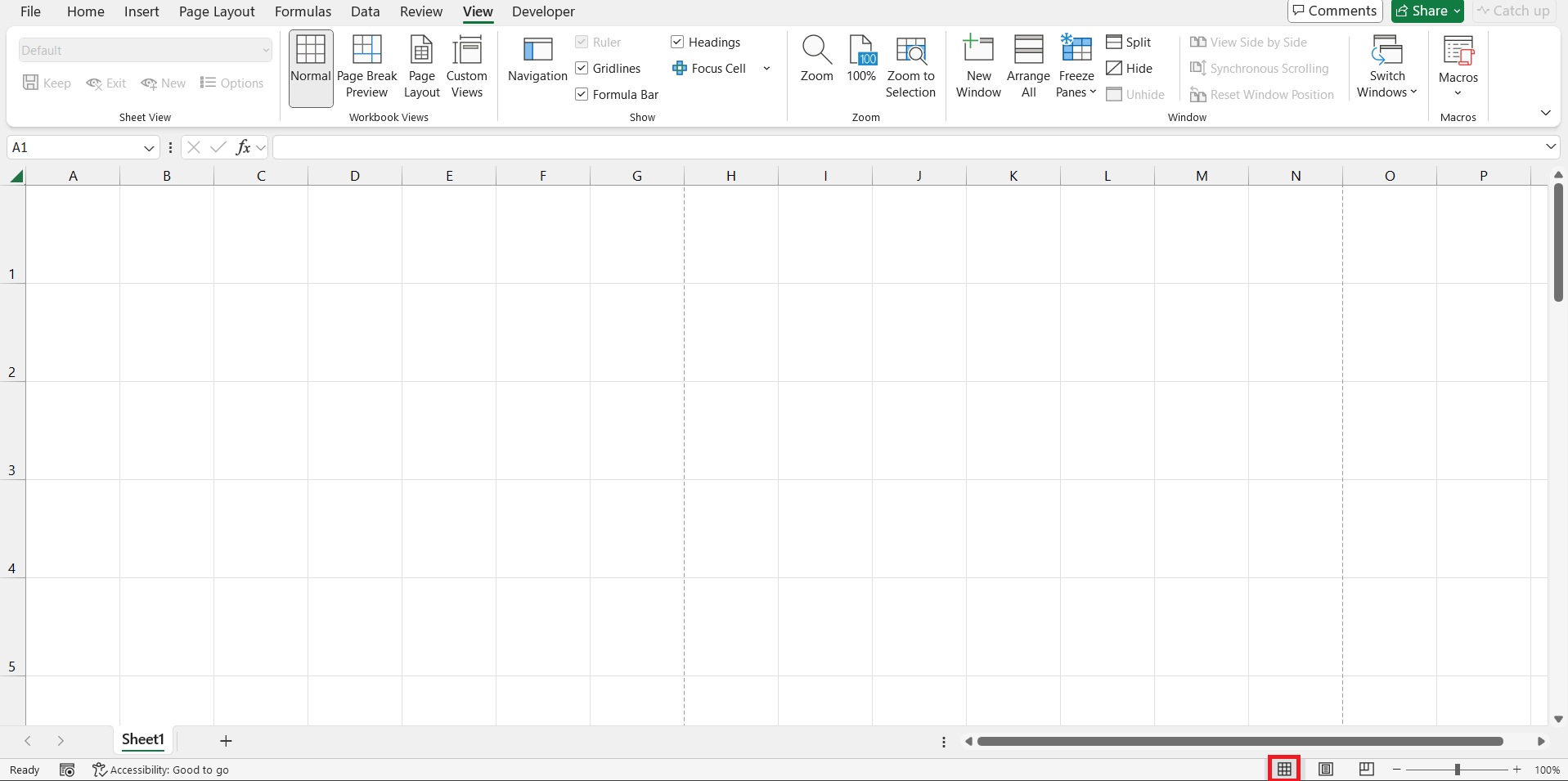
The Ultimate Guide To Create And Print Graph Paper In Excel
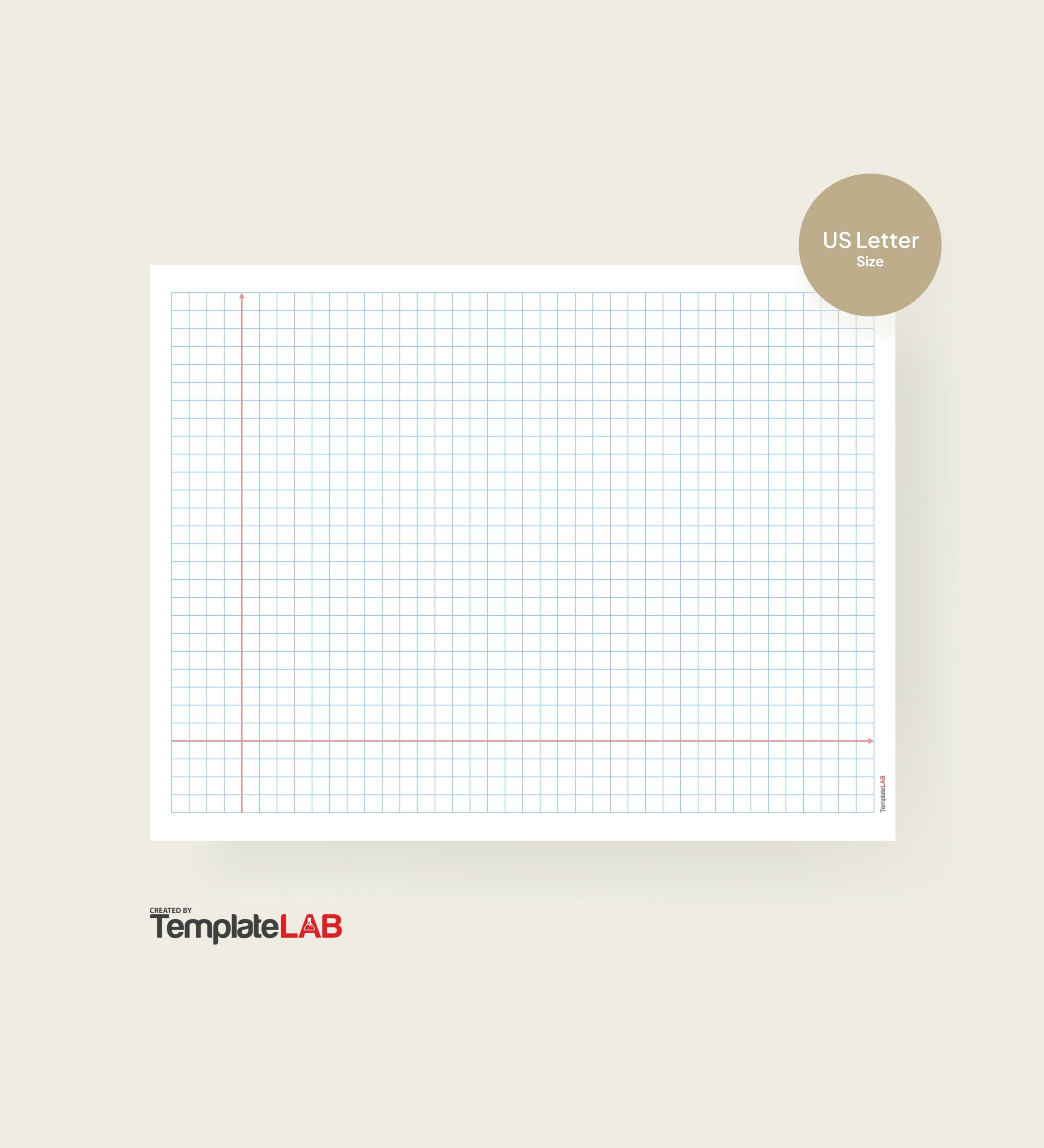
24 Free Printable Graph Paper Templates Word PDF
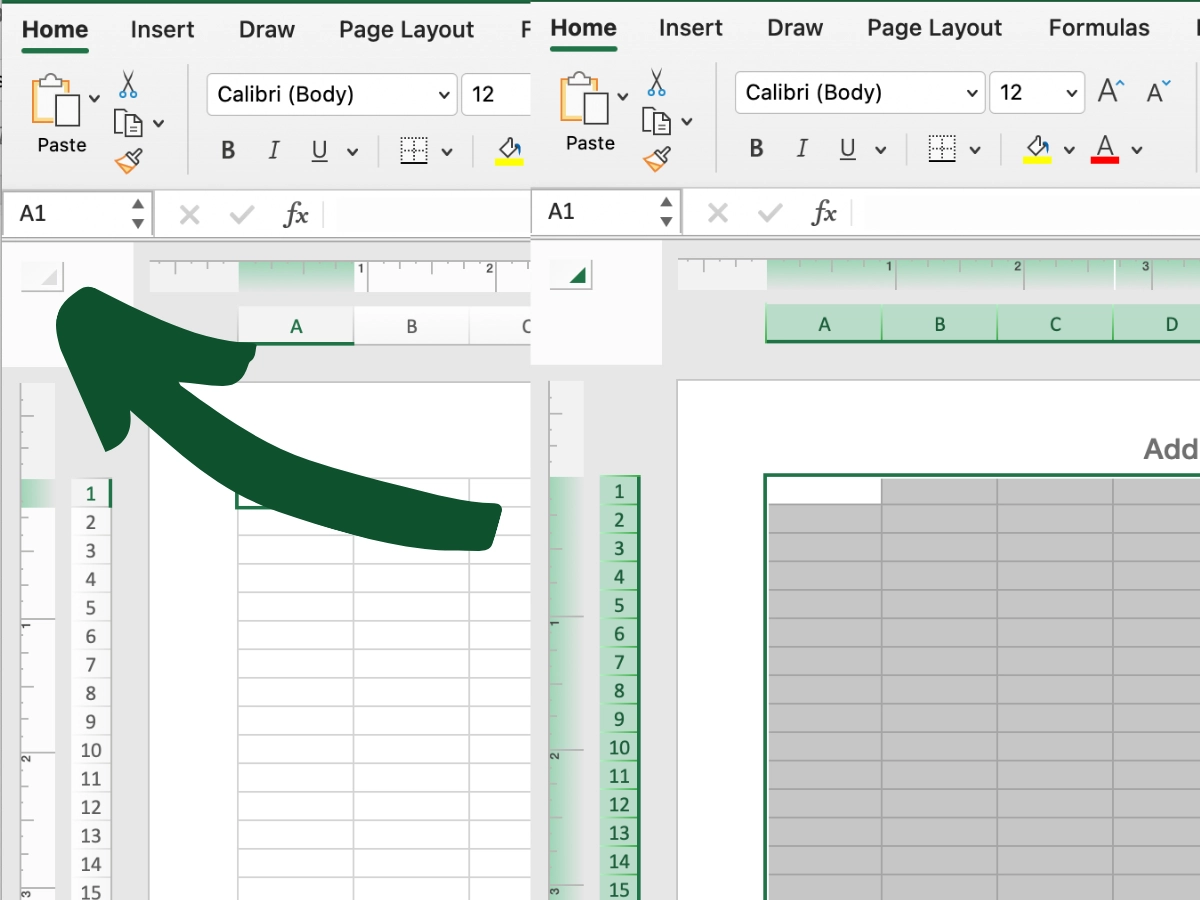
How To Make Graph Paper In Excel Knitting House Square
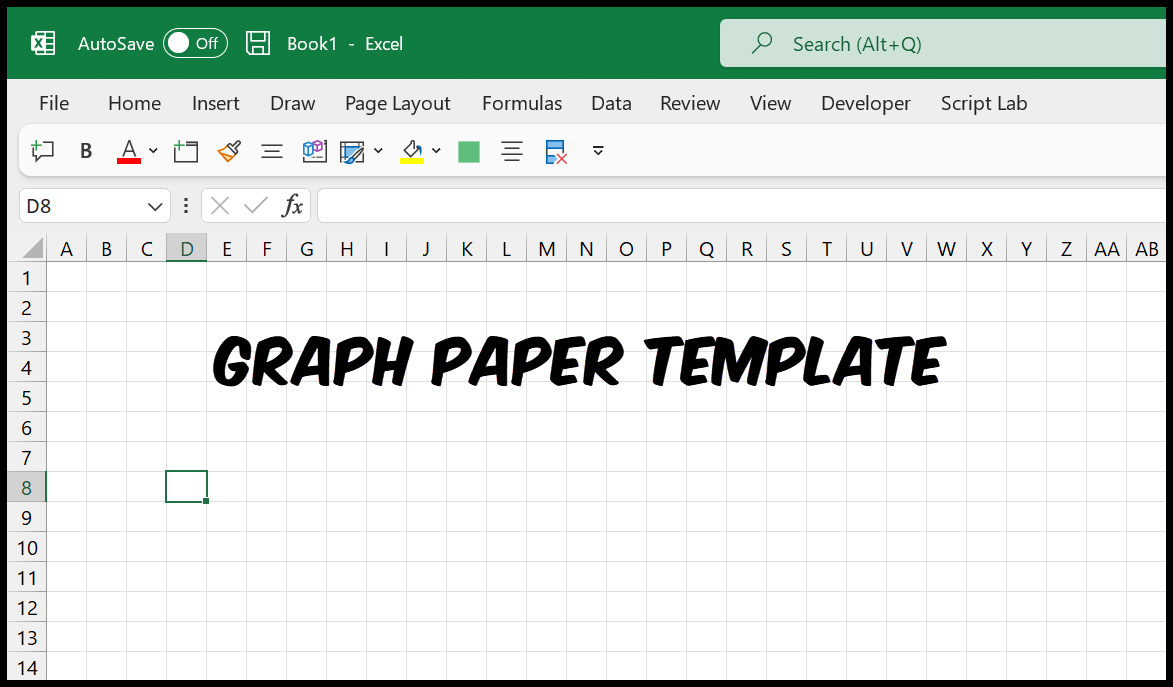
How To Print A Graph Paper In Excel Square Grid Template