Using an iPad for note-taking has become increasingly popular among students and professionals alike. The convenience of digital notes combined with the versatility of the iPad makes it a top choice for many. One great tool to enhance this experience is graph paper.
Ipad Notes Graph Paper
Ipad Notes Graph Paper
When using iPad notes graph paper, you can customize your workspace to fit your needs. Many applications offer different grid sizes and colors, allowing you to create a personalized note-taking environment. This flexibility can boost creativity and productivity.
Additionally, digital graph paper eliminates the hassle of carrying physical notebooks. You can store countless pages without taking up space in your bag. Plus, sharing your notes with classmates or colleagues is just a tap away.
Many users appreciate the ability to annotate directly on their notes. Whether you’re highlighting important points or adding sketches, iPad graph paper makes it easy to keep everything organized and visually appealing.
In conclusion, using iPad notes graph paper enhances your note-taking experience significantly. It combines the benefits of digital convenience with the structured layout of traditional graph paper, making it an excellent choice for anyone looking to improve their organization and creativity.
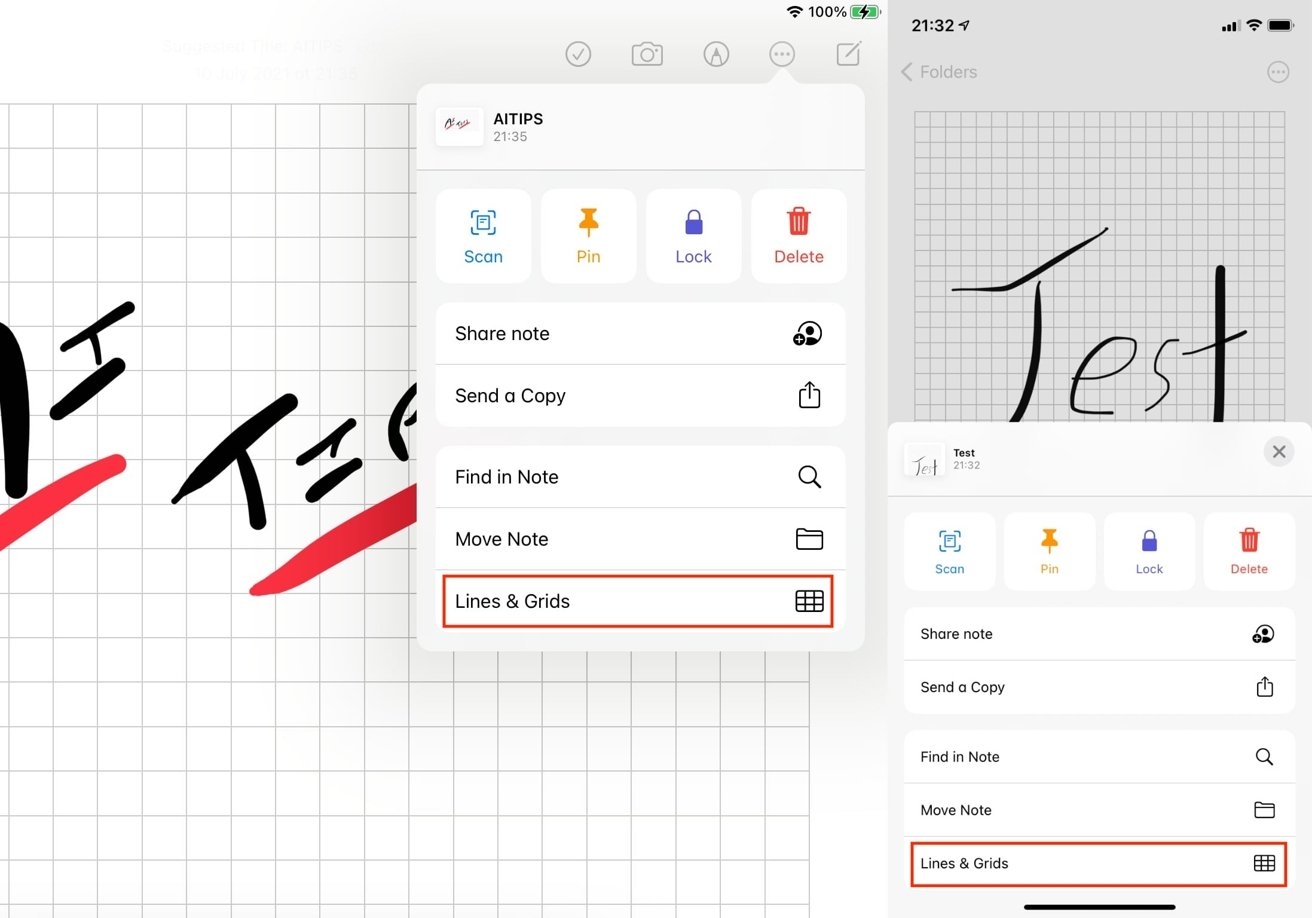
How To Add Lines And Grids To Your Notes On IOS And IPadOS
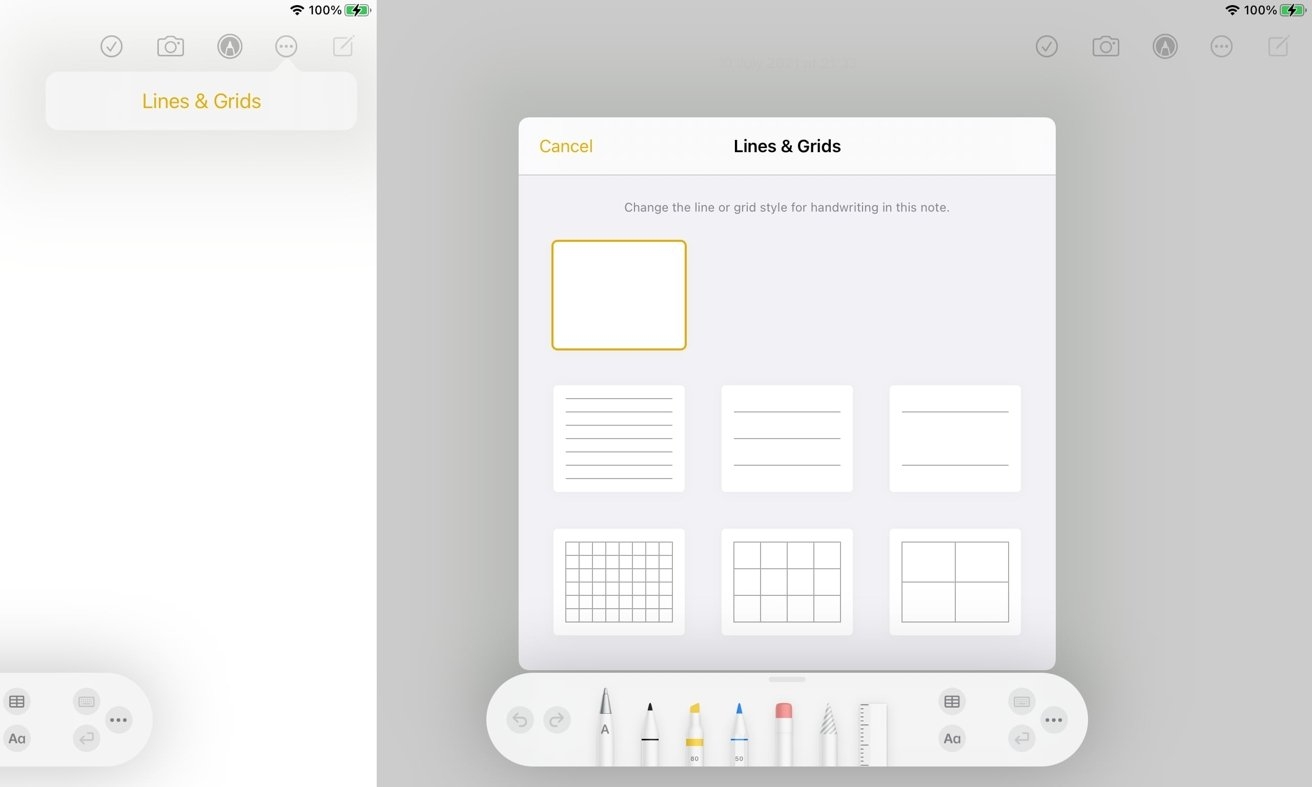
How To Add Lines And Grids To Your Notes On IOS And IPadOS
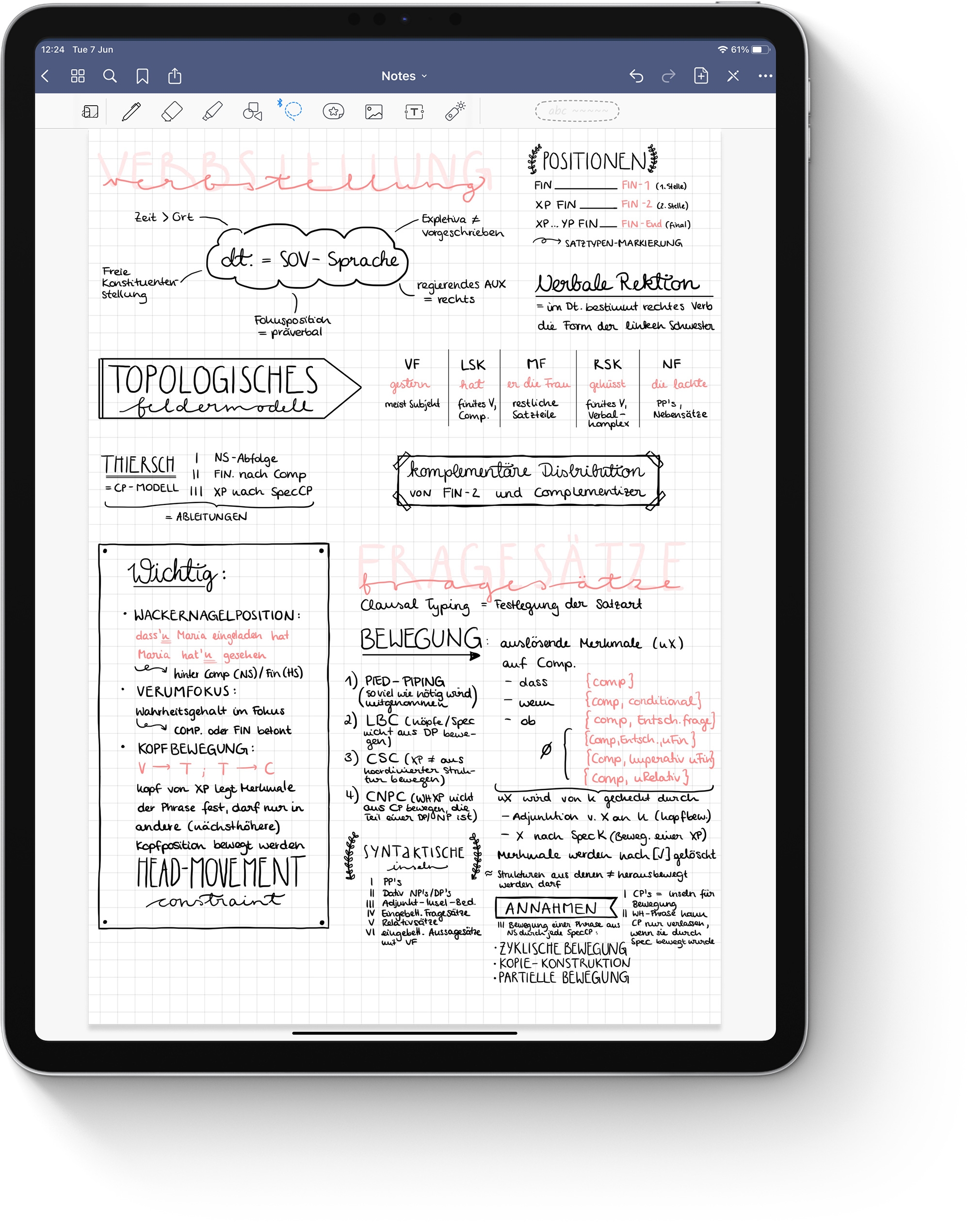
Free Graph Paper Template Goodnotes
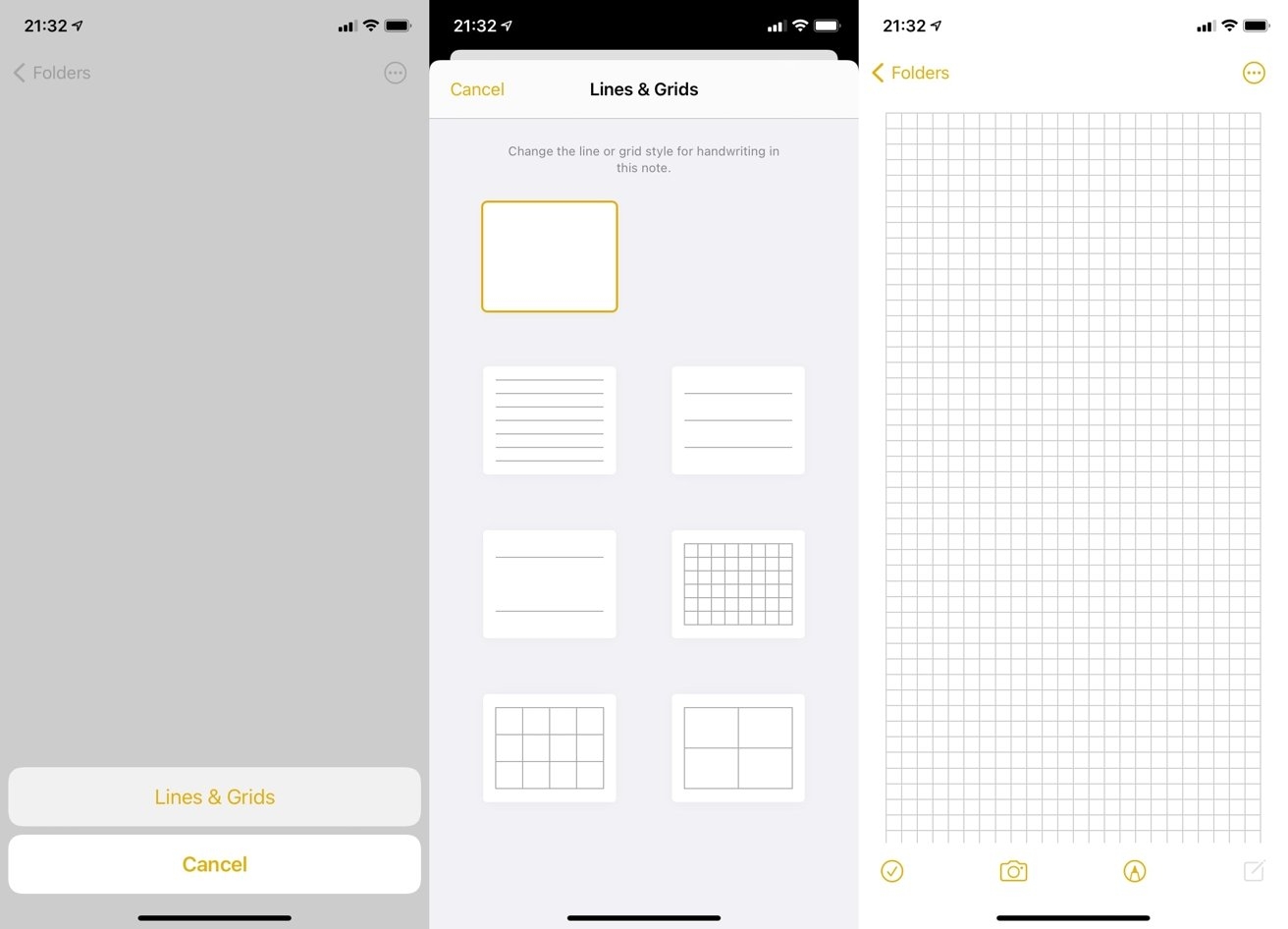
How To Add Lines And Grids To Your Notes On IOS And IPadOS

Free Graph Paper Template Goodnotes