Creating visually appealing presentations can significantly enhance your message. One effective way to achieve this is by using a lined paper background for your PowerPoint slides. This simple design element can add a touch of creativity and professionalism.
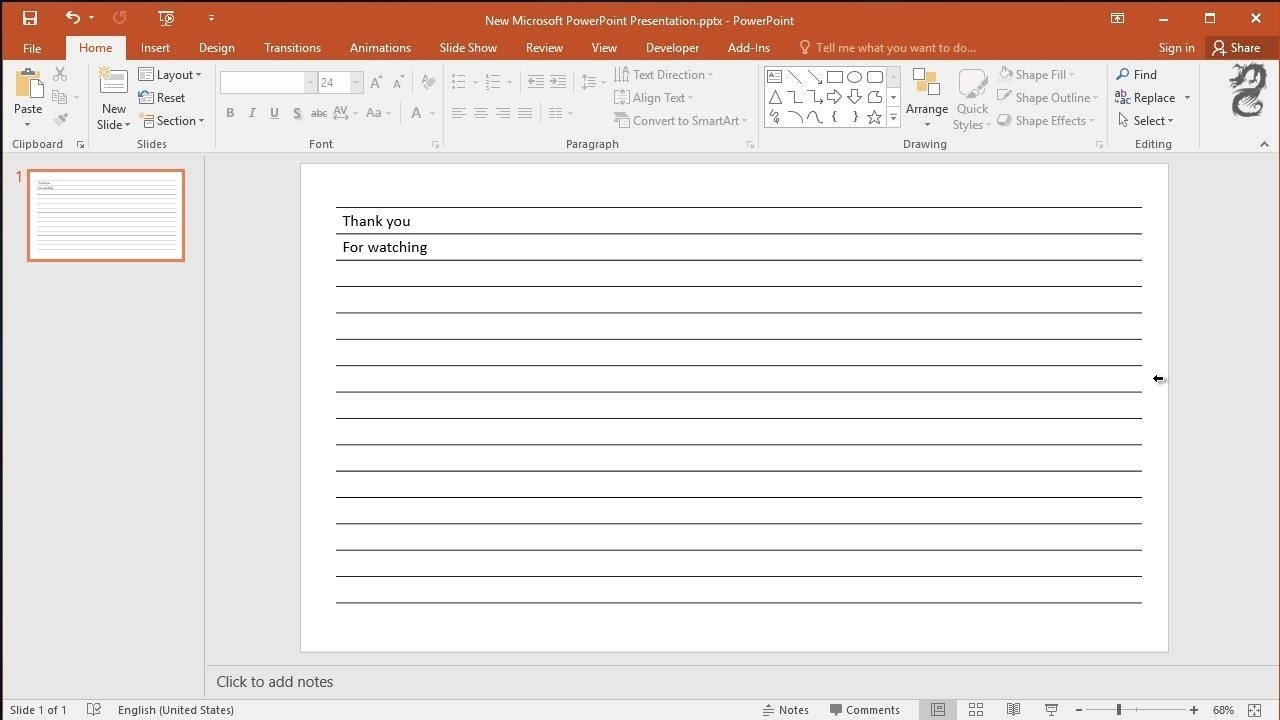
Lined Paper Background For Powerpoint
Lined Paper Background For Powerpoint
To start, you can find various lined paper backgrounds online. Many websites offer free downloadable templates that you can easily customize in PowerPoint. Look for designs that suit your theme and color preferences.
Once you have your background, applying it to your slides is straightforward. Simply go to the “Design” tab in PowerPoint, select “Format Background,” and upload your chosen lined paper image. This will instantly transform your slides.
Using a lined paper background not only enhances aesthetics but also helps in structuring your content. It provides a natural framework for text and images, making your information easier to digest for the audience.
Incorporating a lined paper background into your PowerPoint presentations can elevate your overall design. It’s a simple yet effective way to engage your audience while keeping the content organized and visually appealing.

Free Dark Lined Paper Template To Edit Online

100 Notebook Backgrounds Wallpapers

How To Create A Notebook Paper Effect In PowerPoint E Learning
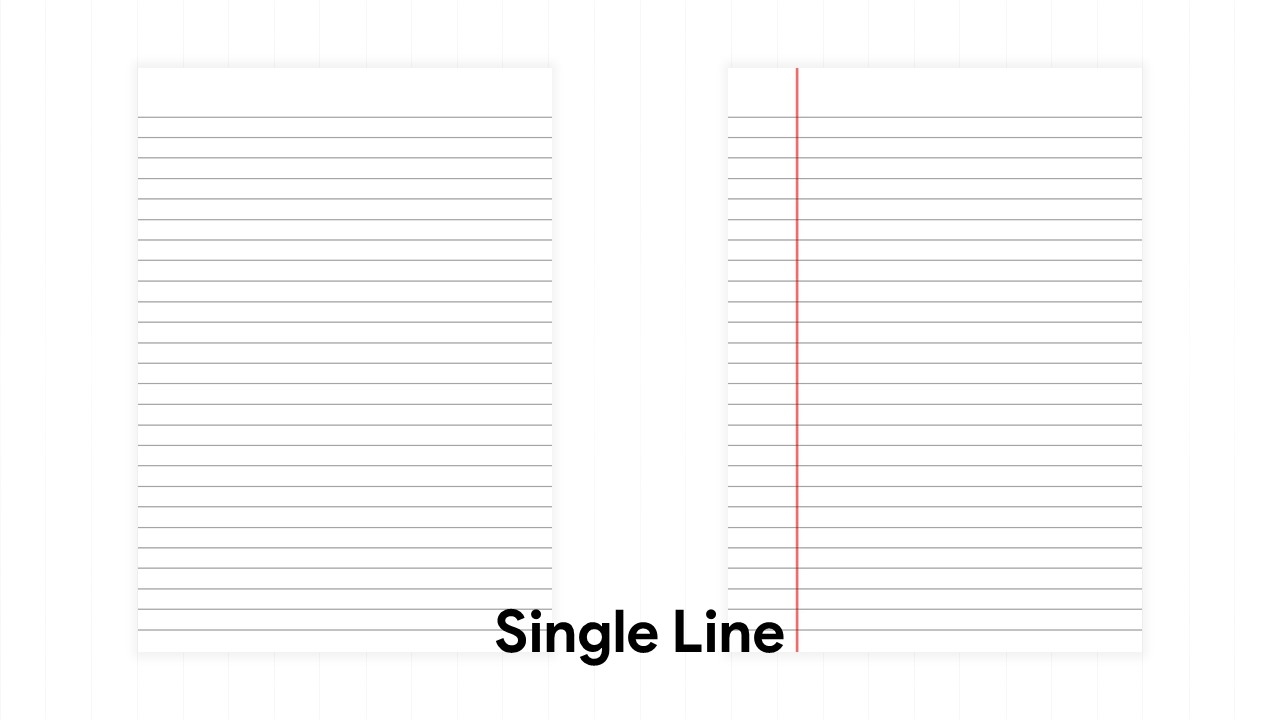
Free Notebook Paper Template PowerPoint amp Google Slides

Free Printable Lined Paper Templates To Customize Online