Creating documents can sometimes feel overwhelming, especially when you want everything to look just right. One simple way to enhance your writing experience is by using lined paper. It helps keep your thoughts organized and neat.
Lined Paper On Word
Lined Paper On Word
To get started with lined paper on Word, open a new document and navigate to the “Design” tab. From there, you can select “Page Borders” and customize your lines to fit your preferences. This allows for a personalized touch.
Another option is to use a table to create lined paper. Simply insert a table with one column and multiple rows. Adjust the row height to mimic the spacing of traditional lined paper. This method offers flexibility in design.
If you want a quick solution, consider downloading templates available online. Many websites offer free lined paper templates compatible with Word. This saves time and ensures you have the perfect layout for your projects.
Using lined paper on Word can significantly improve your writing experience. Whether you’re jotting down notes or drafting a report, these methods will help keep your work organized and visually appealing.
Incorporating lined paper into your Word documents can enhance clarity and structure in your writing. Explore these options today to find what works best for you and enjoy a more organized approach to your tasks.
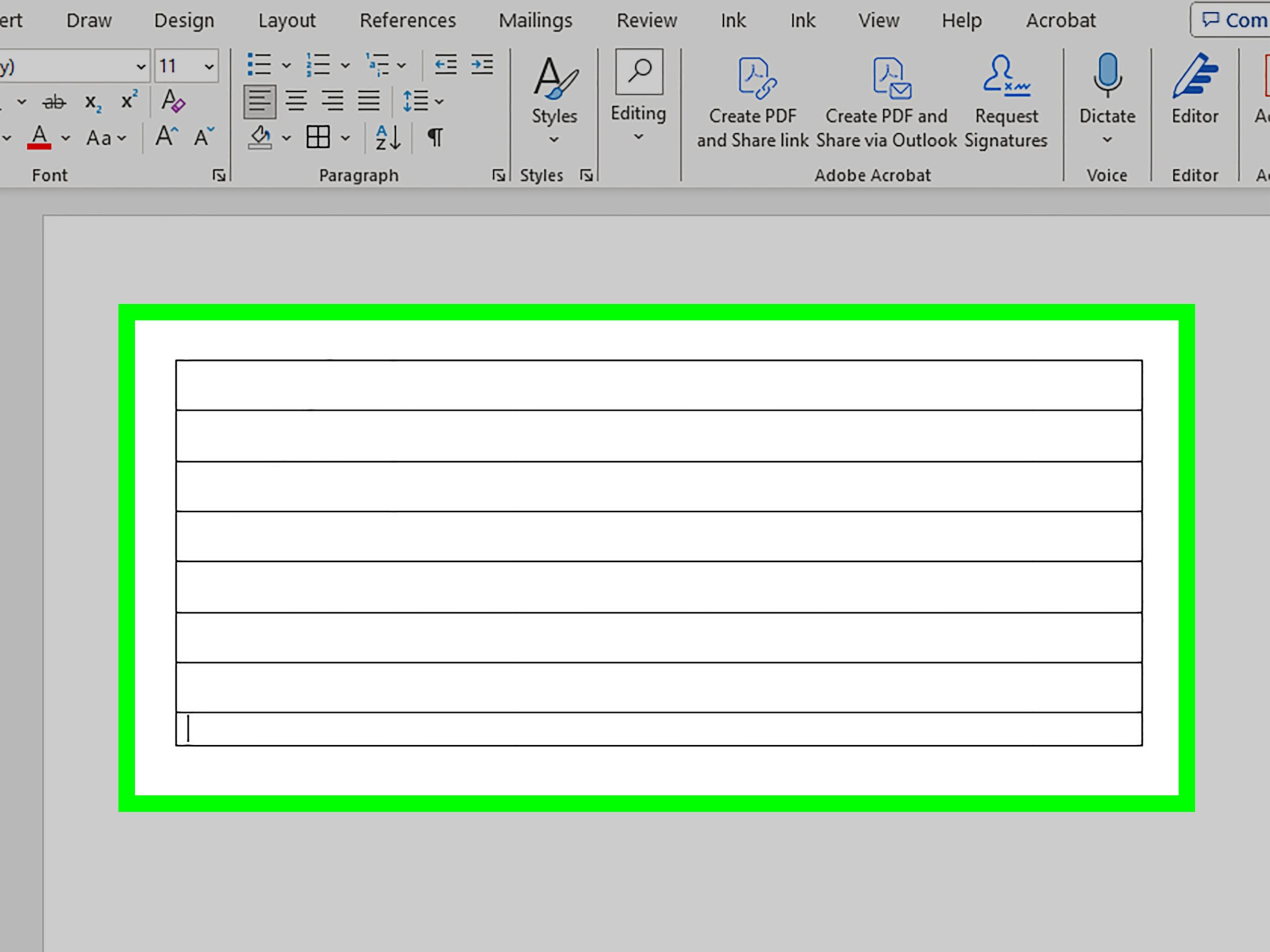
How To Make Lined Paper In Word 2007 Best Method
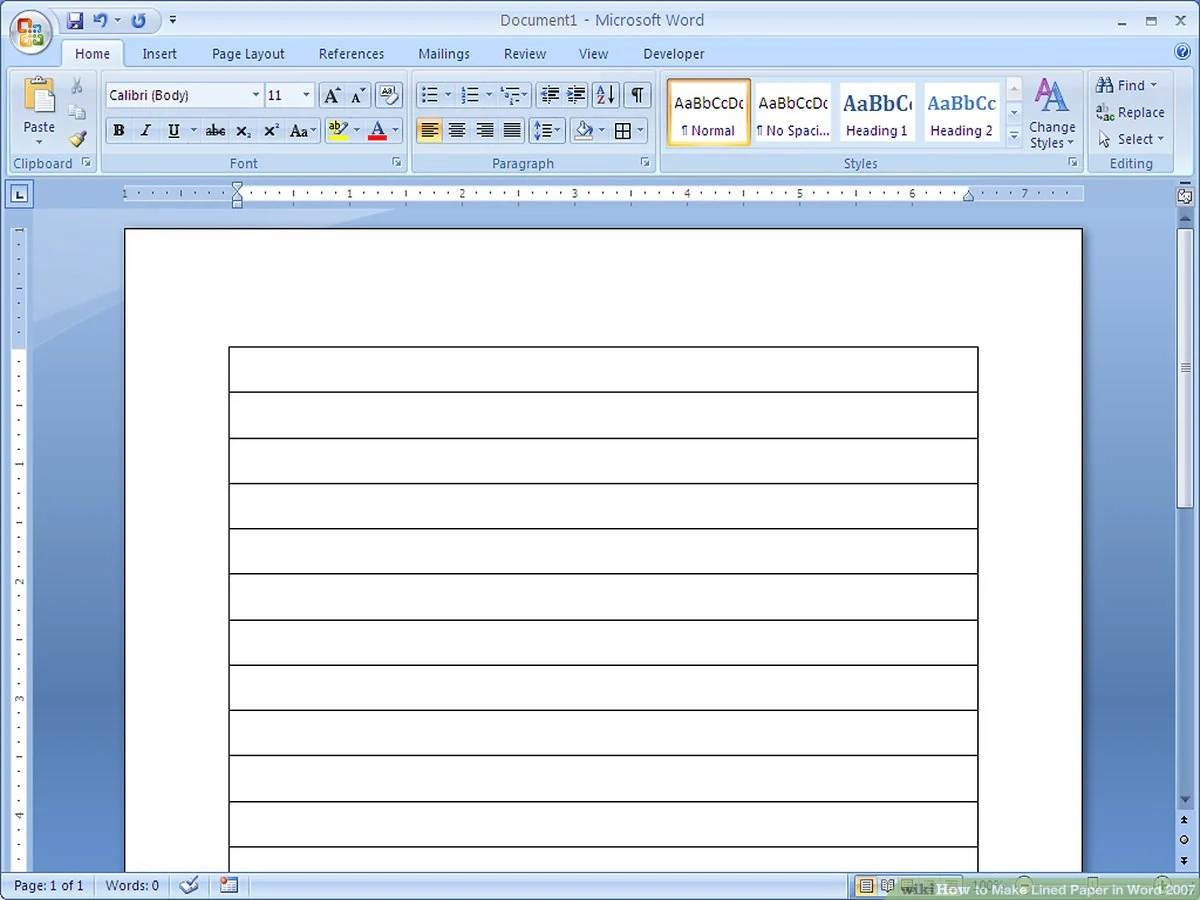
How To Make Lined Paper In Microsoft Word Softwareg au
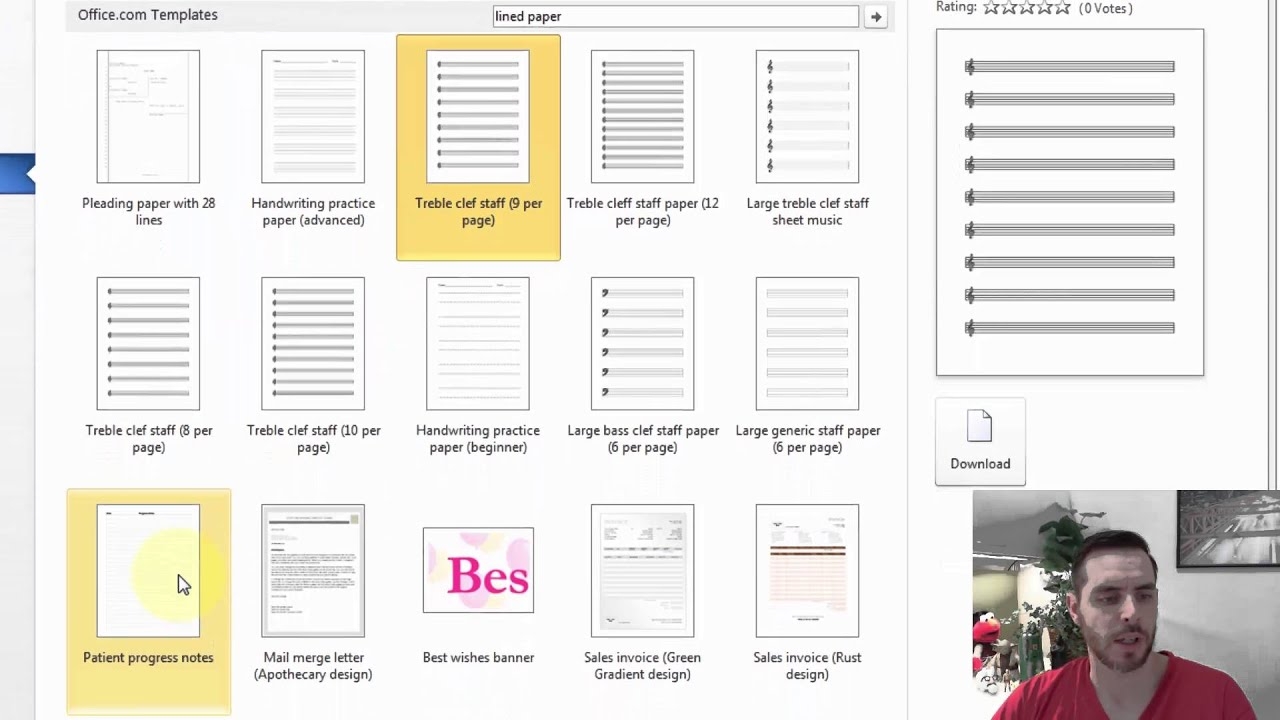
How To Make Lined Paper With Microsoft Word YouTube
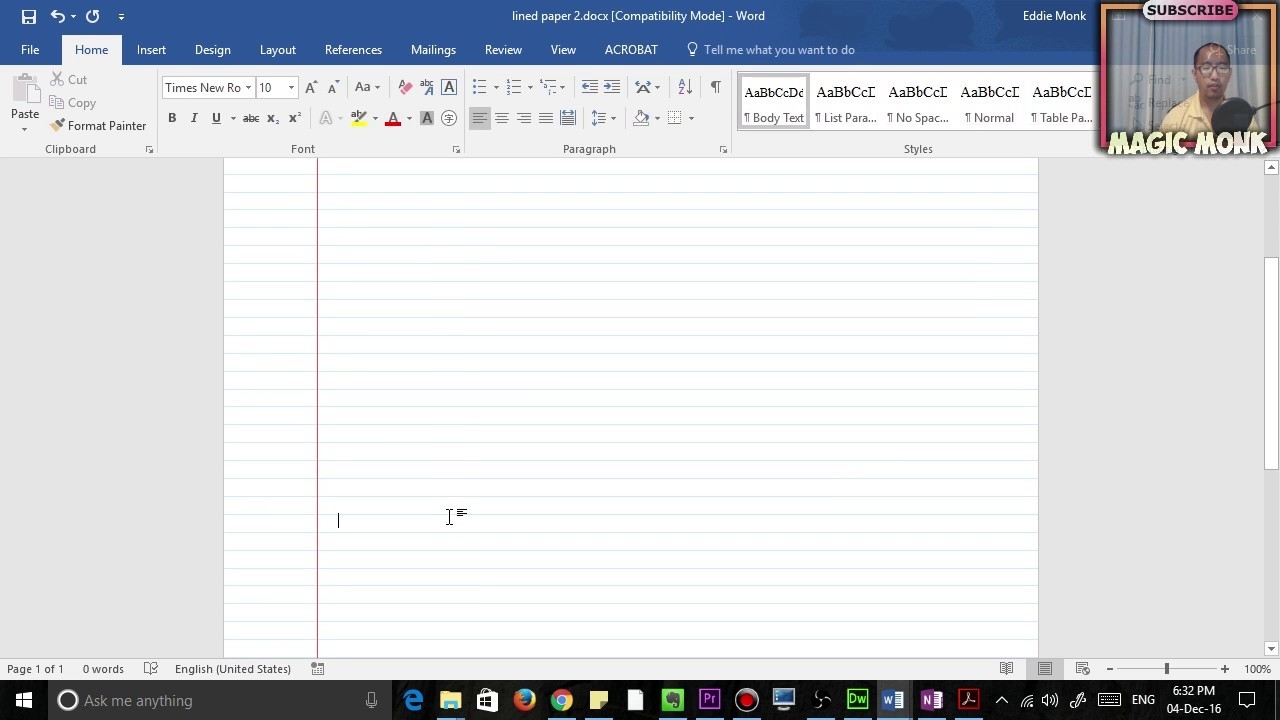
Lined Paper In Microsoft Word PDF
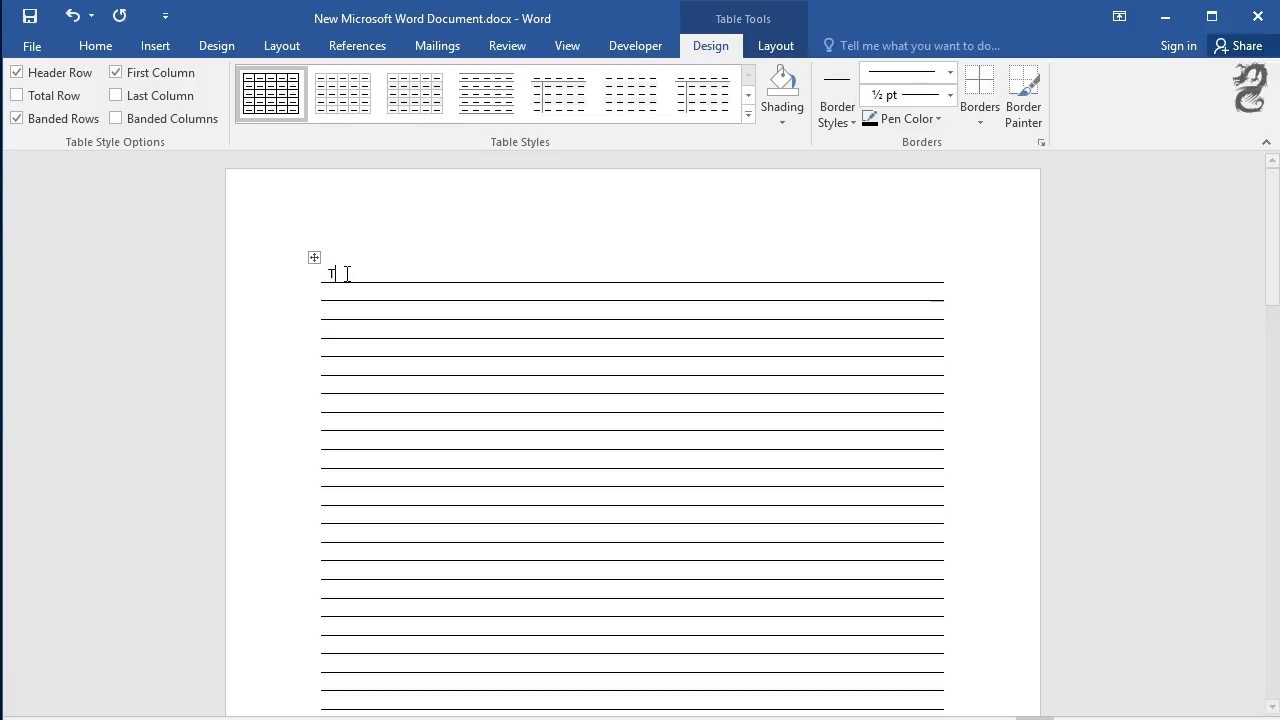
How To Create Lined Paper In Word