Microsoft Graph Paper is a versatile tool that enhances productivity and creativity. It allows users to create structured notes, sketches, and diagrams seamlessly, making it a favorite among students and professionals alike.

Microsoft Graph Paper
Exploring Microsoft Graph Paper
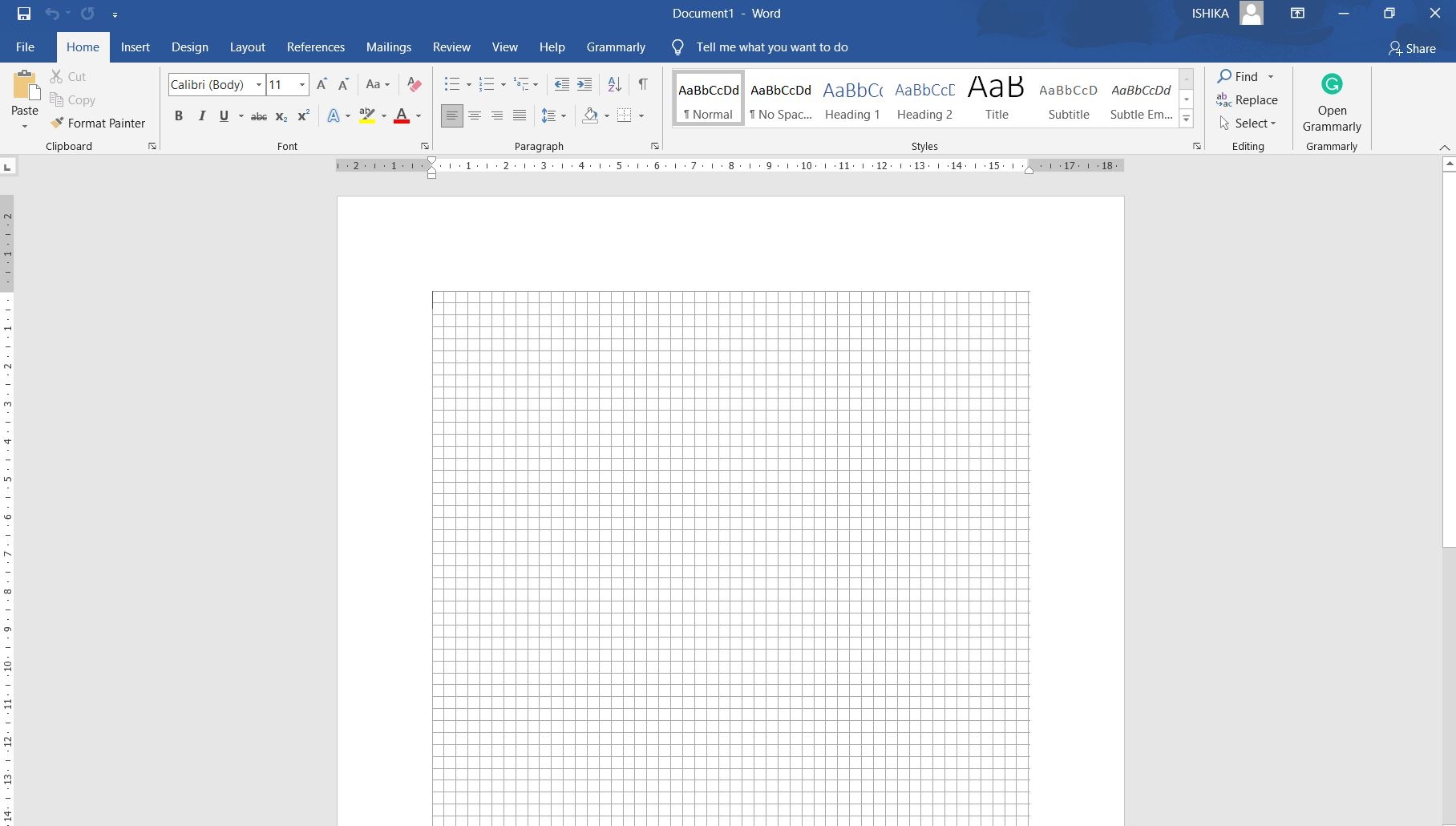
One of the standout features of Microsoft Graph Paper is its customizable grid options. Users can choose from various grid sizes, making it perfect for everything from detailed drawings to quick notes.
Collaboration is another key aspect. Microsoft Graph Paper allows multiple users to work on the same document simultaneously, making teamwork efficient and enjoyable. This feature is especially useful for group projects or brainstorming sessions.
Additionally, the integration with other Microsoft tools enhances its functionality. Users can easily import data from Excel or PowerPoint, streamlining their workflow and saving time.
Whether you’re sketching ideas or organizing thoughts, Microsoft Graph Paper provides the tools needed for effective visual communication. It’s an excellent choice for anyone looking to boost their creative process.
In conclusion, Microsoft Graph Paper stands out as a powerful tool for creativity and collaboration. Its features cater to various needs, making it an essential resource for students and professionals seeking efficiency.
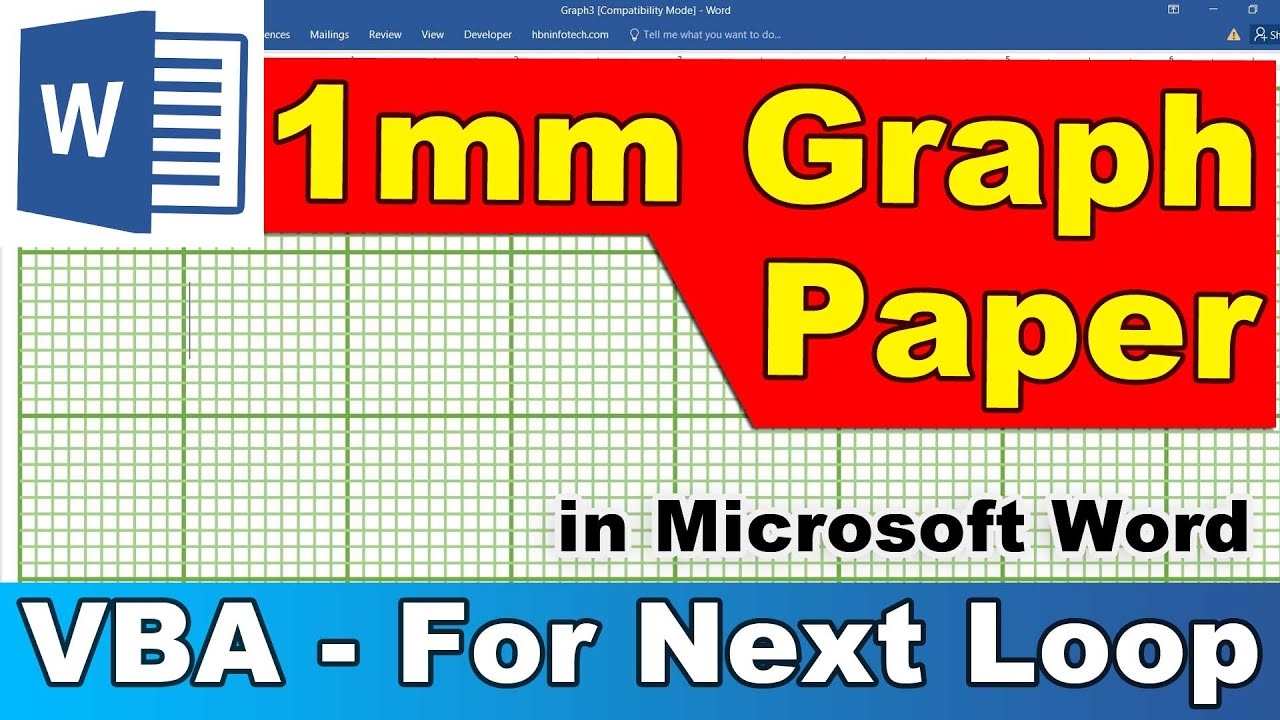
1mm Graph Paper In Microsoft Word Word VBA For Loop In VBA
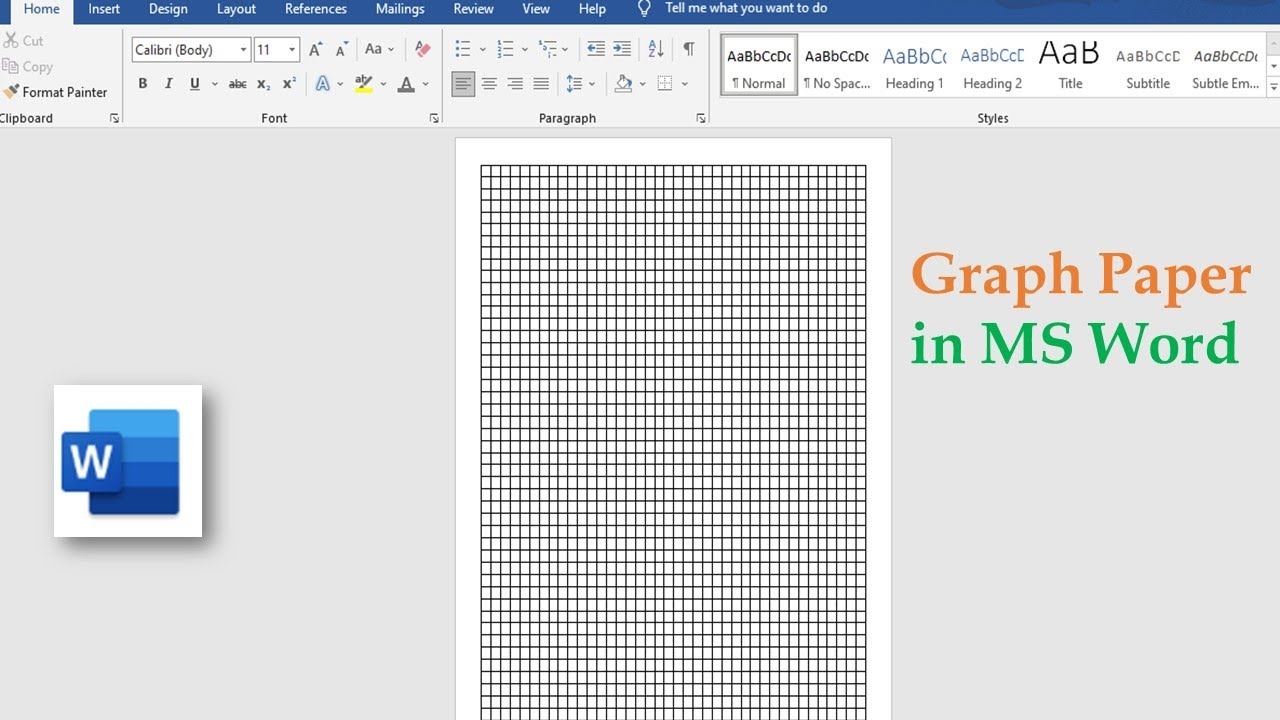
How To Make Graph Paper In MS Word
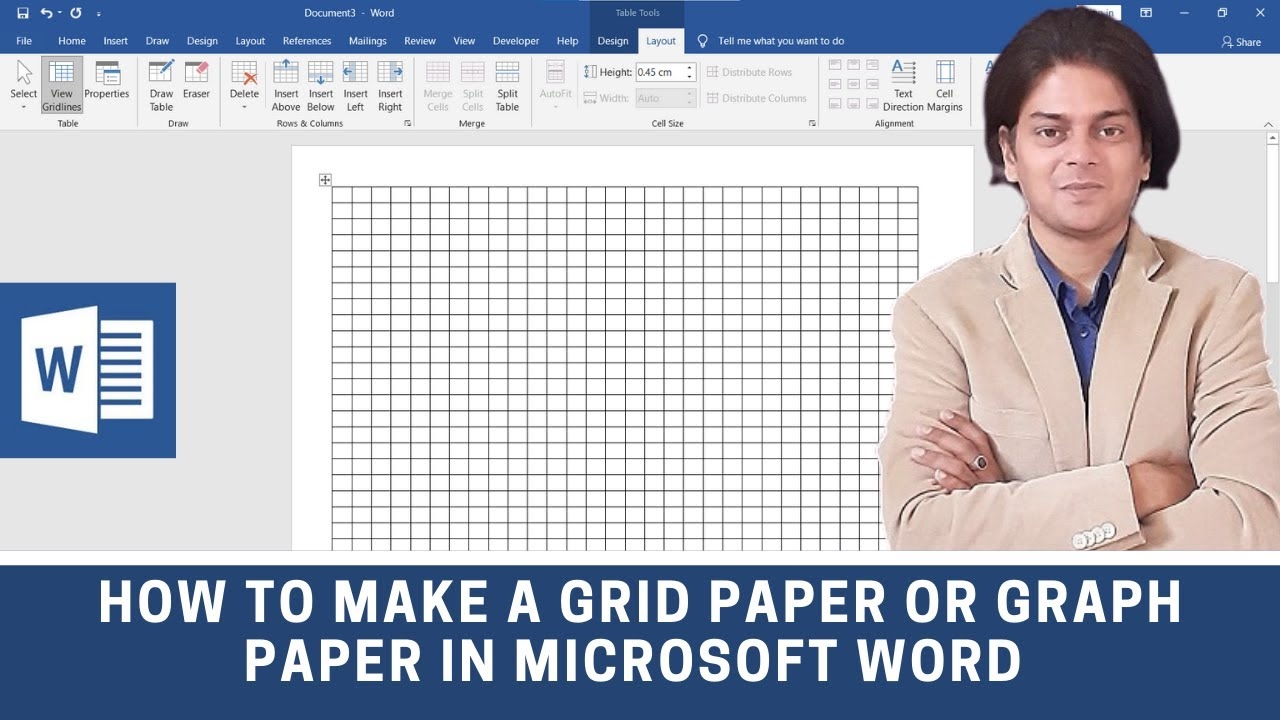
How To Make A Grid Paper Or Graph Paper In Microsoft Word
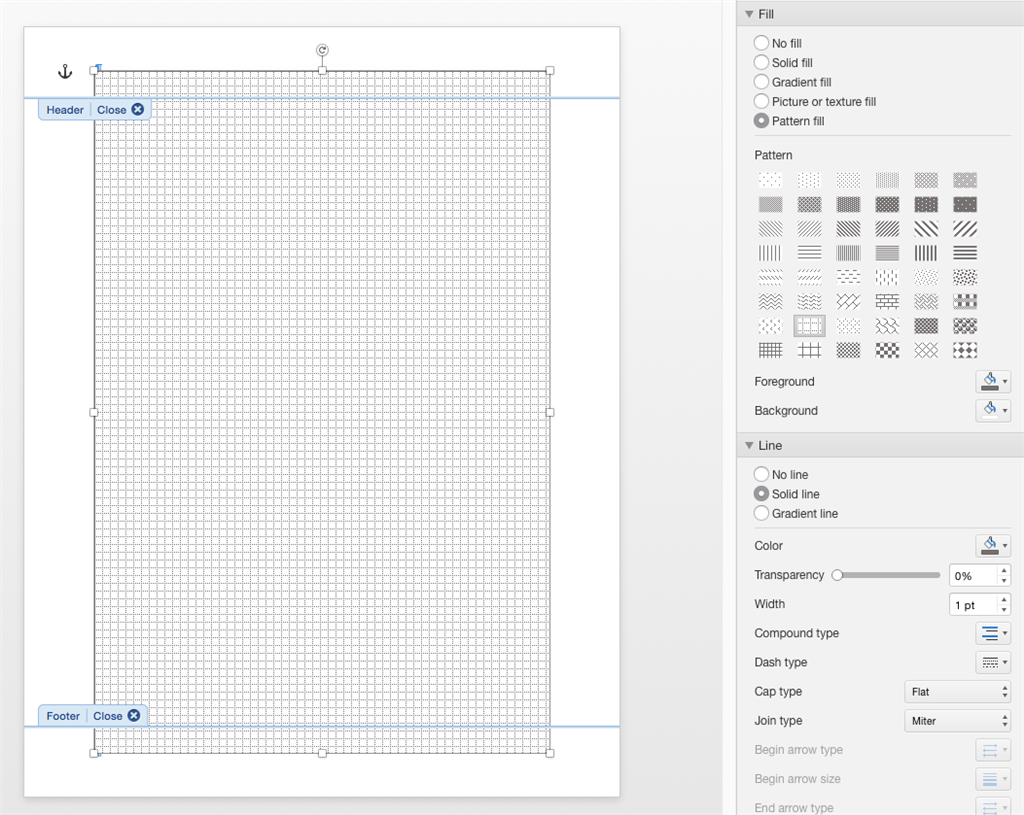
Graph Paper As Background In A Word Document Tiled Pattern
Boxes Like Graph Paper Microsoft Q amp A