Creating designs can be a fun and rewarding experience, especially when you have the right tools at your disposal. One such tool that many designers love is the Photoshop graph paper pattern. It offers a structured way to enhance creativity.
Photoshop Graph Paper Pattern
Photoshop Graph Paper Pattern
The Photoshop graph paper pattern is a versatile resource for artists and designers alike. It allows you to create precise layouts, ensuring that every element is perfectly aligned. This is particularly useful for technical drawings or architectural designs.
Using this pattern can also speed up your workflow. Instead of manually drawing grids, you can easily apply the graph paper pattern as a background layer. This saves time and lets you focus on the creative aspects of your project.
Additionally, customizing the graph paper pattern in Photoshop is simple. You can adjust the grid size, color, and opacity to suit your specific needs. This flexibility makes it an essential tool for various design projects.
Incorporating a Photoshop graph paper pattern into your workflow can elevate your designs significantly. It not only enhances precision but also adds a professional touch to your work, making it stand out in any portfolio.
Embracing tools like the Photoshop graph paper pattern can transform your design experience. With its ease of use and customization options, you’ll find it an invaluable asset in your creative toolkit.
Free Graph Paper Brush Set For Photoshop DesignerCandies
Photoshop How To Make A Grid Pattern
How To Make Grid In Photoshop
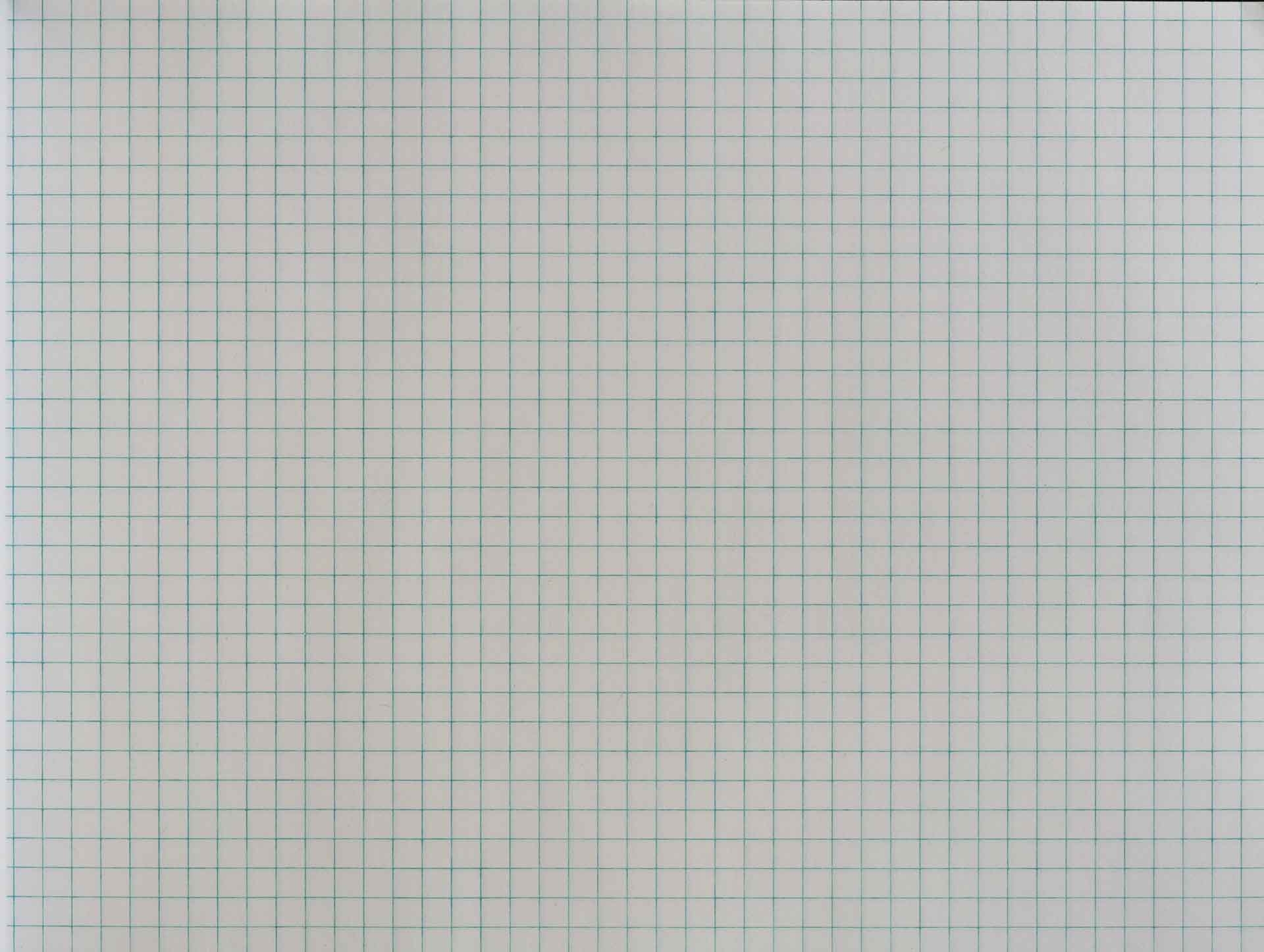
Free Texture Blue Lines Graph Paper
Grid Pattern Photoshop Tutorial