Finding the right tools for writing can enhance your creativity and organization. One such tool is lined paper, which helps keep your thoughts structured and clear. Many people prefer digital options for convenience and accessibility.
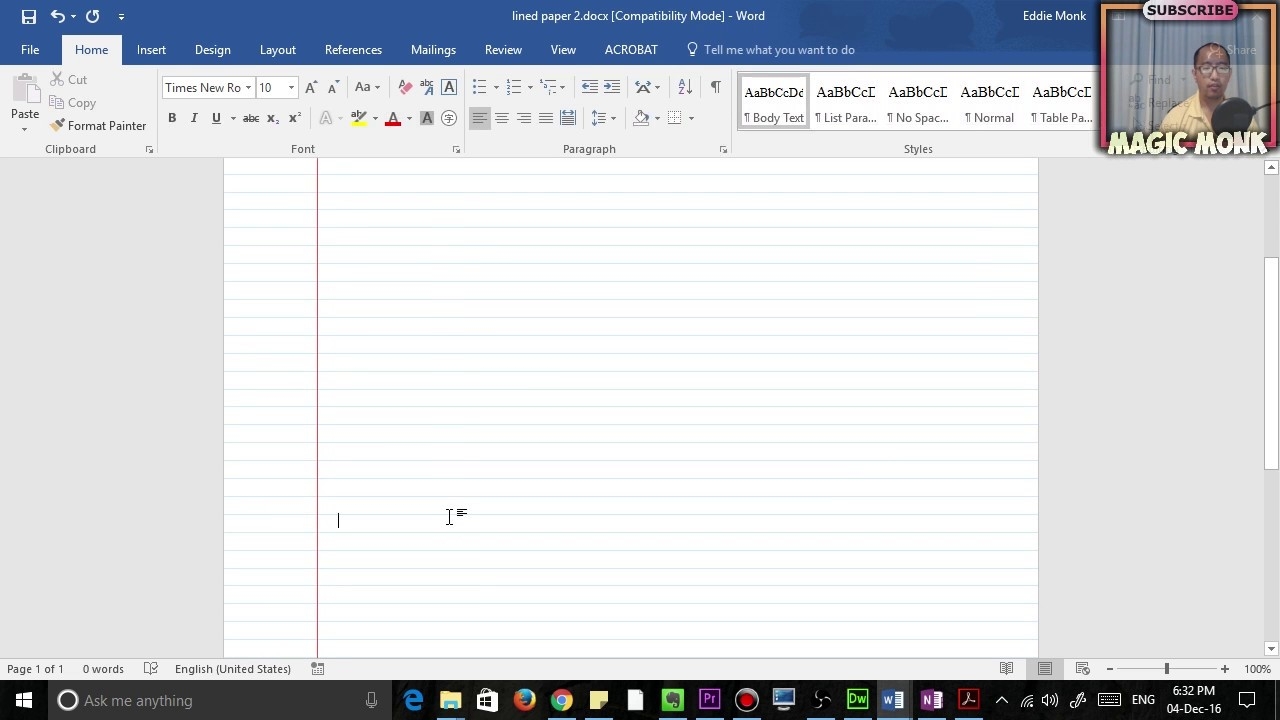
Print Lined Paper Word
Print Lined Paper Word
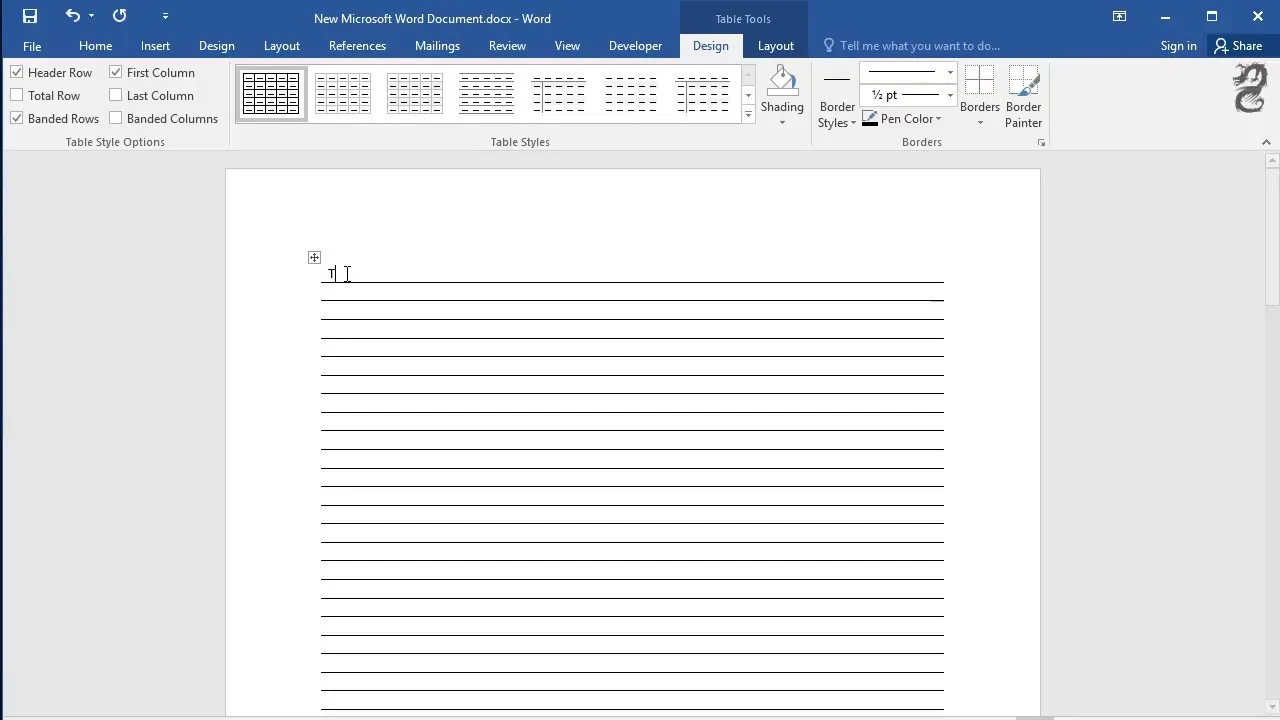
Creating print lined paper in Word is simple and efficient. Start by opening a new document and adjusting the page layout to your preference. You can choose different line styles or colors to suit your needs.
Another advantage of using Word for lined paper is the ability to save templates. Once you design a layout you love, save it for future use. This saves time and ensures consistency in your writing projects.
Additionally, printing lined paper directly from Word allows you to select the paper size that fits your needs. Whether you prefer A4 or letter size, customizing your document ensures that it meets your specifications perfectly.
In conclusion, print lined paper in Word offers a practical solution for anyone looking to enhance their writing experience. With customization options and easy printing, it’s a fantastic choice for students and professionals alike.
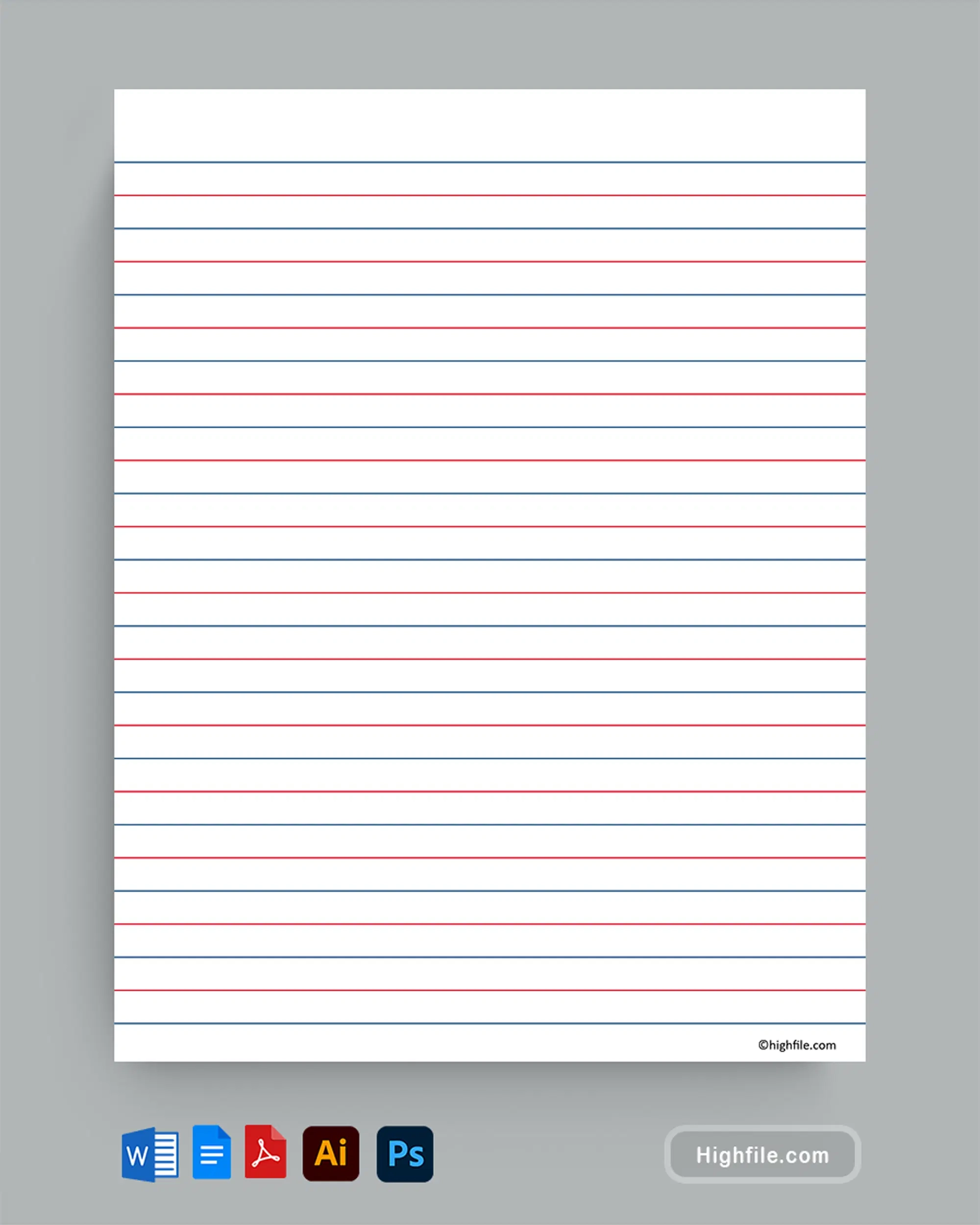
Free Printable Lined Paper Templates Highfile
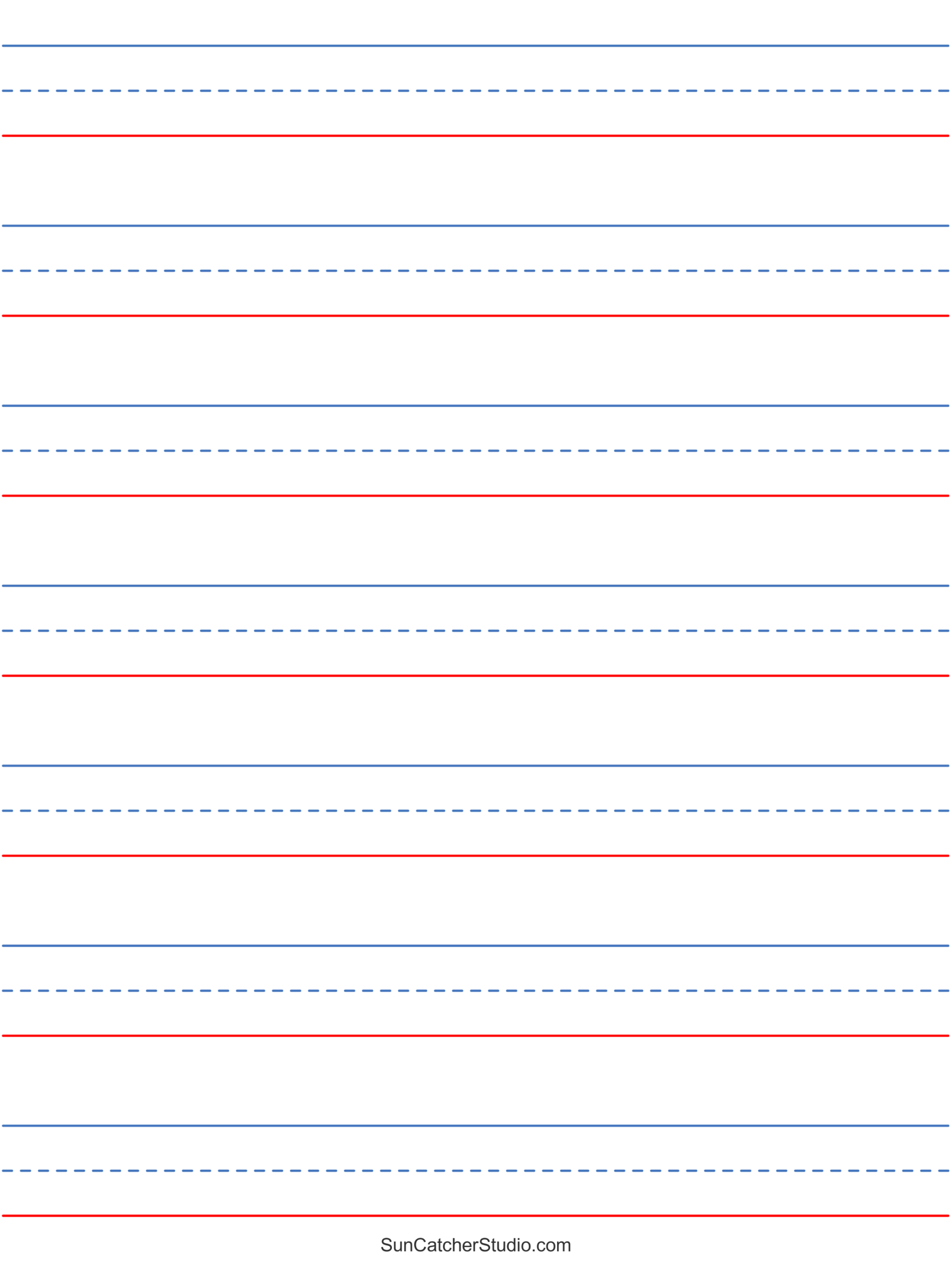
Free Printable Lined Paper Handwriting Notebook Templates
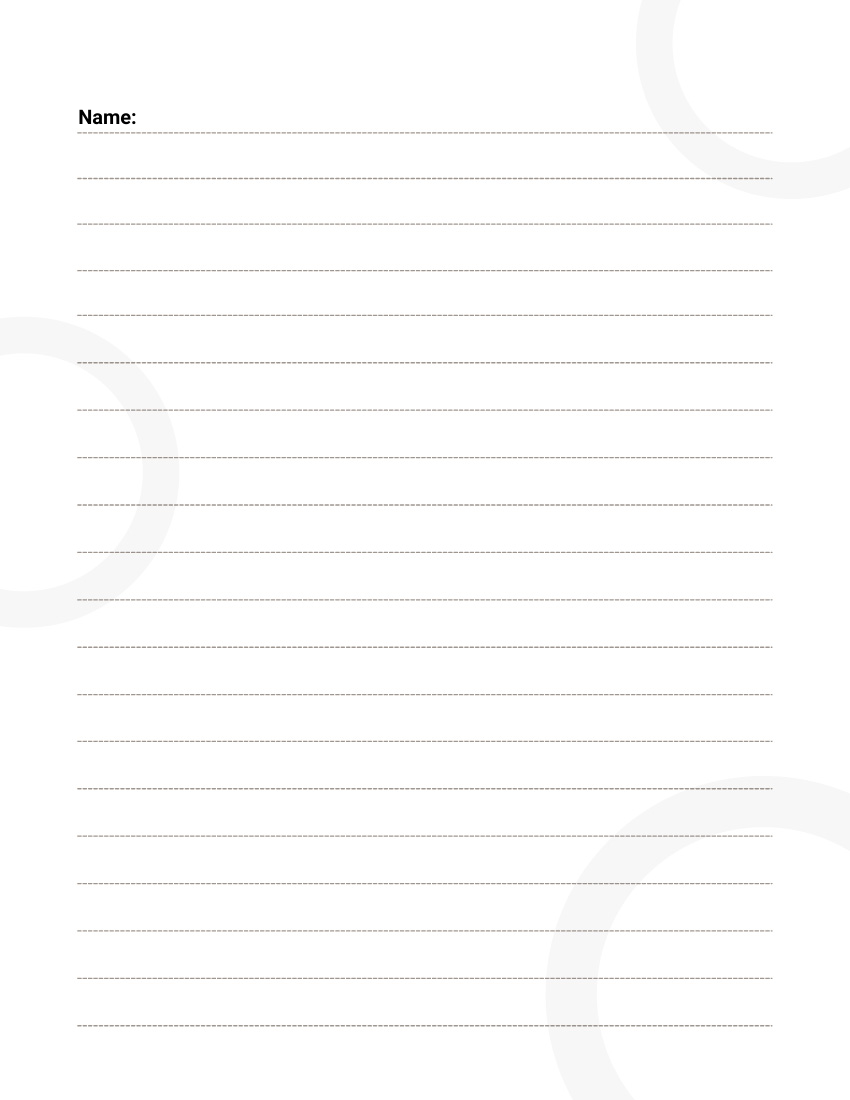
Free Printable Lined Paper Templates To Customize Online
Free Printable Lined Paper Handwriting Notebook Templates
Book Sleeve Pouch Paper And Word Reviews 44 Trustpilot Paper