Printing lines on paper is a common task that many people encounter in their daily lives. Whether you’re preparing documents, creating art, or organizing notes, understanding how to print lines effectively can enhance your work.
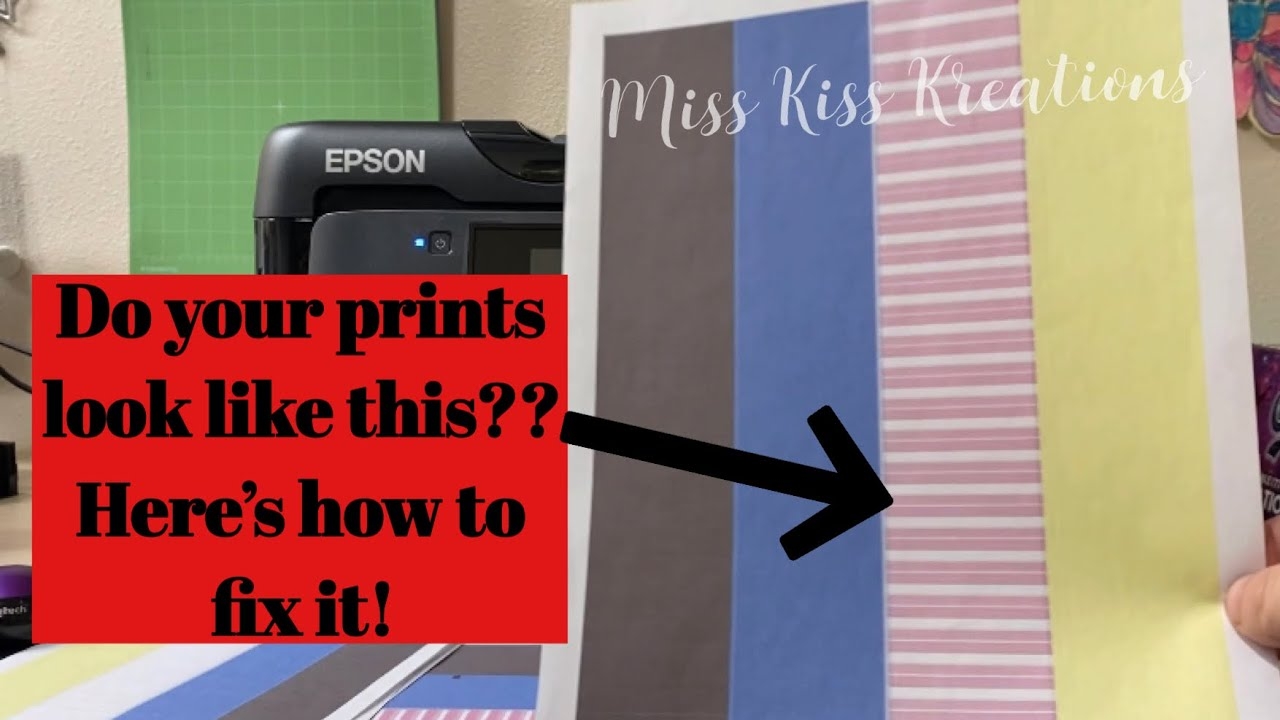
Printing Lines On Paper
Printing Lines On Paper
One popular method for printing lines on paper is using word processing software. Programs like Microsoft Word allow users to create custom line templates easily. You can adjust line spacing and thickness to suit your needs.
Another option is to use graphic design software. Tools like Adobe Illustrator offer advanced features for creating intricate line designs. This is especially useful for artists looking to print unique patterns or layouts.
If you prefer a more hands-on approach, consider using a ruler and pen to draw lines manually. This method gives you complete control over the spacing and style of the lines, making it perfect for personalized projects.
Regardless of the method you choose, ensure your printer settings are optimized for the best results. Adjusting the print quality and paper type can significantly impact how sharp and clear your lines appear.
In conclusion, printing lines on paper can be done in various ways, depending on your needs and preferences. Experiment with different techniques to find what works best for you and enjoy the process of creating organized and visually appealing documents.
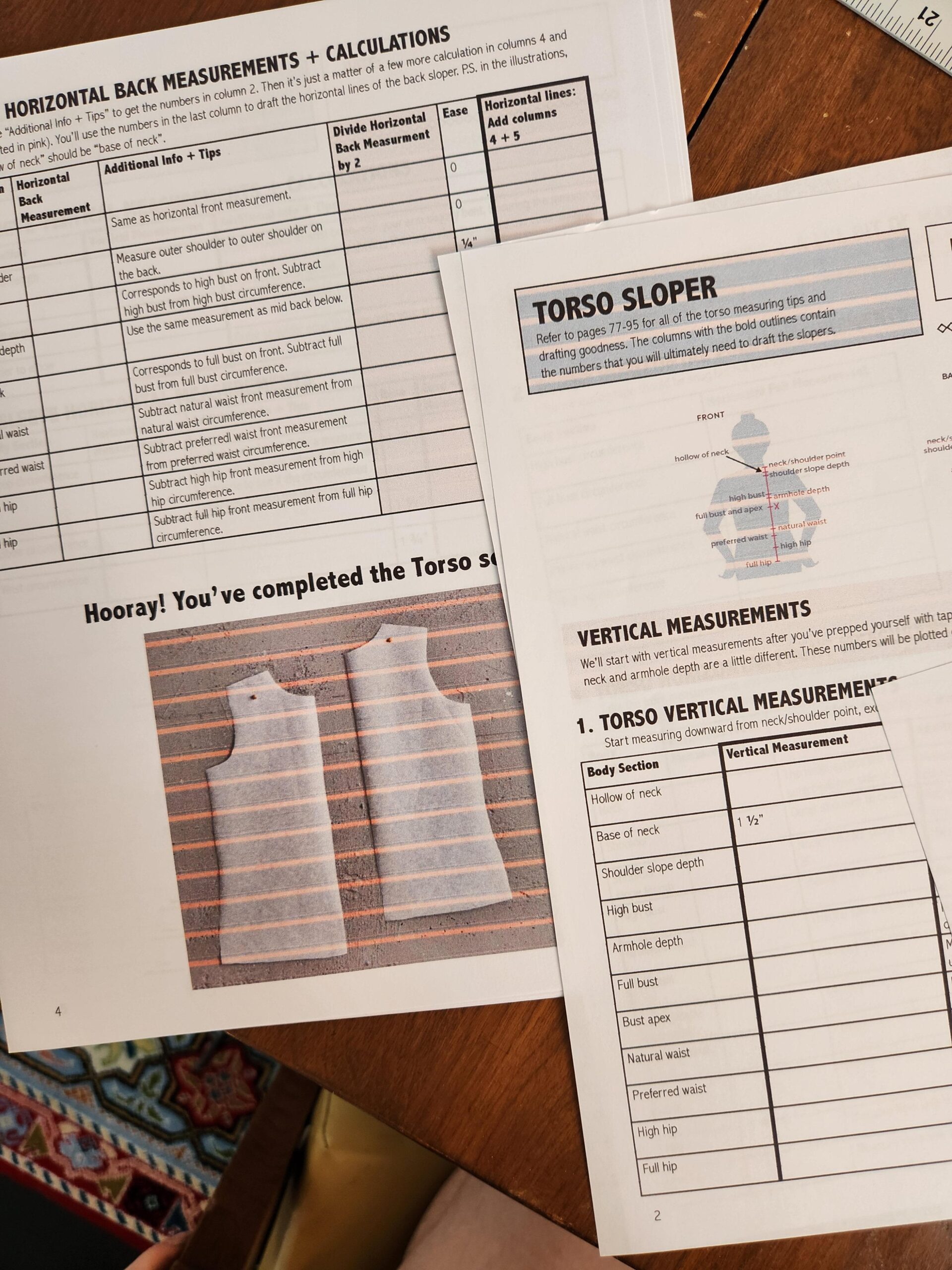
Why Does My Epson ET 4800 Leave Lines Like This It s Better Since
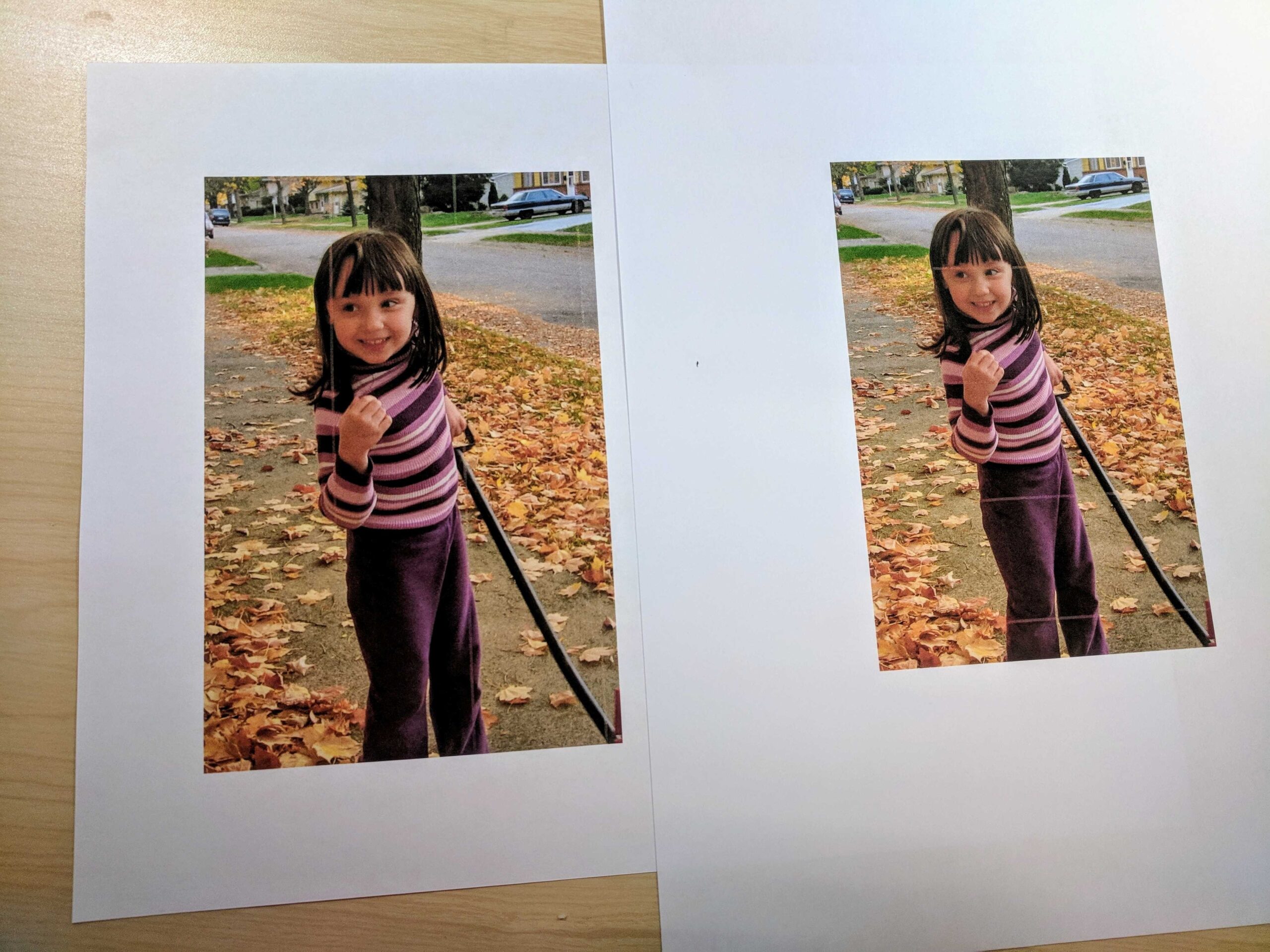
Unwanted Lines In Photo Printing HP Support Community 65836
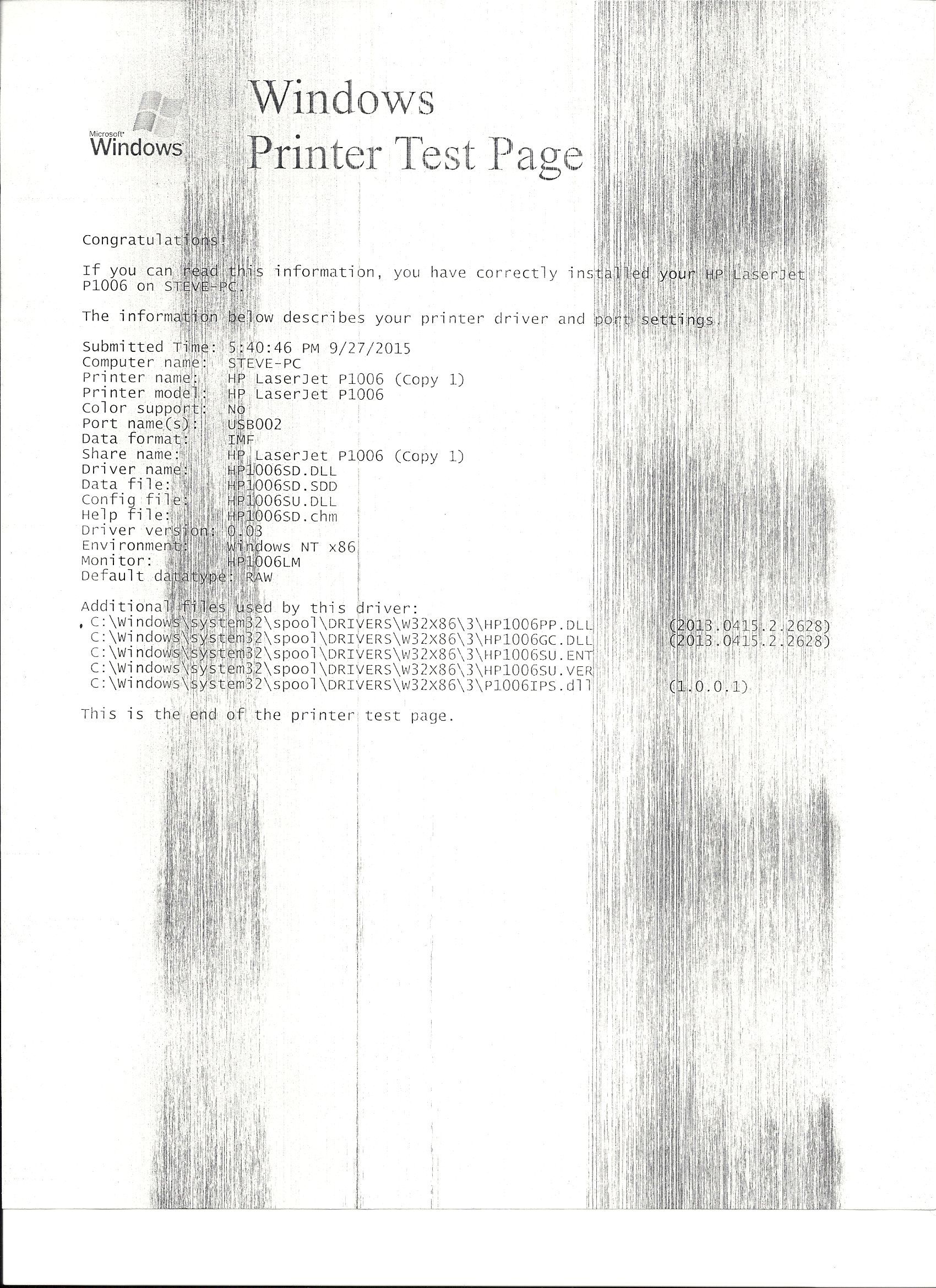
Solved Streaks In Print On A B W Laserjet Printer HP Support
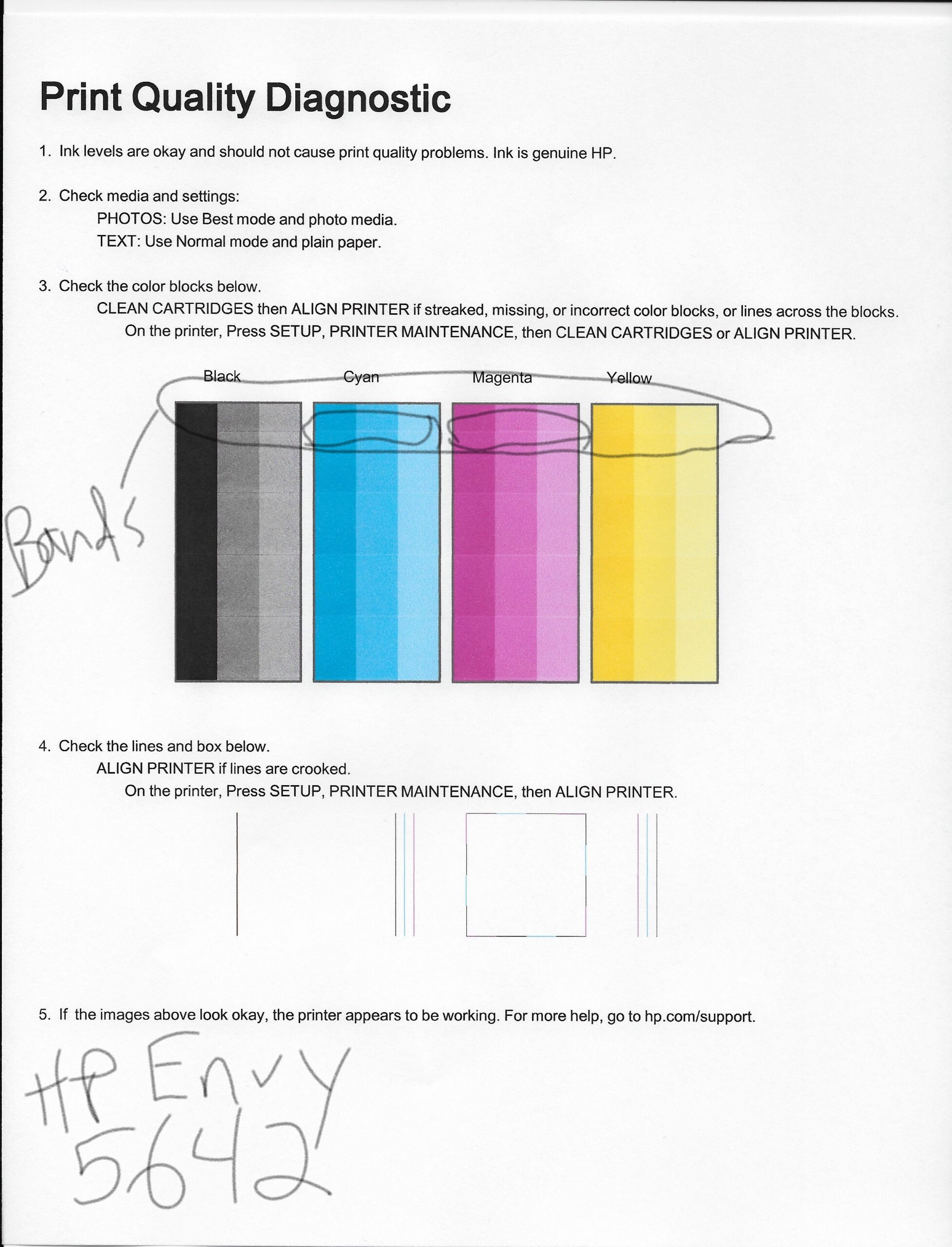
Lines Across My Print Diagnostic Page HP Support Community 6207853
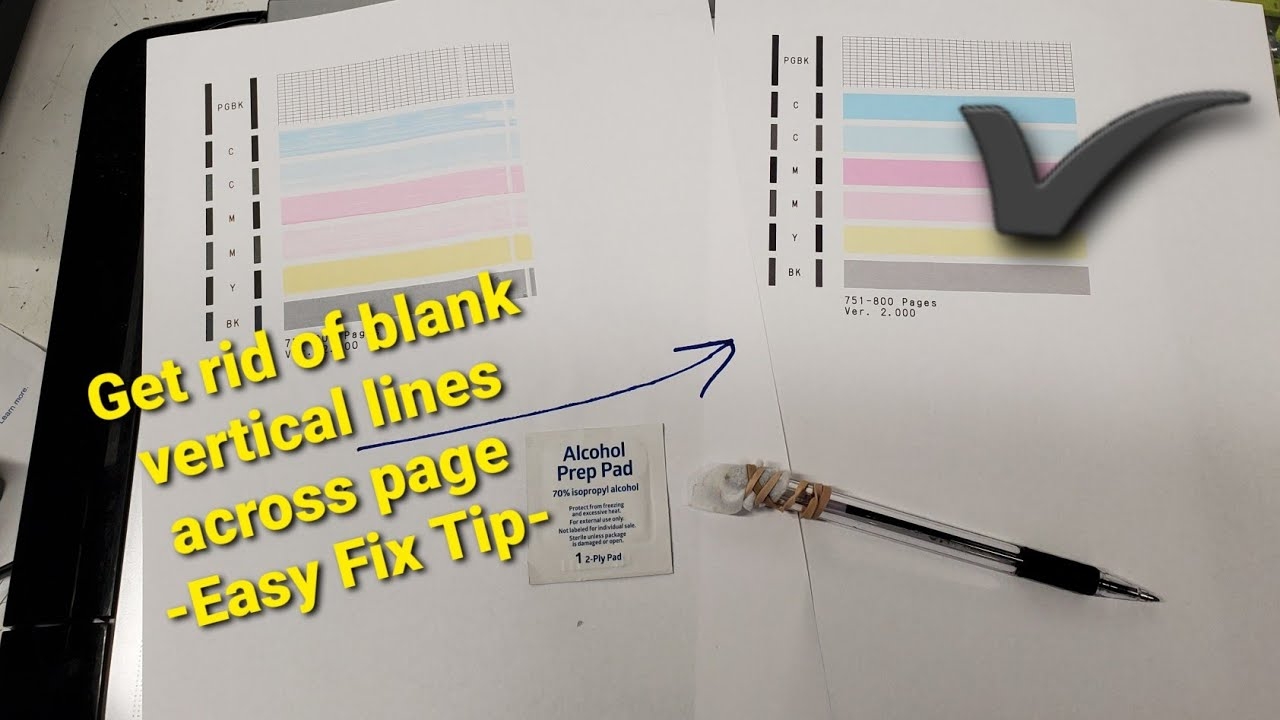
How To Get Rid Of Vertical Lines Across Page On Prints Canon HP Brother Epson Inkjet Printers