Printing issues can be frustrating, especially when you notice white lines on your printed paper. These lines can disrupt the quality of your documents and images, making them look unprofessional. Understanding the causes can help you resolve the problem quickly.
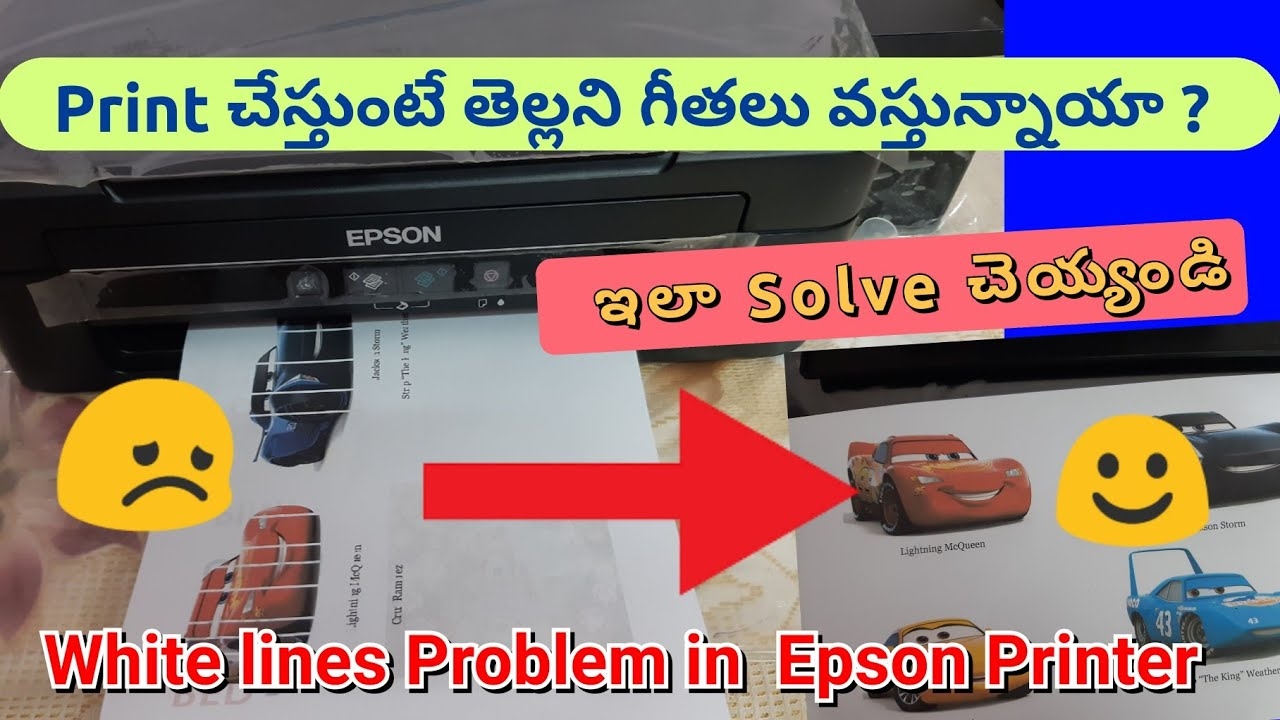
White Lines On Printed Paper Epson
White Lines On Printed Paper Epson
One common reason for white lines is low ink levels. When ink cartridges are running low, they may not distribute ink evenly, resulting in gaps on the page. Regularly checking ink levels can prevent this issue.
Another factor could be clogged print heads. Dust and dried ink can block nozzles, leading to incomplete prints. Running a print head cleaning cycle through your printer settings can often resolve this problem effectively.
Using the wrong type of paper can also contribute to white lines. Ensure you are using compatible paper designed for your specific Epson model to achieve optimal results. This small change can significantly enhance print quality.
Lastly, outdated printer drivers may cause printing inconsistencies. Keeping your drivers updated ensures that your printer functions correctly and minimizes issues like white lines on printed pages.
Addressing these factors can help you eliminate white lines on printed paper from your Epson printer. Regular maintenance and proper usage will keep your prints looking sharp and professional for all your needs.
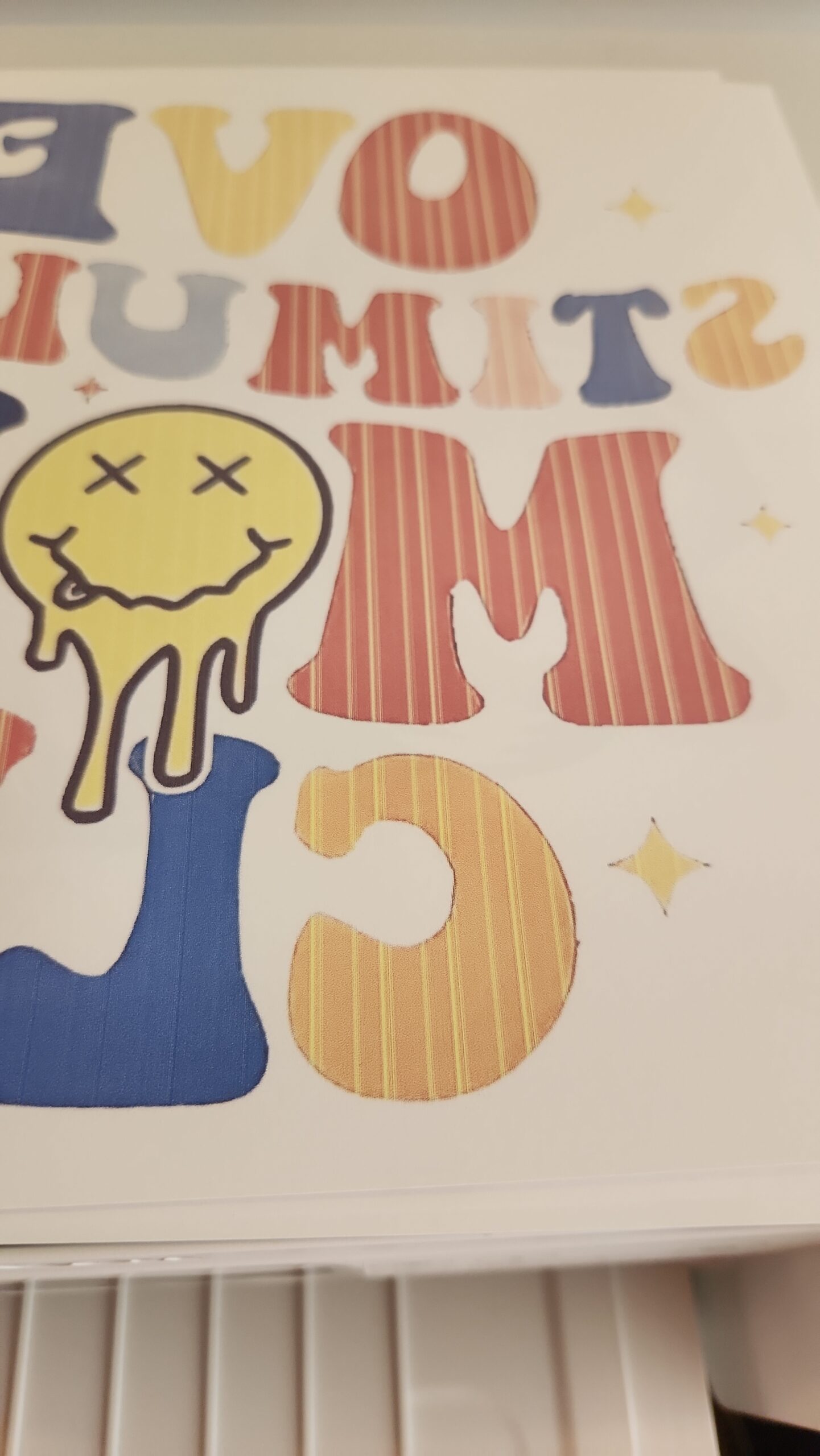
Printing Lines R Epson
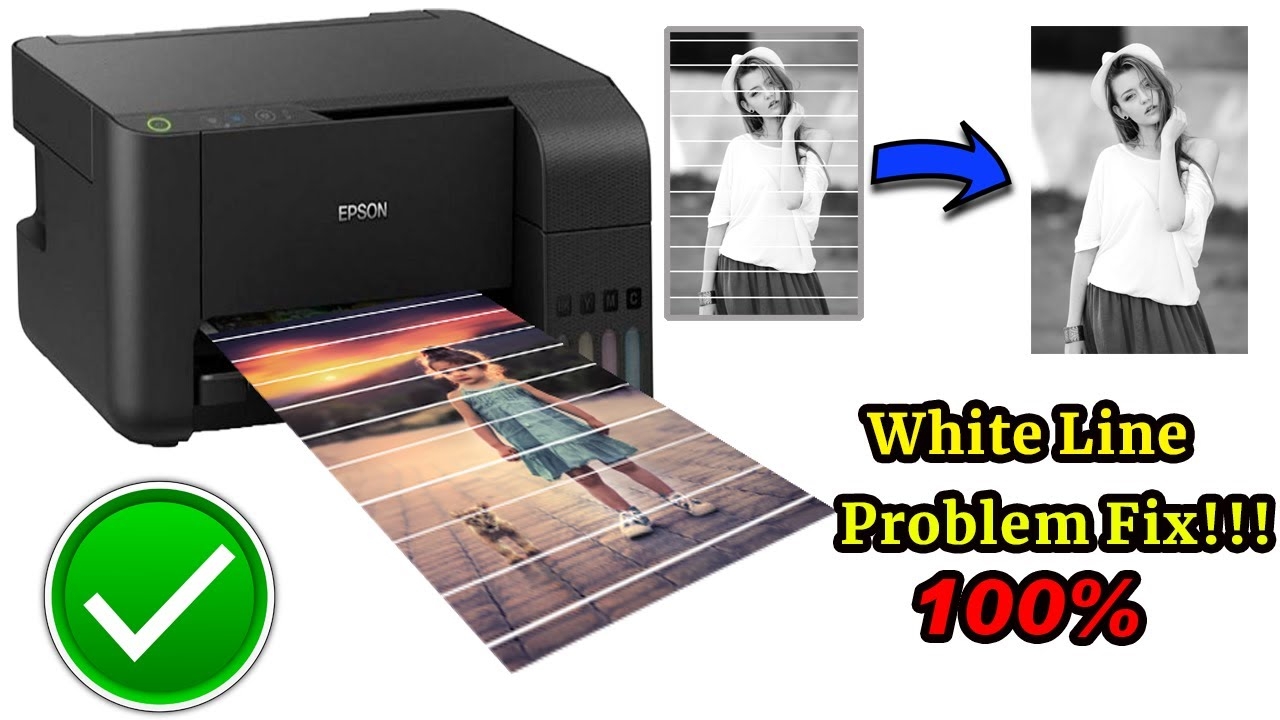
White Line Problem In Printing Solve Epson Printer Printing White Lines Problem
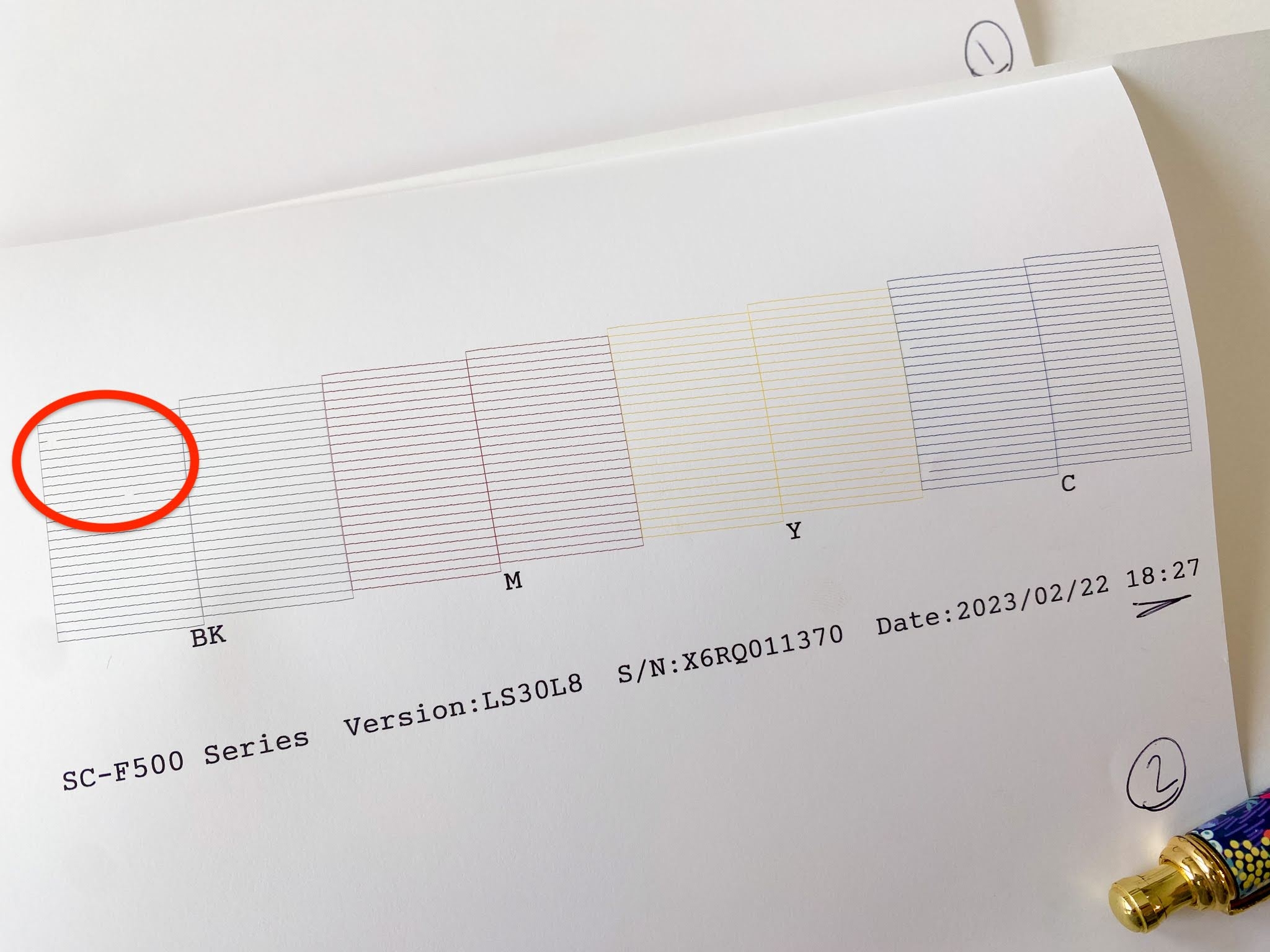
Printer Banding Fix Horizontal Lines And How To Resolve Them On
Why Does My Epson ET 4800 Leave Lines Like This It s Better Since
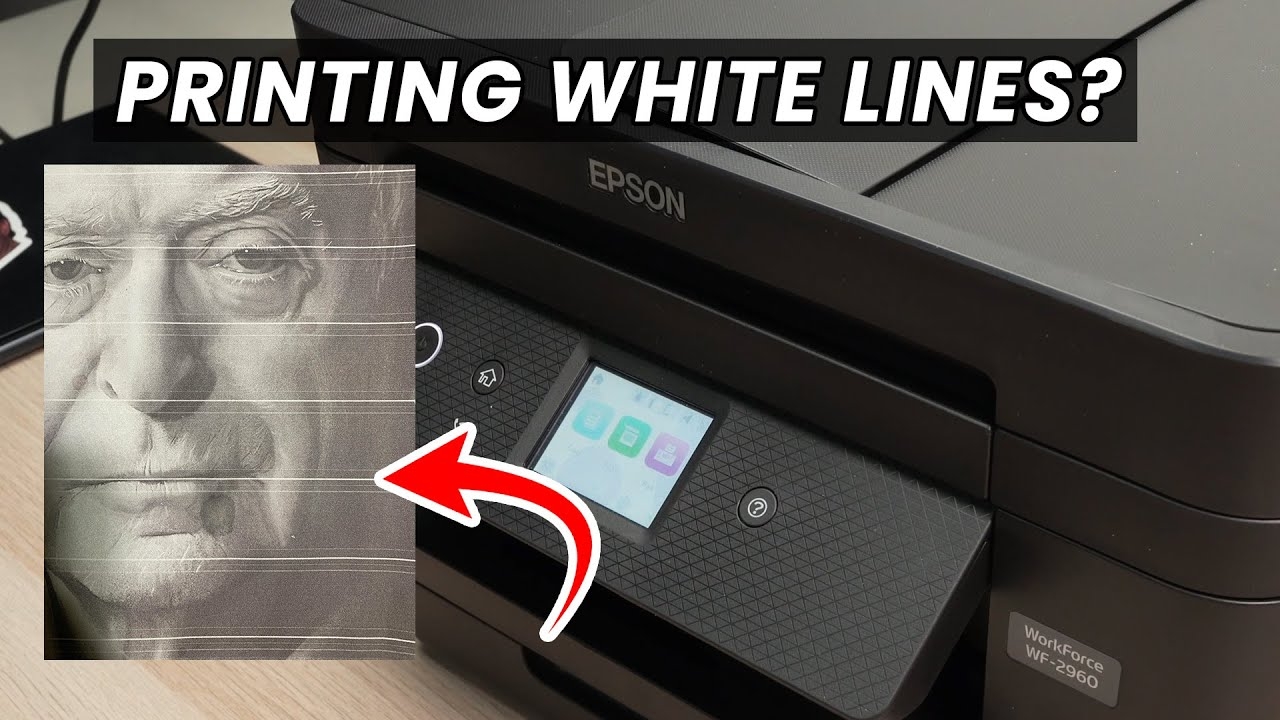
Fix White Lines Problem On Epson Cartridge Printer Print Head Cleaning