Creating stunning designs often requires the right tools and techniques. One such tool that can elevate your artwork is tracing paper texture in Photoshop. This texture adds depth and character to your projects.
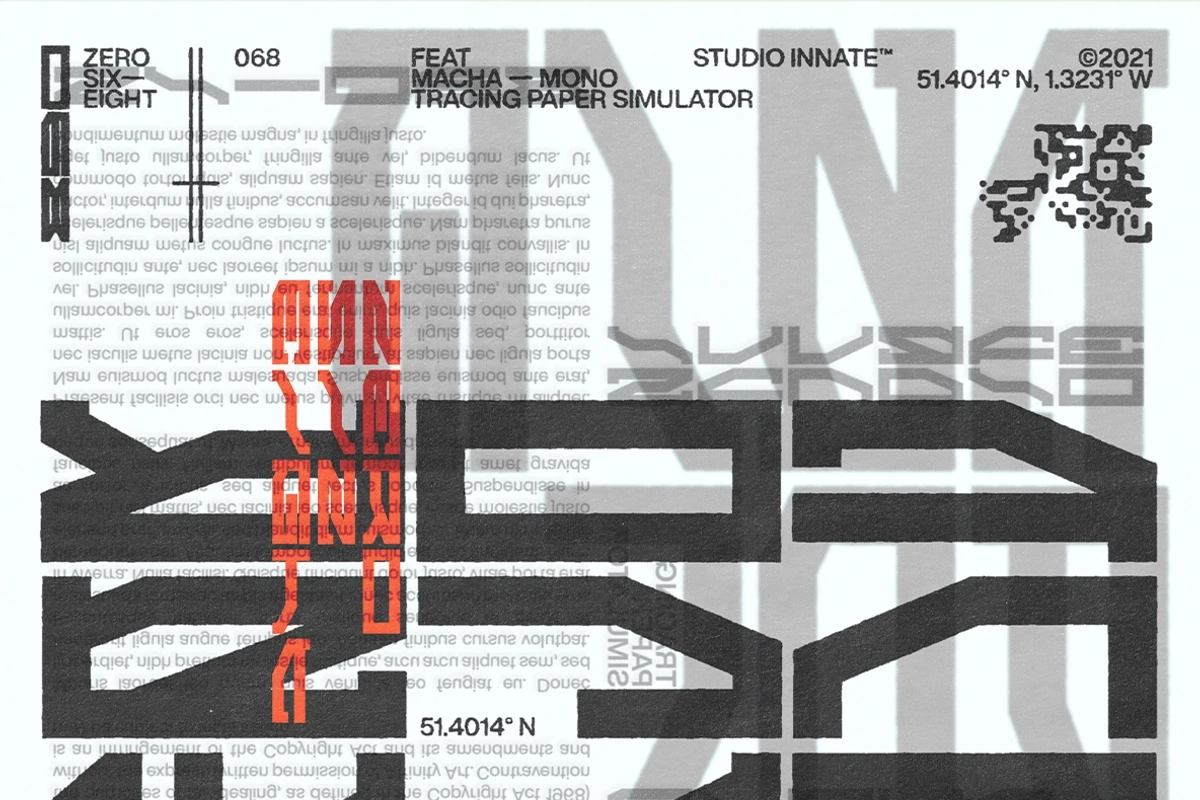
Tracing Paper Texture Photoshop
Tracing Paper Texture Photoshop
To begin, you can find various tracing paper textures online. These textures can be easily imported into Photoshop, allowing you to apply them to your designs seamlessly. Look for high-resolution options for the best results.
Once you have your texture, simply layer it over your artwork. Adjust the opacity to achieve the desired effect. This technique can create a soft, organic feel that mimics traditional art methods.
Another useful tip is to experiment with blending modes in Photoshop. Different modes can produce unique results, enhancing the tracing paper effect. Don’t hesitate to play around until you find what works best for your design.
Finally, remember to save your work frequently. Textures can sometimes alter the appearance of your design unexpectedly, so keeping backups ensures you won’t lose any progress.
Incorporating tracing paper texture in Photoshop can significantly enhance your designs. With a little practice and experimentation, you’ll discover new ways to make your artwork stand out beautifully.
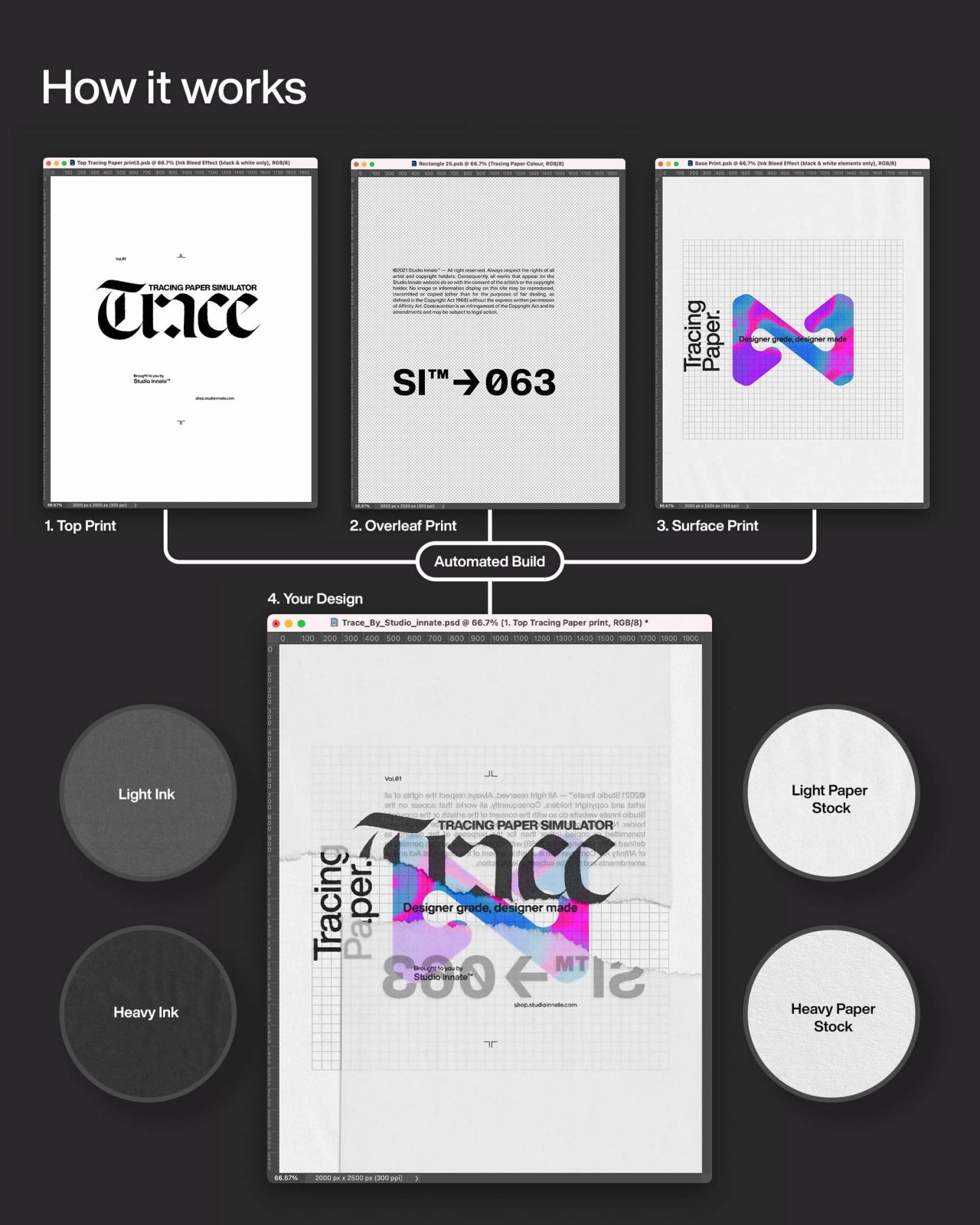
Tracing Paper Simulator Photoshop Textures Studio Innate
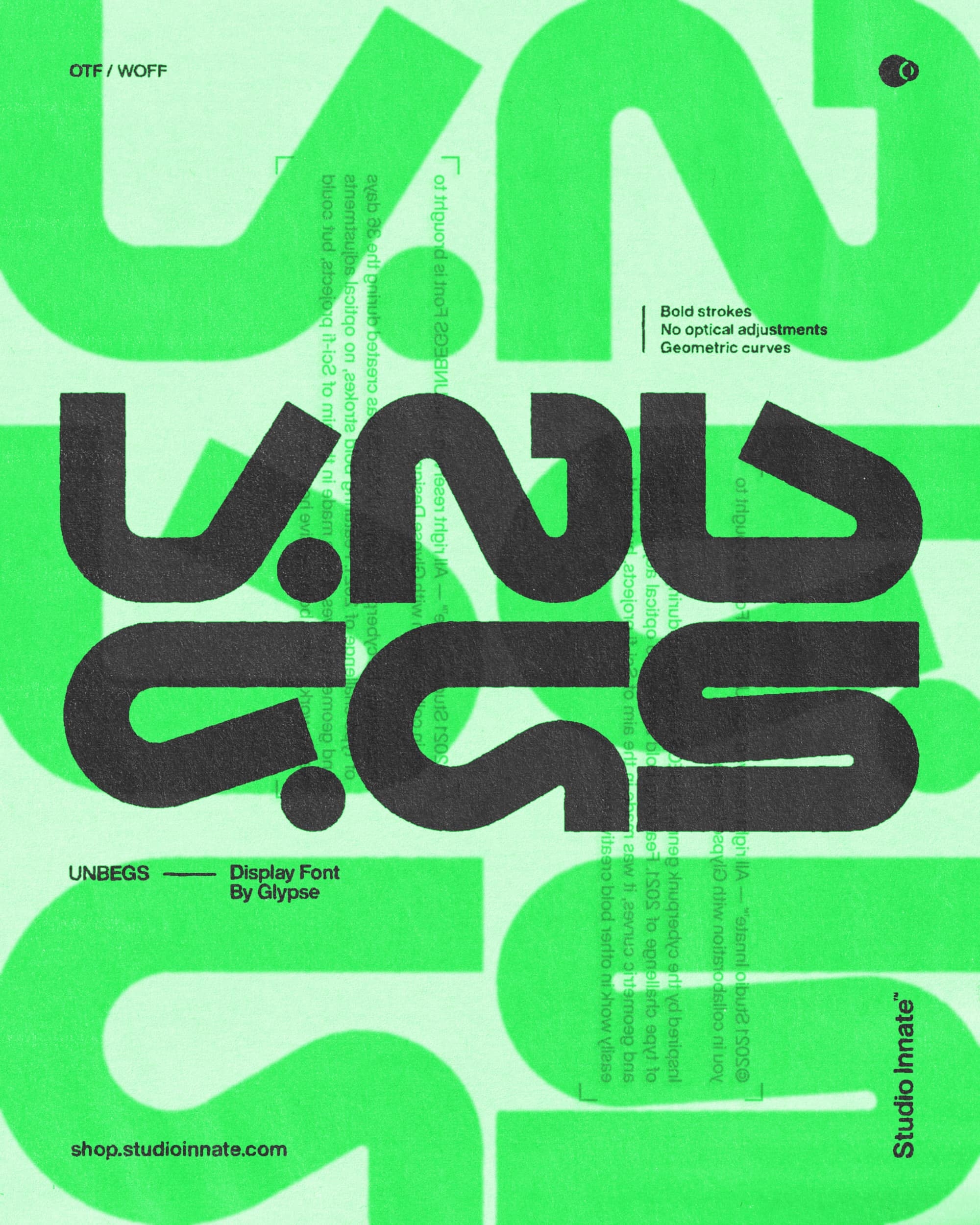
Tracing Paper Simulator Photoshop Textures Studio Innate
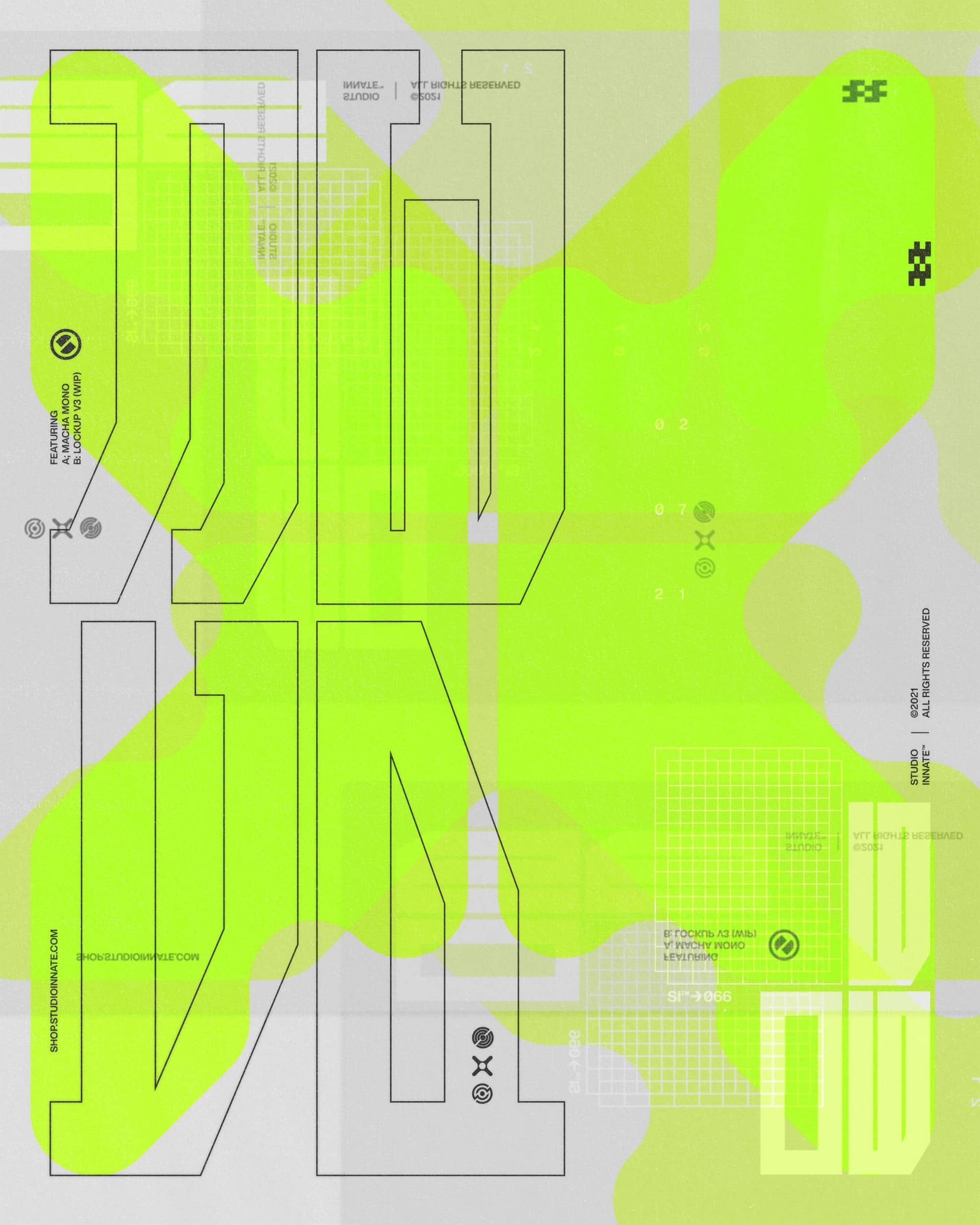
Tracing Paper Simulator Photoshop Textures Studio Innate
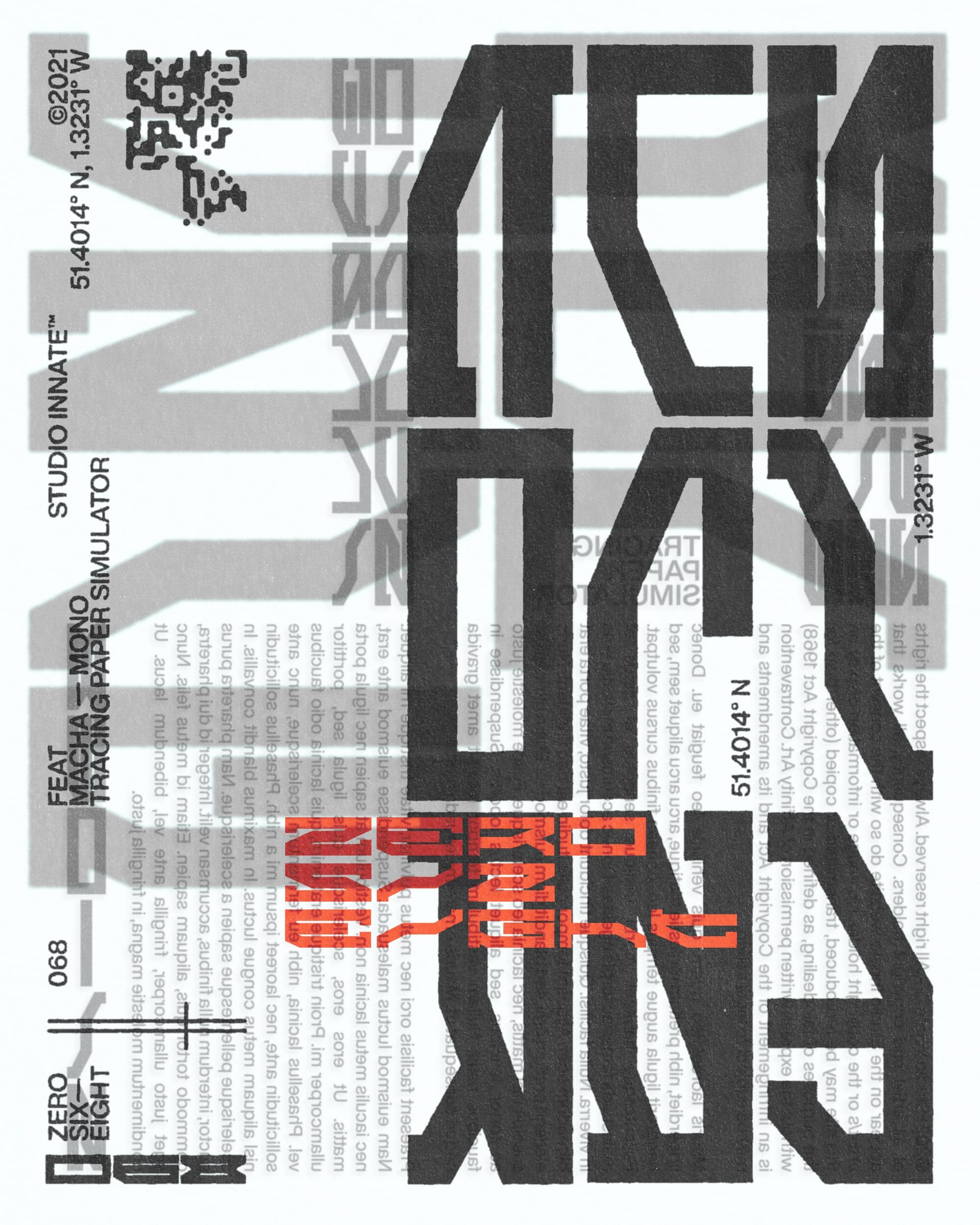
Tracing Paper Simulator Photoshop Textures Studio Innate
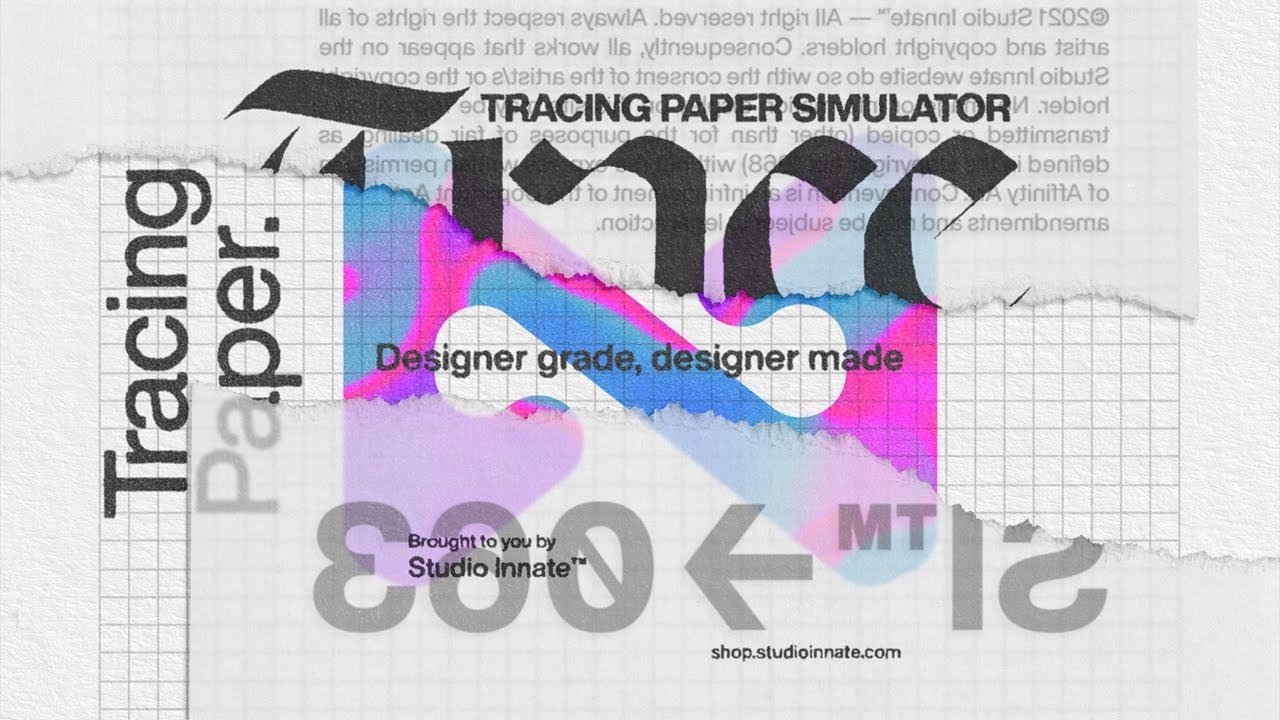
Tracing Paper Simulator In Photoshop