Graph paper is a versatile tool used for various tasks, from drawing to mathematical calculations. Many people find it helpful for organizing thoughts and ideas visually. Creating a graph paper word document can simplify this process.
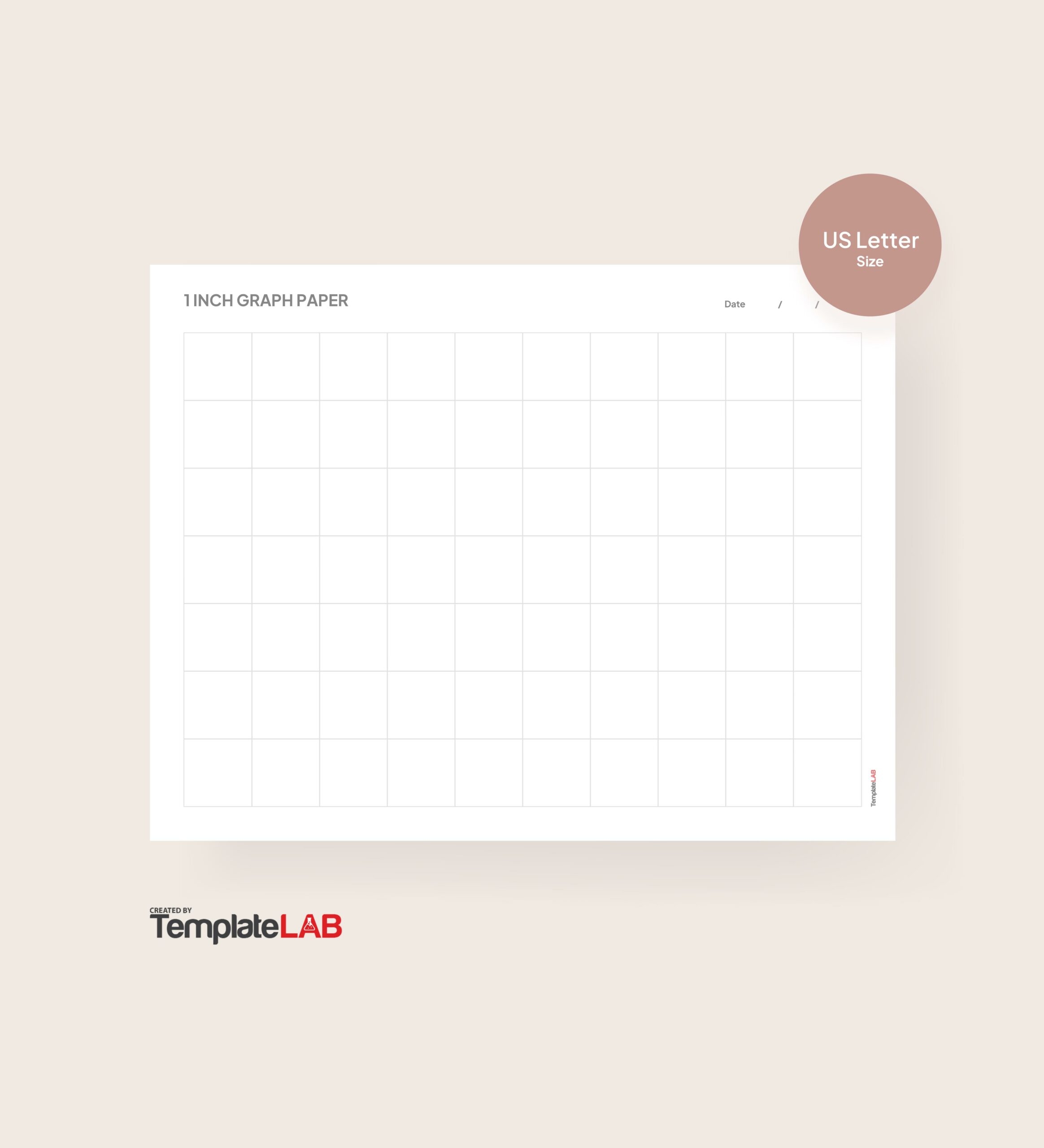
Graph Paper Word Document
Graph Paper Word Document
To create a graph paper word document, start by opening your word processor. Most programs offer templates that can save you time. Look for the graph paper template in the template gallery.
If you can’t find a suitable template, you can create your own. Set the page layout to a grid format by adjusting the margins and using tables. This method gives you complete control over the size of each square.
Another option is to download pre-made graph paper templates online. Many websites offer free downloads that you can customize according to your needs. This is a quick way to get started without any hassle.
Once your graph paper document is ready, you can use it for various projects. From plotting graphs to sketching designs, the possibilities are endless. Enjoy the flexibility that a graph paper word document provides!
Creating a graph paper word document is simple and beneficial for many tasks. With just a few clicks, you can have a handy tool ready for your next project or assignment.
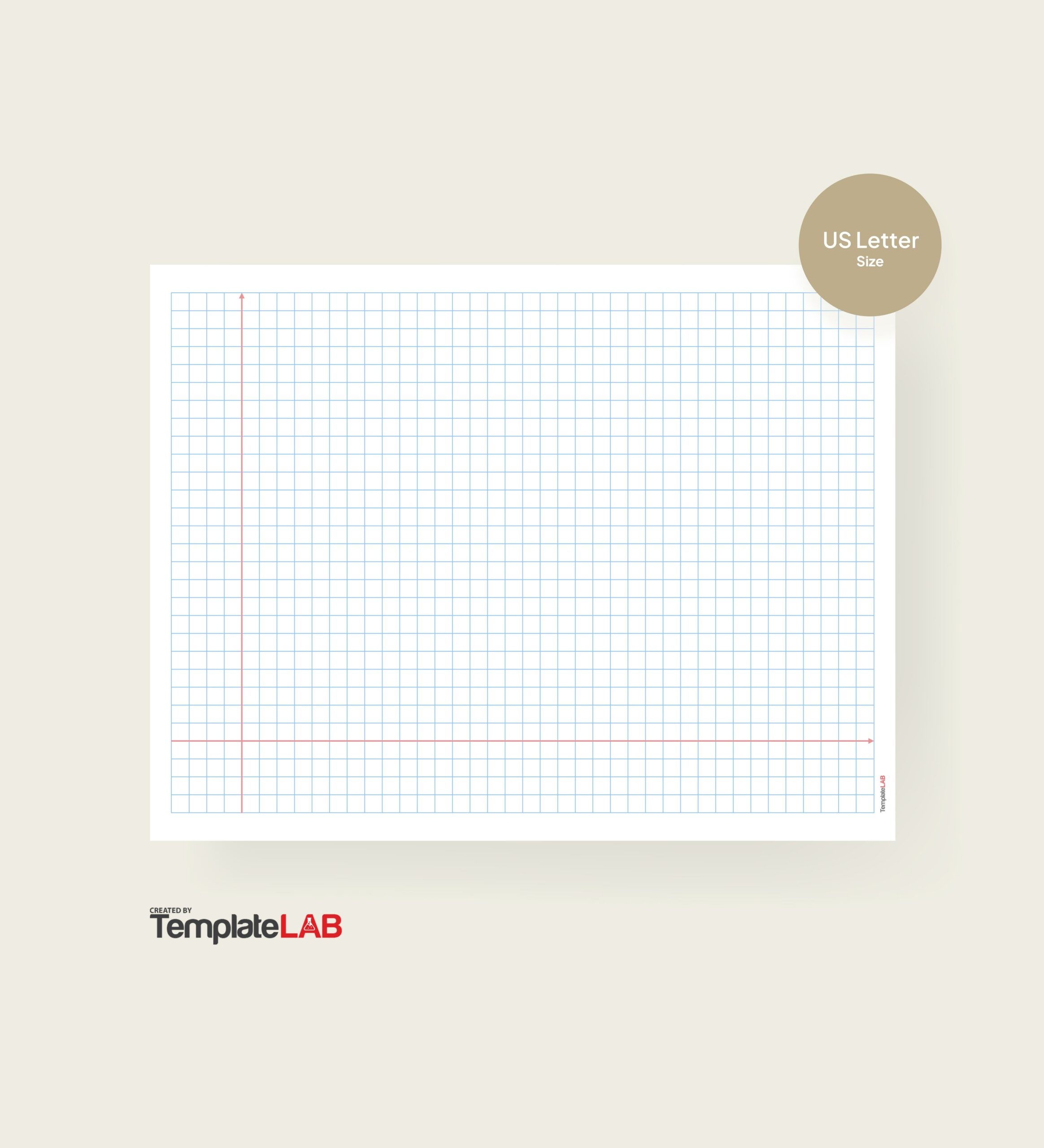
24 Free Printable Graph Paper Templates Word PDF
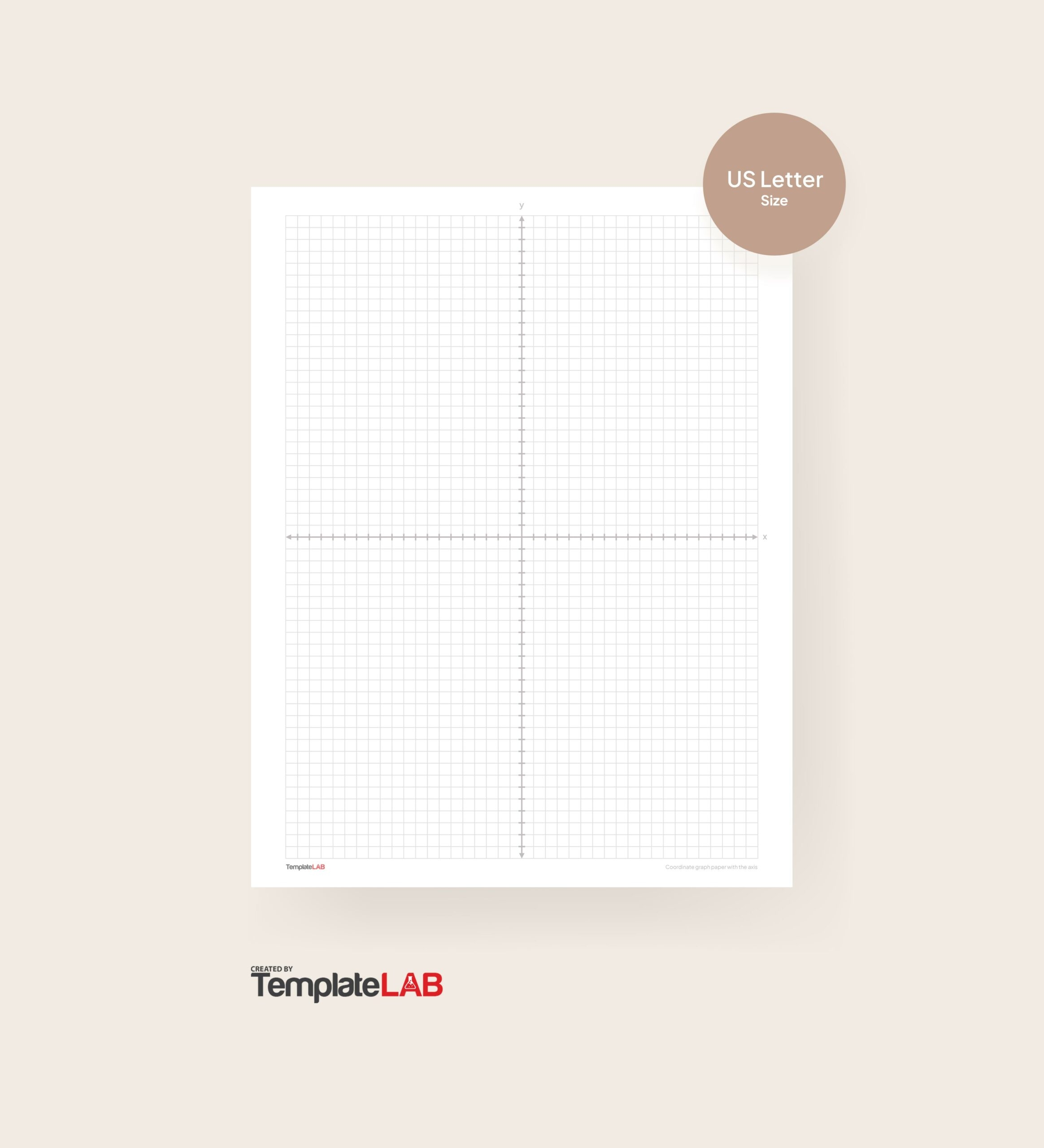
24 Free Printable Graph Paper Templates Word PDF
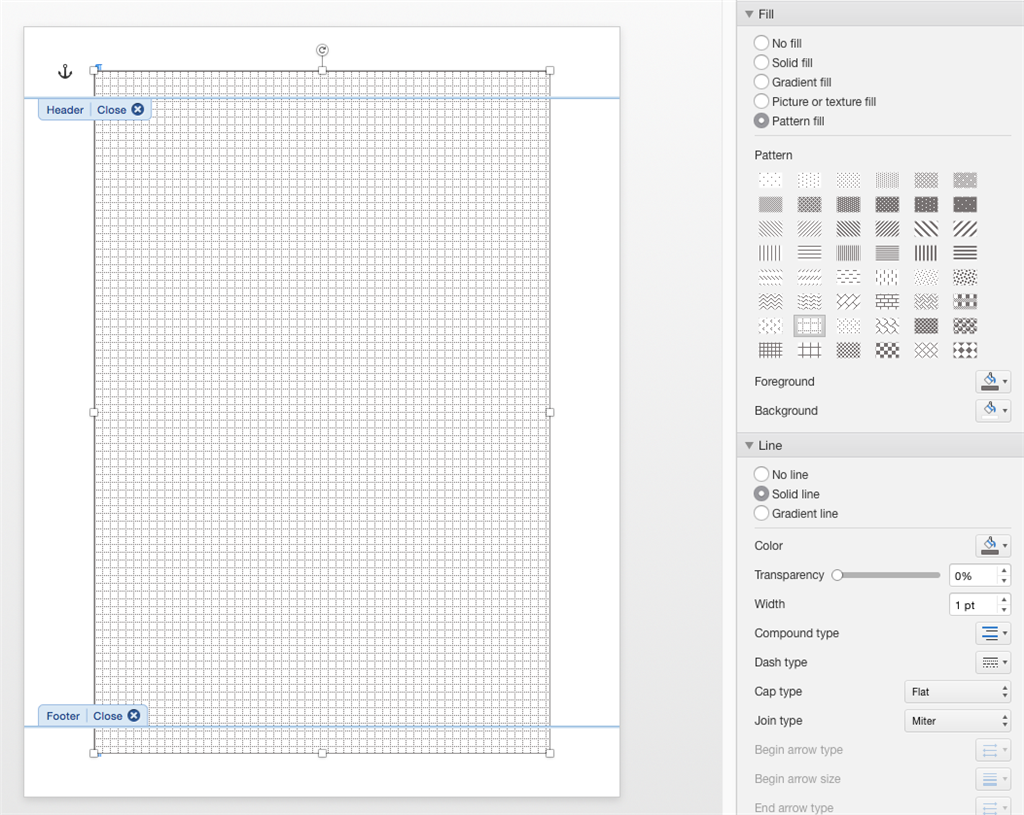
Graph Paper As Background In A Word Document Tiled Pattern
24 Free Printable Graph Paper Templates Word PDF
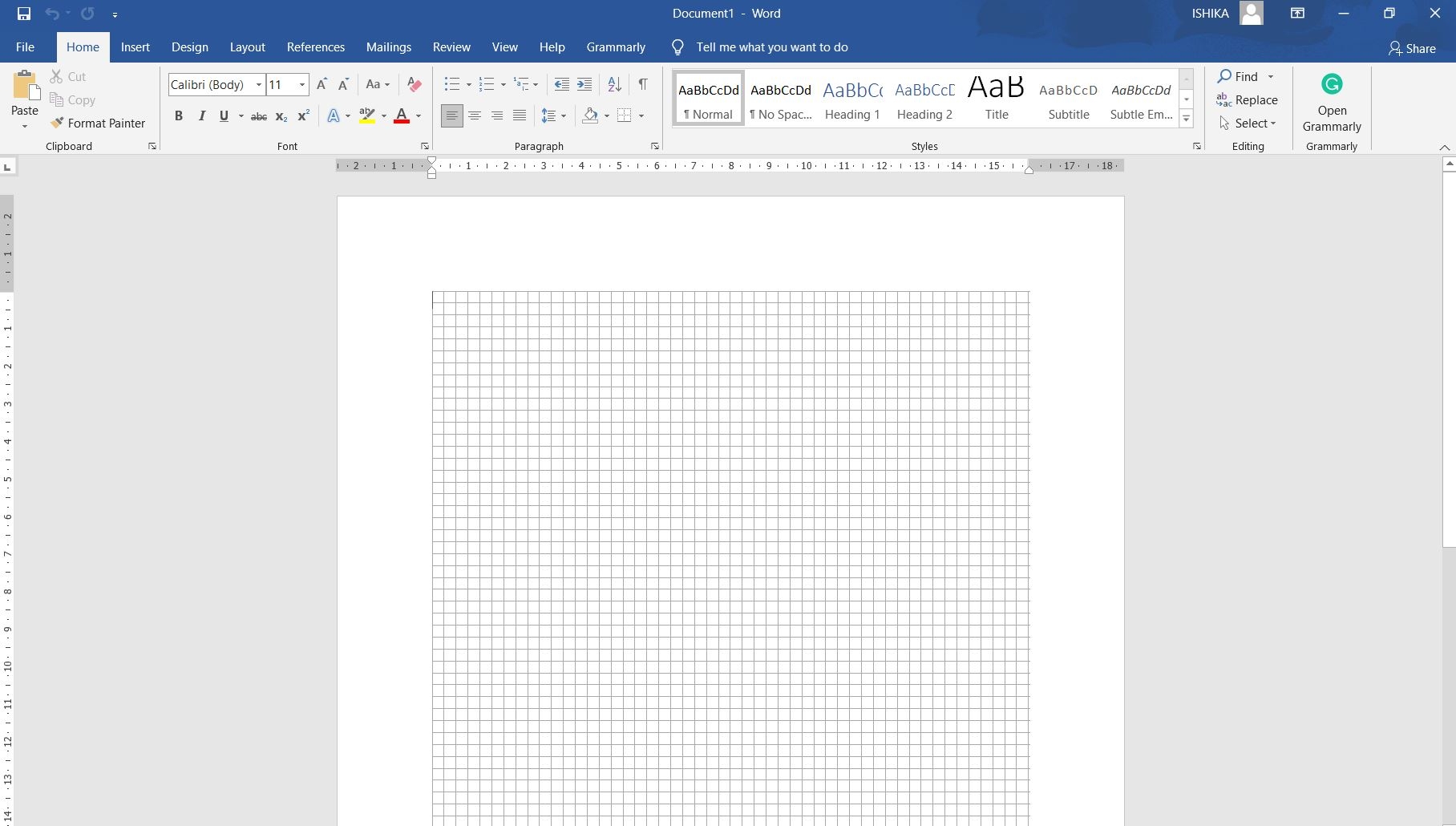
Boxes Like Graph Paper Microsoft Q amp A