Graph paper is a versatile tool that can enhance your productivity, especially when working on projects that require precision. Whether you’re sketching designs or plotting data, having the right format is essential for clarity.
Graph Paper For Word Document
Graph Paper For Word Document
Creating graph paper for a Word document can be done in just a few simple steps. Start by opening a new document and adjusting the page layout to suit your needs. This ensures that your graph paper will fit perfectly on the page.
Next, you can insert a table to create the grid effect typical of graph paper. By customizing the number of rows and columns, you can achieve the desired size of each square. This method allows for flexibility in design.
Another option is to use a pre-made template available online. Many websites offer free downloadable graph paper templates specifically designed for Word documents. This can save you time and effort while ensuring professional results.
Once you have your graph paper set up, you can easily print it out or use it digitally. This adaptability makes it an excellent choice for students, professionals, and hobbyists alike.
Incorporating graph paper into your Word documents can significantly enhance your projects. With just a few clicks, you can create a customized tool that meets your specific needs and boosts your productivity.
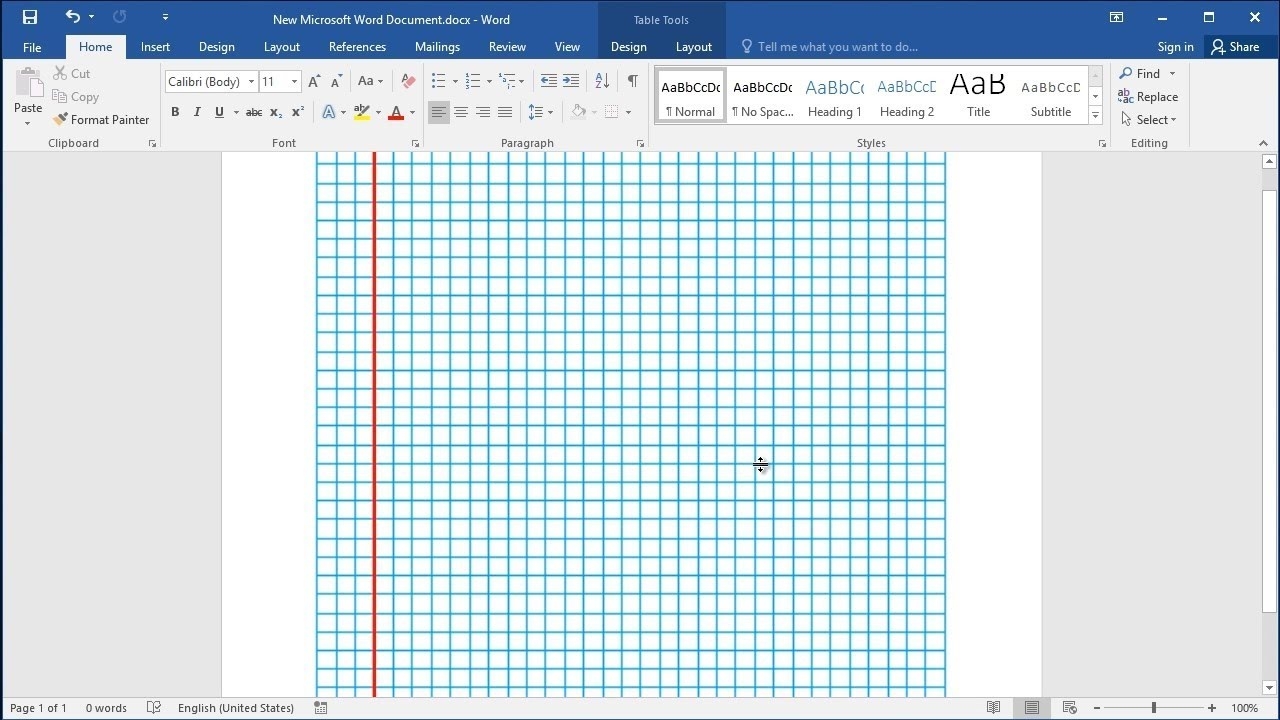
How To Get Graph Paper In Word
24 Free Printable Graph Paper Templates Word PDF
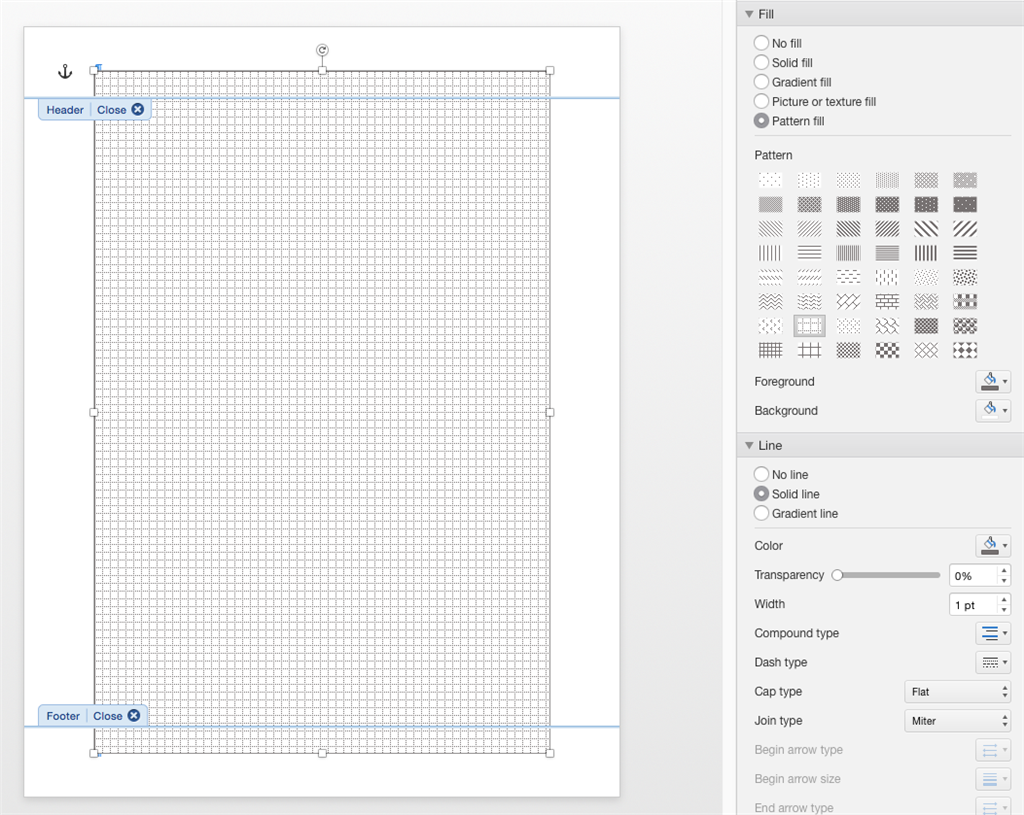
Graph Paper As Background In A Word Document Tiled Pattern
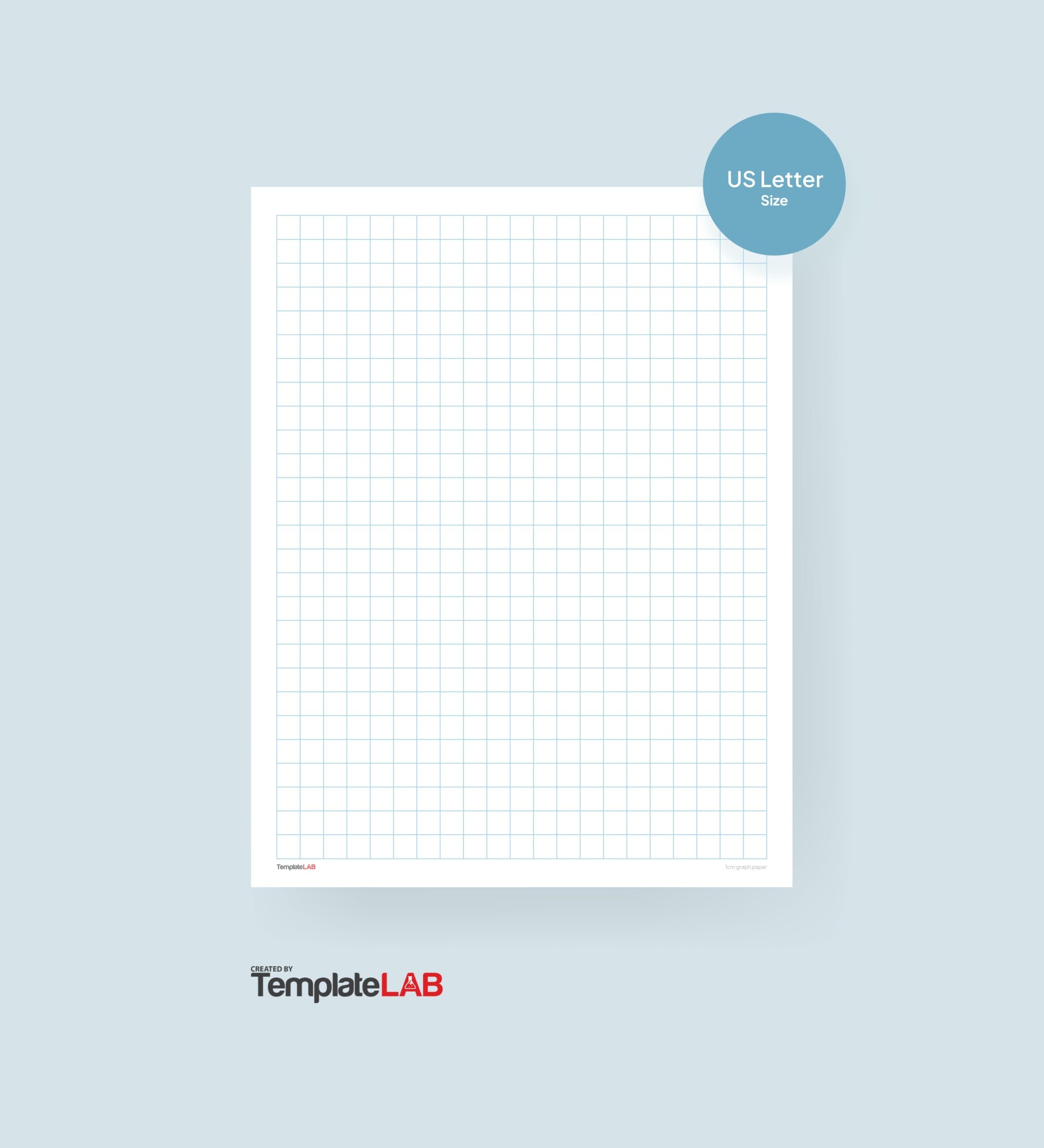
24 Free Printable Graph Paper Templates Word PDF
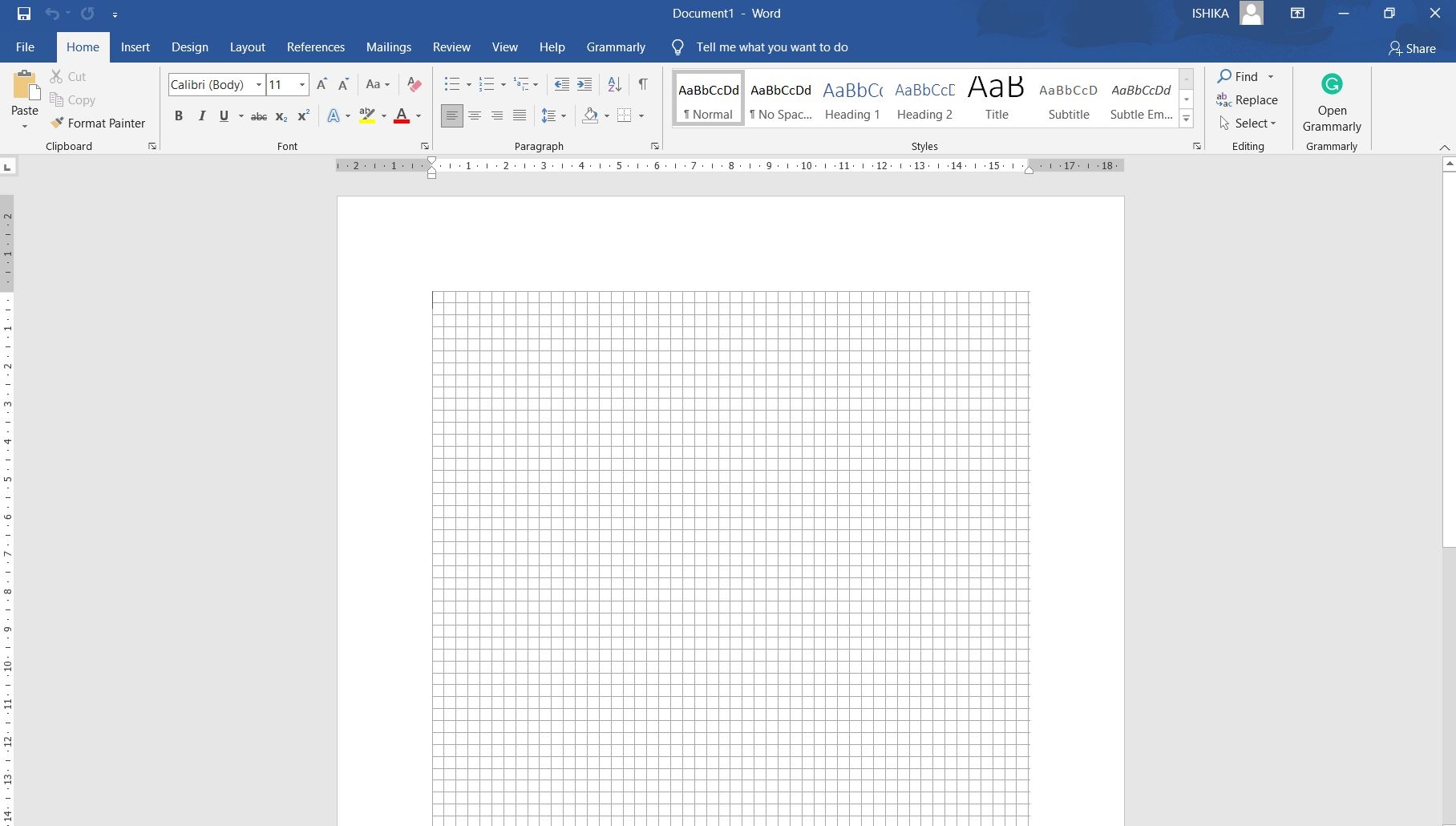
Boxes Like Graph Paper Microsoft Q amp A