Holographic sticker paper has become a popular choice for crafters and businesses alike. Its unique shine and vibrant colors can elevate any project, making it stand out. Whether you’re creating custom stickers or labels, this material is versatile and fun.
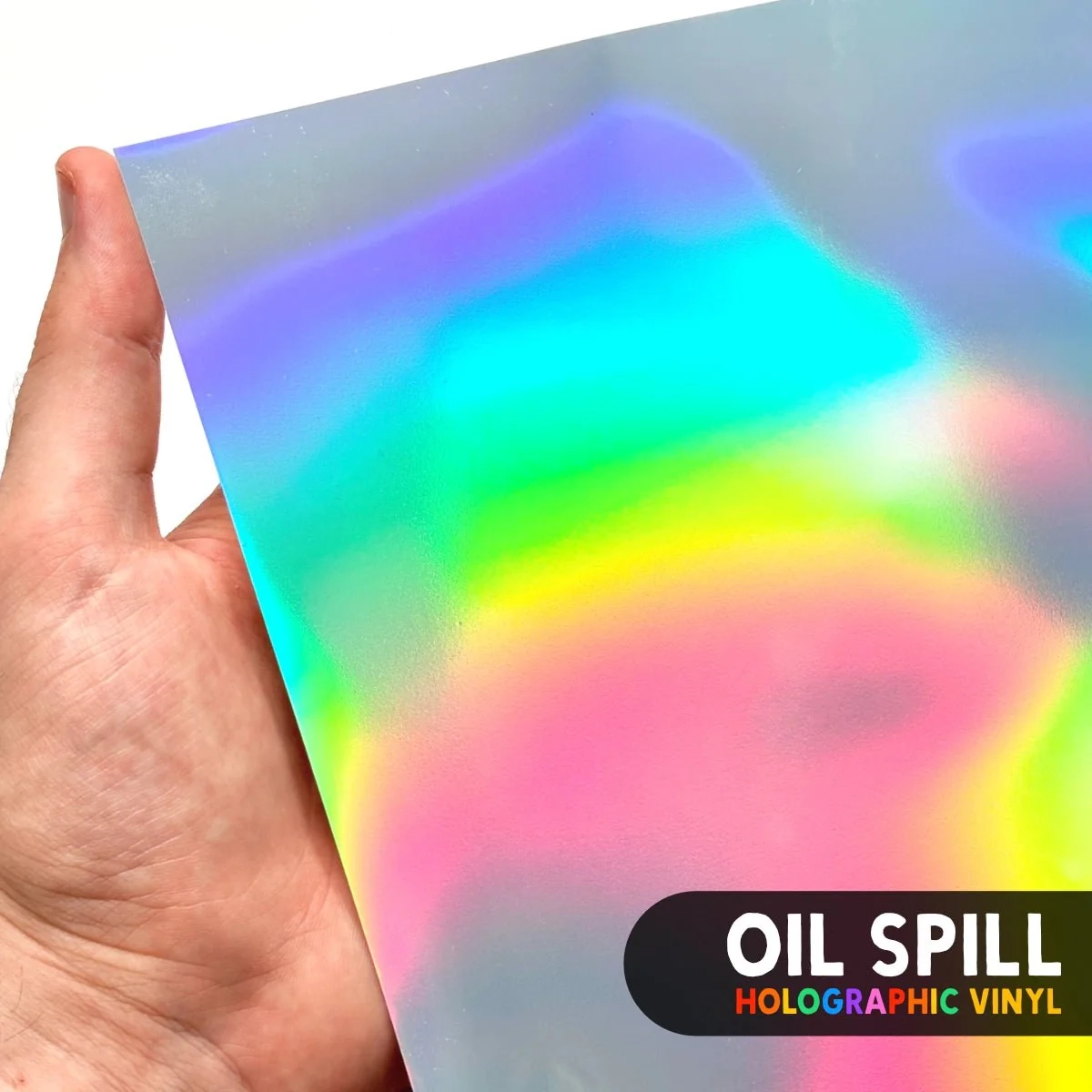
How To Use Holographic Sticker Paper
How To Use Holographic Sticker Paper
First, ensure you have the right tools. A good quality printer is essential for printing on holographic sticker paper. Additionally, using design software can help you create stunning visuals that take full advantage of the holographic effect.
Next, choose the right settings on your printer. Opt for high-quality print settings to ensure that colors appear vibrant and details are sharp. This step is crucial for achieving the best results with holographic materials.
After printing, allow the stickers to dry completely before cutting them out. This prevents smudging and ensures that your designs remain intact. Use a sharp pair of scissors or a cutting machine for clean edges.
Finally, apply your stickers to clean surfaces for optimal adhesion. Whether it’s on notebooks, phone cases, or packaging, holographic stickers add a touch of flair that captures attention and sparks interest.
Incorporating holographic sticker paper into your projects can be rewarding and enjoyable. With these tips, you’ll be well on your way to creating stunning designs that impress everyone who sees them.
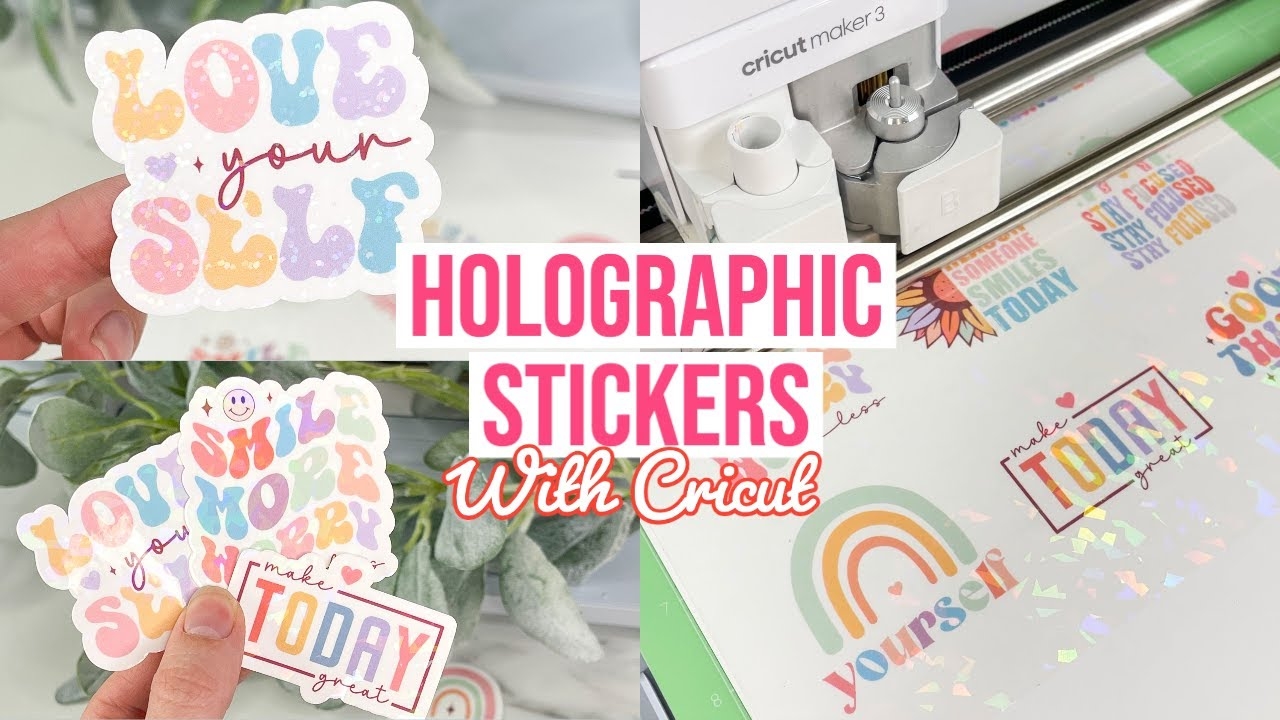
HOW TO MAKE HOLOGRAPHIC LAMINATE SHEET STICKERS WITH CRICUT PRINT THEN CUT
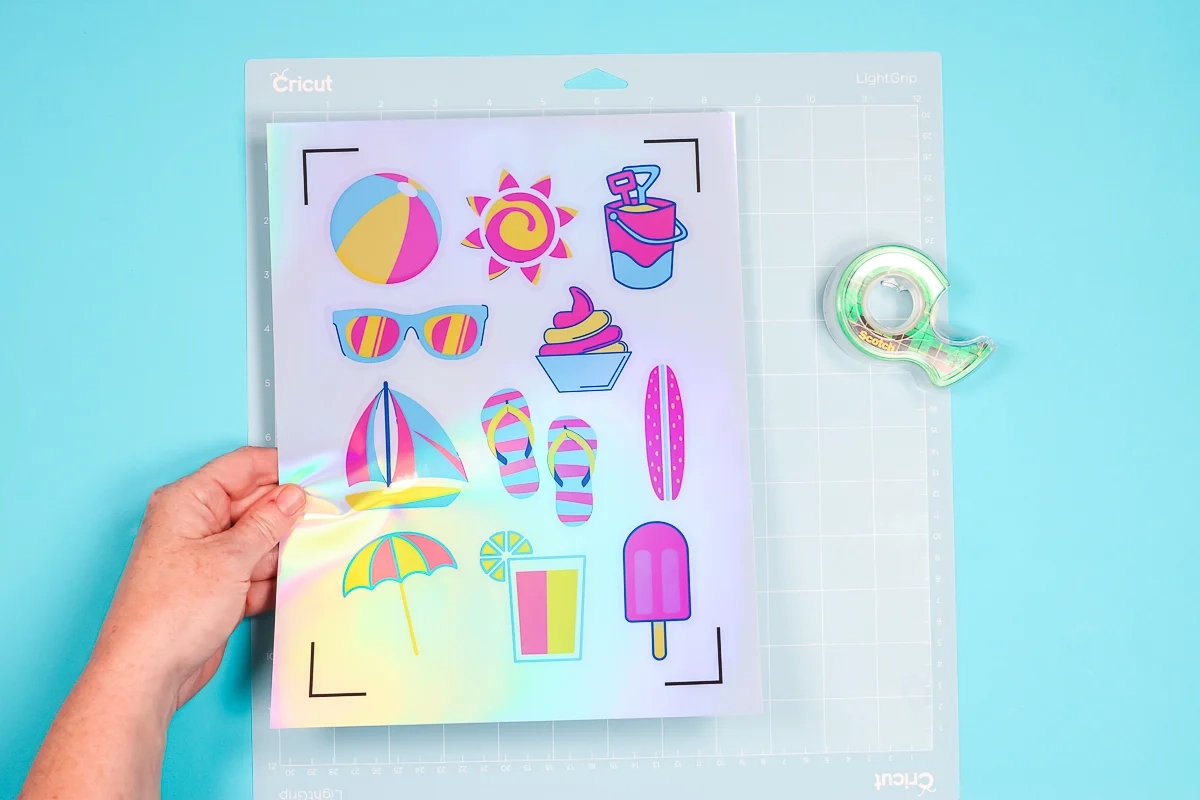
How To Make Holographic Stickers With A Cricut Machine Angie
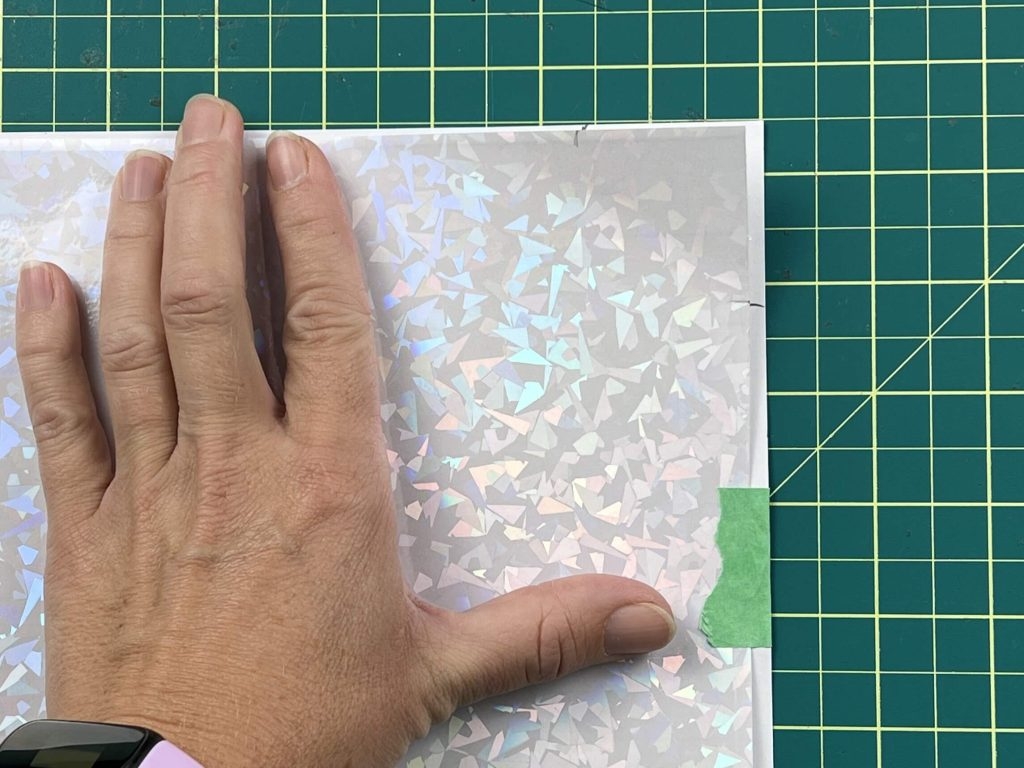
How To Make Holographic Stickers Katherine Learns Stuff
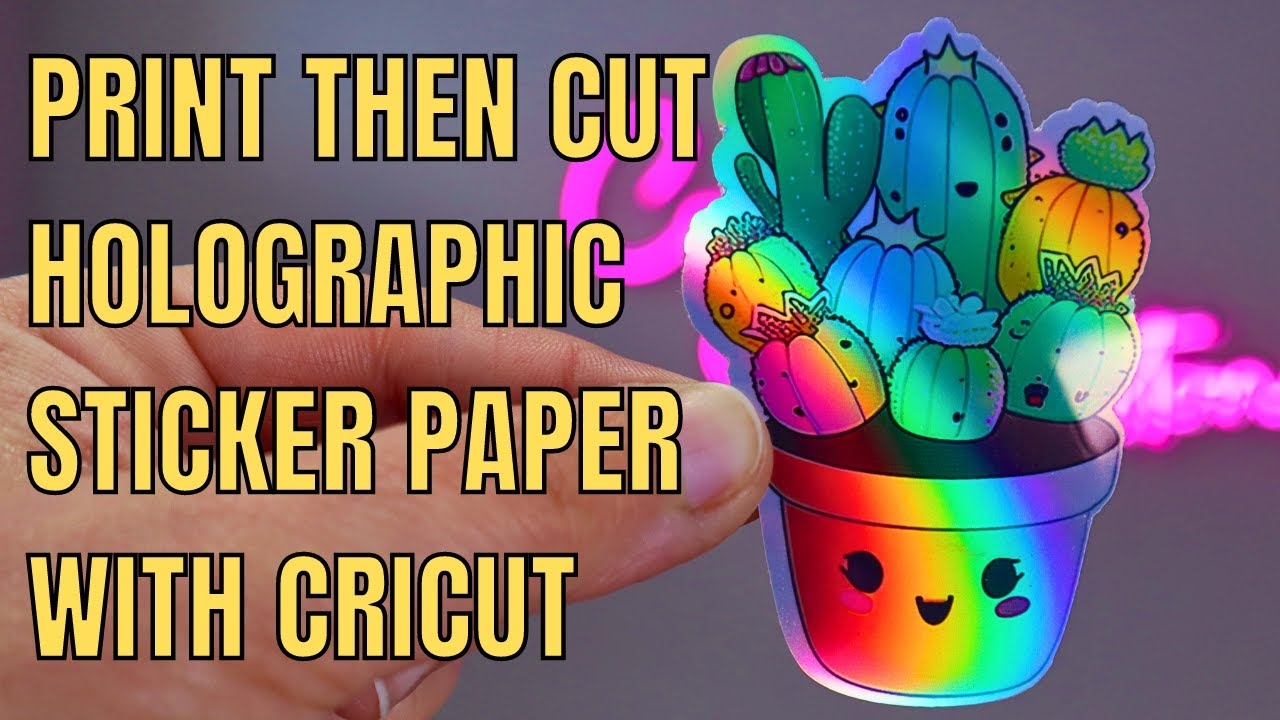
Make Holographic Stickers With Your Cricut At Home Easy DIY Holo Print Then Cut
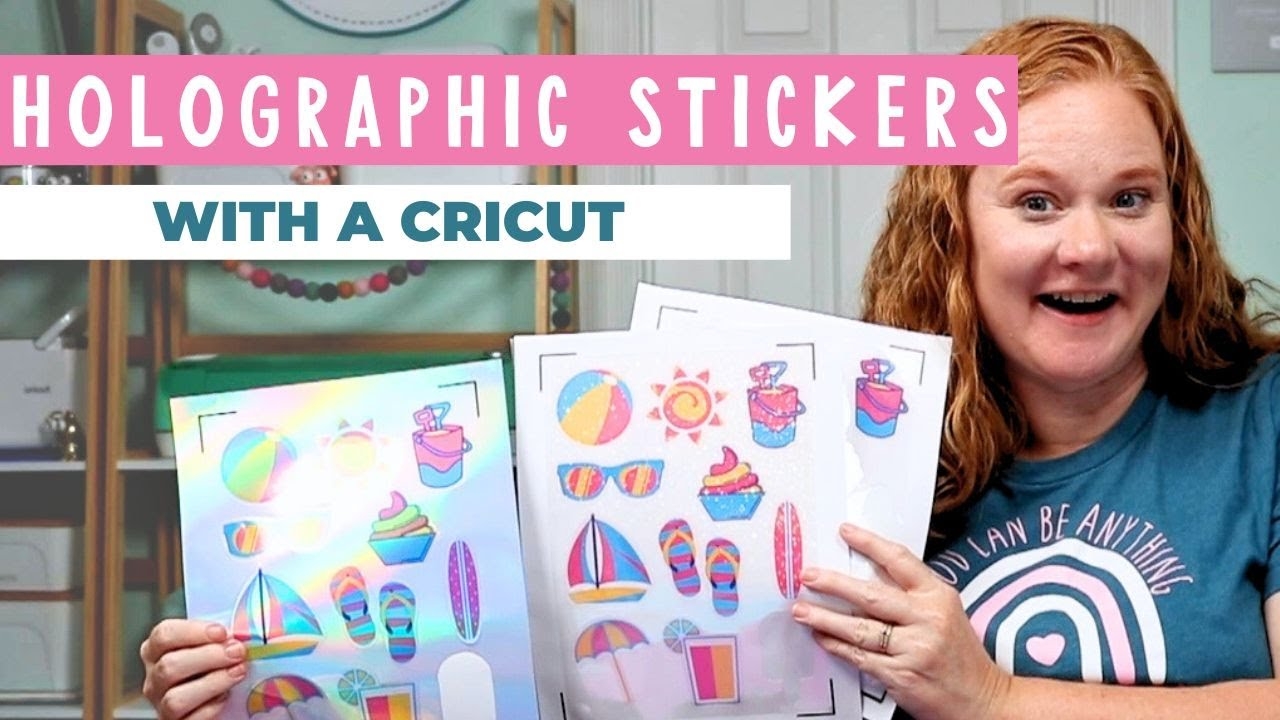
How To Make Holographic Stickers With A Cricut Machine